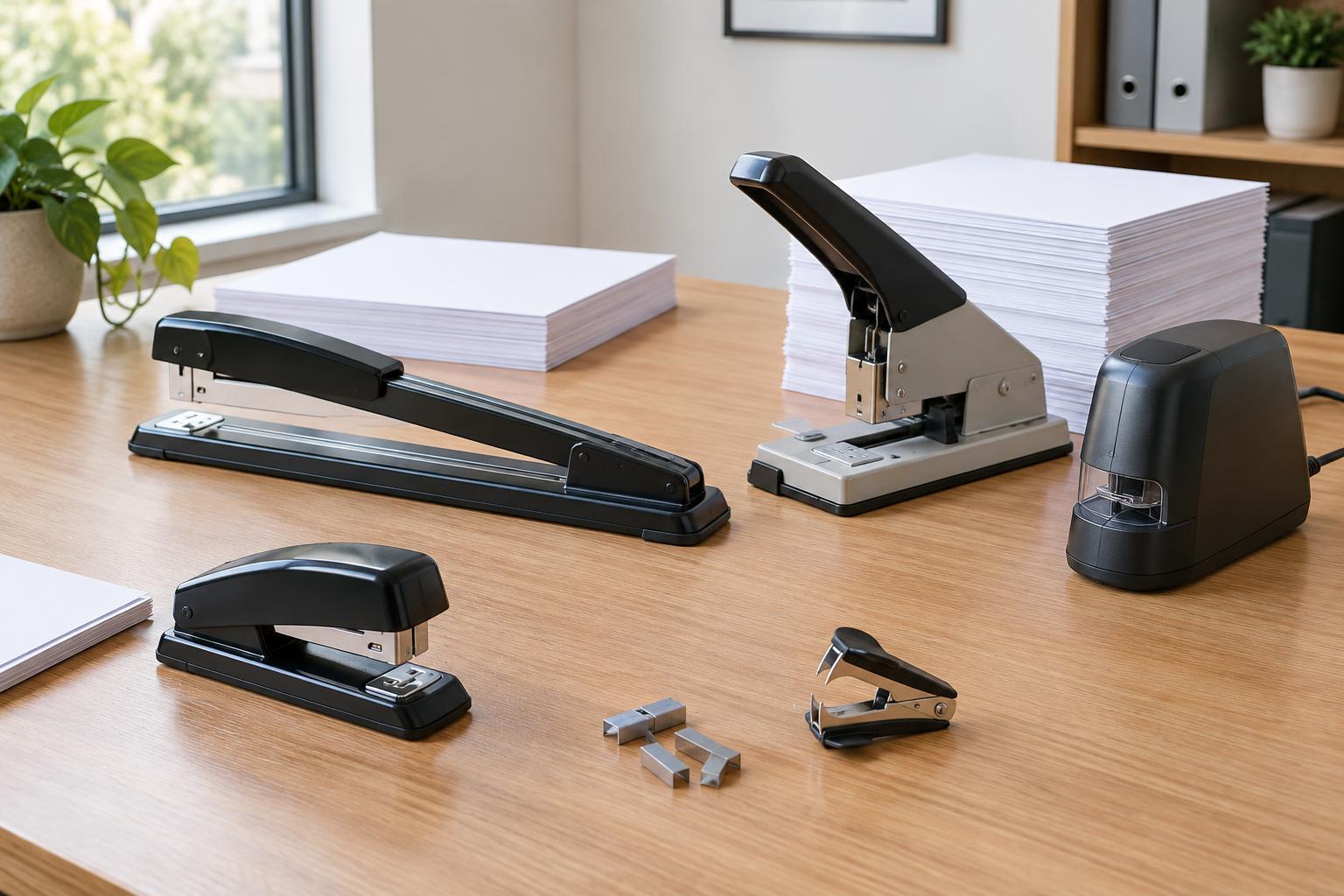
Office EquipmentThe right stapler depends on what you fasten, how thick the stacks are, and how often you use it. Compare common stapler types and the features worth checking before you buy.
Read article · 4 min↗
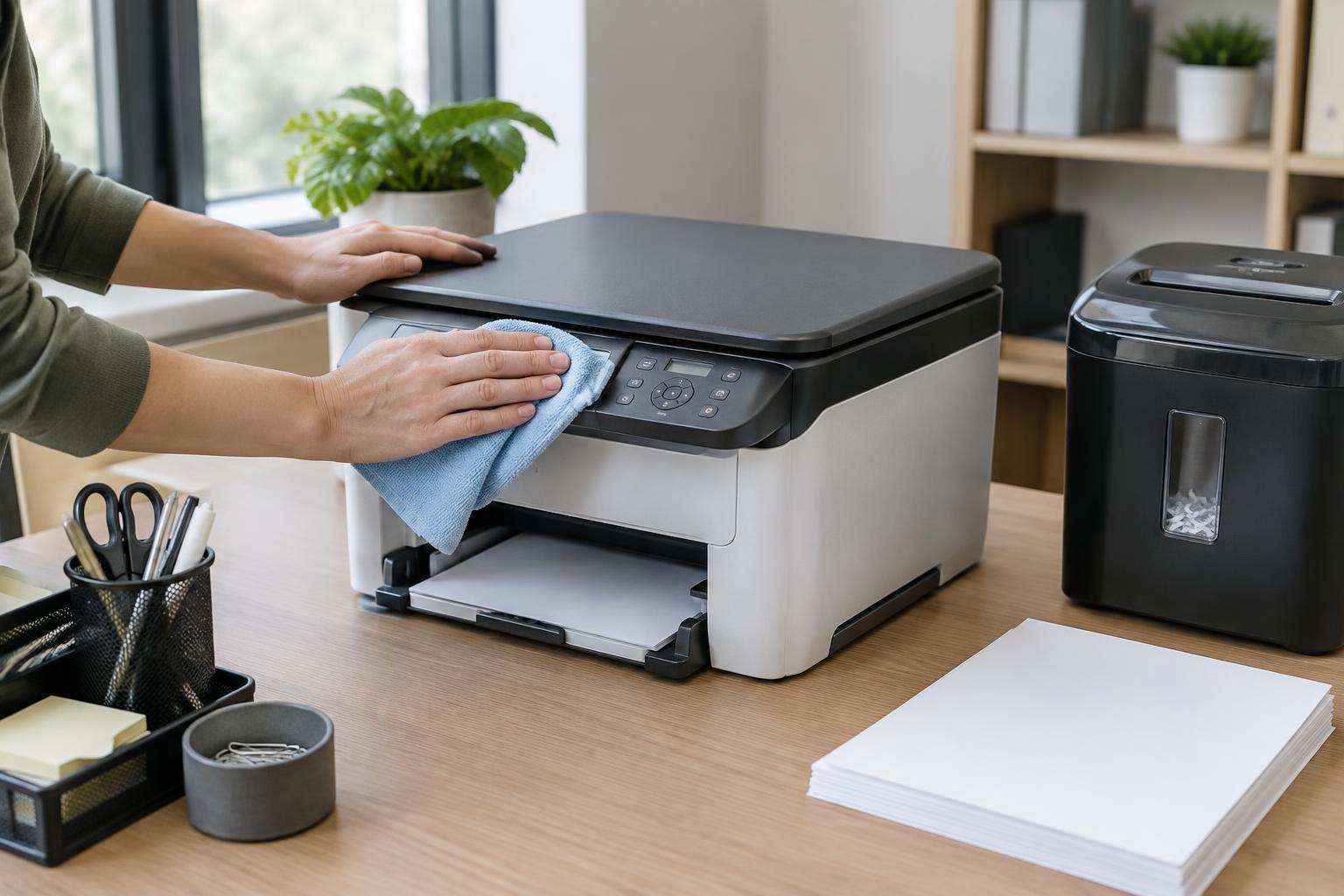
Office EquipmentShared printers, scanners, shredders, and other office devices work better when routine care is clear and consistent. Use this checklist to assign responsibilities, keep equipment clean, check supplies, and spot small problems before they disrupt the workday.
Read article · 4 min↗
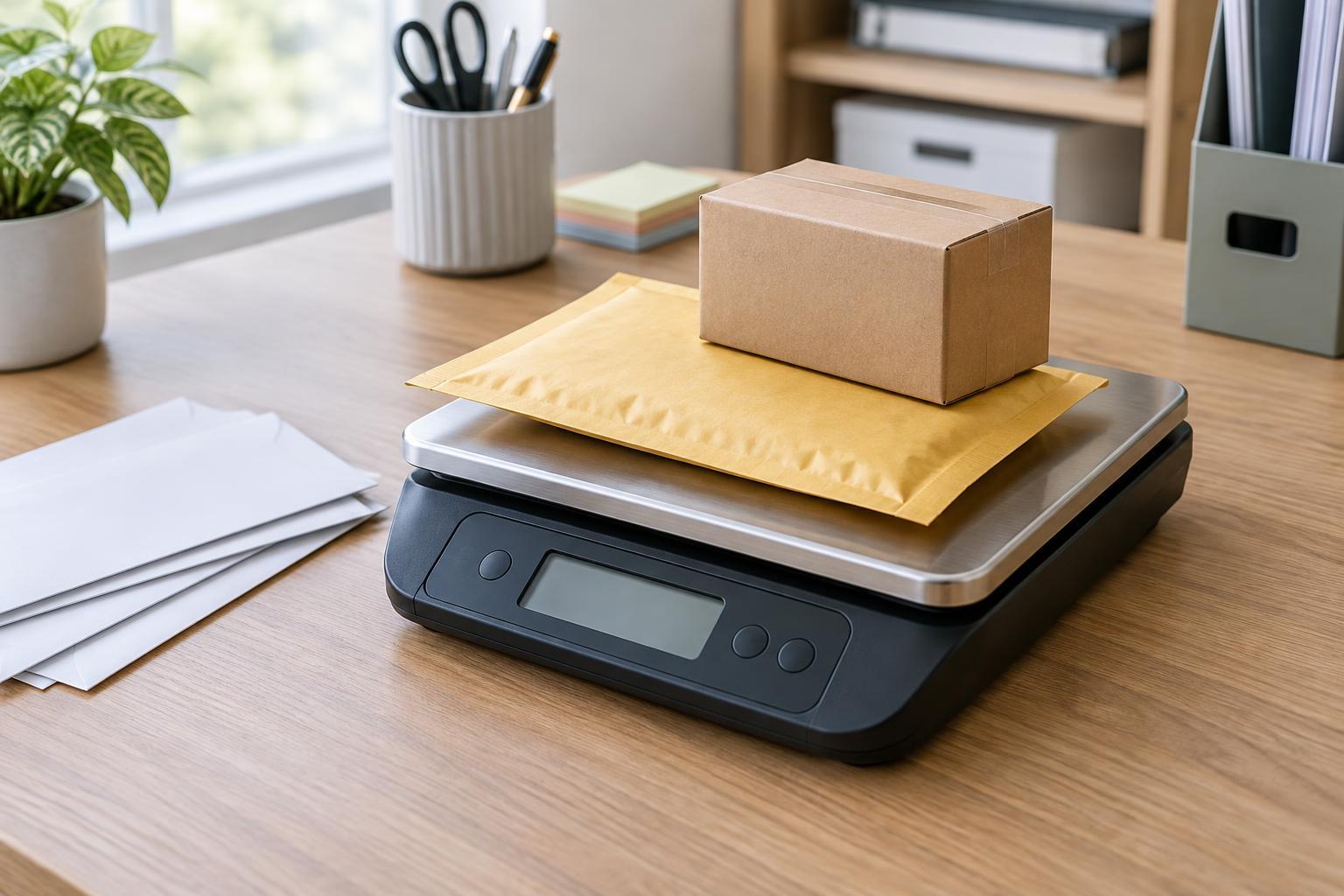
Office EquipmentA useful postage scale fits the mail you actually send. Learn how to compare weight range, display precision, and platform size, then check the everyday features that make weighing envelopes and parcels easier.
Read article · 4 min↗
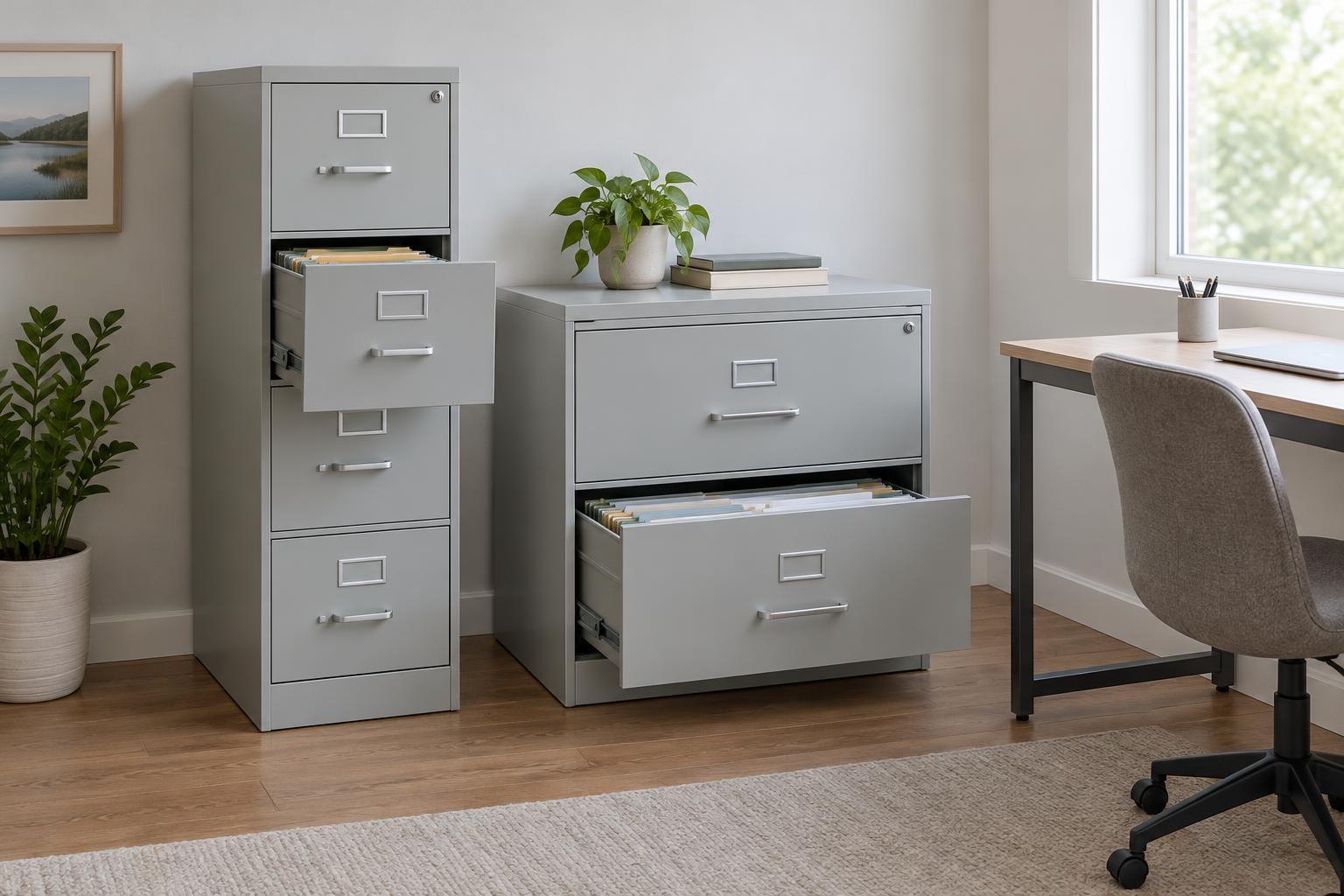
Office EquipmentVertical and lateral filing cabinets hold the same kinds of paperwork but use space differently. Compare their footprint, usable capacity, drawer access, and locking features before choosing one for a home office or small business.
Read article · 3 min↗
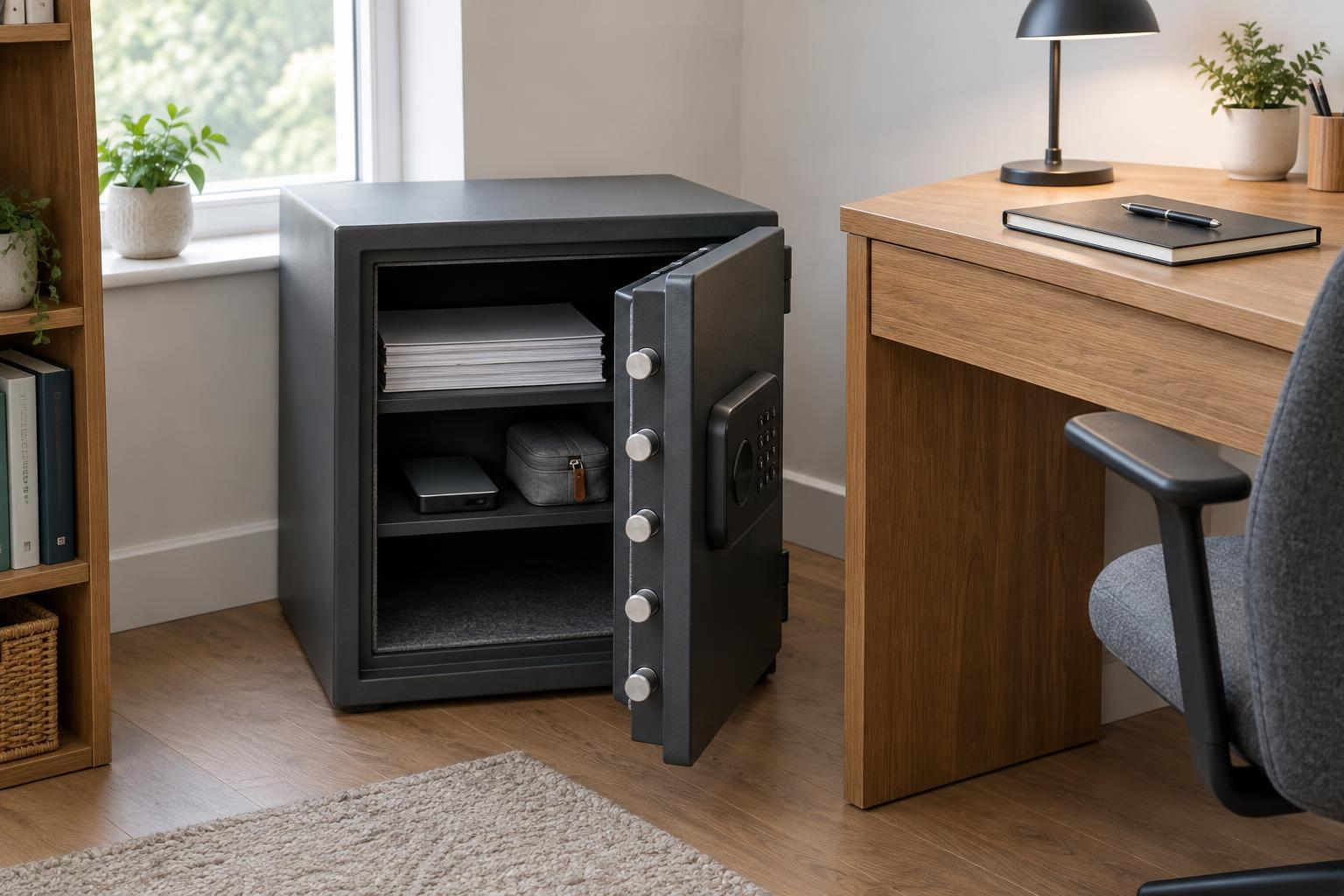
Office EquipmentAn office safe can protect important papers, backup drives, and small valuables, but its ratings need careful reading. Learn how fire and theft tests differ, what the labels mean in practice, and which everyday features matter in a small workspace.
Read article · 4 min↗
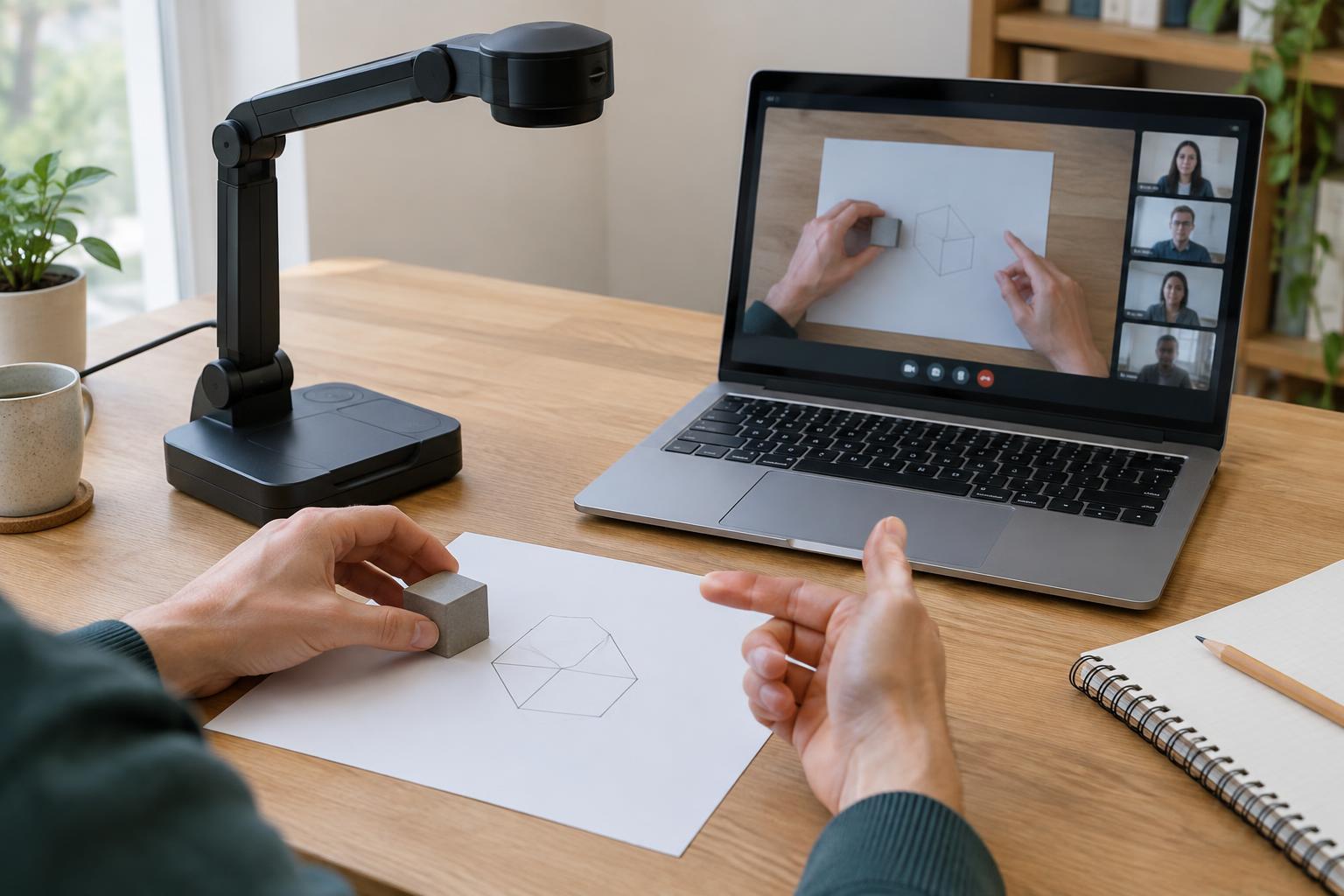
Office EquipmentA document camera lets people on a video call see papers, sketches, objects, and hands-on demonstrations from above. Learn when it works better than a webcam, scanner, or screen share, and which features matter for a small workspace.
Read article · 4 min↗
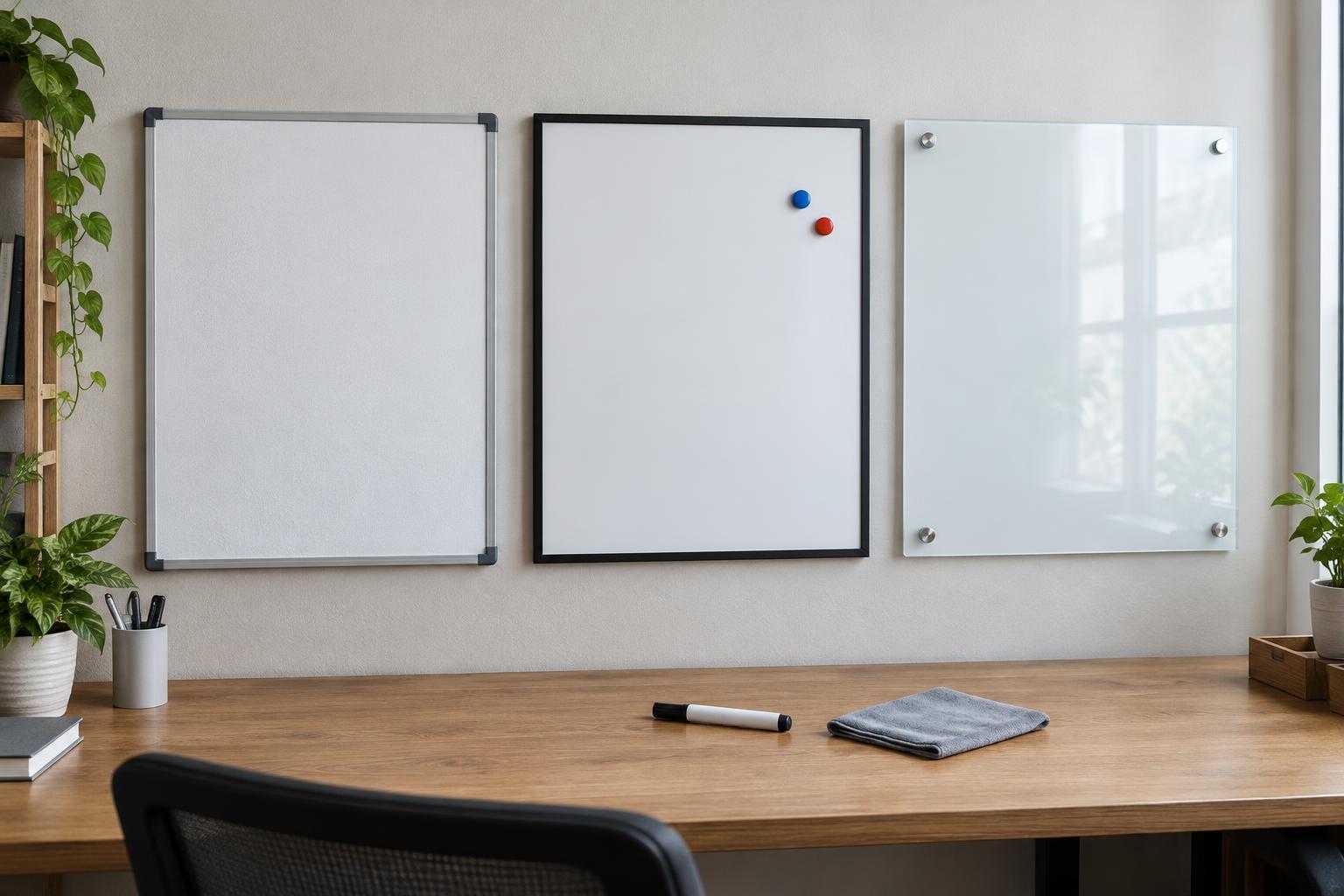
Office EquipmentMelamine, painted steel, and glass whiteboards can all work well, but they differ in how they erase, how they mount, and whether they hold magnets. Use this practical comparison to choose a board for your workspace and maintain it once it is installed.
Read article · 4 min↗
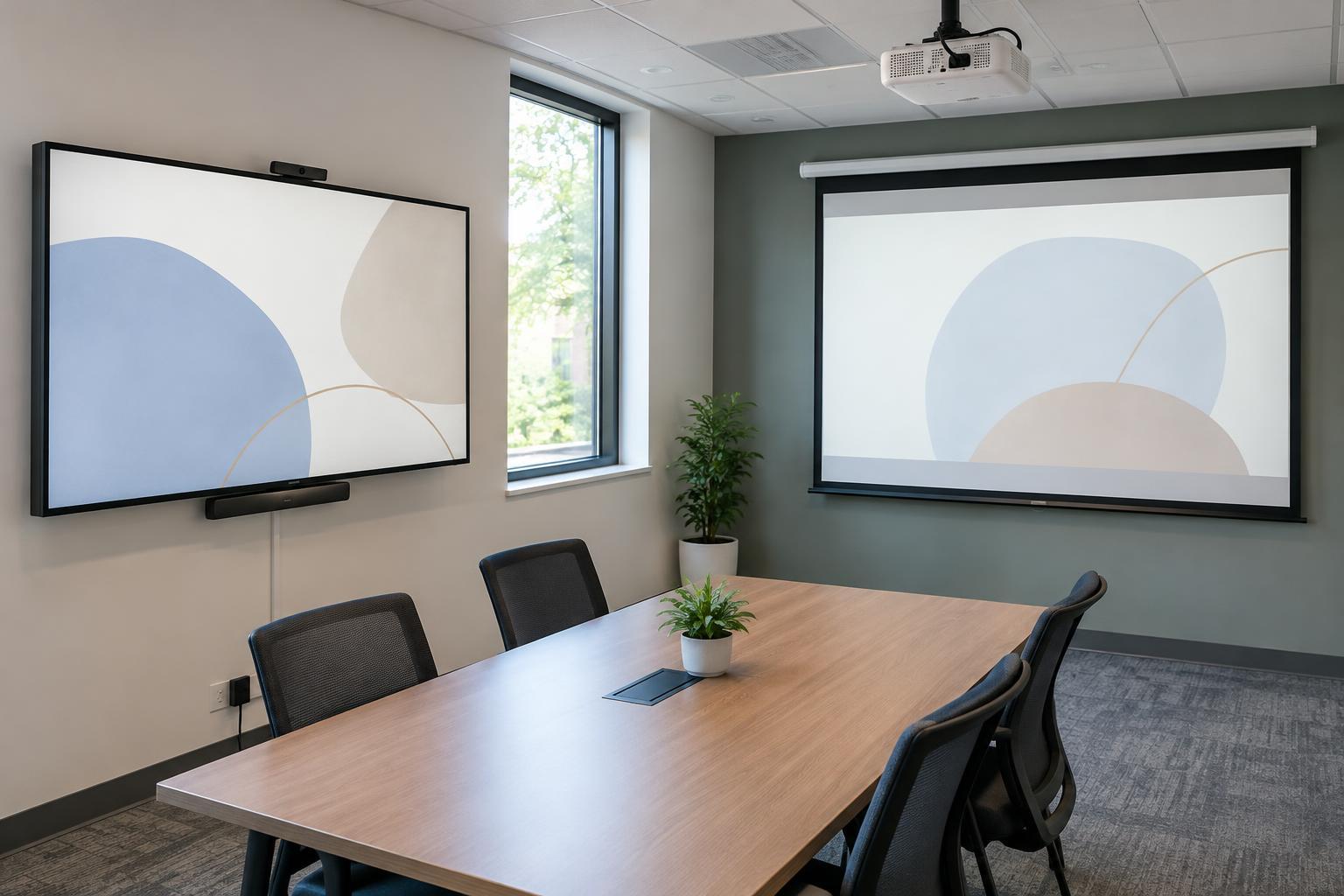
Office EquipmentA projector can make a large image affordable and easy to see from across a room, while a large display often provides a simpler, brighter everyday setup. Compare room light, viewing distance, installation, connections and upkeep before choosing.
Read article · 4 min↗
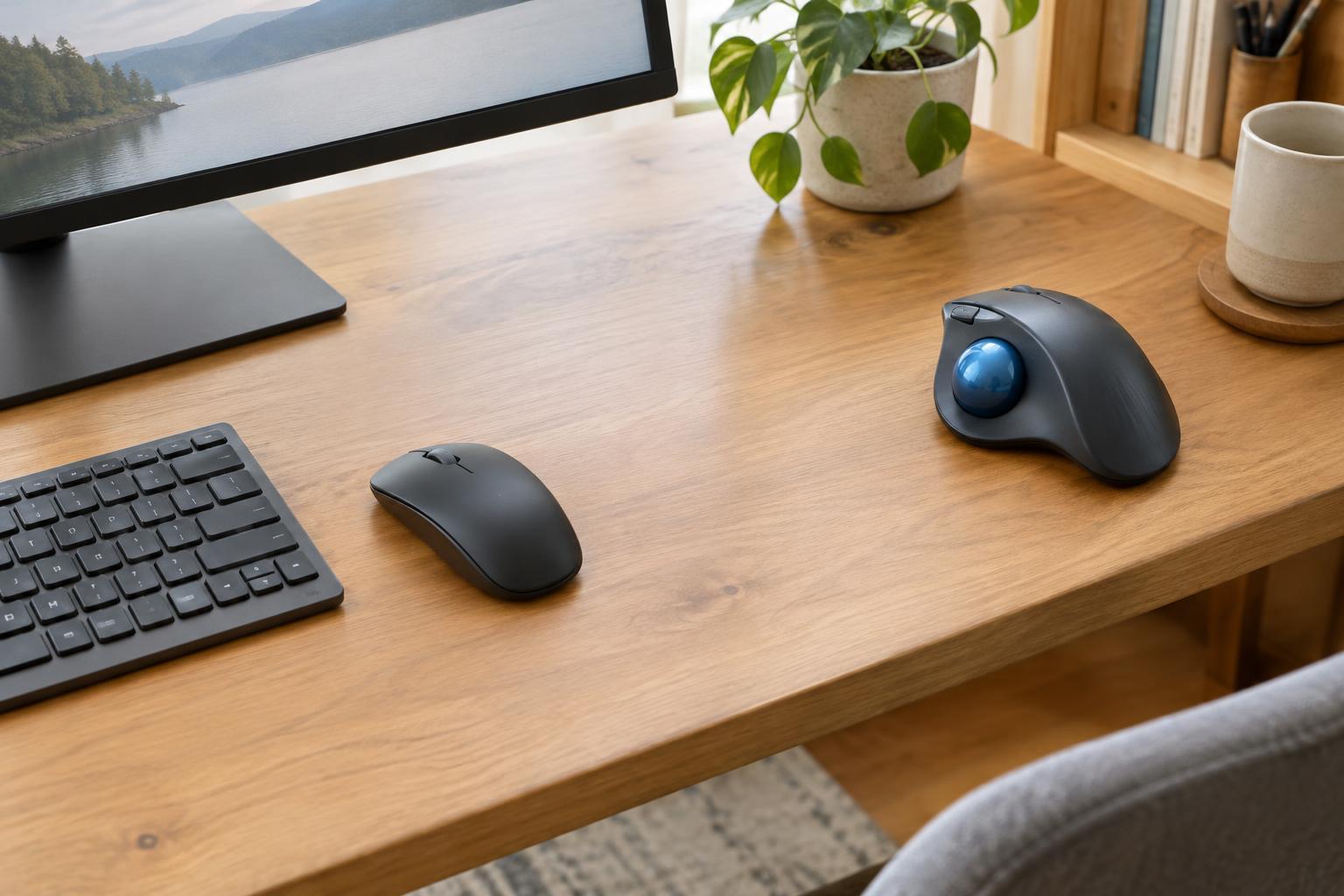
Office EquipmentA mouse and a trackball can handle the same everyday office tasks, but they use desk space differently and ask for different hand movements. Compare control, comfort, and setup needs before choosing one for your desk.
Read article · 3 min↗
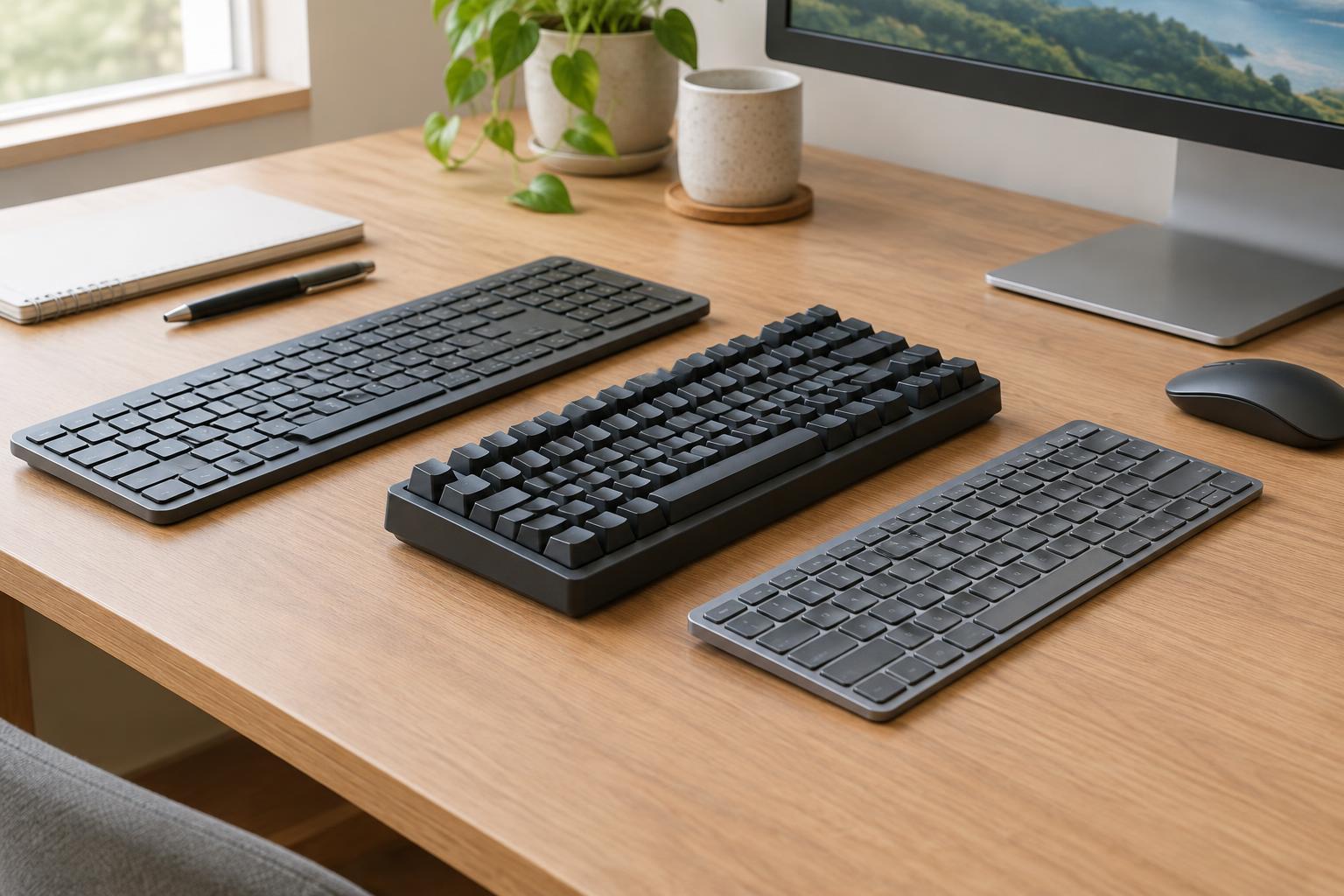
Office EquipmentThe best office keyboard is not necessarily the most expensive or the most satisfying to type on for a few minutes. Compare membrane, mechanical, and low-profile designs by feel, noise, desk space, maintenance, and the tasks you do every day.
Read article · 4 min↗
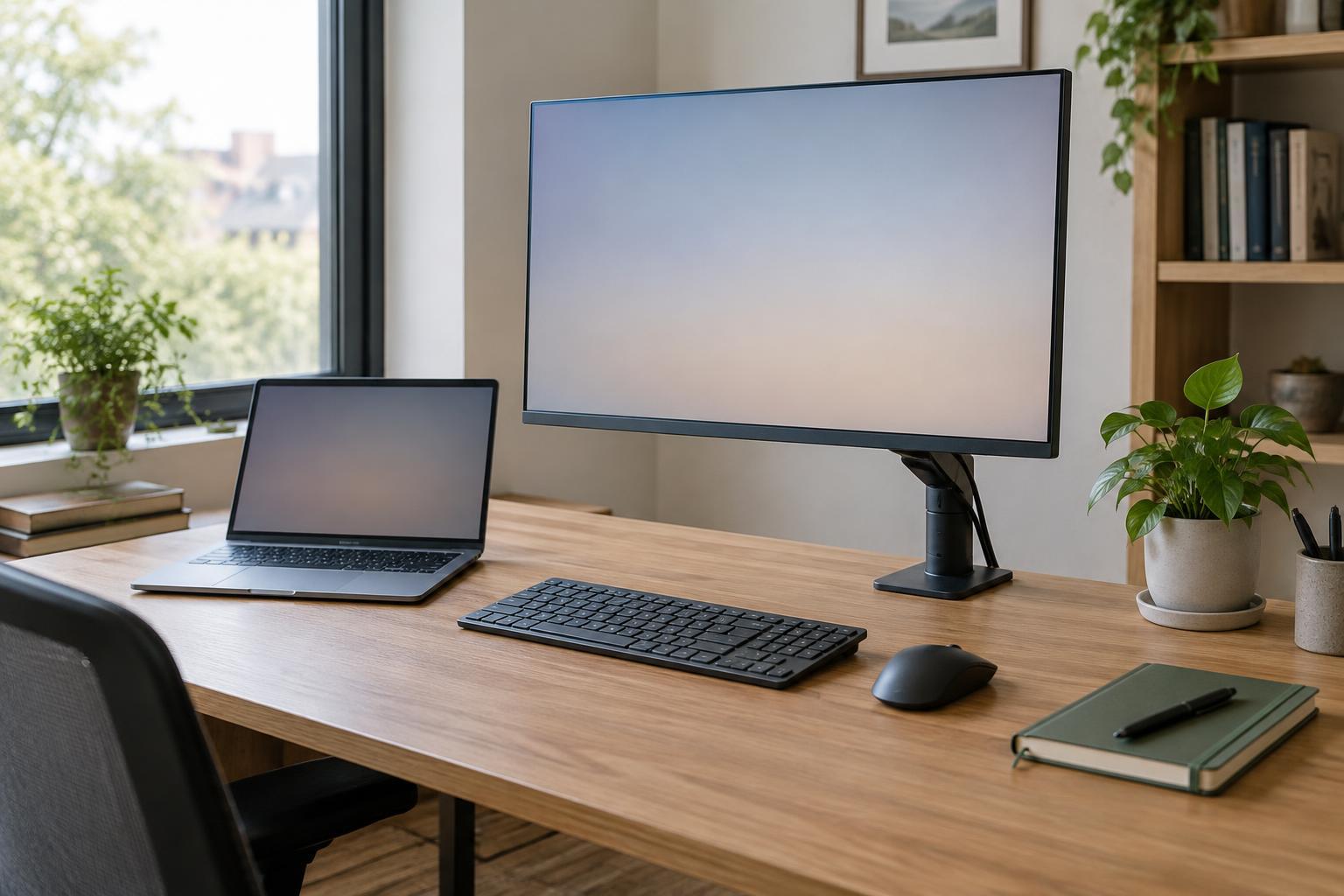
Office EquipmentA useful external monitor is not simply the largest screen that fits your budget. Compare size, resolution, ports, and adjustability against your desk space and daily tasks to find a setup that is comfortable and easy to use.
Read article · 4 min↗
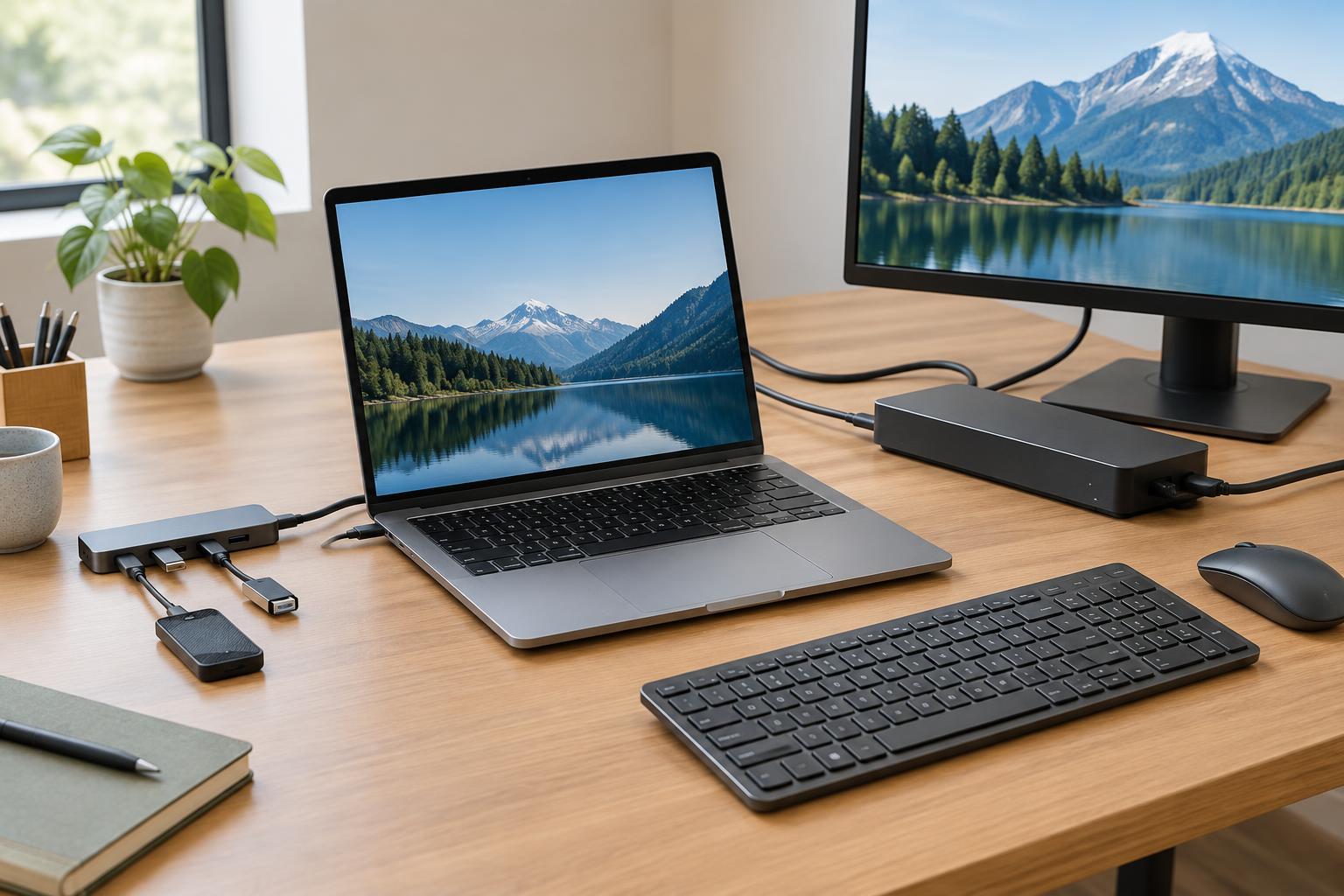
Office EquipmentA USB hub can add convenient ports, while a docking station can turn a laptop into a more complete desk setup. Learn how to compare connections, charging, and monitor support before you buy.
Read article · 4 min↗
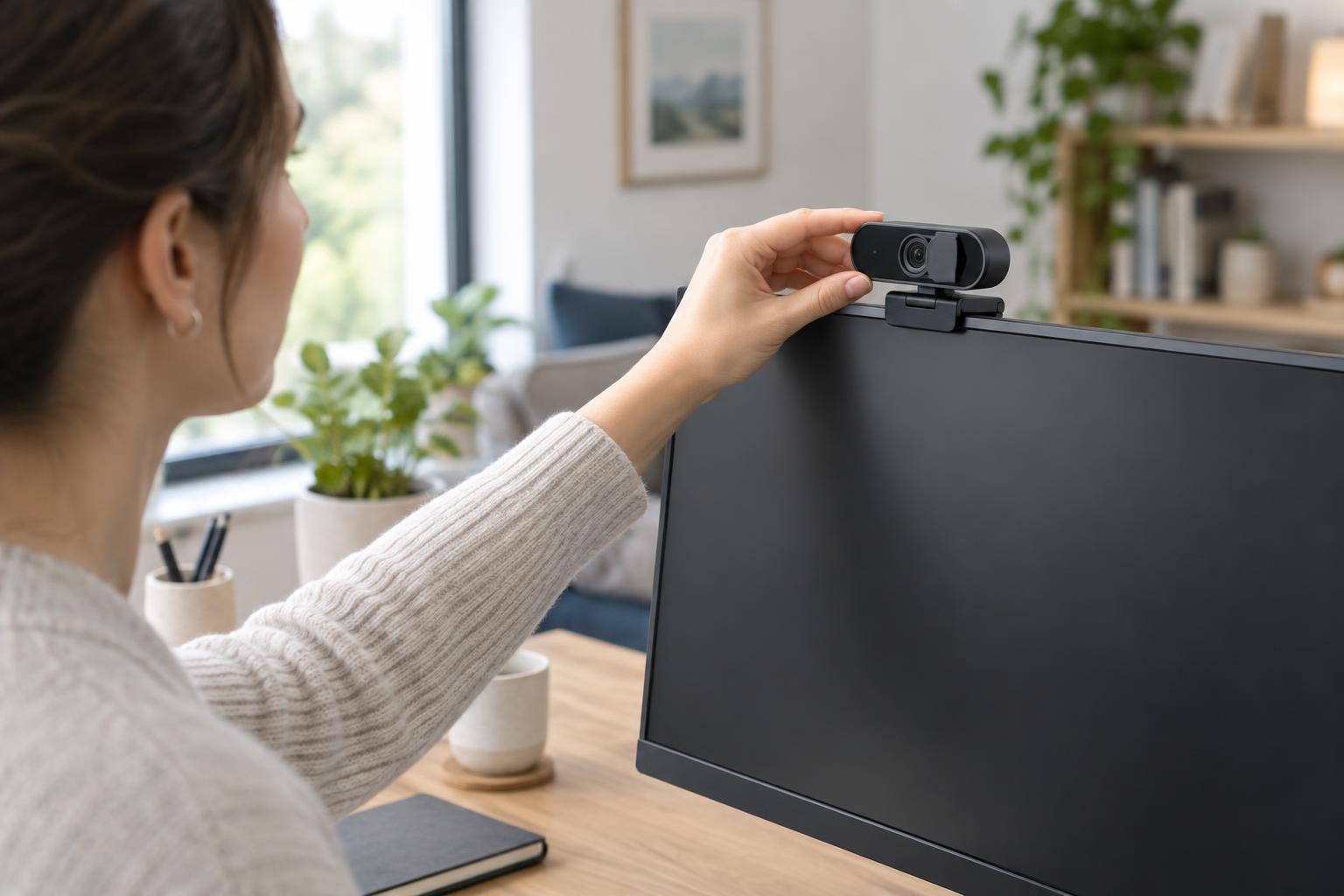
Office EquipmentA useful webcam is one that fits your desk and the way you meet. Learn how to compare framing, autofocus, mounting, and privacy features without getting distracted by specifications you may not need.
Read article · 4 min↗
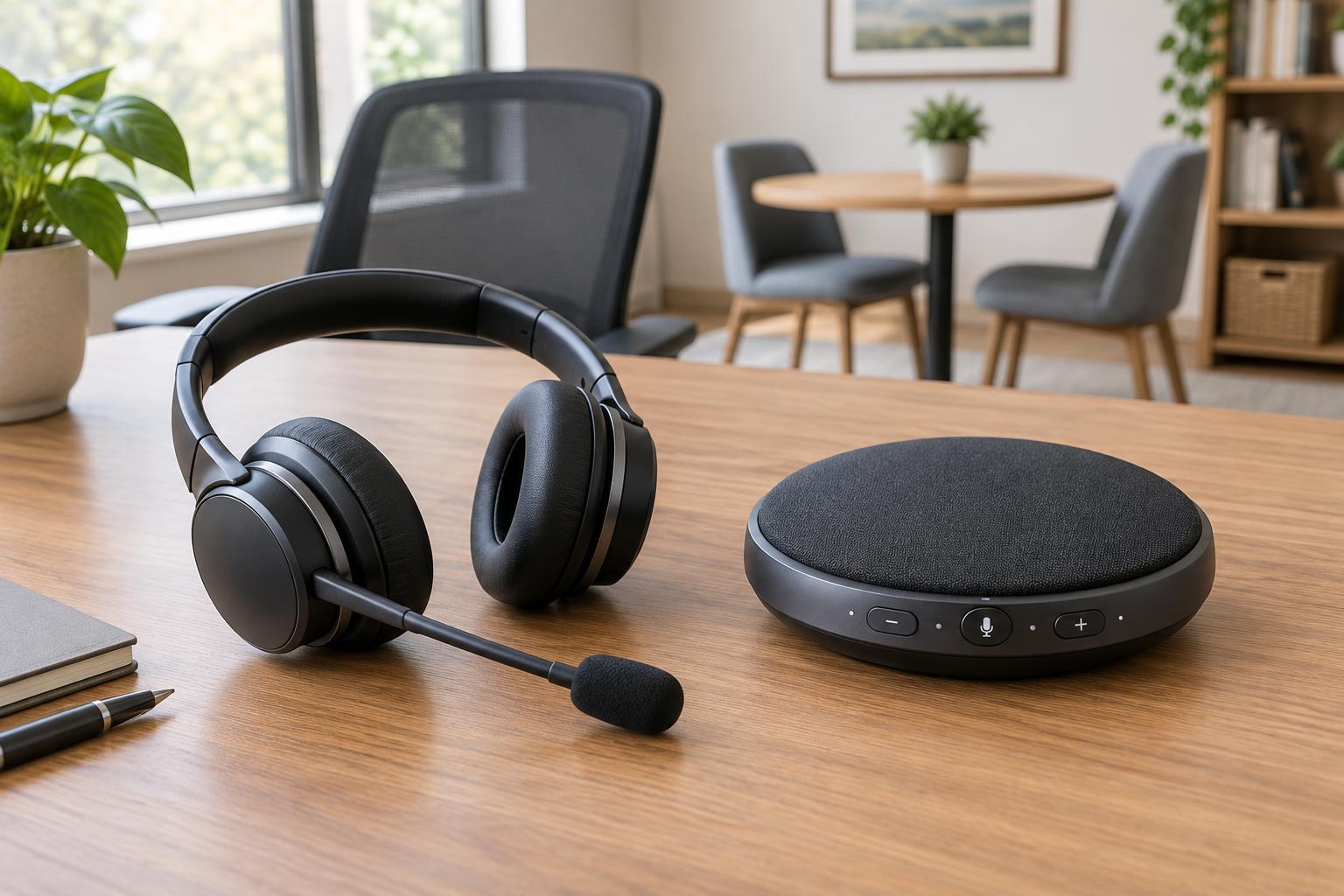
Office EquipmentA headset keeps call audio close to one person, while a conference speakerphone lets several people share a room conversation. Compare privacy, microphone pickup, comfort, room noise and connection needs before choosing equipment for a home office or small business.
Read article · 4 min↗
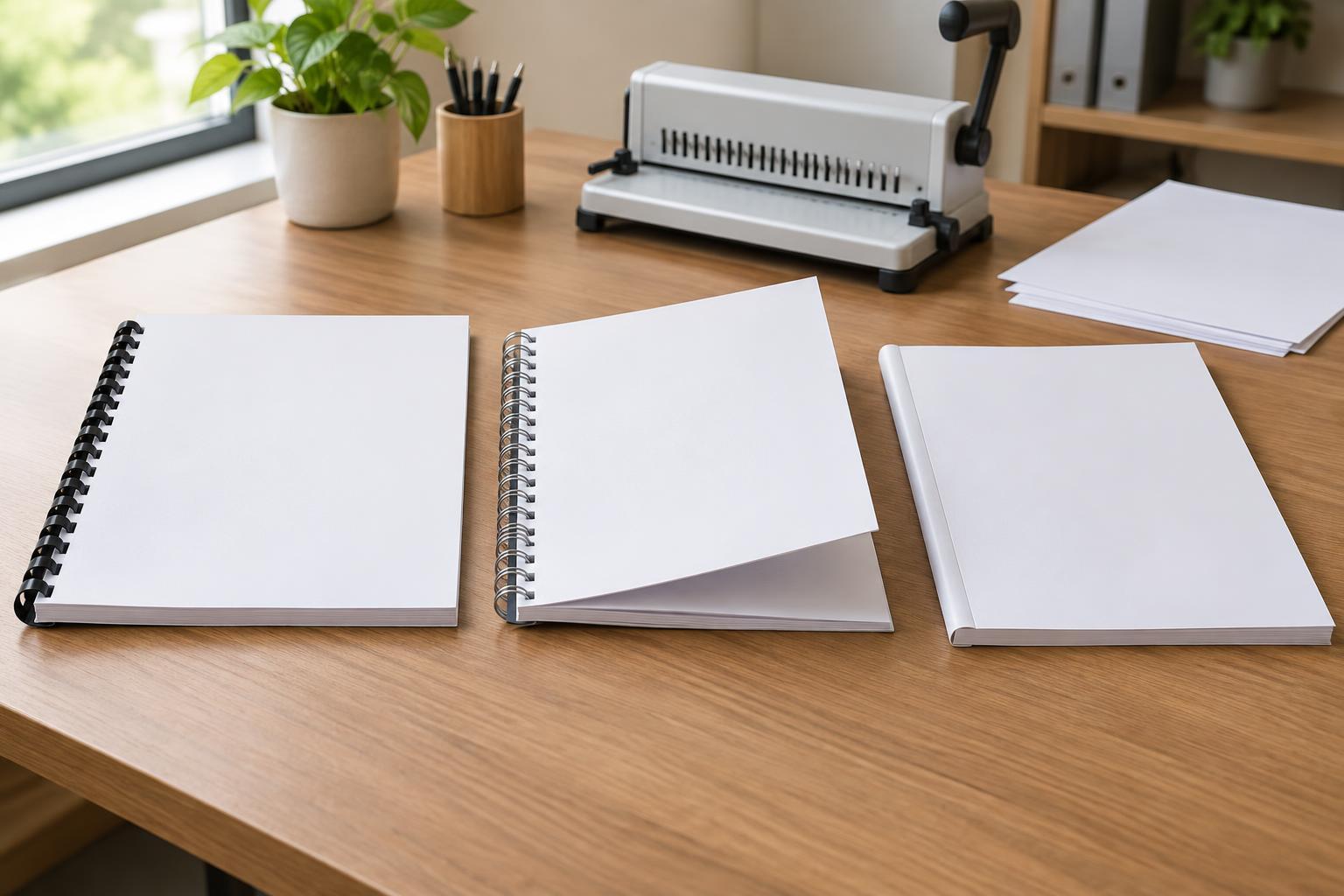
Office EquipmentThe right binding method depends on how a report will be used, not just how it looks. Compare comb, wire, and thermal binding by editability, page handling, finish, and equipment needs before choosing a machine for your workspace.
Read article · 4 min↗
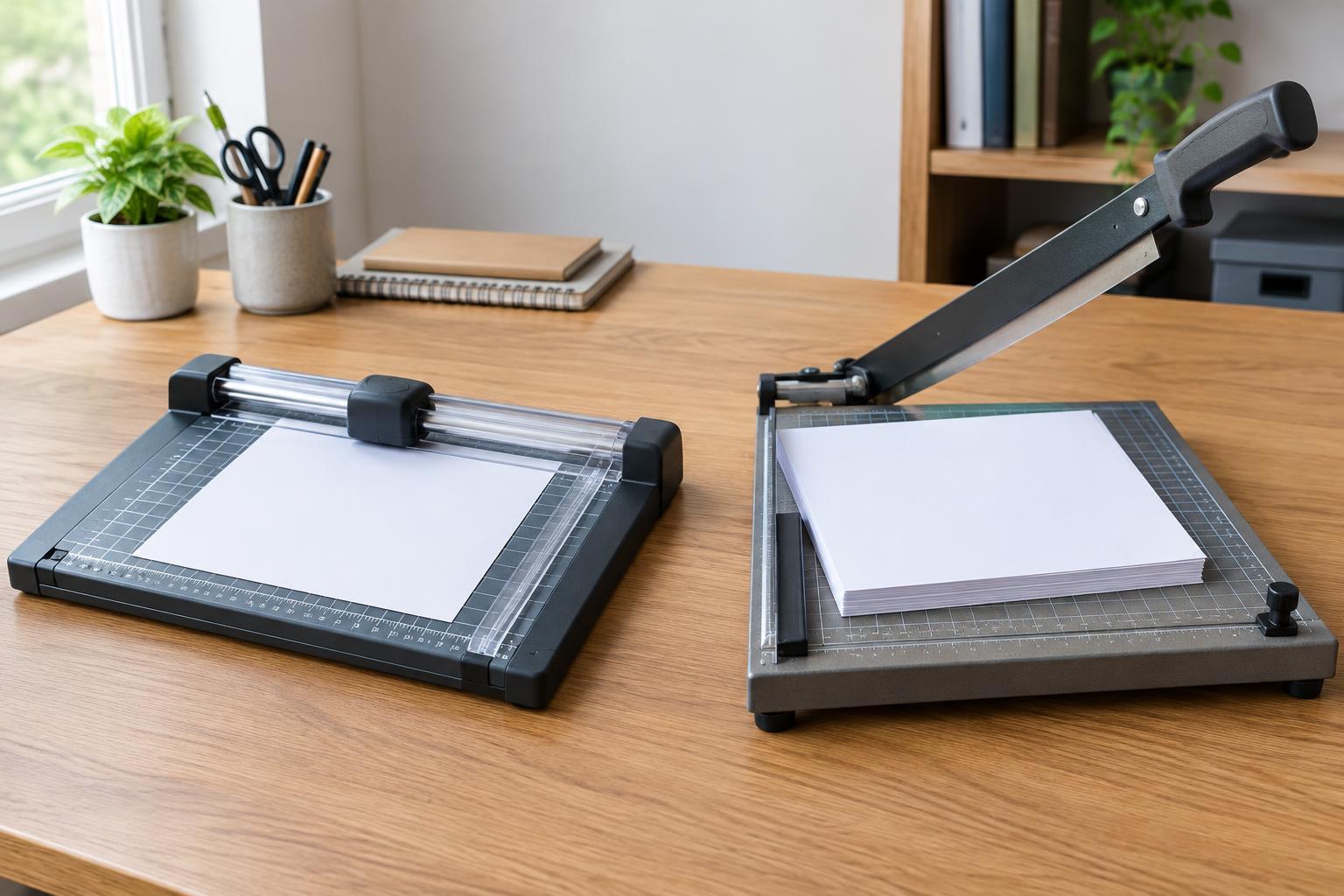
Office EquipmentRotary and guillotine trimmers both make straight paper cuts, but they suit different workloads. Compare how they handle stacks, alignment, small adjustments, safety, and upkeep before choosing one for your office.
Read article · 4 min↗
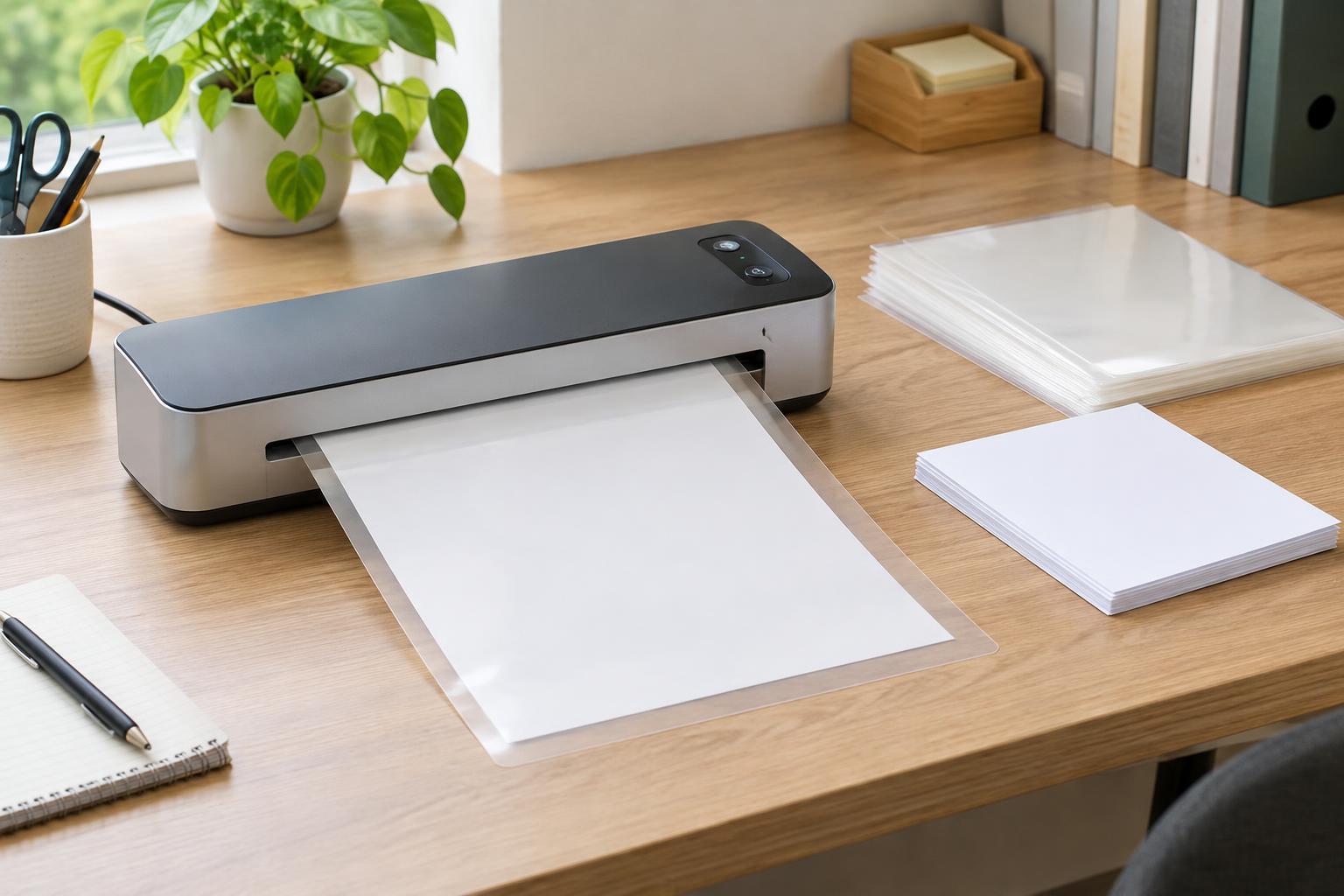
Office EquipmentA practical guide to choosing a laminator by pouch thickness, warm-up time, document size and safety features, with tips for avoiding jams and protecting important papers.
Read article · 4 min↗
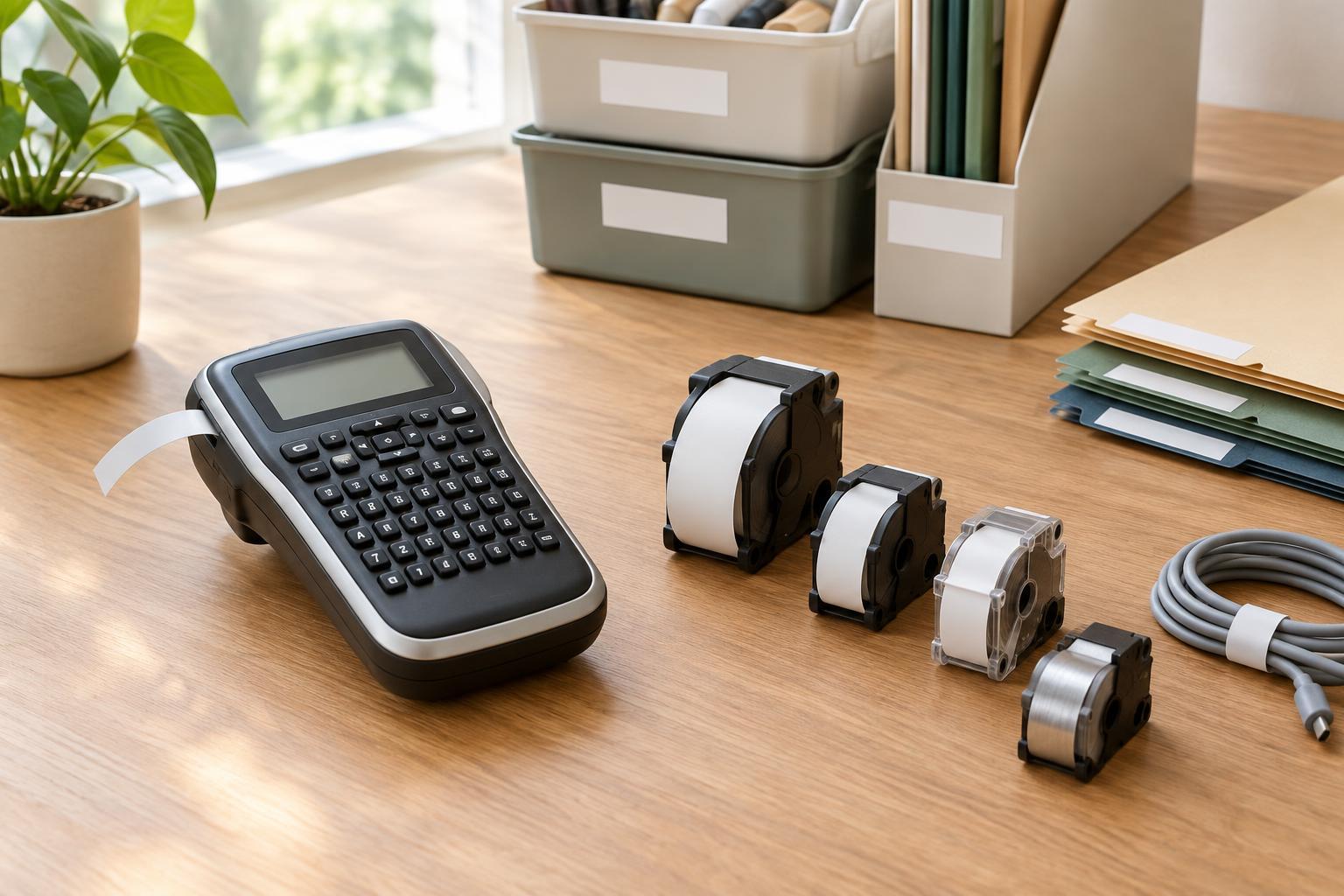
Office EquipmentThe right label maker depends on what you need to mark, where the labels will go, and how you want to create them. Compare tape widths, materials, connectivity, and replacement costs before choosing a device.
Read article · 4 min↗
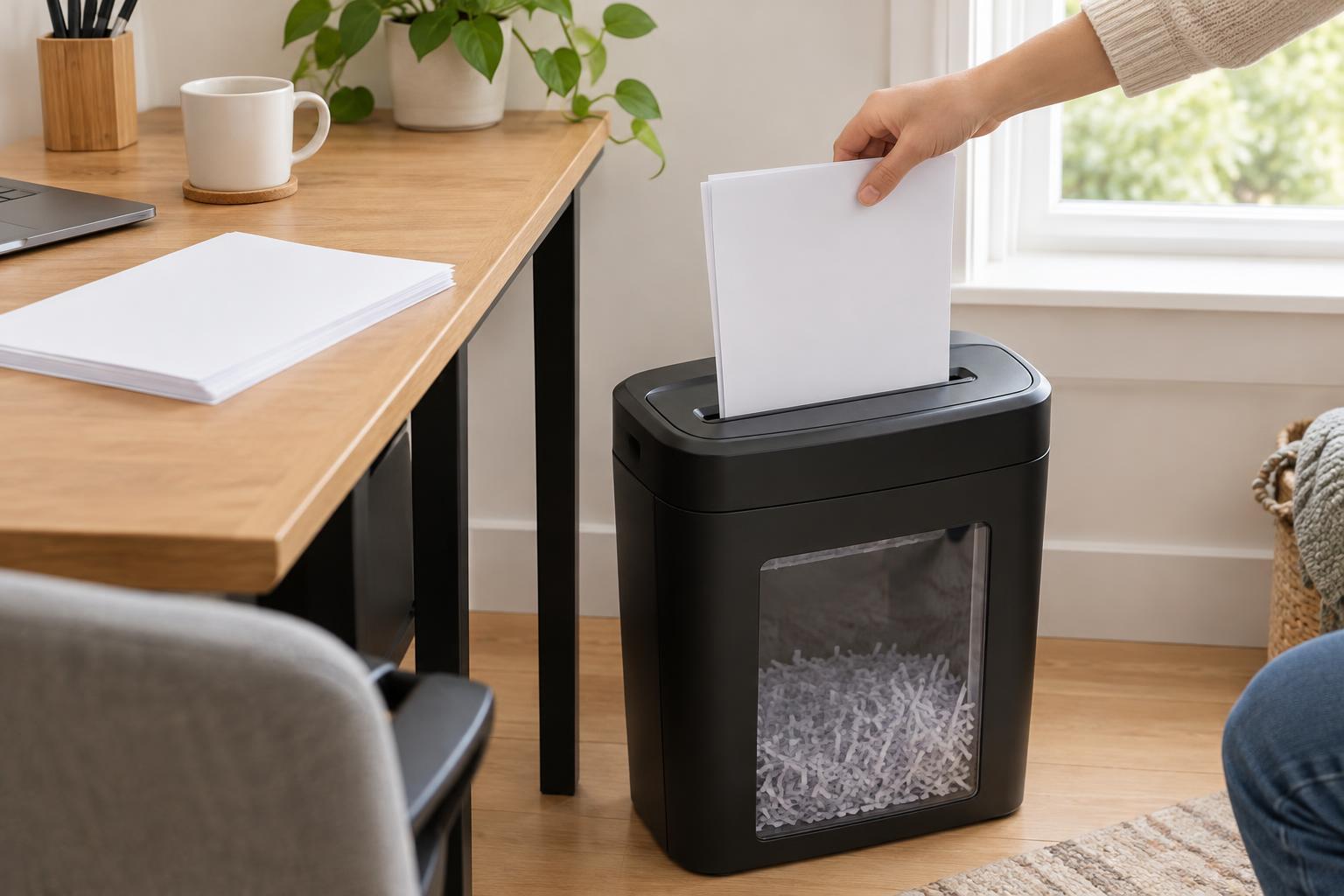
Office EquipmentA useful shredder should match the documents you discard, the size of your typical stack, and how often you shred. Compare cut type, sheet capacity, and run time first, then check practical details such as bin size and maintenance.
Read article · 4 min↗
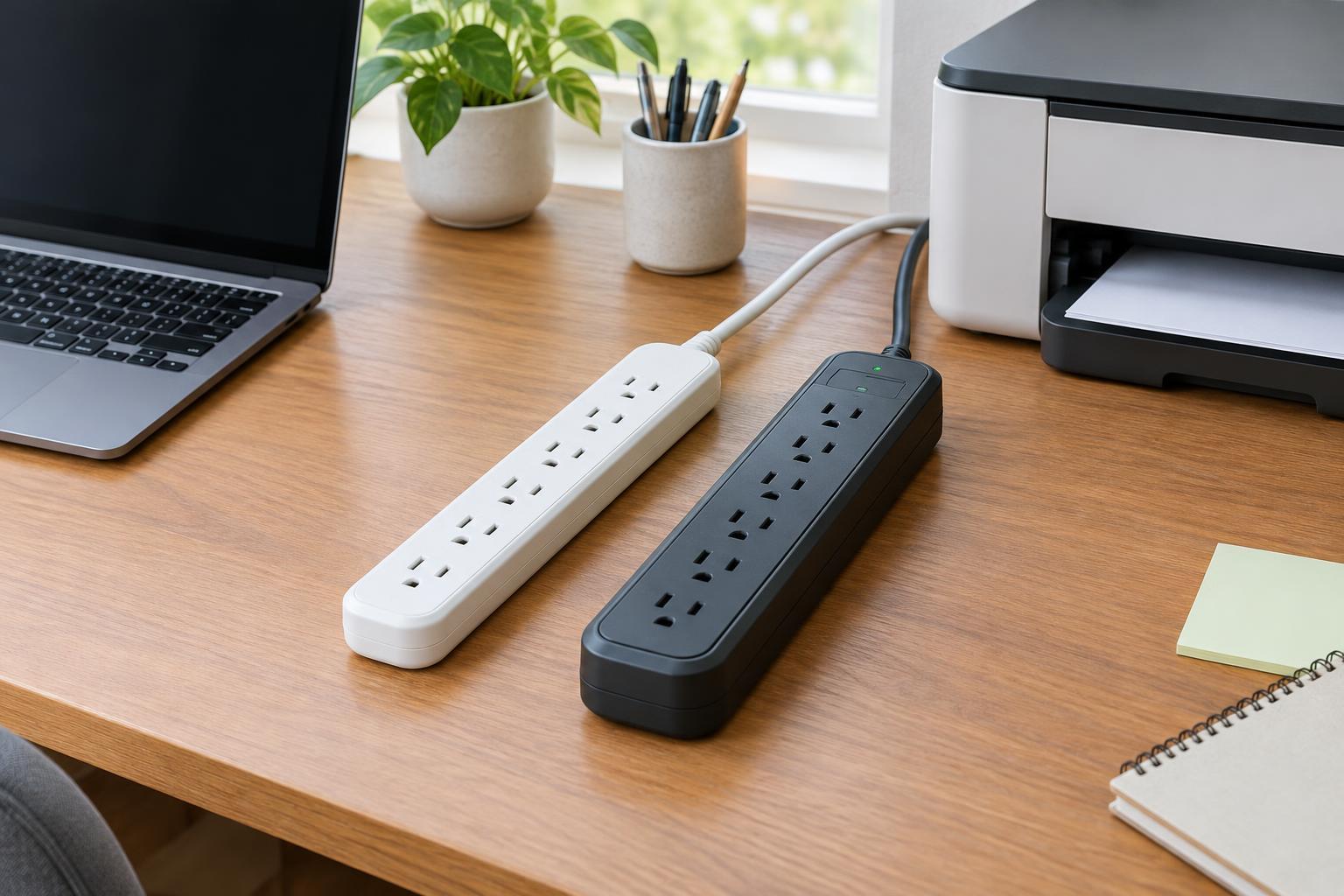
Office EquipmentA power strip gives you more outlets; a surge protector adds a layer of protection against brief voltage spikes. Learn how to read outlet, amp, joule and voltage ratings—and how to choose a safer setup for common office equipment.
Read article · 4 min↗
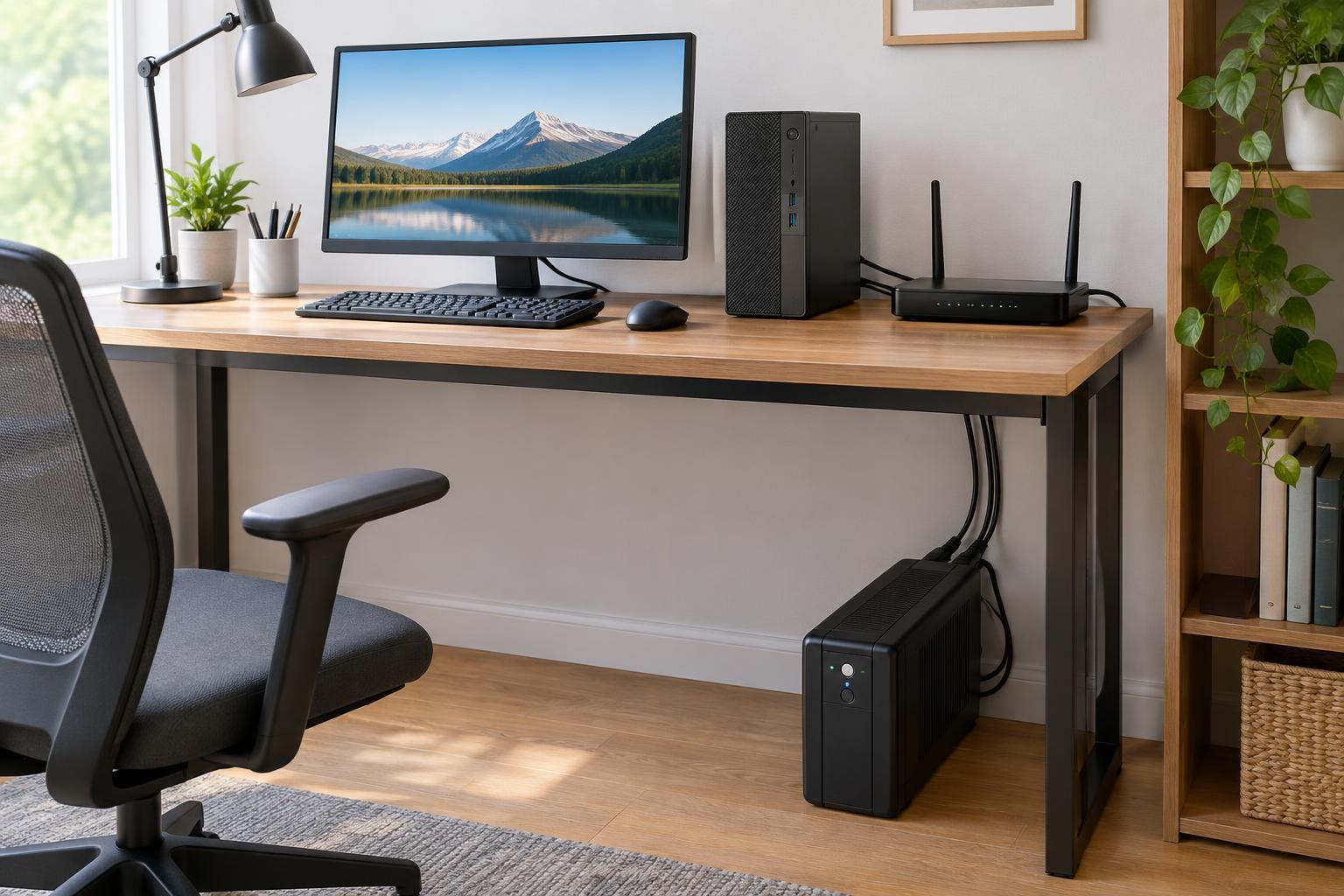
Office EquipmentA UPS can give a desktop computer time to save work during a power outage. Learn how to list the devices that need backup, estimate their load, compare watts and volt-amps, and choose a realistic runtime for a small office.
Read article · 4 min↗