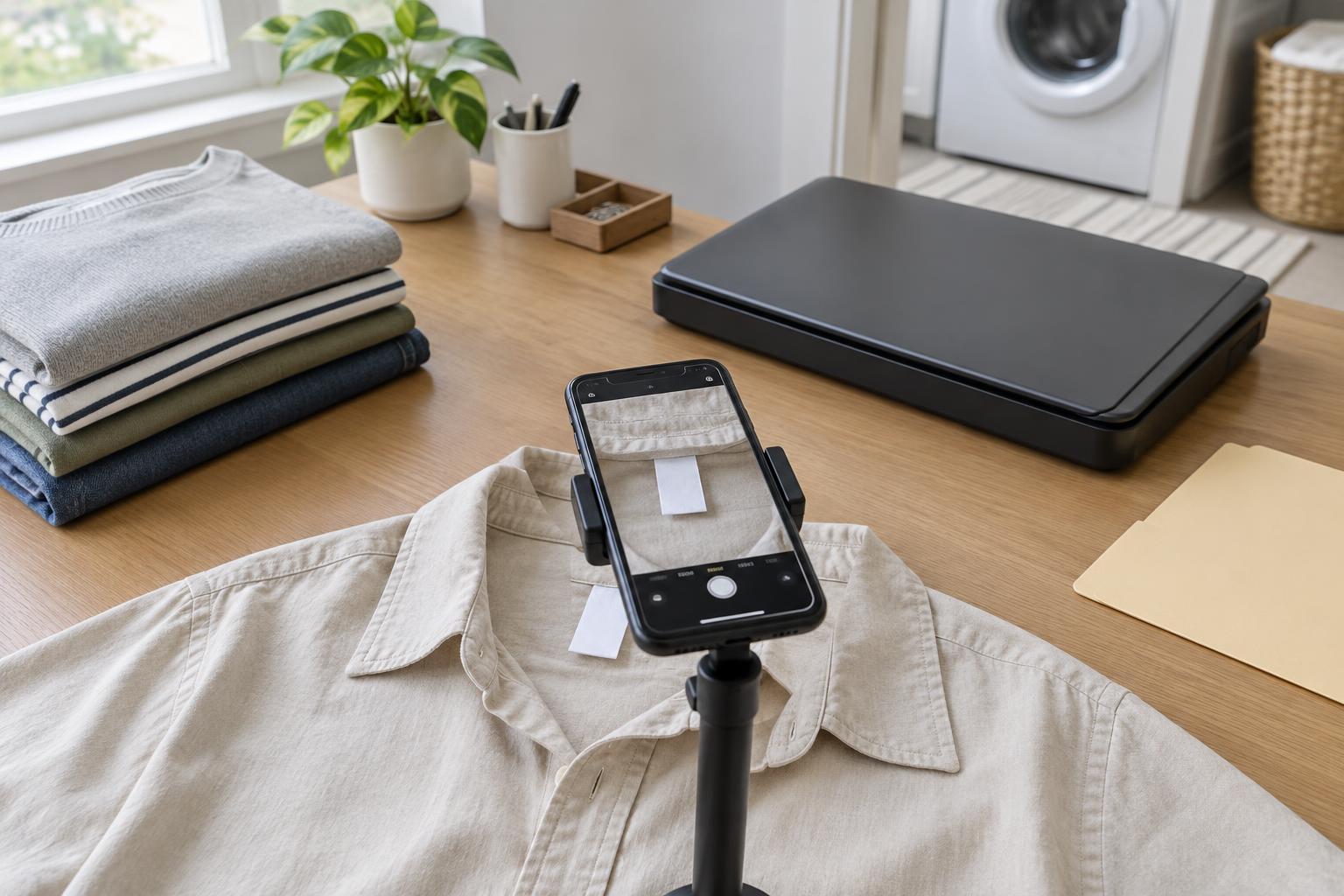
Printing and ScanningClothing care labels can fade, curl or become difficult to read. Learn how to capture legible images with a phone or scanner, name the files consistently and make a simple reference sheet for laundry day.
Read article · 4 min↗
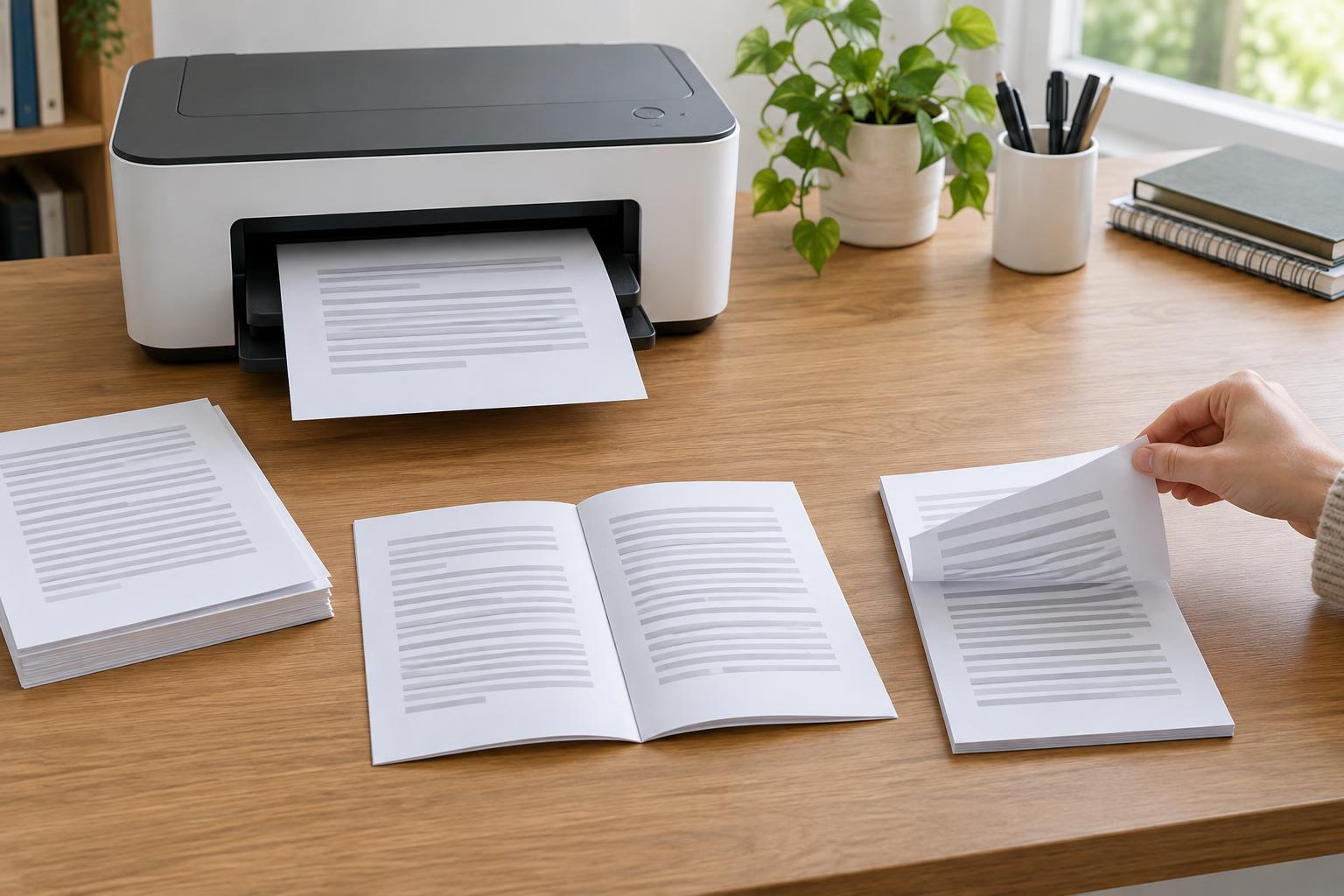
Printing and ScanningPrinting on both sides can reduce the number of sheets a document uses, but the settings are easy to mix up. Learn how automatic and manual duplex printing differ, when to choose long-edge or short-edge flipping, and how to check a two-sided job before printing a full stack.
Read article · 4 min↗
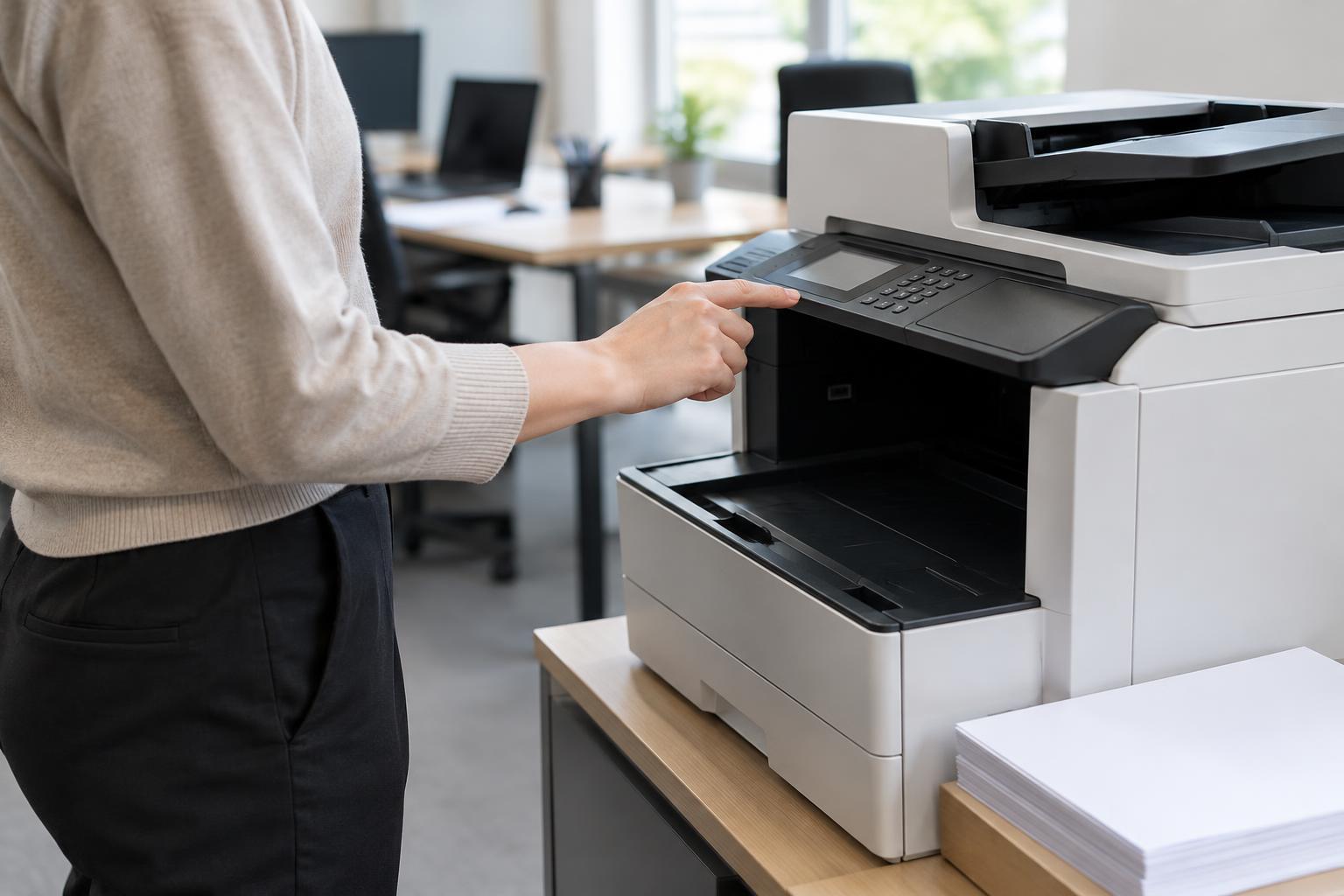
Printing and ScanningOn a shared printer, a finished page can sit in the output tray where anyone might see it. PIN printing holds a job until its owner enters a code at the device. Learn what this feature protects, how to set it up, and where its limits lie.
Read article · 4 min↗
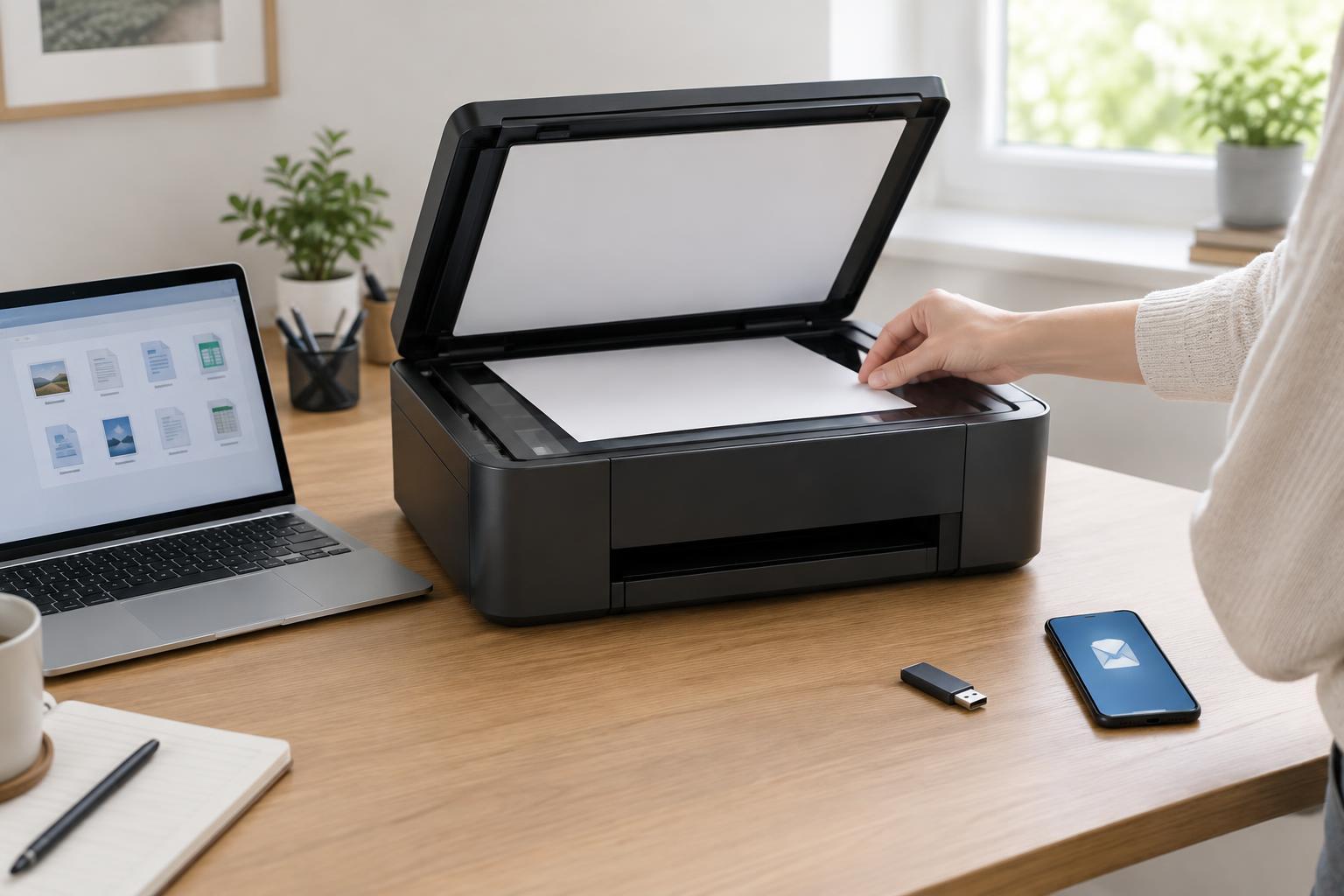
Printing and ScanningA scanner destination determines where your digital document goes after scanning. Compare scan to computer, email, and USB by setup, convenience, file handling, and privacy so you can choose a practical route for each task.
Read article · 4 min↗
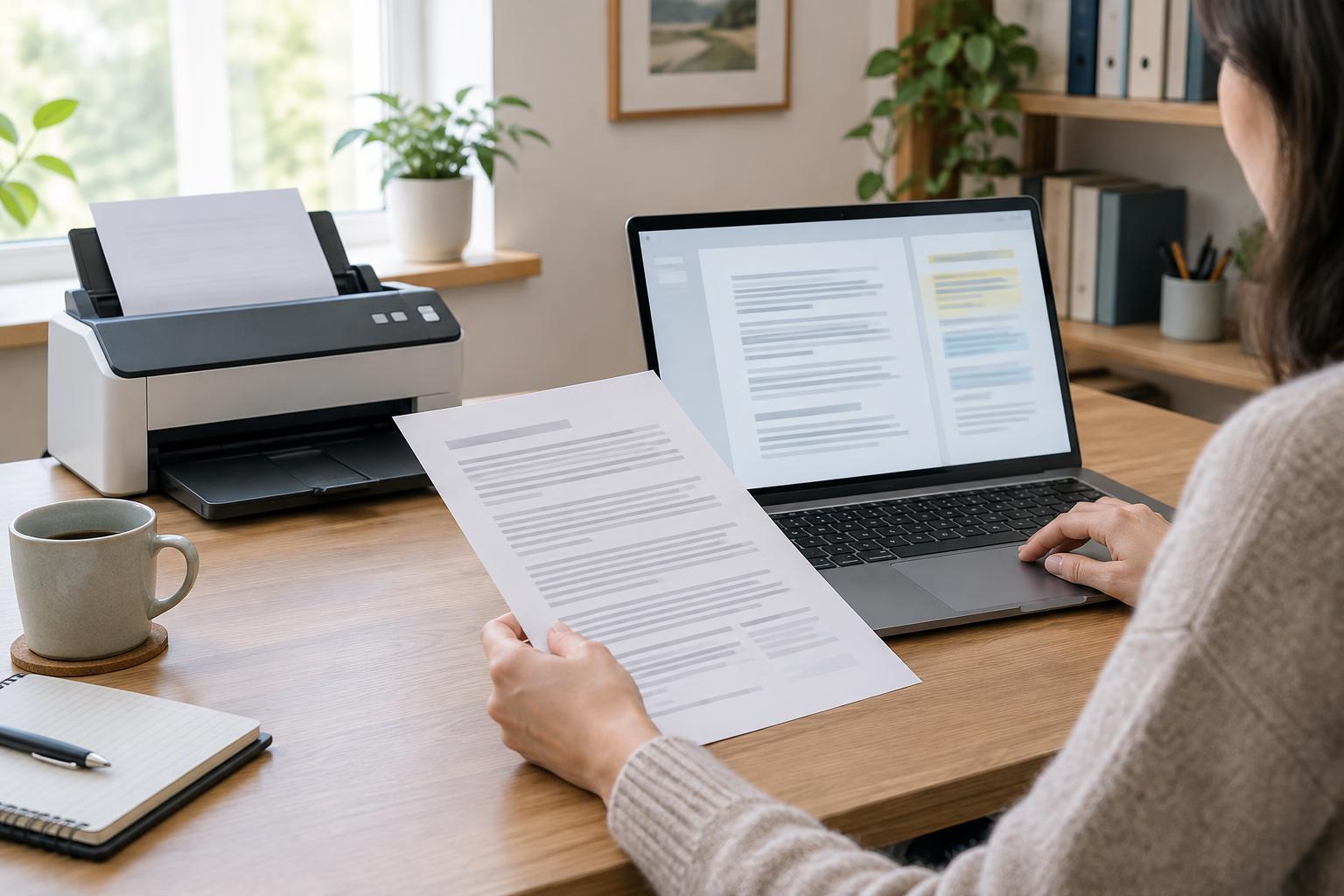
Printing and ScanningOptical character recognition turns text in a scan or photo into searchable, editable characters. Learn when it helps, why it makes mistakes, and how to review important documents before relying on the extracted text.
Read article · 4 min↗
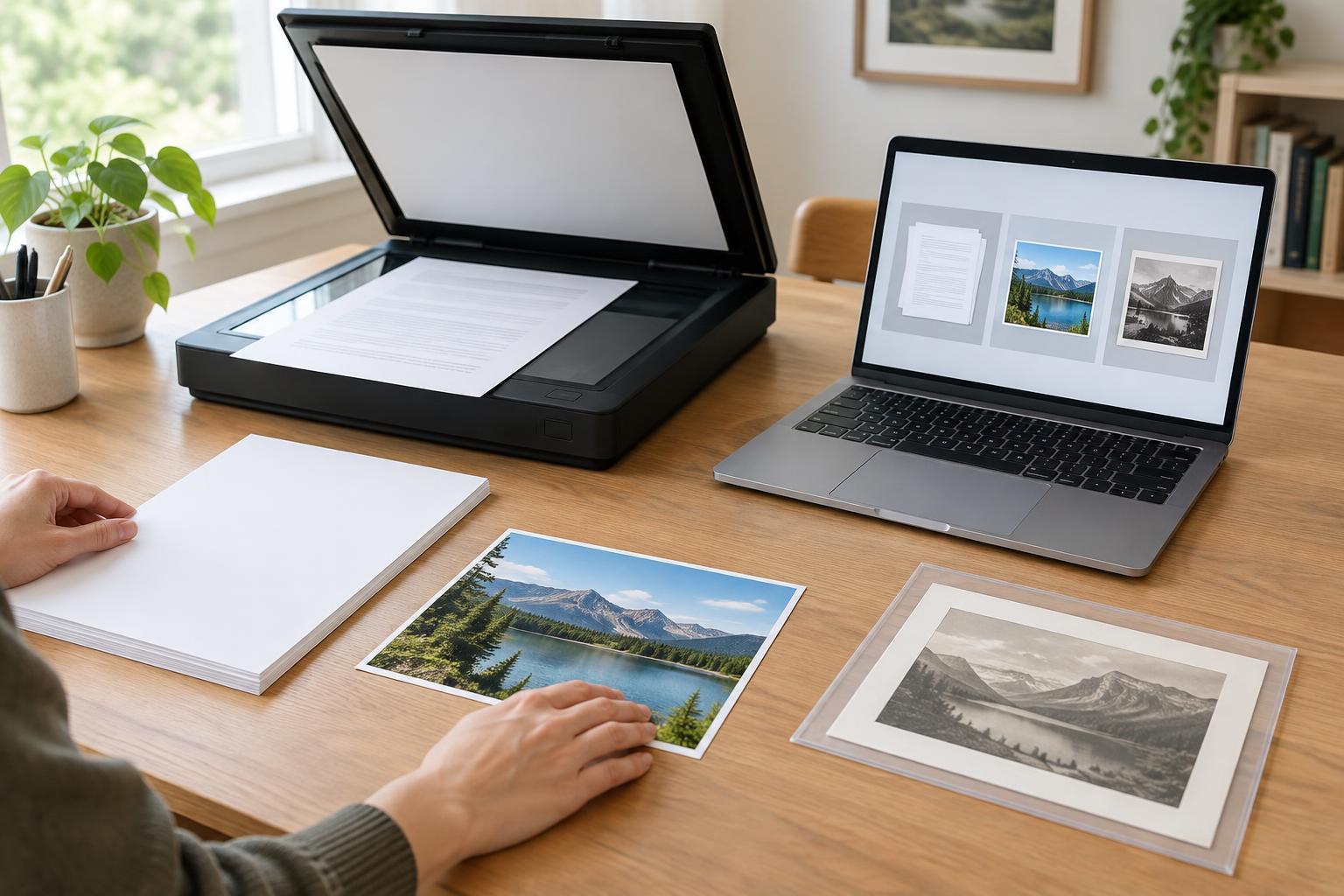
Printing and ScanningThe best scan format depends less on the scanner than on what happens to the file afterward. Use this guide to choose between PDF, JPEG, and TIFF for sharing documents, saving photos, and keeping high-quality copies.
Read article · 4 min↗
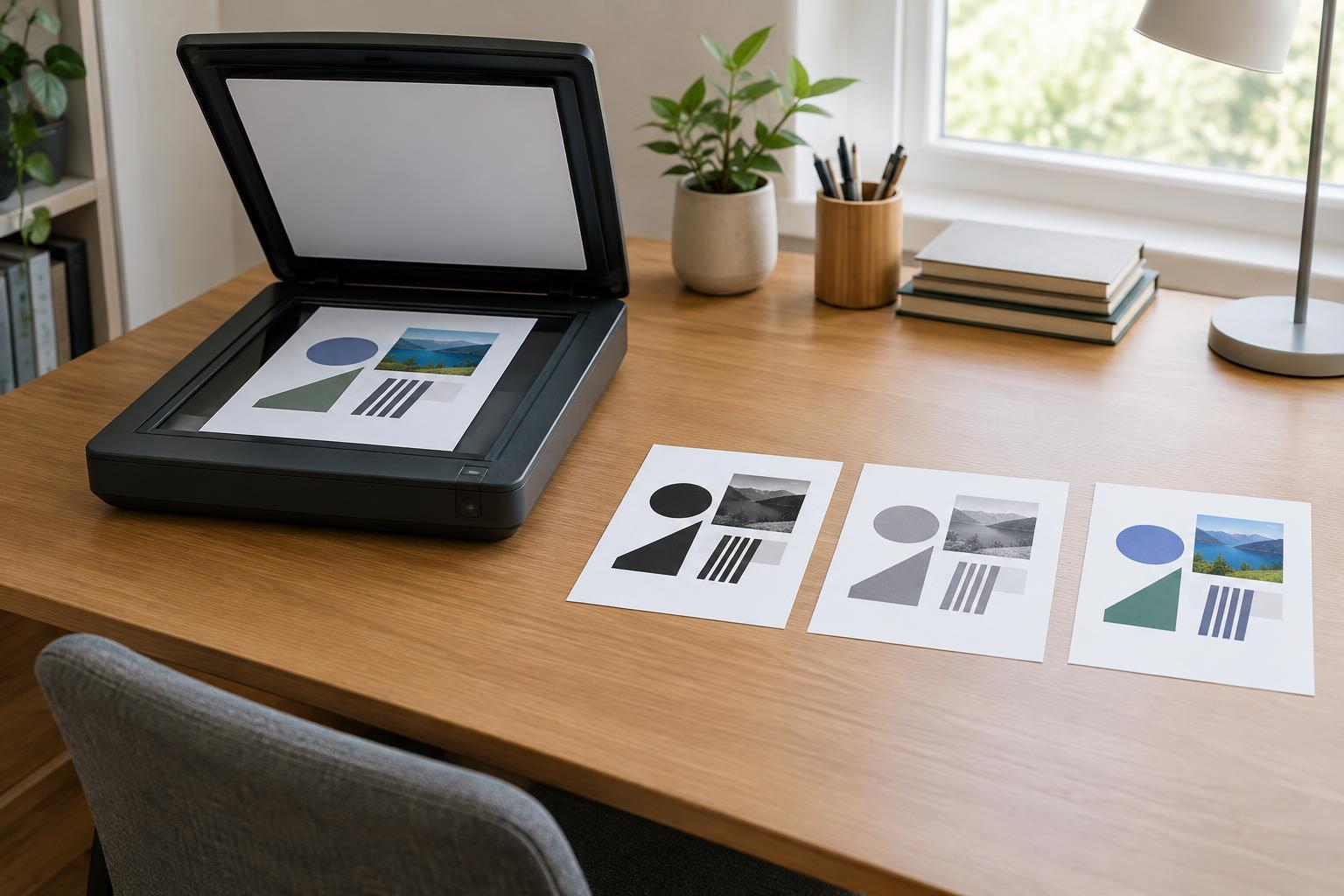
Printing and ScanningScanning mode affects how much detail a digital document preserves and how easy it is to read, search, and share. Learn when to use black-and-white, grayscale, or color for everyday office documents.
Read article · 4 min↗
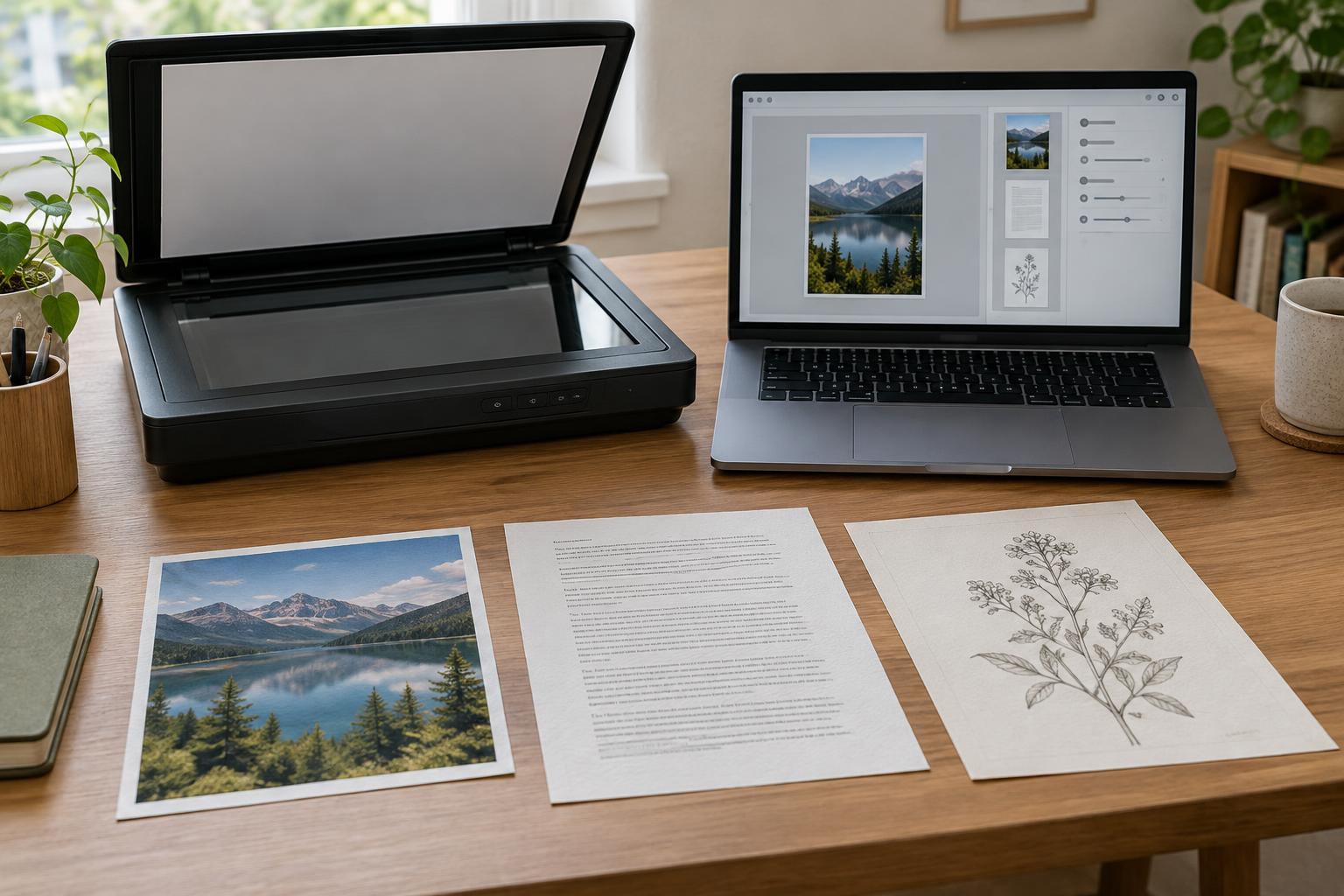
Printing and ScanningHigher scan resolution captures more detail, but it also creates larger files and can slow a scanning job. Learn when 200, 300, or 600 dpi is a useful starting point for office documents, photographs, and small print—and when to test a higher setting.
Read article · 4 min↗
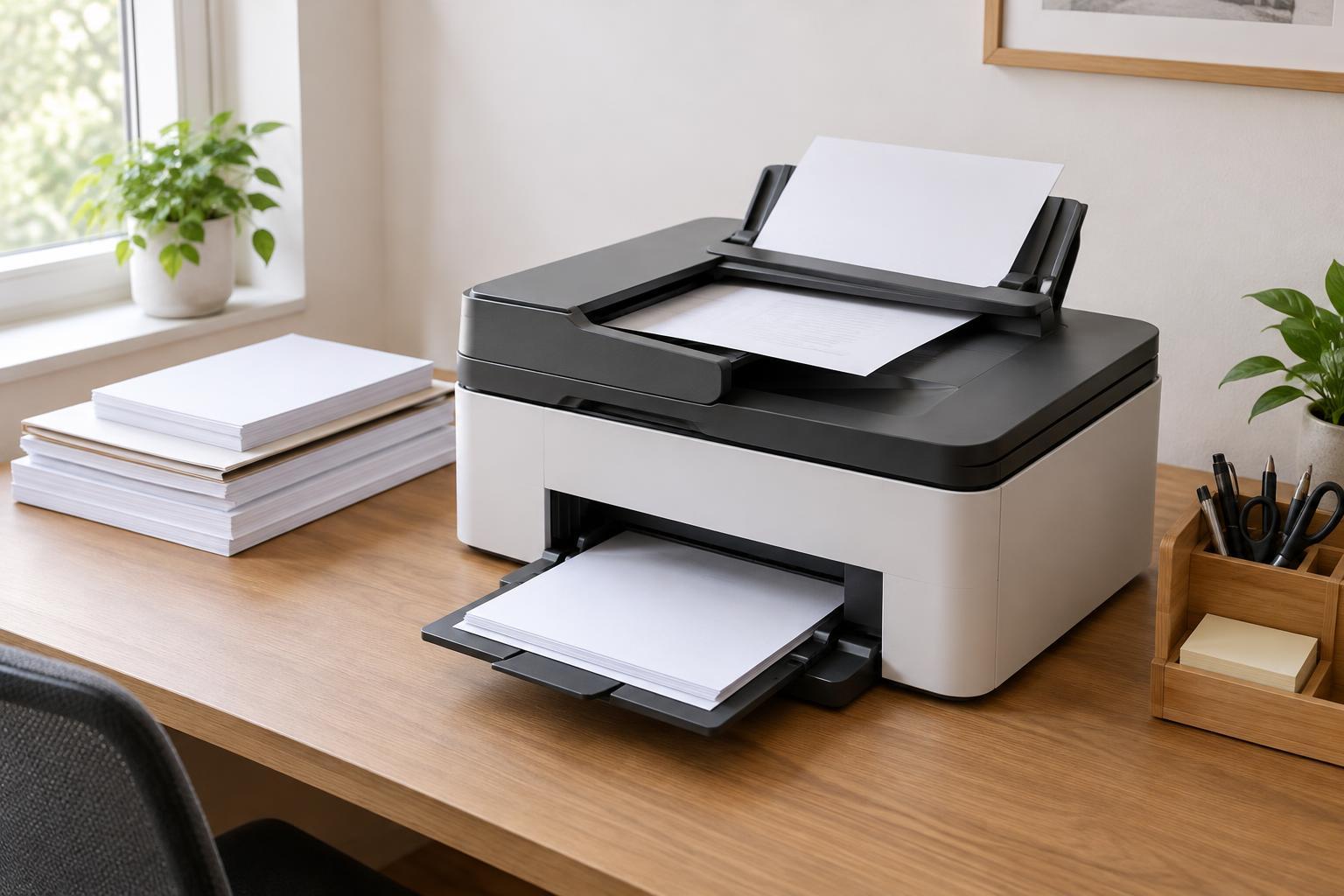
Printing and ScanningAn automatic document feeder can save time when scanning or copying multipage paperwork, but its advertised capacity tells only part of the story. Learn how to compare feeder size, two-sided scanning methods, and paper handling for a home office or small business.
Read article · 4 min↗
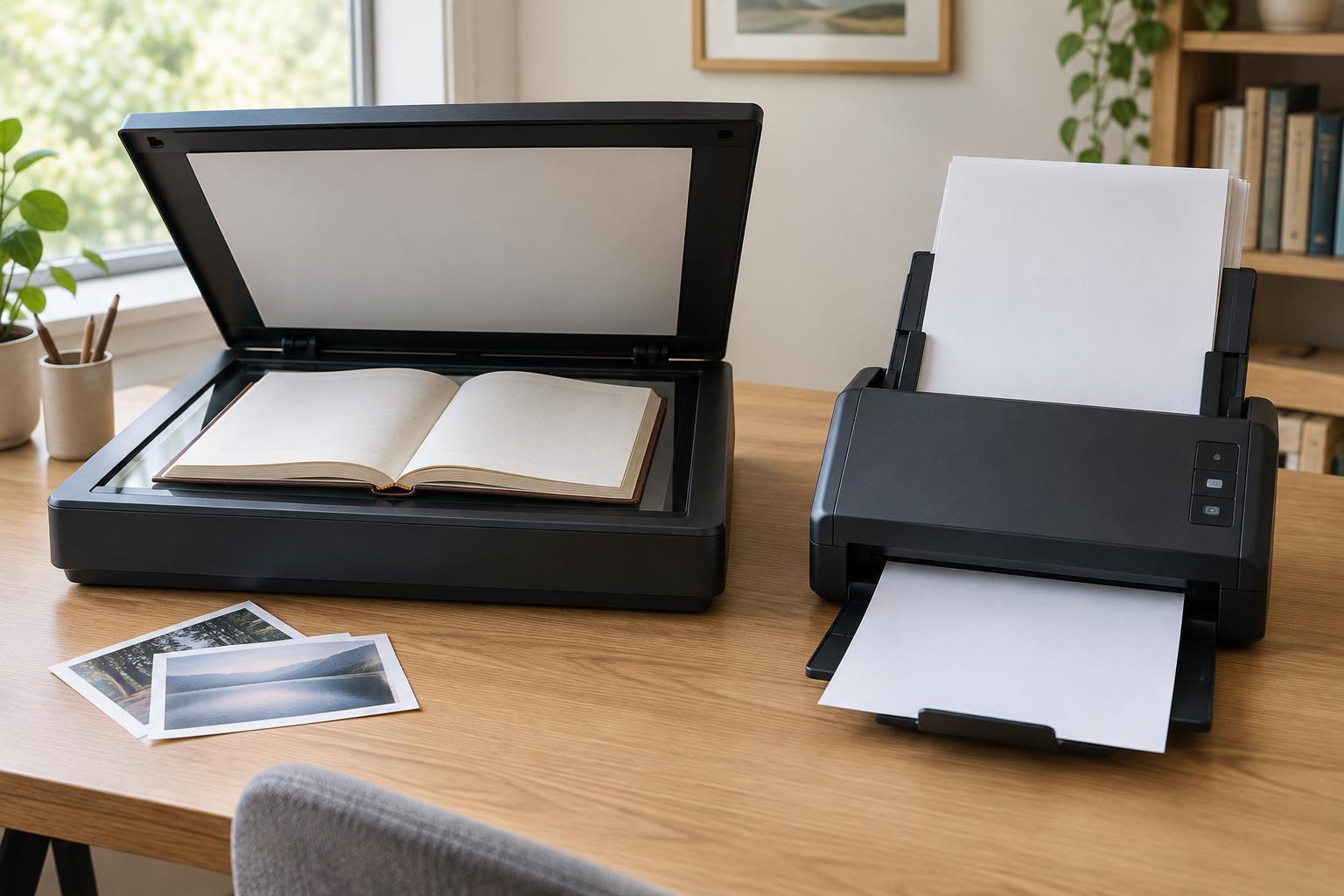
Printing and ScanningA flatbed scanner handles books and delicate originals, while a sheet-fed scanner can make quick work of stacks of loose pages. Learn which features matter for each job and when a combination makes sense.
Read article · 5 min↗
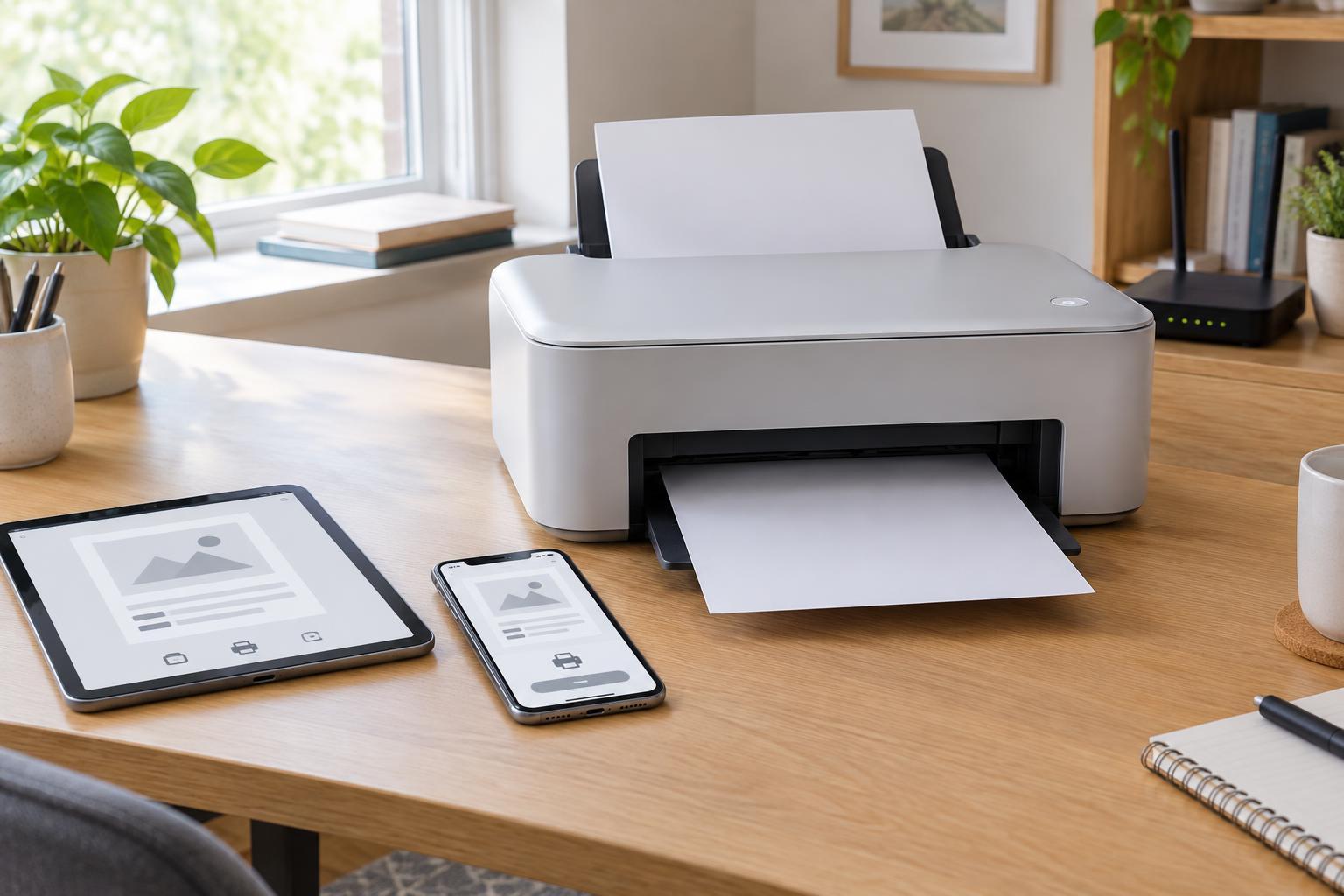
Printing and ScanningMobile printing is usually easiest when your device and printer use the same local network. Learn how to check compatibility, choose a printing method, adjust settings, and solve common connection problems.
Read article · 4 min↗
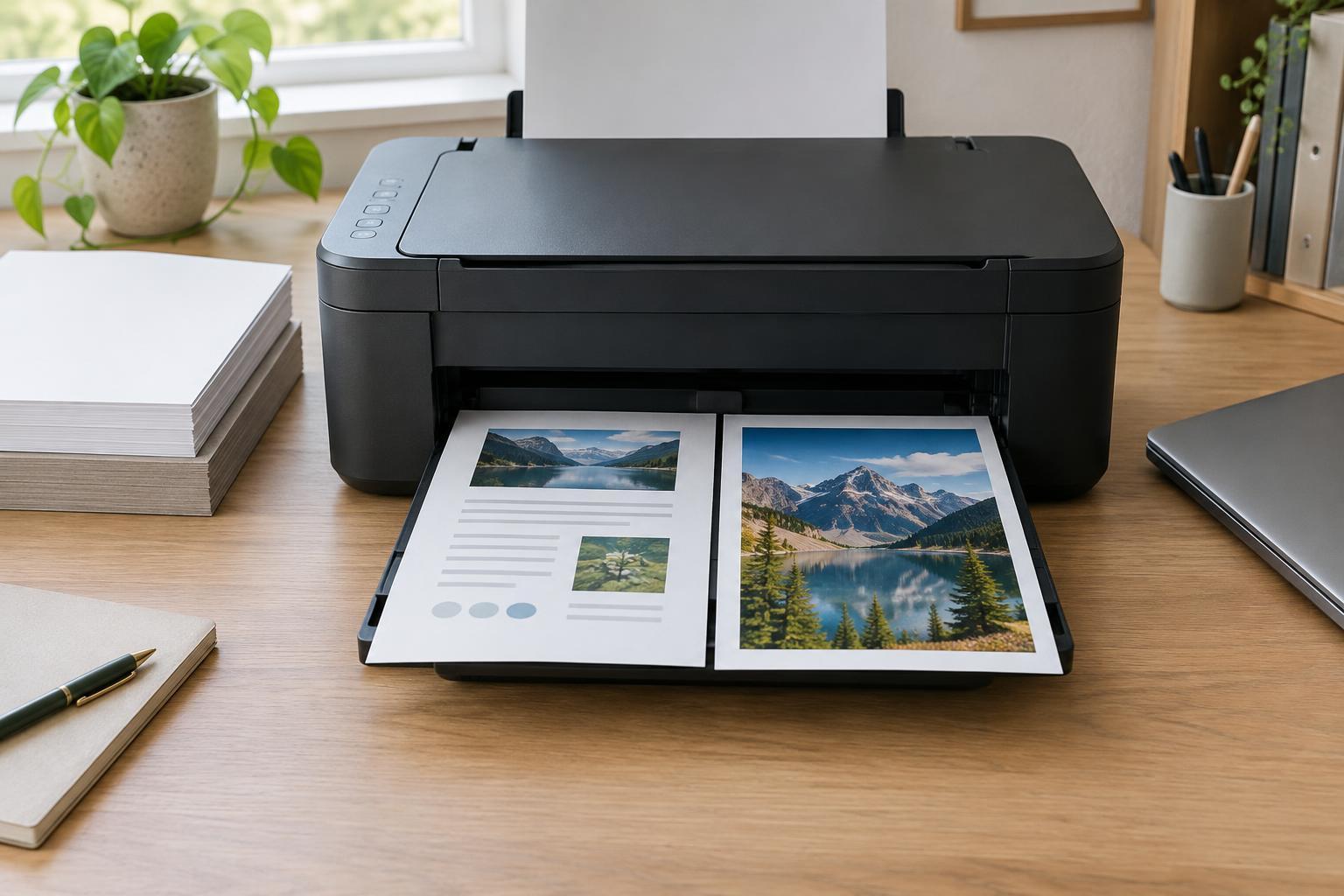
Printing and ScanningHigher print quality is not always better for the job at hand. Learn what resolution and quality settings change, why a sharp source file and suitable paper matter, and how to choose practical settings for everyday office printing.
Read article · 4 min↗
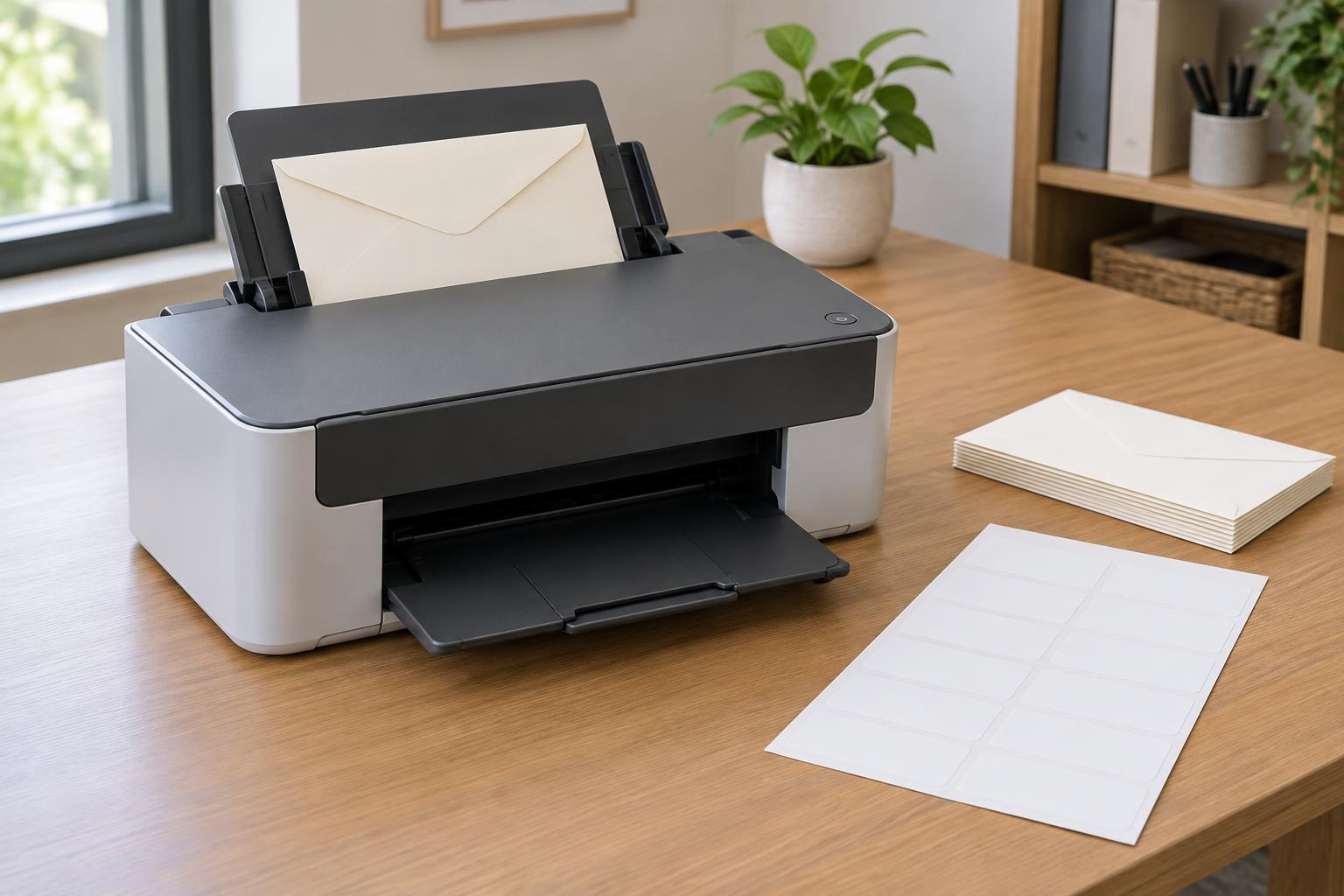
Printing and ScanningEnvelopes and labels need more care than ordinary paper. Learn how to check media compatibility, choose a feed path, set the correct size and type, and prevent common jams and alignment problems.
Read article · 4 min↗
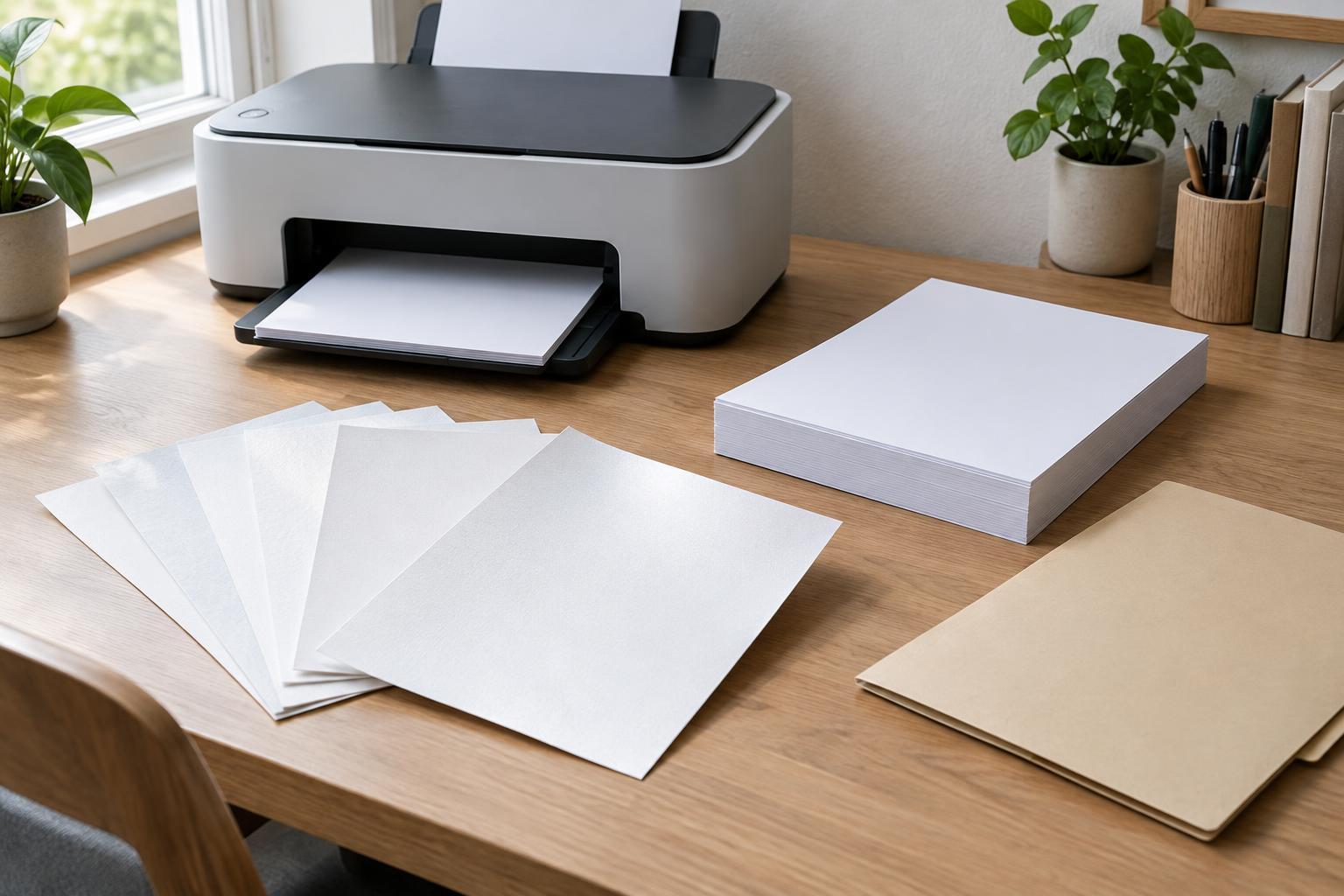
Printing and ScanningThe right office paper depends on more than its price or color. Learn how weight, brightness, finish, and printer compatibility affect everyday printing, double-sided pages, and presentation documents.
Read article · 4 min↗
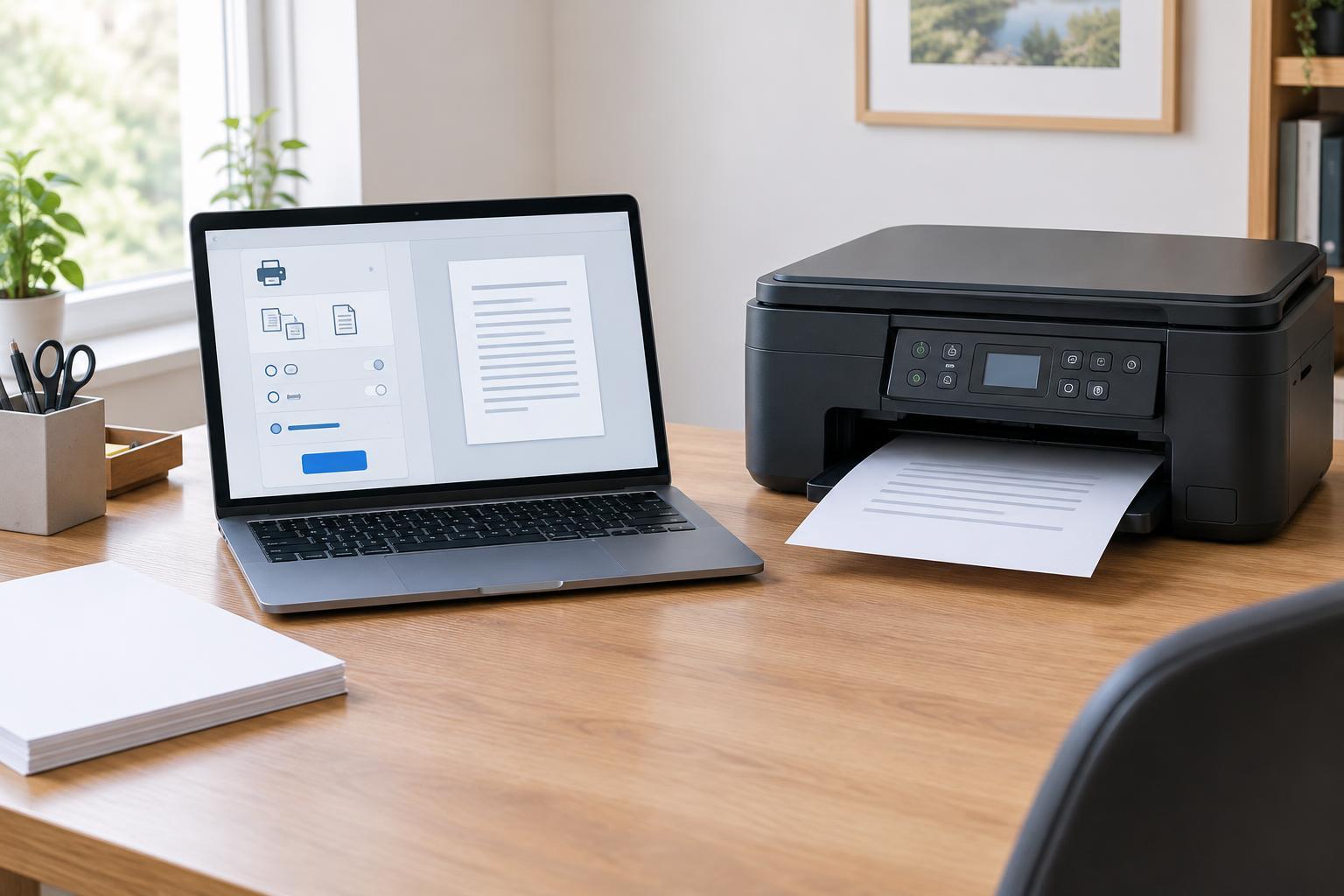
Printing and ScanningA printer driver translates a document into instructions a printer can use, but it is not the same thing as every app bundled with a printer. Learn when your computer’s built-in support is sufficient, when manufacturer software adds useful controls, and how to troubleshoot without installing more than you need.
Read article · 4 min↗
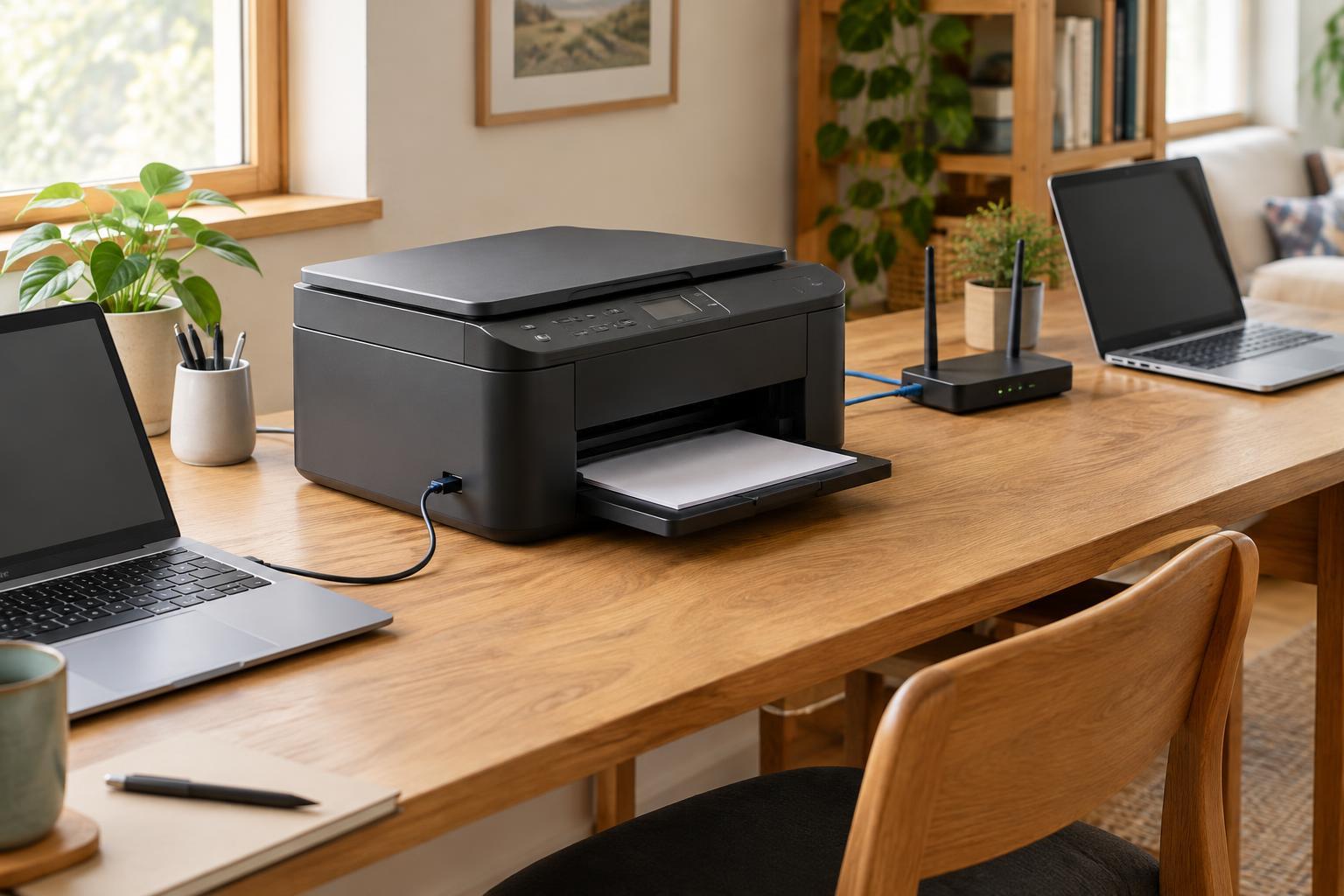
Printing and ScanningA printer can connect directly to one computer or join a network for several people to use. Compare USB, Wi-Fi, and Ethernet by setup effort, printer location, sharing needs, and troubleshooting before deciding which fits your workspace.
Read article · 4 min↗
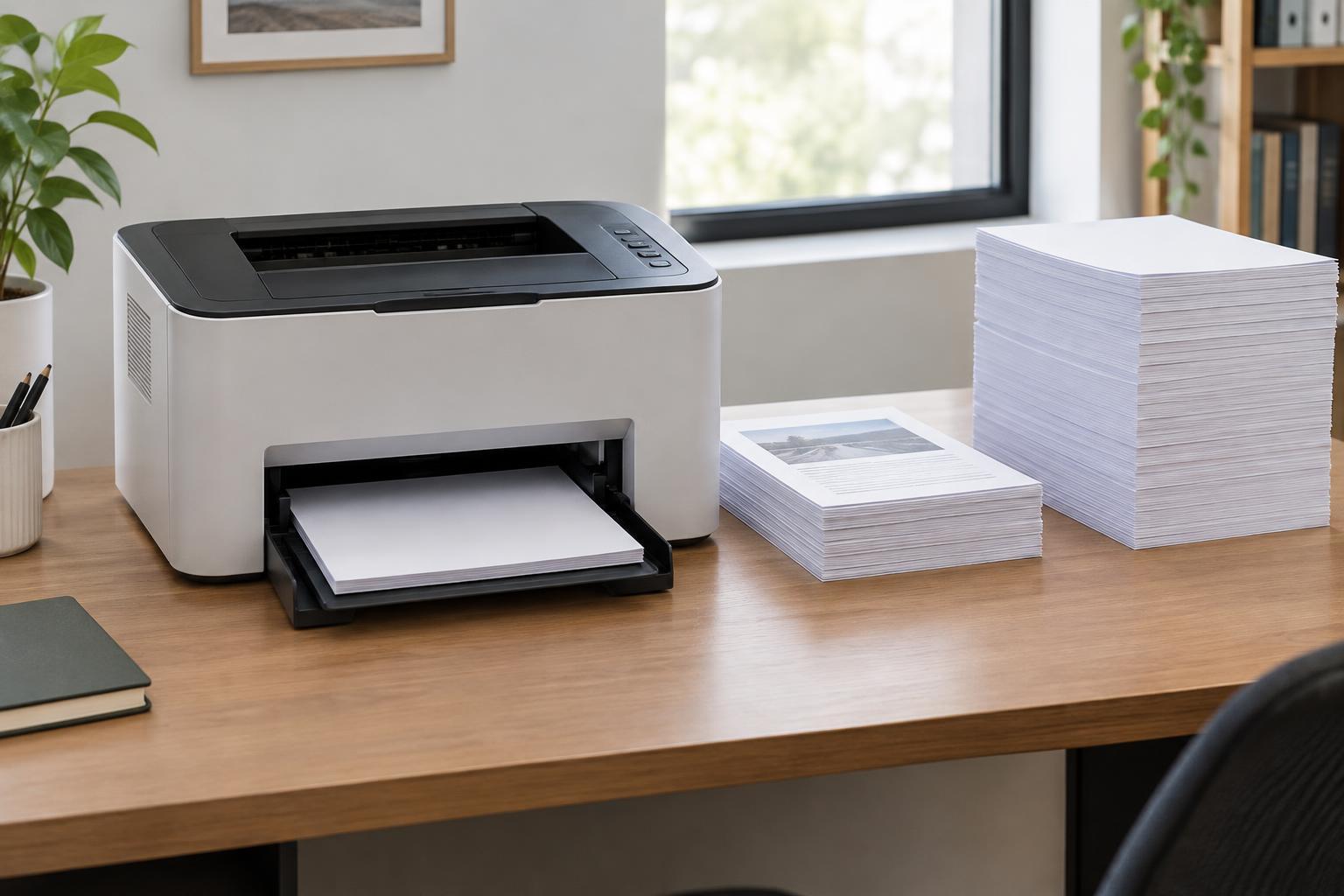
Printing and ScanningA printer’s maximum duty cycle and recommended monthly volume describe different things. Learn how to read both figures, estimate your office’s printing needs, and compare models without mistaking a maximum rating for an everyday target.
Read article · 4 min↗
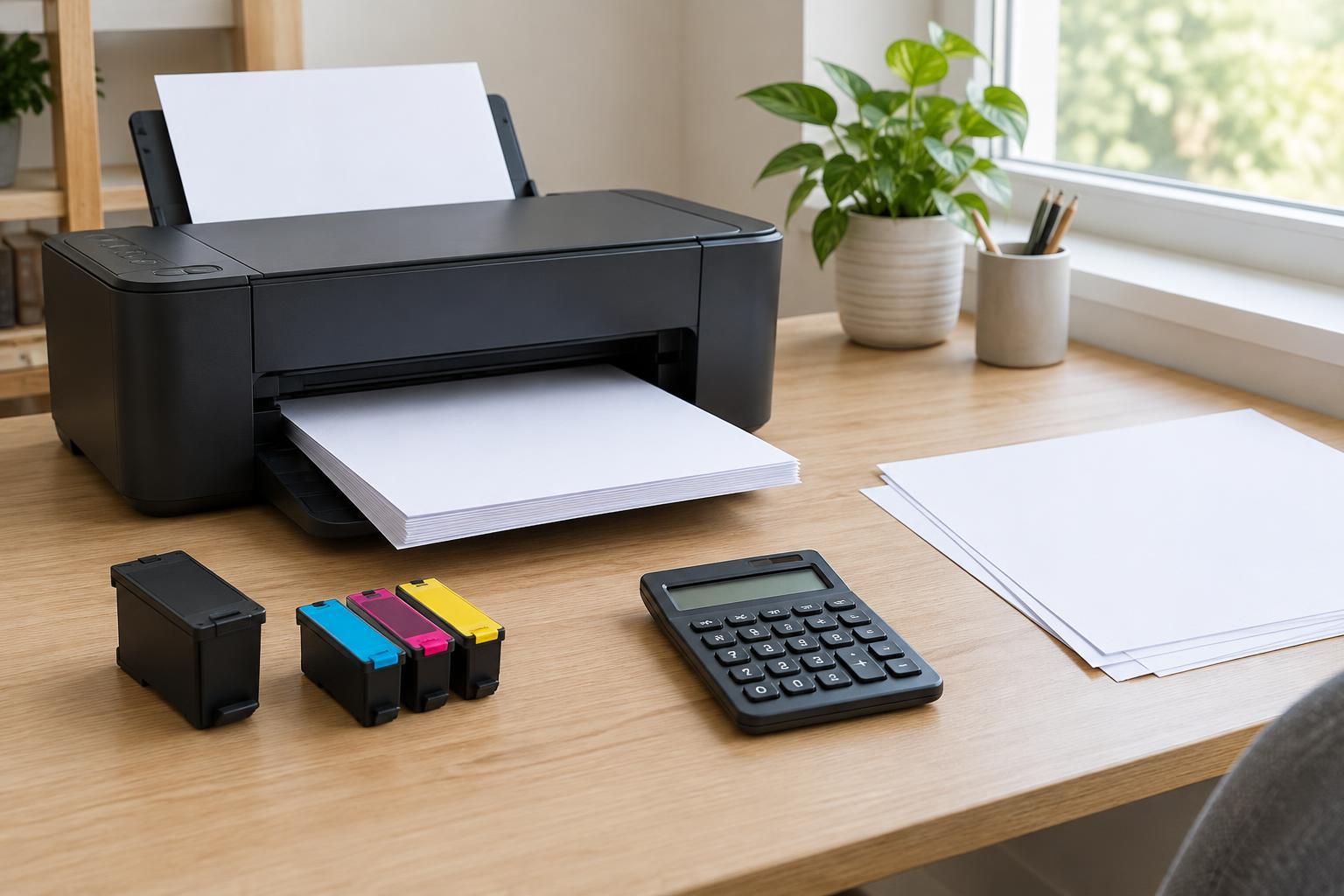
Printing and ScanningA cartridge’s shelf price tells only part of the story. Learn how to divide replacement cost by stated page yield, estimate color printing costs, and account for the limits of manufacturer yield figures when comparing printers.
Read article · 4 min↗
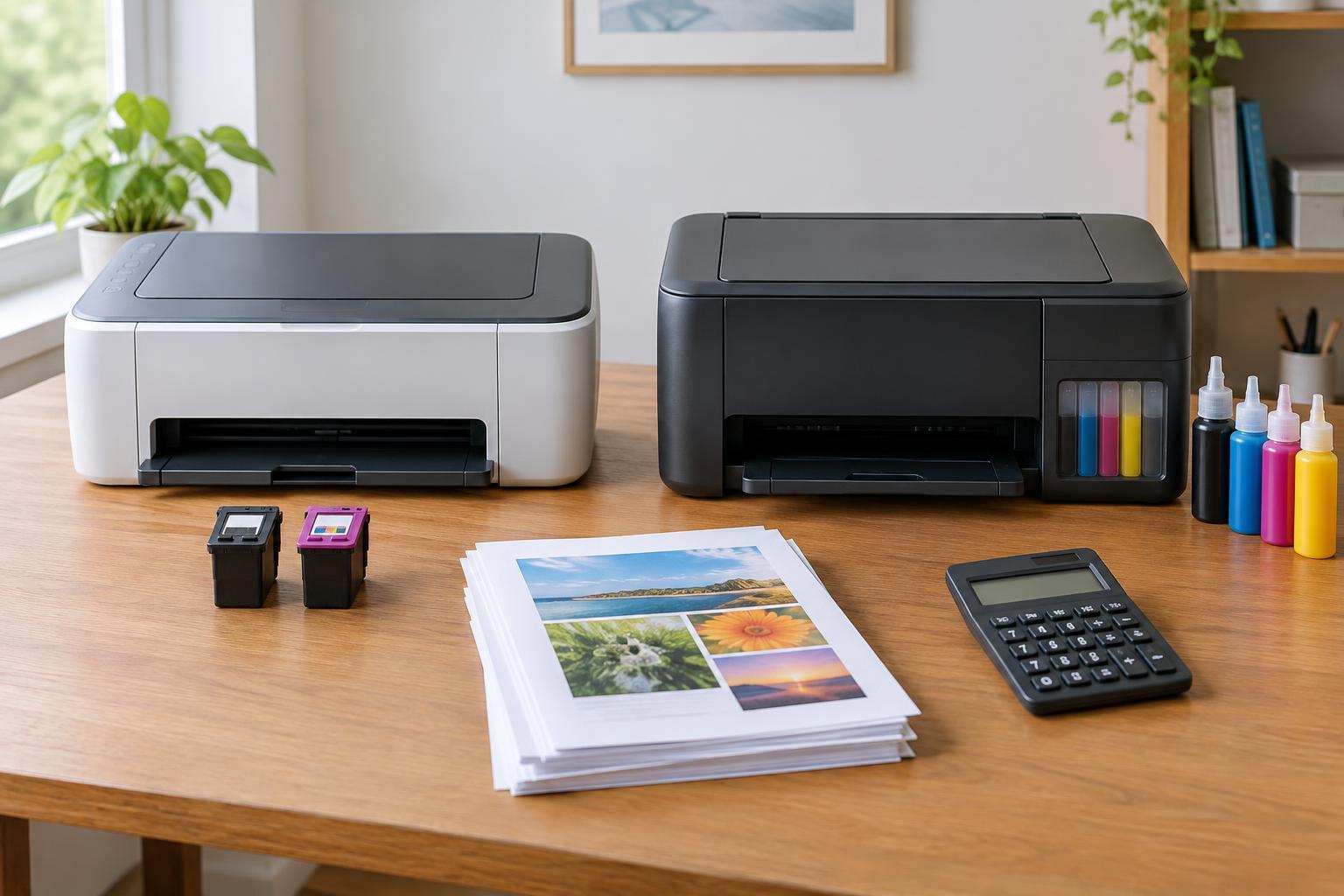
Printing and ScanningA cartridge printer may cost less to buy, while a refillable ink tank model may cost less to run. The better value depends on how much you print, what you print, and how long you expect to keep the printer. Here is a practical way to compare the full cost of each option.
Read article · 4 min↗
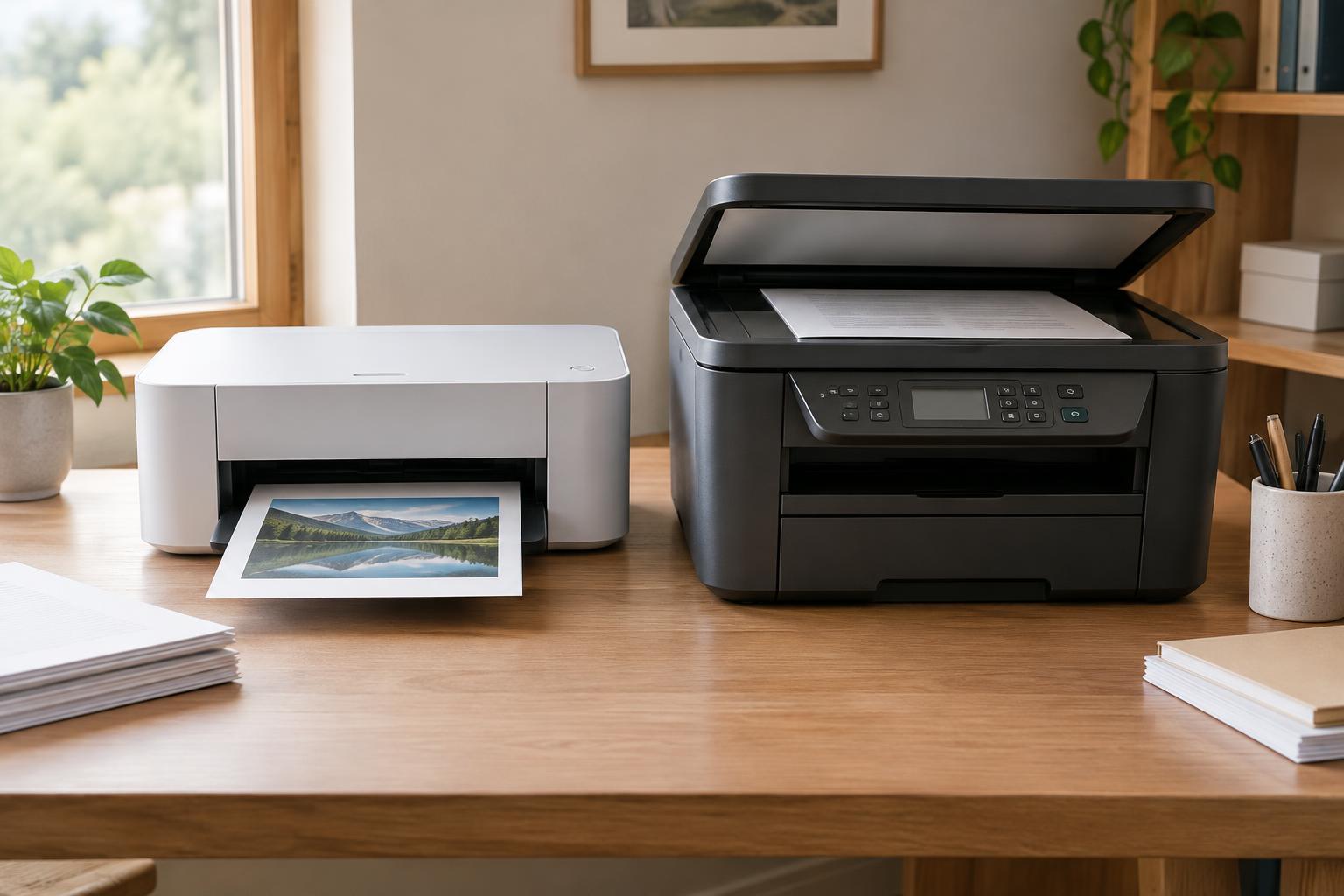
Printing and ScanningA single-function printer keeps printing simple, while an all-in-one adds scanning and copying, and sometimes faxing. The better choice depends on the documents your office handles, how often you digitize paper, and which features will save time rather than add clutter.
Read article · 4 min↗
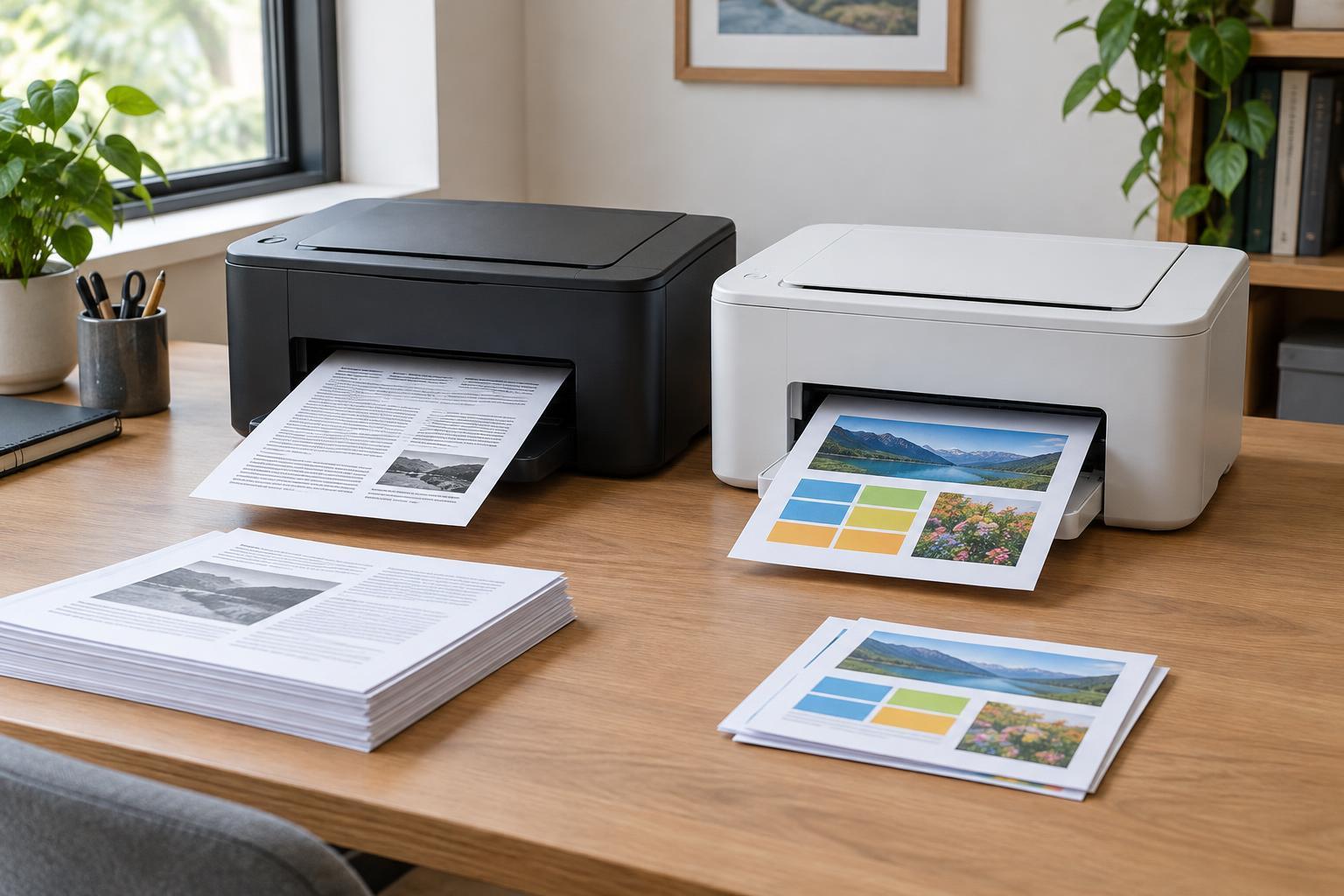
Printing and ScanningA monochrome printer can be a practical choice for text-heavy work, while color earns its place when it helps people understand or use a document. Compare your actual printing needs, running costs, and occasional color alternatives before you buy.
Read article · 5 min↗
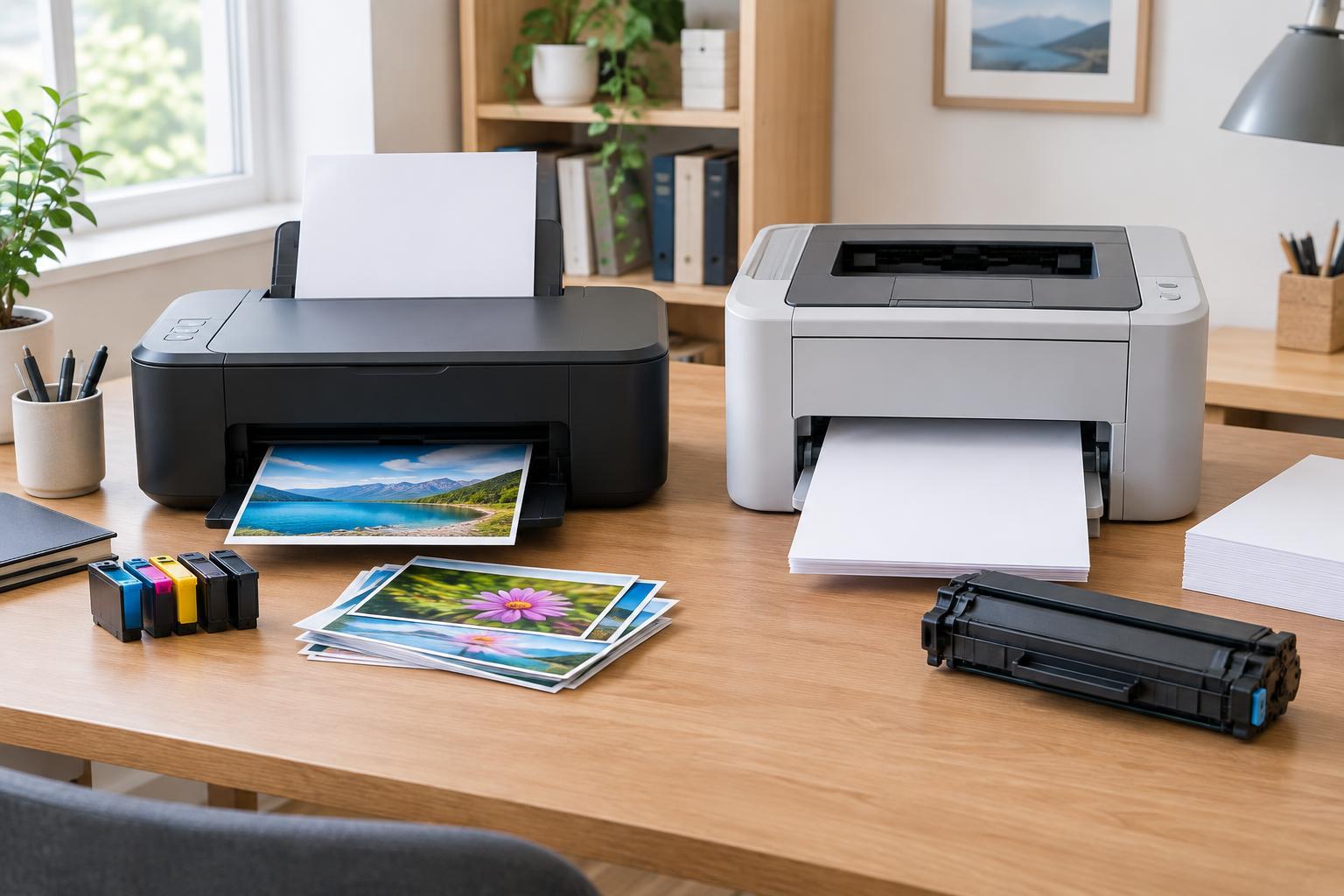
Printing and ScanningThe best printer for a home office depends less on its label than on what you print, how often you print, and what replacement supplies cost. Use this guide to compare inkjet and laser models by workload, output, and total ownership cost.
Read article · 4 min↗