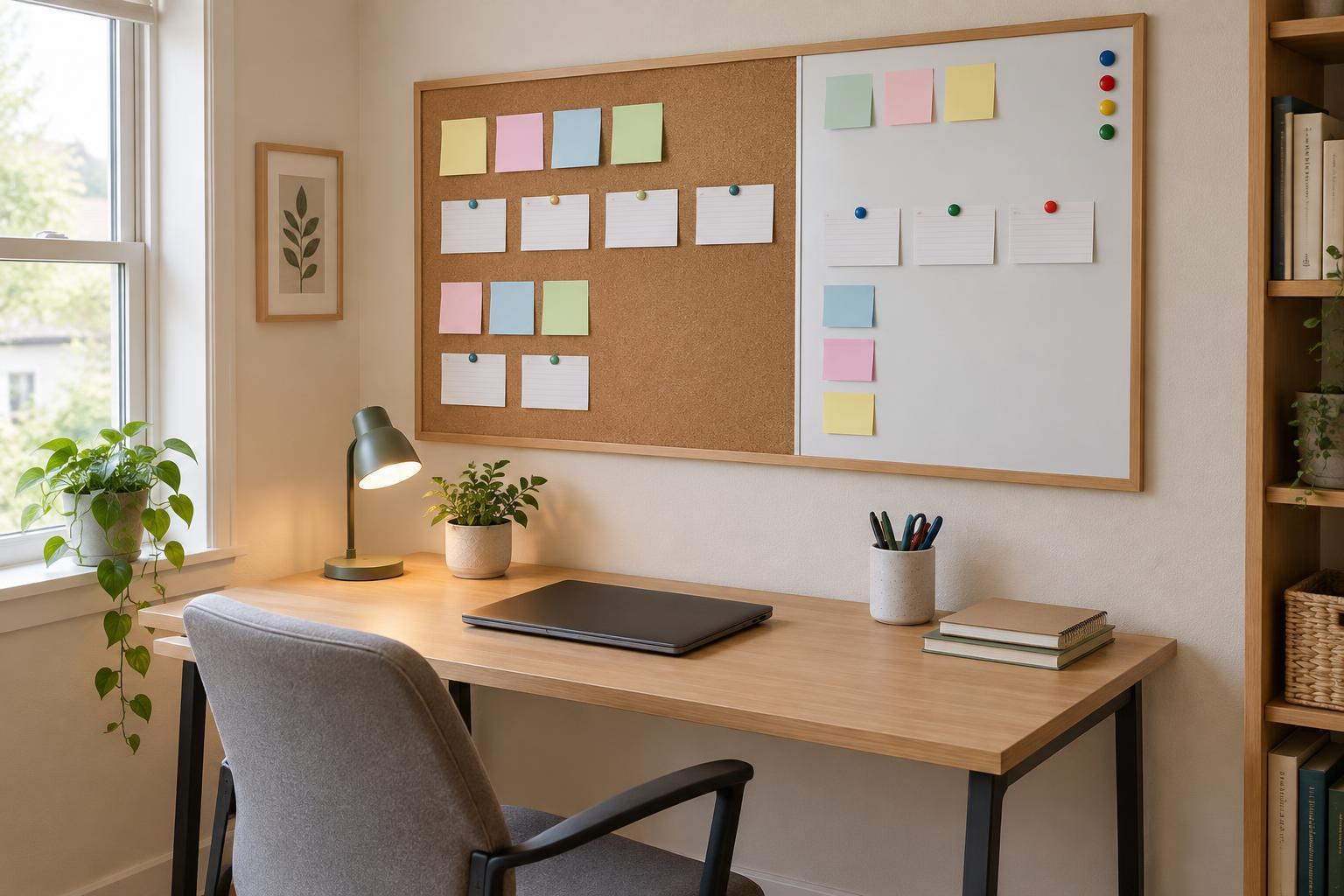
Workspace SetupA planning wall can make active projects easier to see without covering your desk in notes. Learn how to choose a surface, place it where you will use it, and keep it useful as work changes.
Read article · 3 min↗
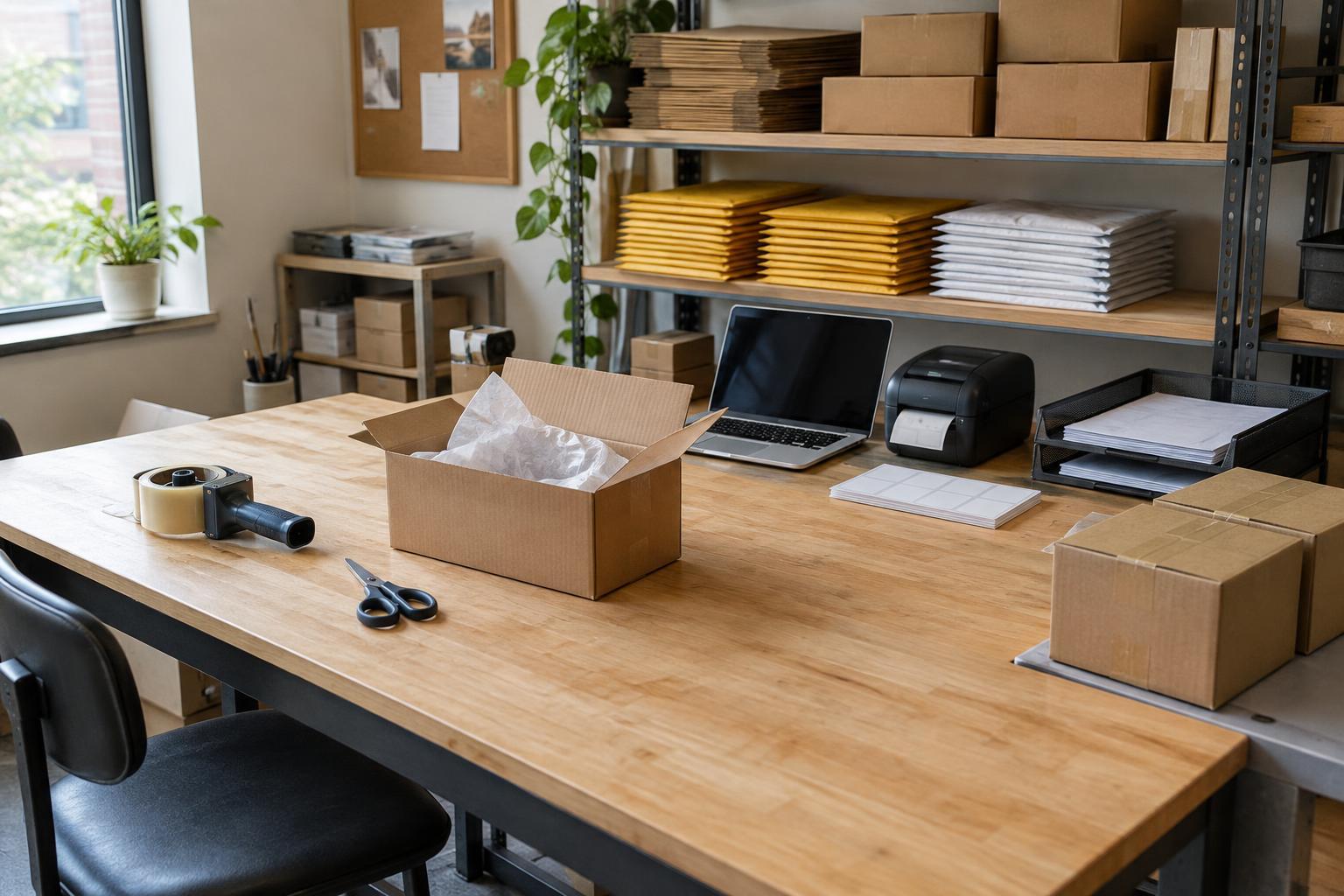
Workspace SetupA compact packing station can keep outgoing orders from taking over your desk. Learn how to choose a location, arrange supplies, make room for labels and paperwork, and build a simple end-of-day reset.
Read article · 4 min↗
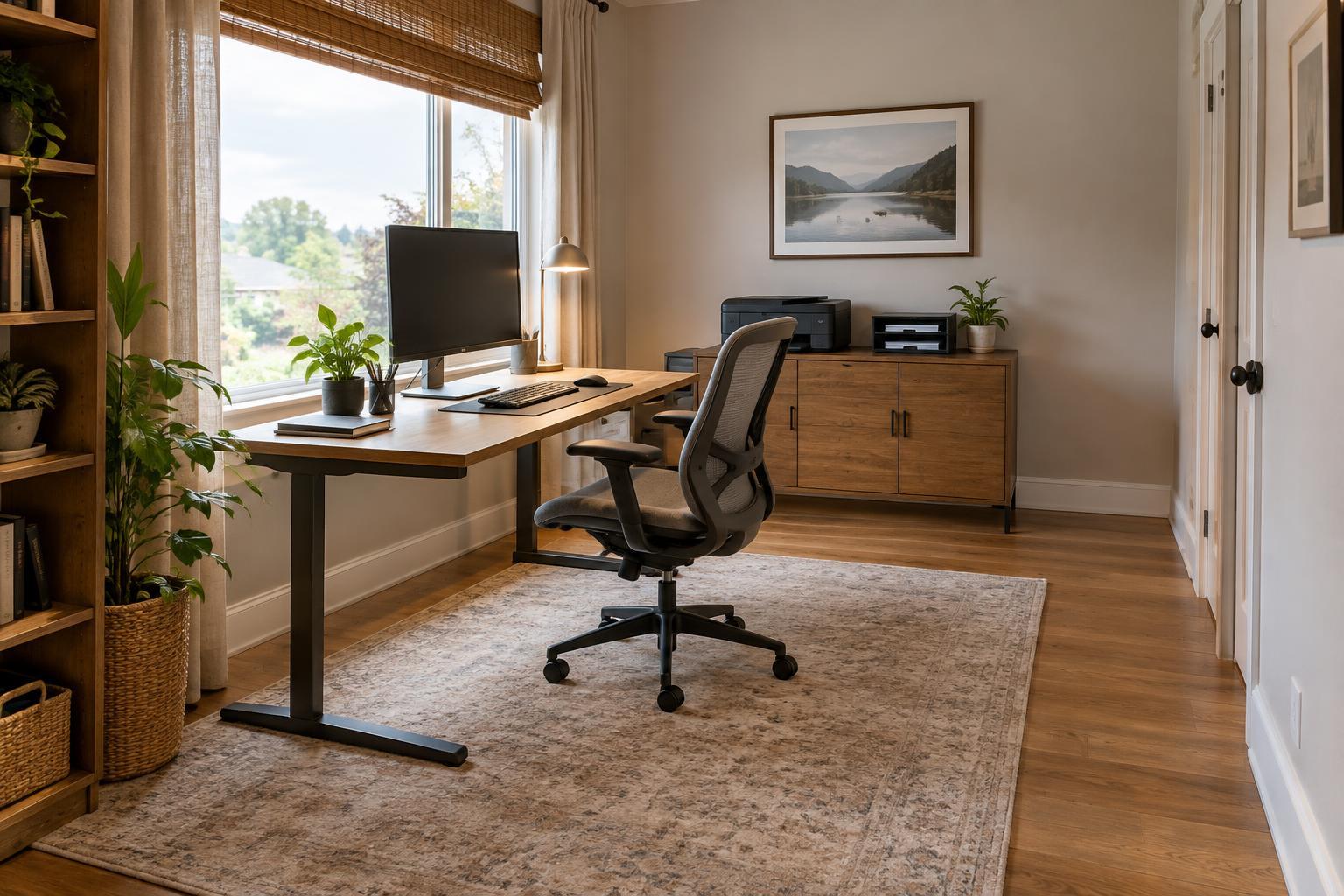
Workspace SetupA home office can feel cramped or distracting even when it has enough space. Learn how to correct common layout mistakes involving desk placement, lighting, equipment, storage, and the flow of everyday tasks.
Read article · 4 min↗
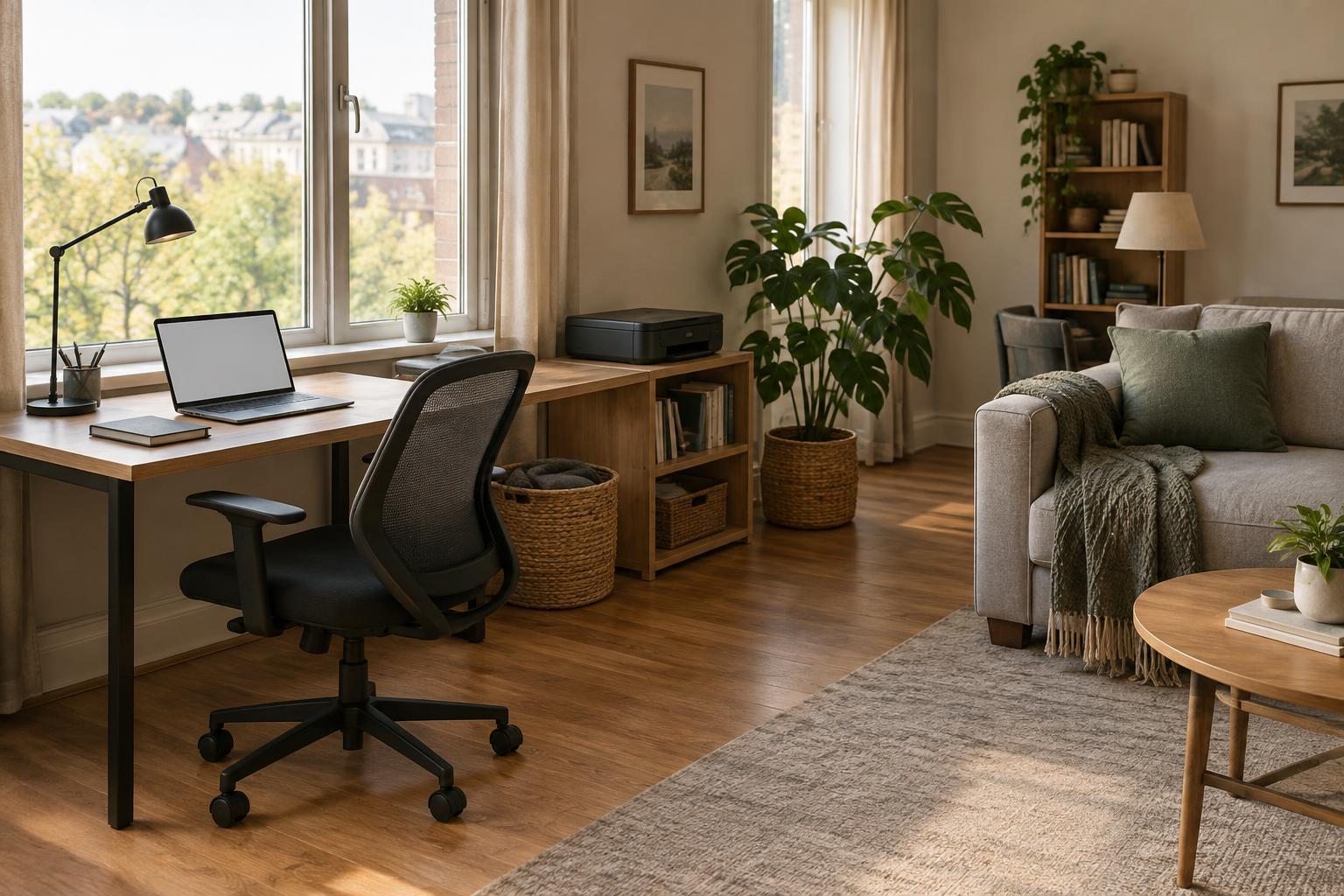
Workspace SetupA multipurpose room can support focused work without becoming a permanent office. Learn how to choose a work zone, manage light and noise, keep equipment accessible, and reset the space when the workday ends.
Read article · 4 min↗
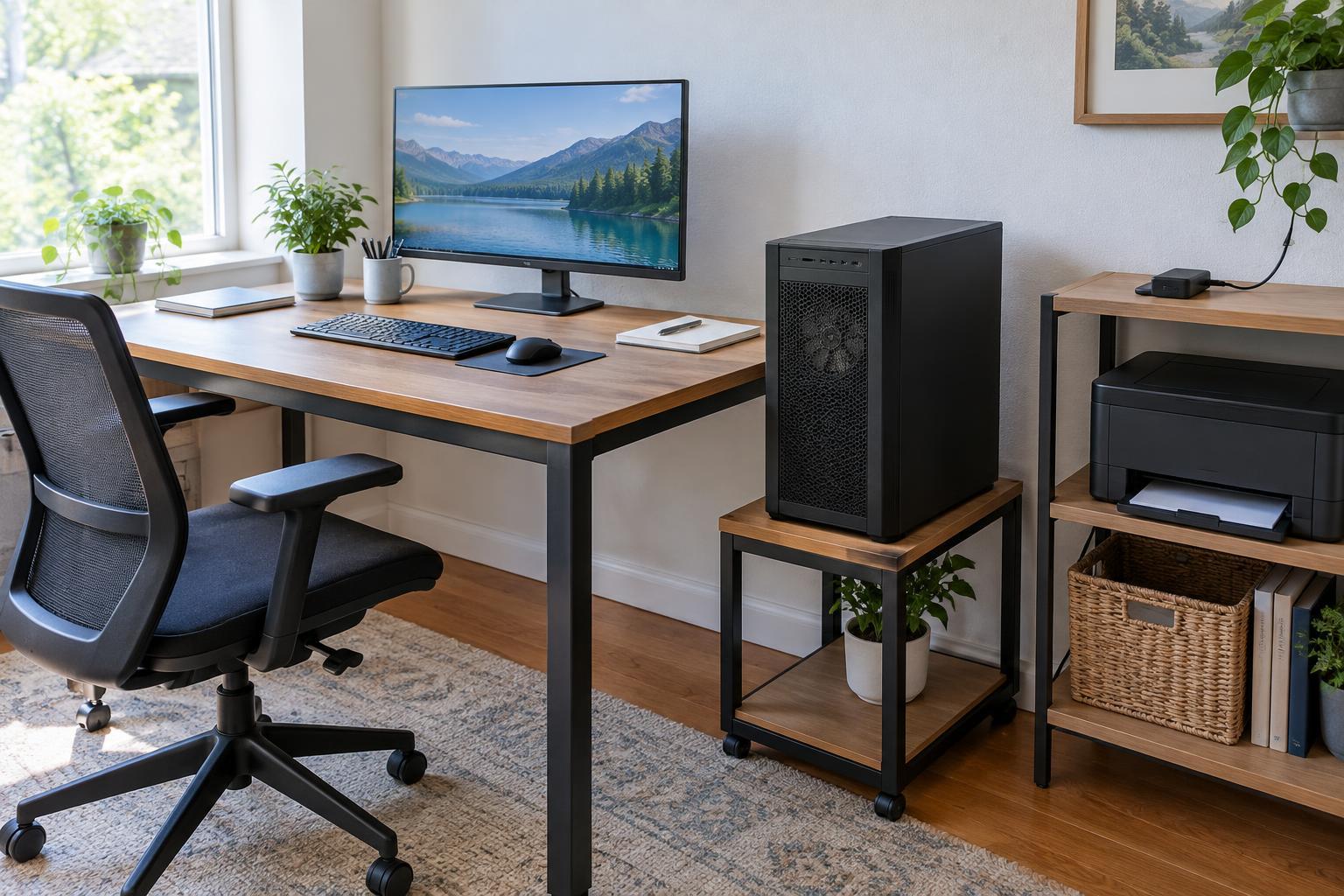
Workspace SetupA comfortable workspace also gives its equipment room to breathe. Learn how to place computers, printers, chargers, and other devices so vents stay clear, heat can escape, and routine maintenance is easier.
Read article · 4 min↗
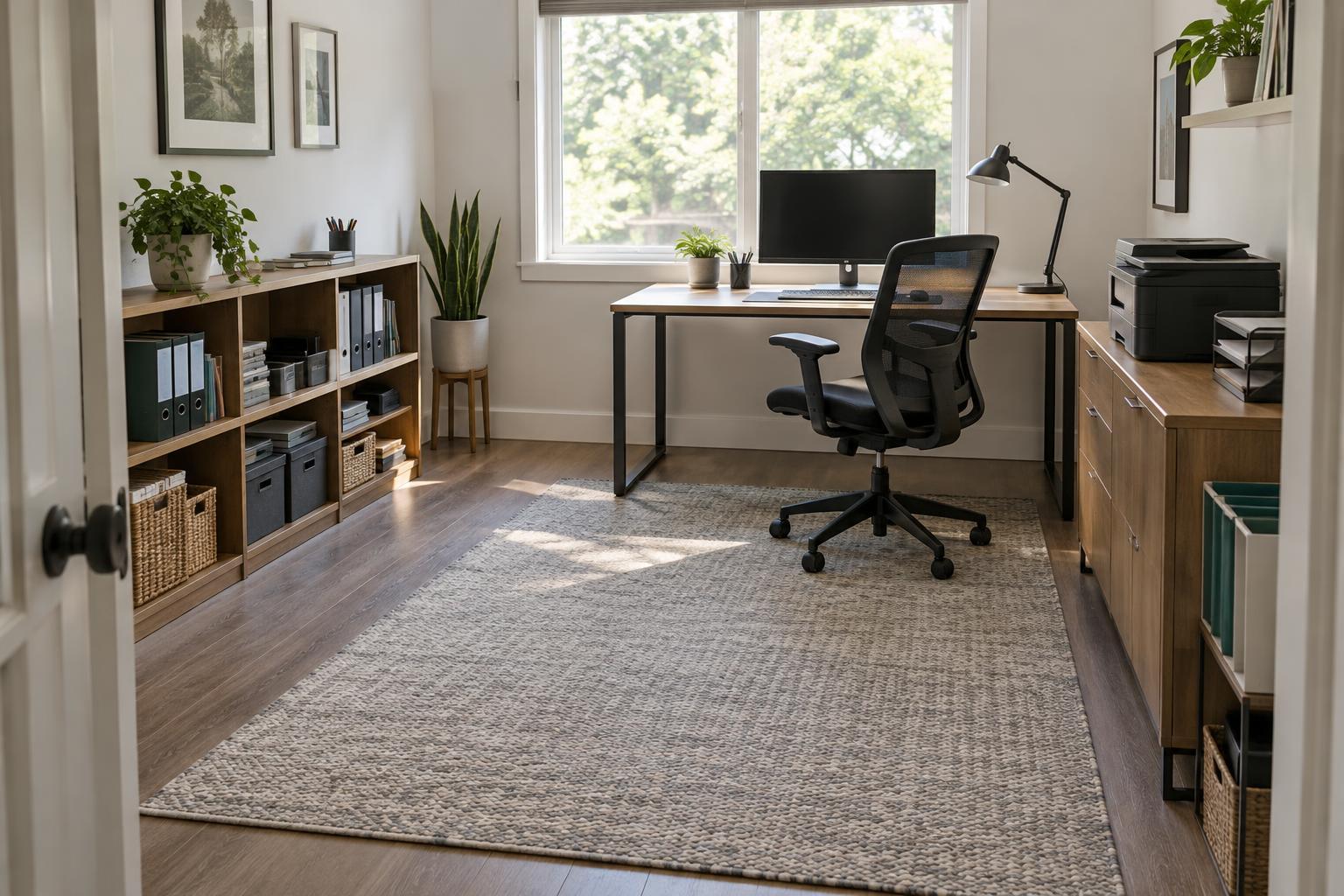
Workspace SetupA practical guide to placing desks, equipment, and supplies so a home office or small business workspace is easier to move through and use every day.
Read article · 4 min↗
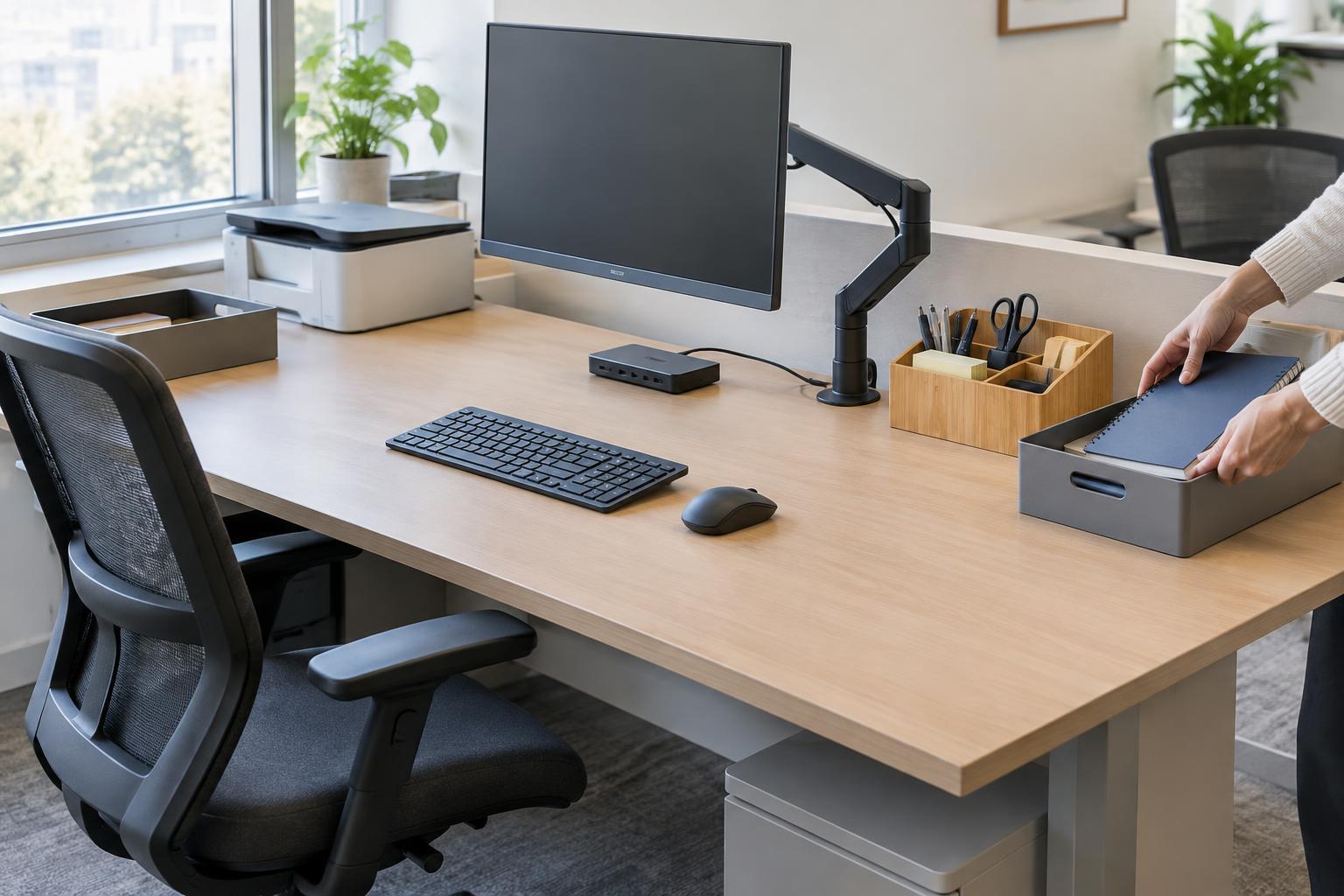
Workspace SetupA shared desk works best when the next person can start without clearing the last person’s work. Use a simple desk layout, labeled storage, adjustable equipment, and a short reset routine to make changeovers easier.
Read article · 4 min↗
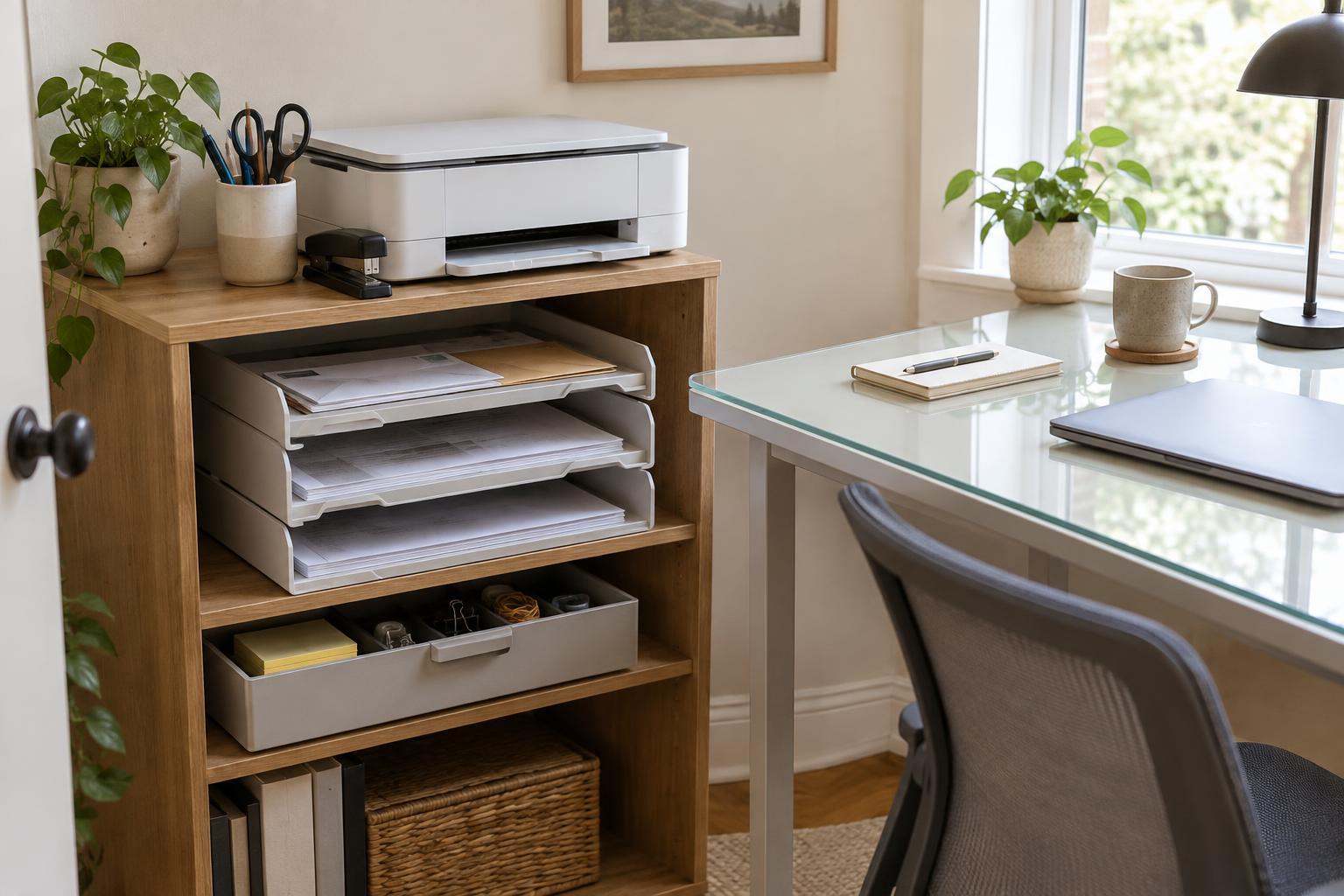
Workspace SetupGive mail, printouts, and everyday supplies a clear place to land. A small, well-labeled station can keep your desk available for work without turning paper storage into another project.
Read article · 4 min↗
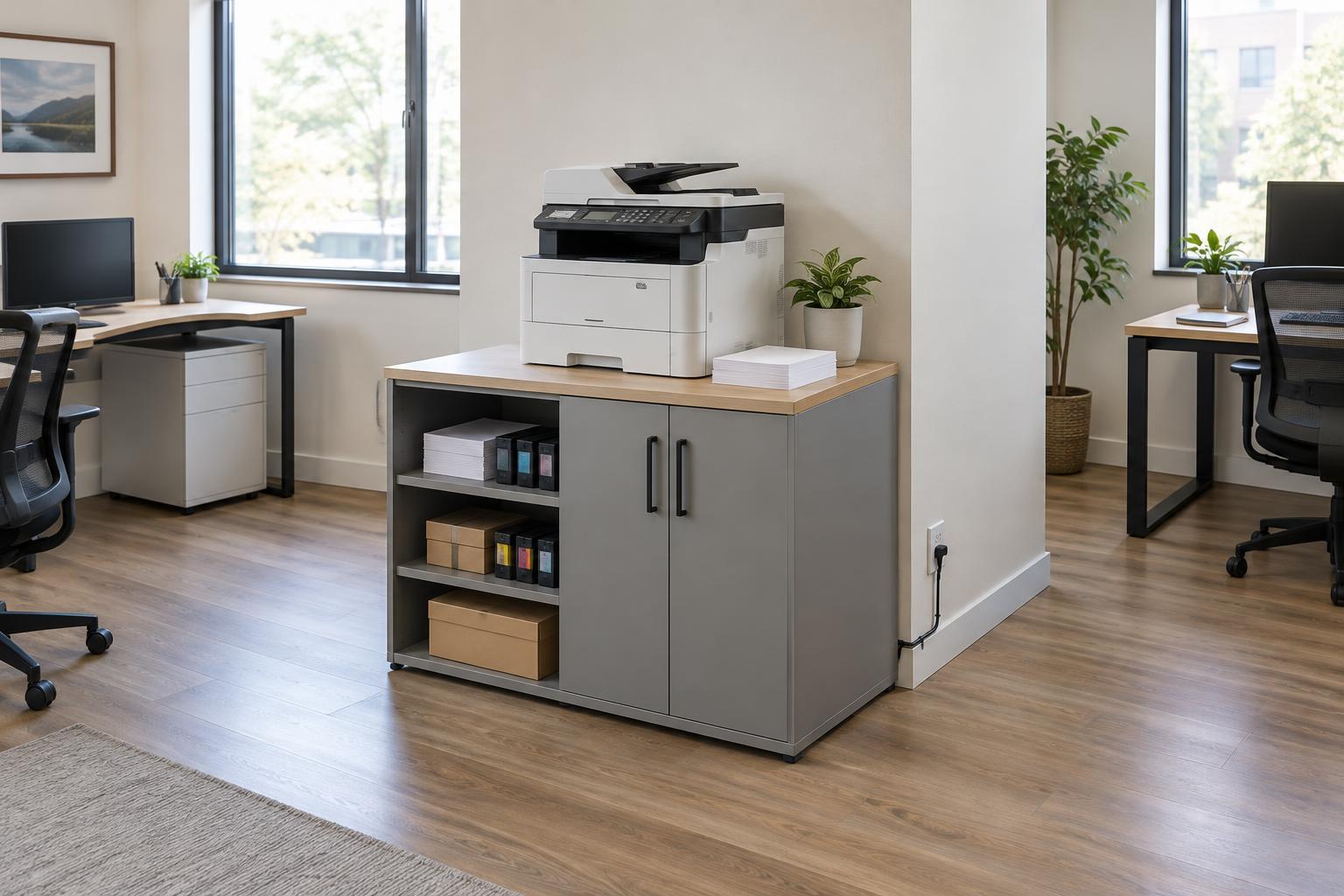
Workspace SetupA shared printer needs more than a convenient corner. Choose a location that balances walking distance, safe access, paper and ink storage, network connections, and room for routine maintenance.
Read article · 4 min↗
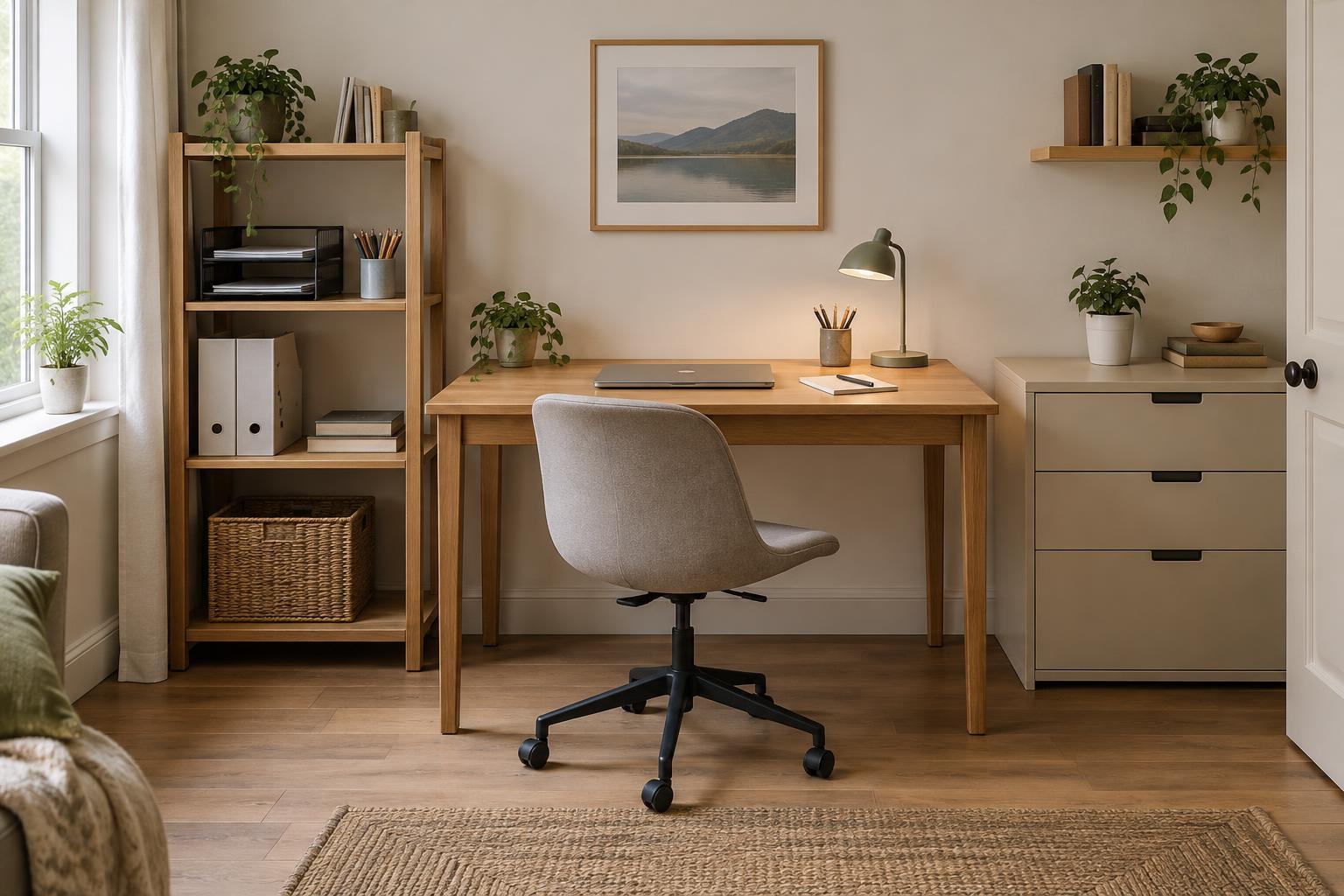
Workspace SetupOpen shelves make everyday supplies easy to reach, while closed storage keeps visual clutter and sensitive papers out of sight. Use access frequency, available space and the type of item to decide what stays beside your desk.
Read article · 4 min↗
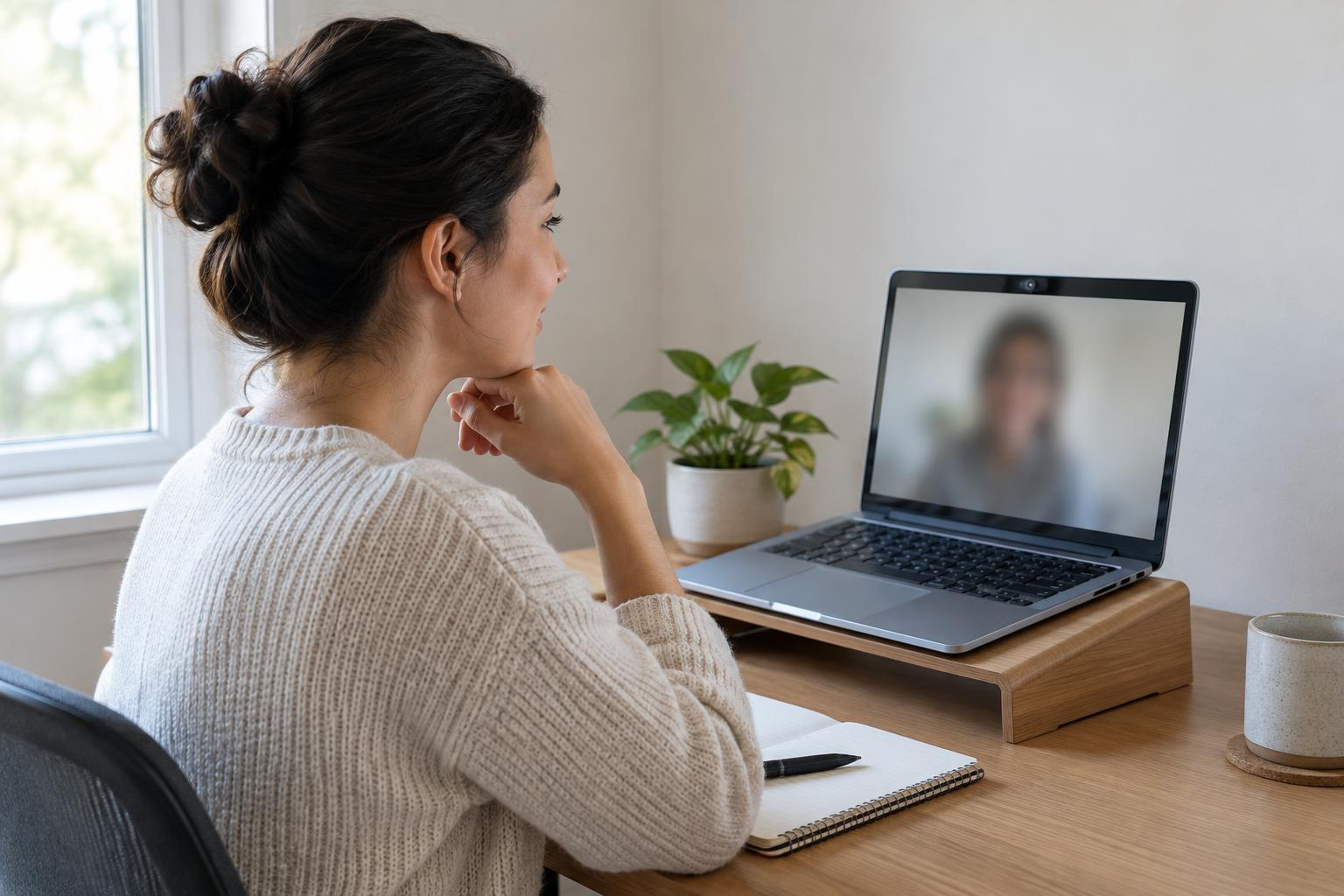
Workspace SetupA useful video-call setup does not require a dedicated studio. Choose a simple background, place light in front of you, frame the camera at eye level, and check what the call will reveal before you join.
Read article · 4 min↗
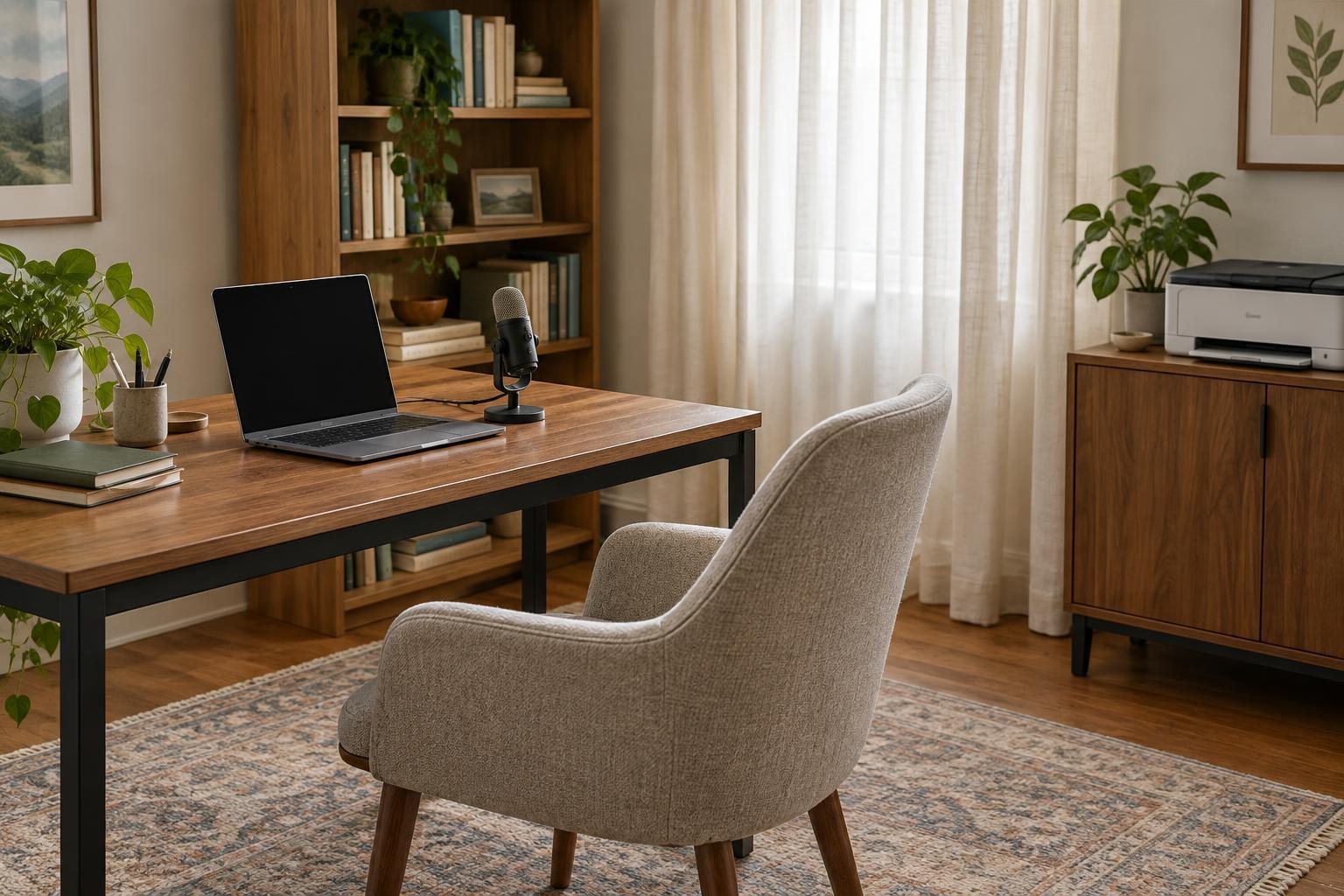
Workspace SetupA quieter home office starts with finding the noises that interrupt you most. Learn how to place your desk, reduce echoes, manage office equipment and improve call audio without assuming you need a full renovation.
Read article · 4 min↗
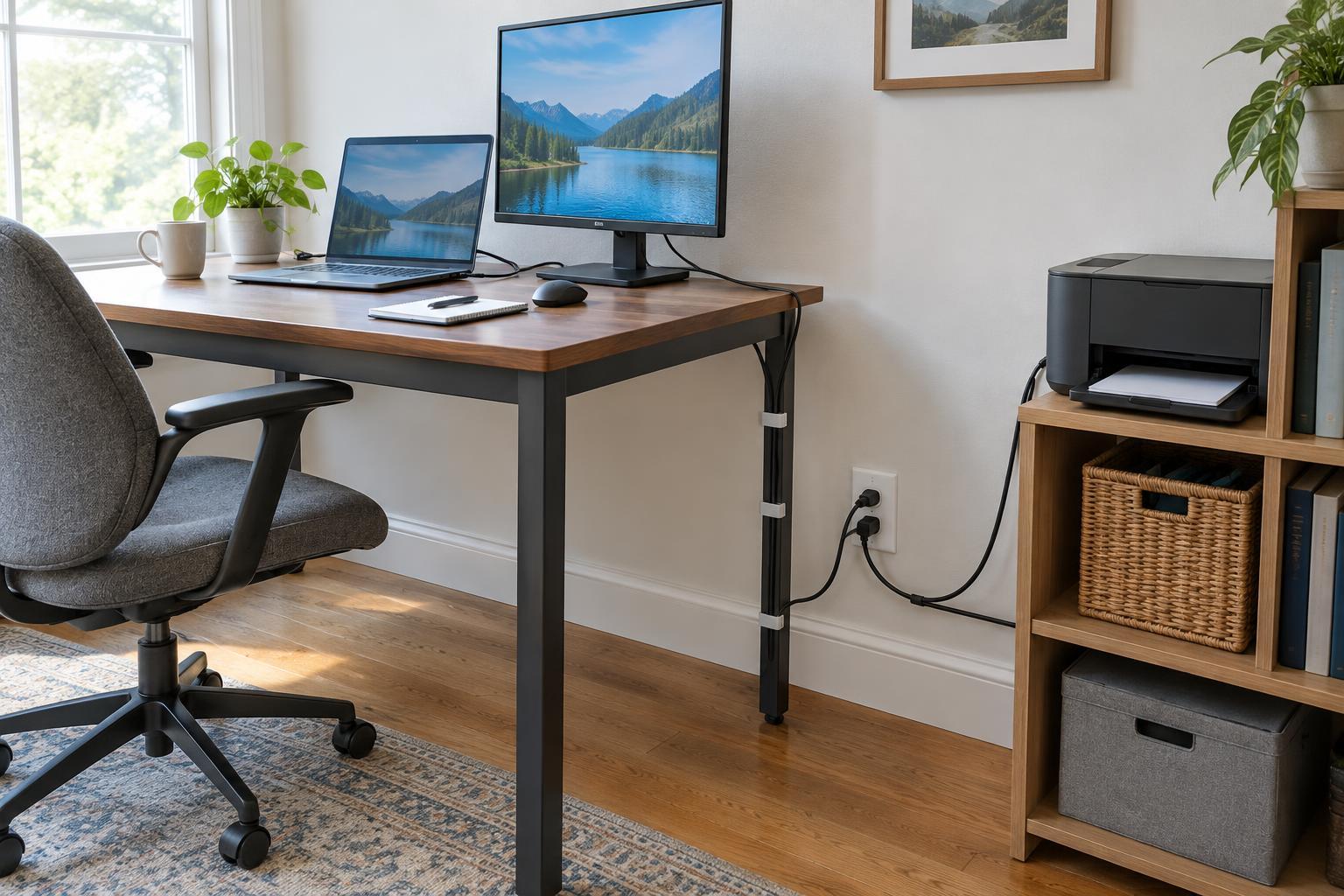
Workspace SetupA desk can fit a room perfectly and still be awkward to use if its outlets are hidden or too far away. Map your devices, check where their plugs and cables need to go, and leave room to connect and maintain equipment before settling on a layout.
Read article · 3 min↗
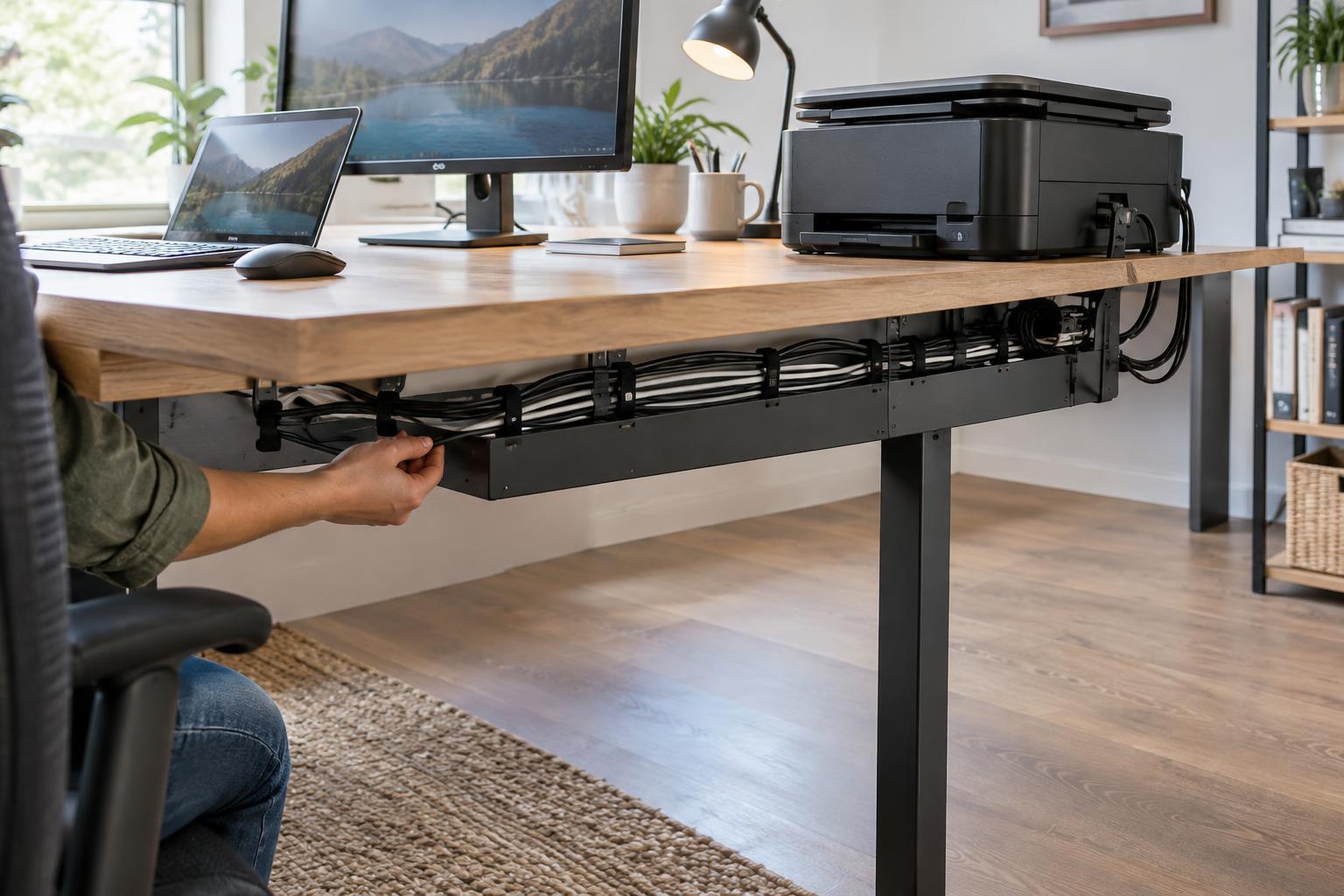
Workspace SetupA tidy cable setup should do more than look neat. Learn how to map your devices, choose safer routes, secure loose cords, and leave enough access for everyday changes and troubleshooting.
Read article · 4 min↗
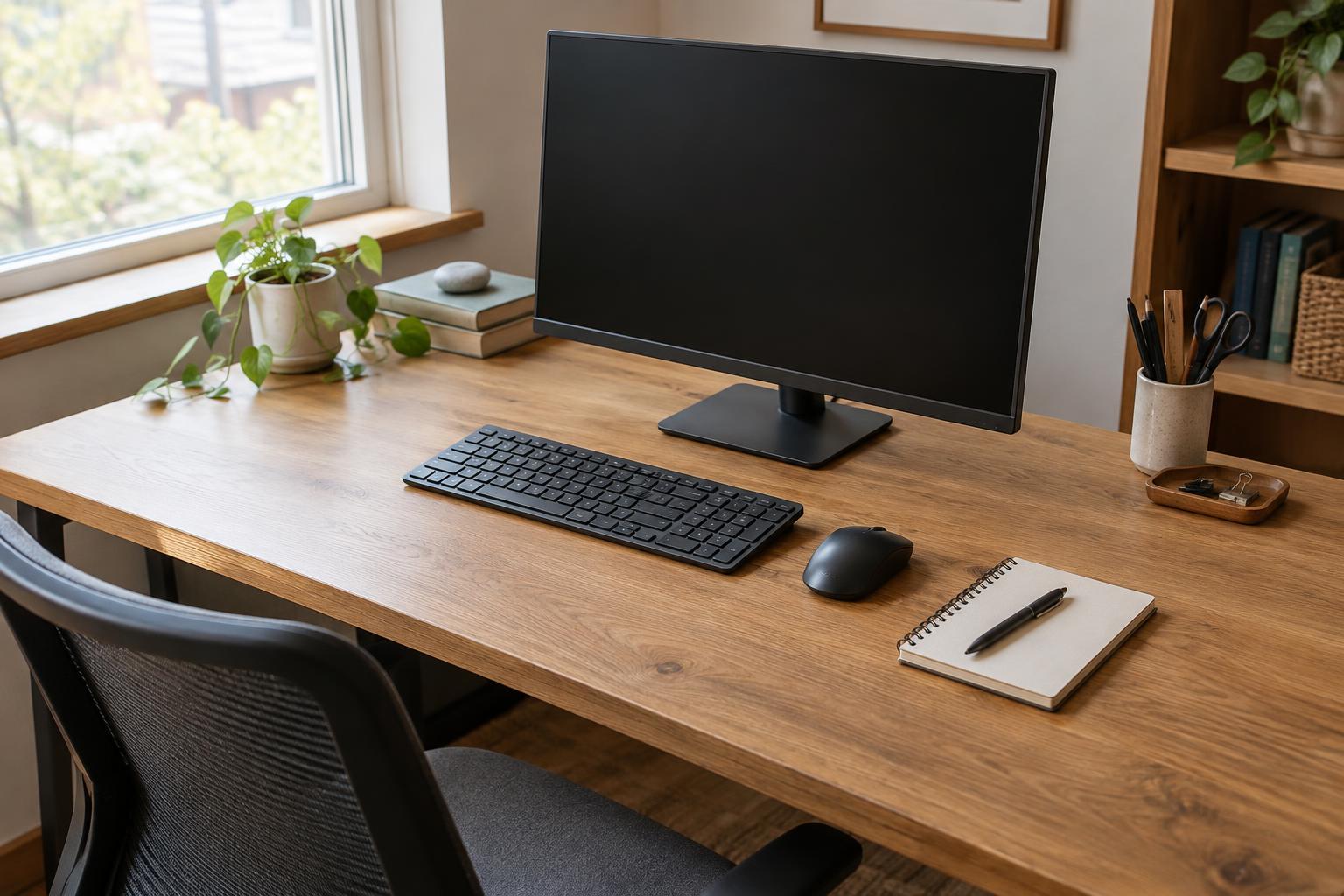
Workspace SetupA useful desk layout puts your most frequent tasks close at hand without crowding your work surface. Learn how to place your keyboard, mouse, and everyday supplies, then adjust the arrangement to fit the way you work.
Read article · 4 min↗
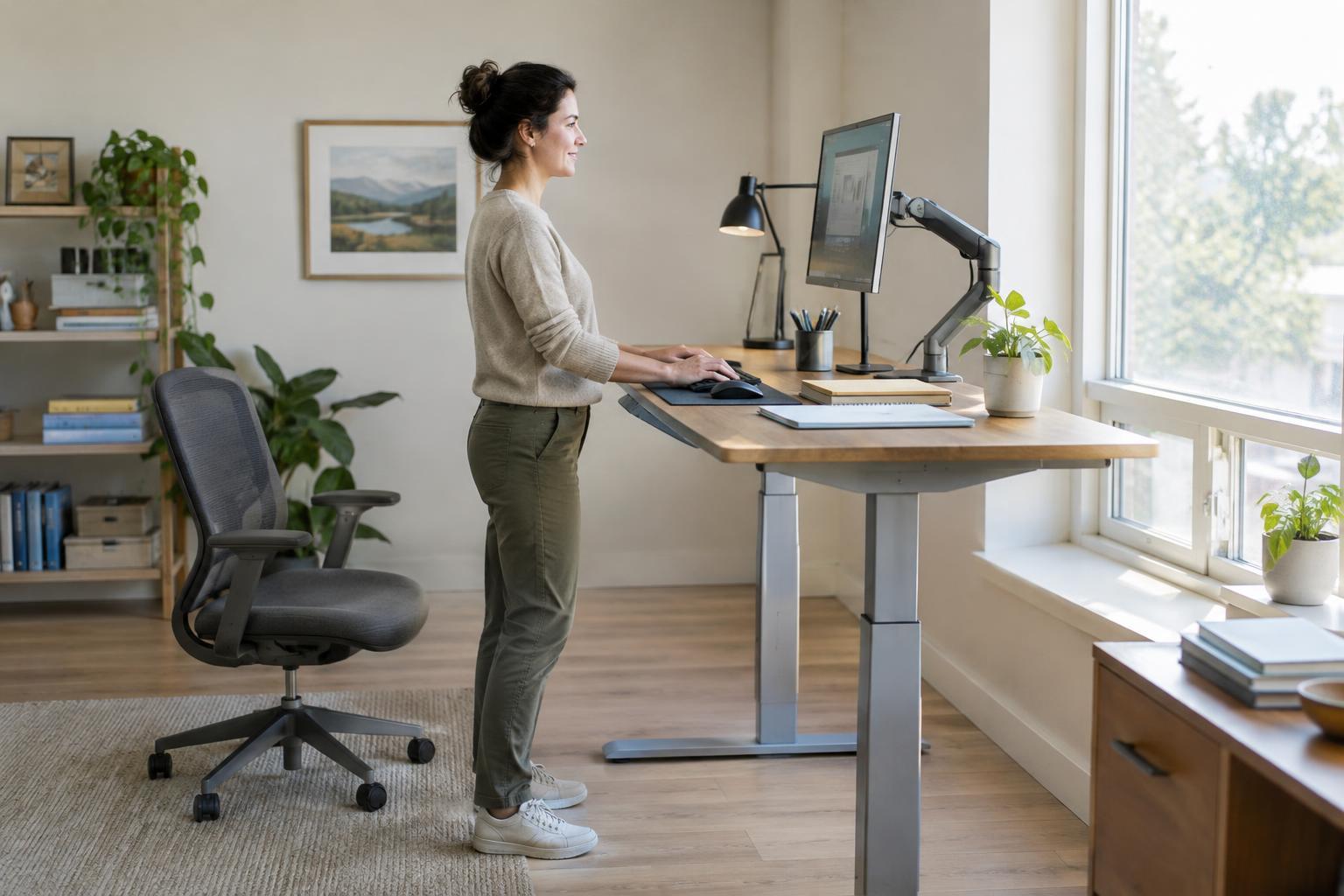
Workspace SetupA sit-stand desk works best when both positions support the way you use your keyboard, screen, and other office equipment. Learn how to set practical starting heights, spot common setup problems, and build a position-changing routine that fits your work.
Read article · 4 min↗
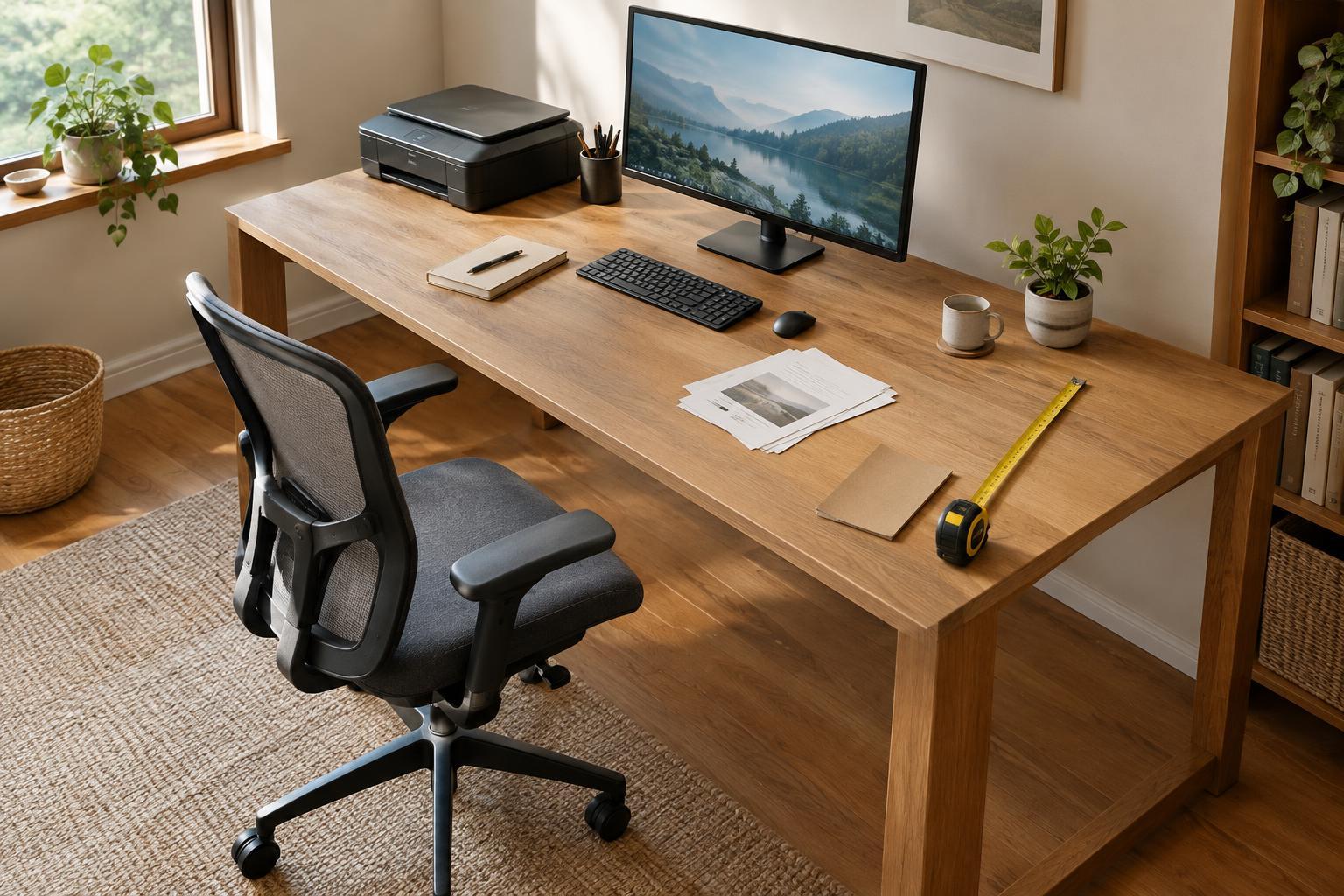
Workspace SetupA desk that fits the room may still be awkward to work at. Choose its shape and depth by mapping your daily tasks, measuring your equipment, and checking the space you need to move.
Read article · 4 min↗
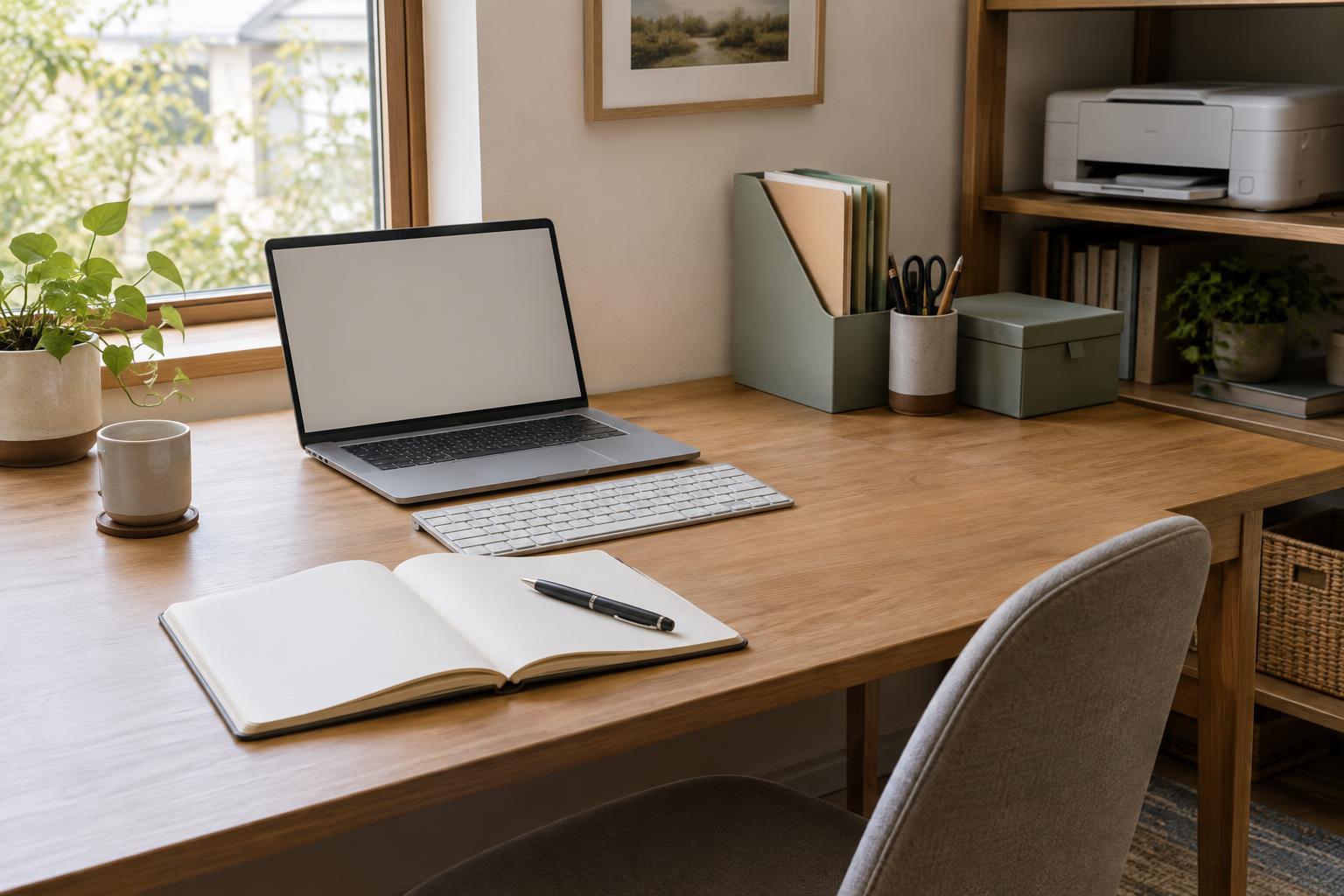
Workspace SetupA small desk works better when the items needed for the current task have room to breathe. Learn how to divide the surface into an active-work zone and a storage zone, place equipment according to how often you use it, and keep the arrangement easy to reset.
Read article · 4 min↗
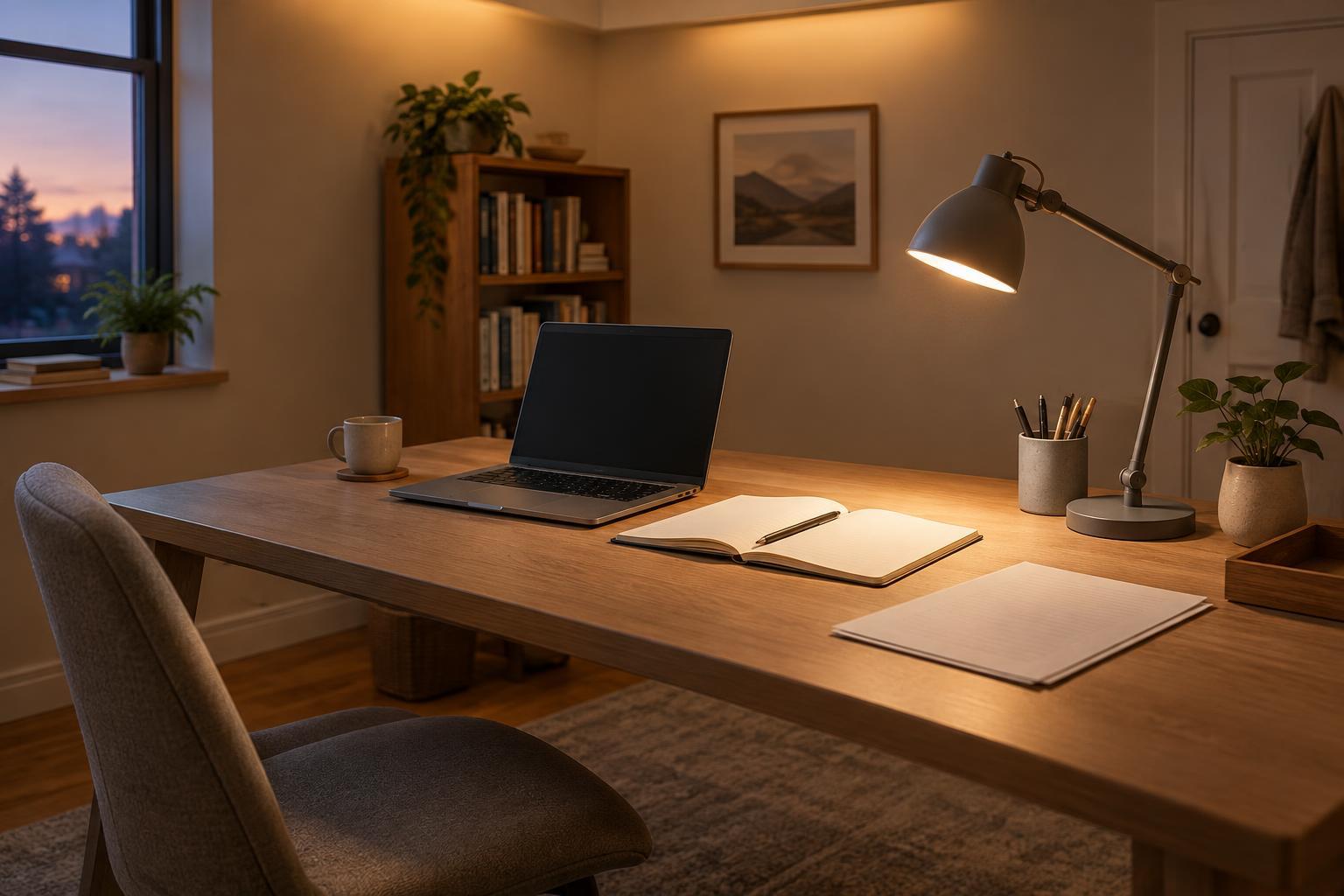
Workspace SetupA comfortable desk needs more than a bright lamp. Learn what task and ambient lighting each do, where to place them, and how to reduce glare on screens and paper.
Read article · 4 min↗
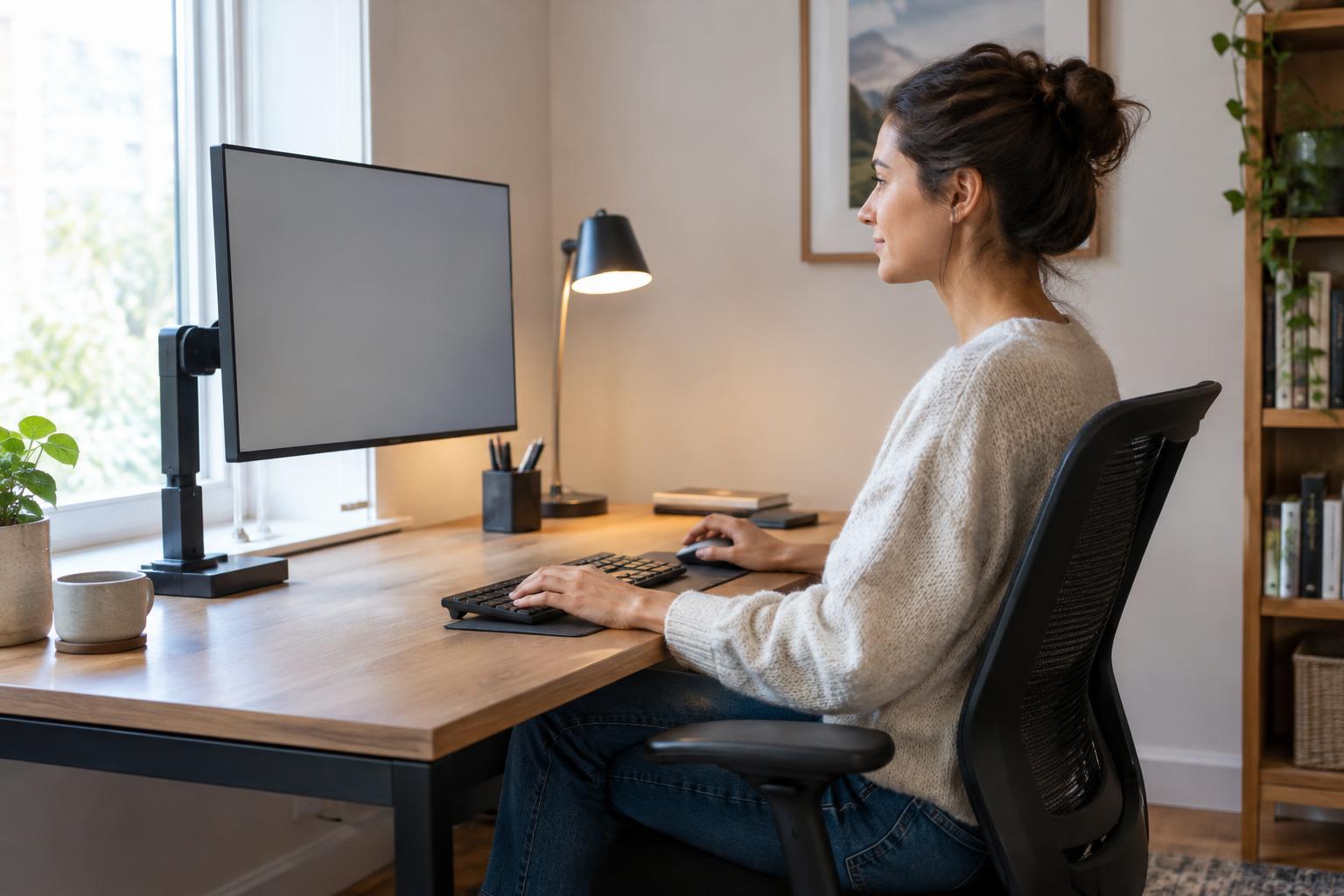
Workspace SetupA monitor that is too high, too far away, or facing a bright window can make a workday less comfortable. Use these practical placement checks to set your screen at a comfortable height and distance, then adjust nearby light to reduce glare.
Read article · 4 min↗
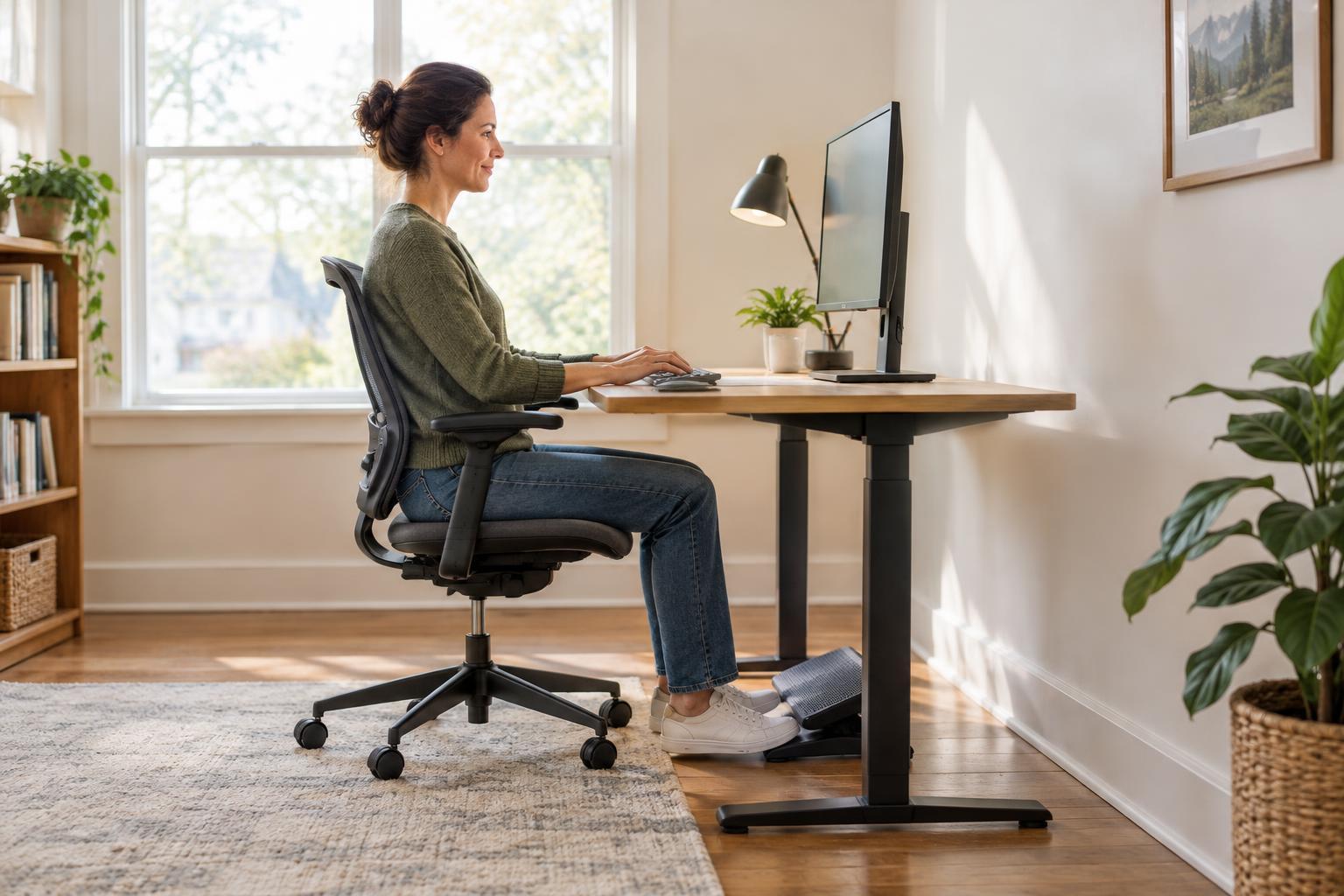
Workspace SetupA practical way to adjust your chair, desk, keyboard, and screen so your typing setup supports a relaxed posture. Start with your feet and elbows, then make small changes based on how the setup feels.
Read article · 4 min↗
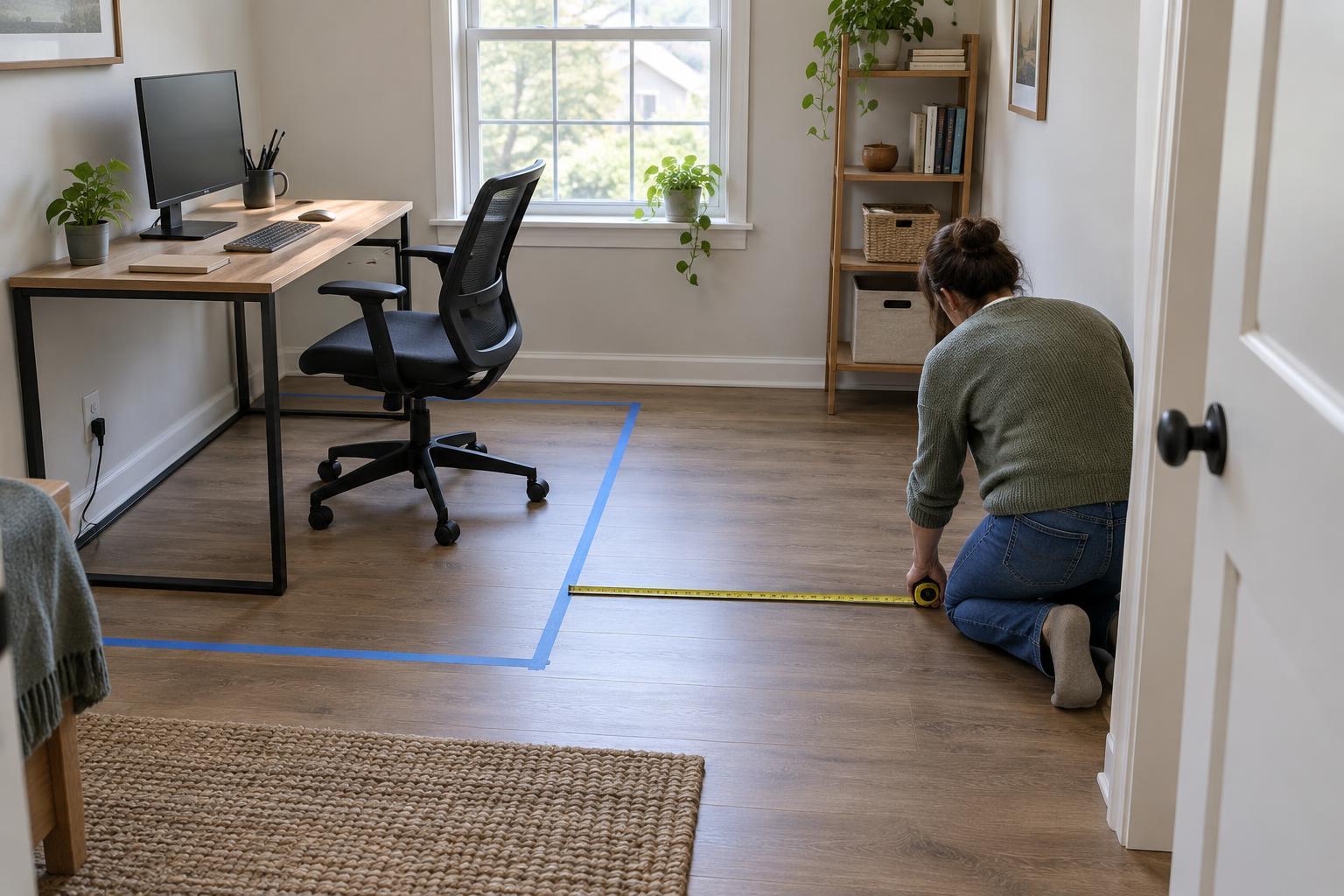
Workspace SetupA home office layout starts with more than the room’s length and width. Learn what to measure, how to account for doors and walking space, and how to test a desk arrangement before moving heavy furniture.
Read article · 4 min↗