Why the latest draft gets lost
Document confusion rarely starts with a complicated system. Someone downloads a file to make a quick edit. Another person changes the copy in a shared folder. A third sends an attachment called “final,” and soon there are several plausible versions. The problem is not just finding the newest file: the newest file may be missing an important change from an older one.
A useful version-control routine answers three questions: Where is the working copy? Who is responsible for the next change? How will everyone know when the document is approved? A home office or small team can answer these questions with a consistent folder, a naming rule and a few habits. The goal is to make the right action obvious, not to create extra paperwork.
Choose one home for the working copy
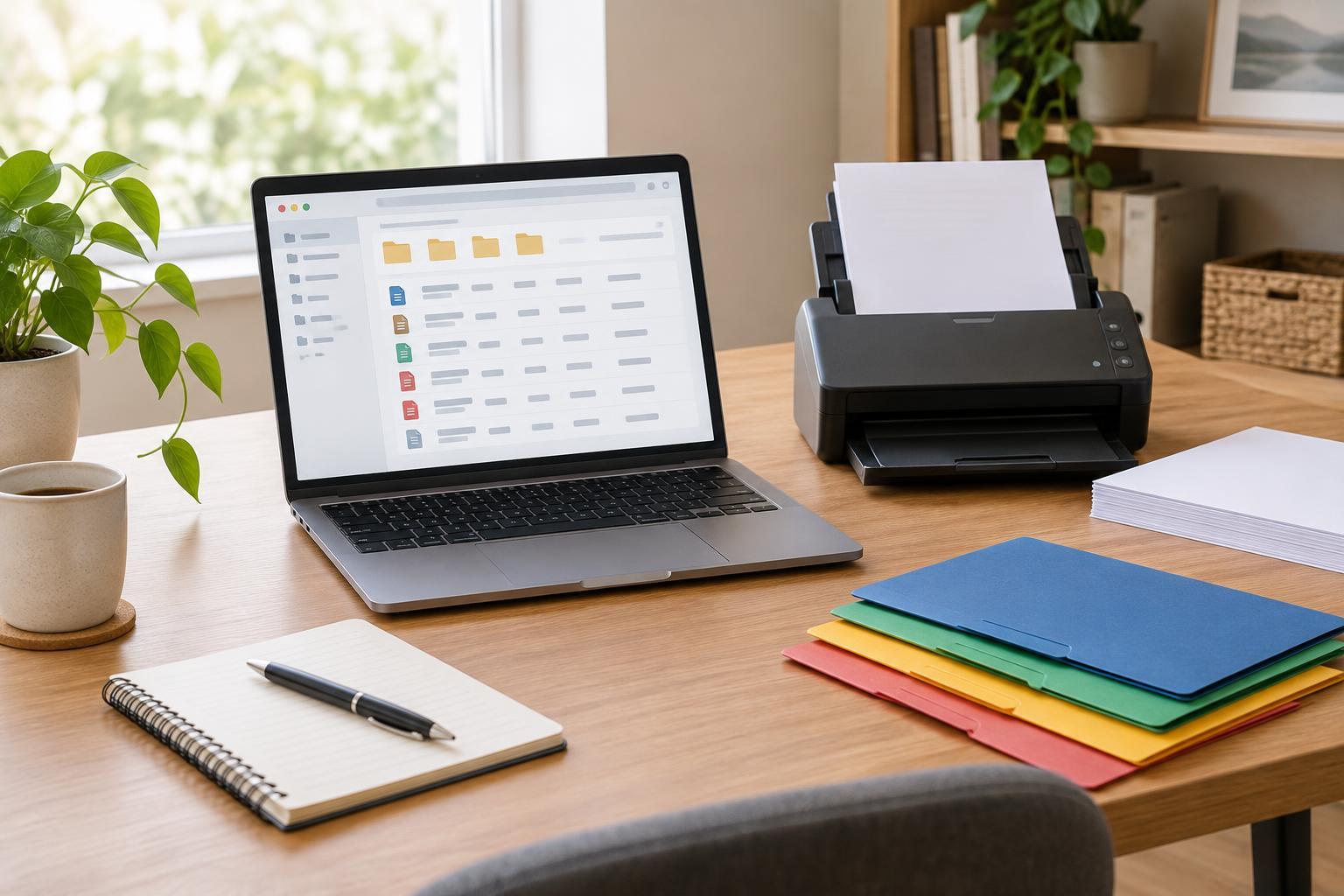
Pick one location for documents that are still being edited, such as a shared drive folder or a designated folder on one computer. Give each project a clearly named folder and keep its active draft there. If a file must be sent by email, say whether the attachment is for review only or is intended to replace the working copy. Otherwise, recipients may treat their downloaded copies as separate starting points.
If your document tool supports shared editing, use its collaboration and change-history features when they suit the task. They can make it easier to see recent changes without creating a new file for every small correction. They do not replace a clear handoff, though: collaborators still need to know who resolves conflicting suggestions and who approves the result. If shared editing is not practical, have one person hold the editing copy while others send comments or marked-up copies.
Name drafts so their status is visible
Choose a short filename pattern and use it consistently. For example, “ClientGuide_v03_review” identifies the document, its numbered version and its status. Numbered versions are particularly helpful when several drafts are produced on the same day. A date can also be useful, but write it in a consistent year-month-day order so names sort sensibly. Avoid relying on labels such as “new,” “latest” or “final-final”; their meaning changes as work continues.
Save a new numbered version at meaningful checkpoints, such as before a major rewrite or after a round of feedback has been incorporated. Small spelling fixes may not need a separate file if your tool already keeps a usable history. When you do create a new version, leave older checkpoints intact rather than overwriting the only copy that shows what changed. If storage or privacy rules limit what you keep, agree on those limits before the folder fills up.
Make reviews and approvals unambiguous
Tell reviewers exactly which draft to comment on and where to leave their feedback. Comments in one shared file are easier to reconcile than several independently edited attachments. If reviewers must return separate files, ask them not to rename the base document beyond adding their name or initials. The person combining feedback can then identify each response without mistaking one review copy for the master.
Keep a brief note of major decisions in the document or alongside it: what changed, what still needs checking and who has approved it. This need not be a formal log. A few lines can prevent a resolved issue from being reopened or an unanswered question from disappearing. Before calling a document approved, check that feedback has been addressed, the intended approver has seen the correct version and any links or attachments still point to the intended files.
Separate the final copy from the archive
Once a document is approved, place the release copy where people will expect to find it and give it an unmistakable status, such as “approved” or “issued.” Consider a read-only format for material meant to be viewed or distributed rather than edited, while keeping the editable source file available to the person responsible for future updates. Move superseded drafts into an archive folder so they remain recoverable without crowding the active workspace.
If someone discovers a mistake after release, do not quietly replace the file and assume everyone has the correction. Create a revised version, make its status clear and notify people who received or rely on the earlier copy. That final step is what turns file naming into a dependable workflow: people can tell not only which document is current, but also when the current document has changed.