Start with one home for each contract
A contract is easier to manage when everyone knows where its working files belong. Create one folder for each agreement in a shared location that the appropriate people can access. Give the folder a consistent name, such as the other party’s name followed by the project or service. Keep drafts, supporting documents, correspondence that explains agreed changes, and the final signed copy together, but use separate subfolders or clear filenames so they cannot be confused.
Before drafting begins, assign an owner: the person responsible for moving the agreement through each stage. The owner need not write every clause or make every decision. Their job is to know which version is being reviewed, who must respond next, and where the finished record will be stored. A simple tracker can list the agreement name, owner, other party, current stage, next action, and target date. A spreadsheet may be enough for a small volume of contracts; a shared workflow tool may be more useful when several people regularly need updates.
Control drafts and make reviews specific
Begin with a suitable approved template if your organization has one, then save a new working copy for the particular agreement. Use filenames that identify the agreement and version, such as “Service Agreement – Client Name – v02.” Avoid naming several files “final”: a version number and a clear status, such as “draft,” “for review,” or “signed,” are less ambiguous. Where possible, ask reviewers to comment on the same working copy or return changes to the owner rather than circulating multiple competing edits.
A review request should say what kind of input is needed and by when. One person may check the description of work, another may confirm pricing and payment details, and an authorized approver may decide whether the terms can be accepted. Track open questions in the document or in a short issue list. When a decision is made, update the draft and resolve the related comment so it does not resurface later. Before seeking signatures, compare the agreed version with the copy being sent, confirm that names and attachments are correct, and make sure required internal approvals are recorded.
Treat signature as a handoff, not the finish line
Choose a signing method appropriate for the agreement and your organization’s requirements. A digital signature service can keep the signing steps and completed copy together; a paper process may still be needed in some circumstances. Either way, send the version approved for signature, identify every required signer, and avoid editing the document while signatures are being collected. If a change is necessary, pause and confirm which version everyone should sign.
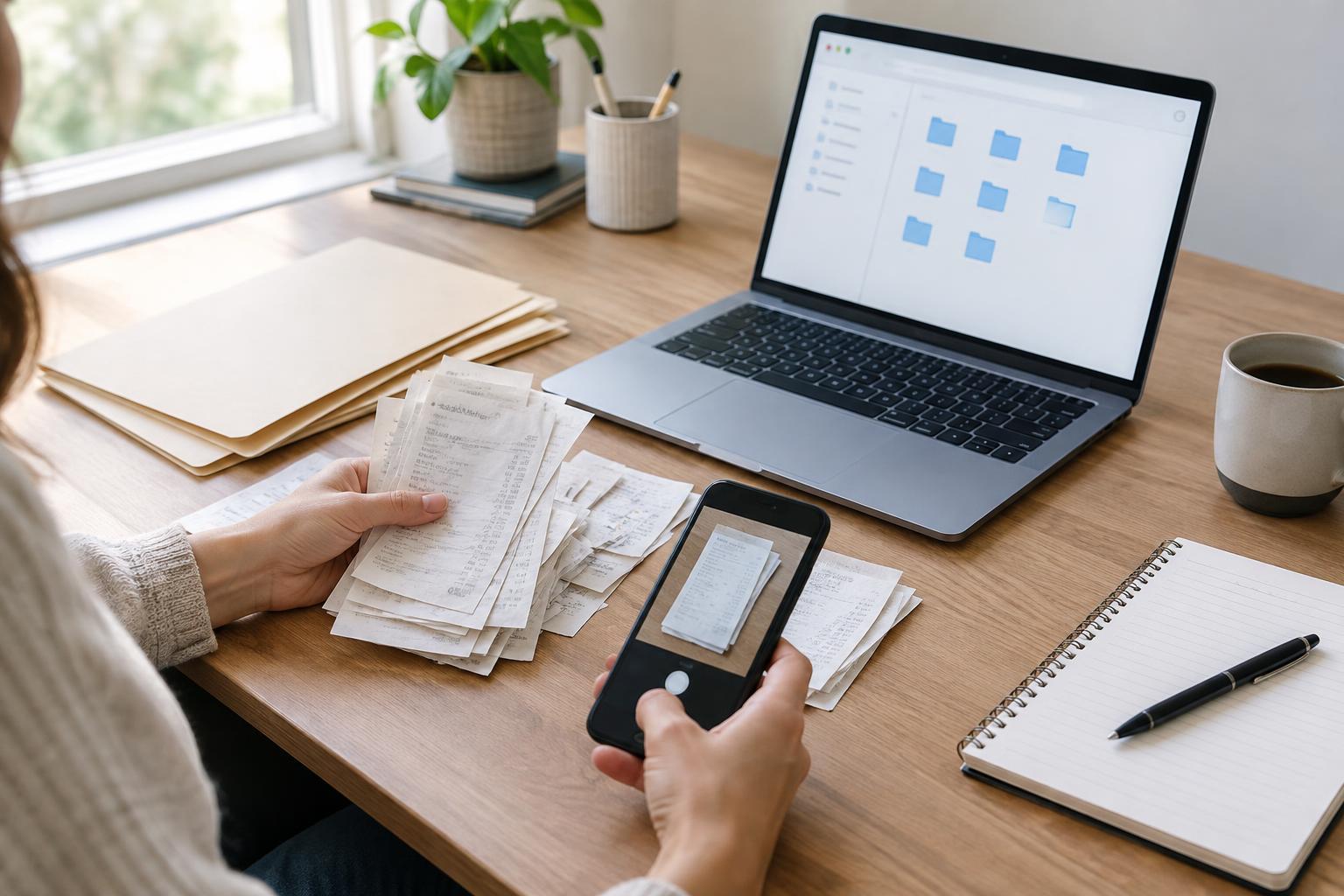
After signing, check that all required signatures, dates, schedules, and exhibits are present. Save a complete copy in the agreement’s folder and label it clearly as signed. If the agreement was signed on paper, scan every page in order and check that the text and signatures are legible before filing the scan. Keep any original paper document according to your organization’s retention practices. Restrict access to sensitive terms and personal information, while ensuring people who must carry out the agreement can find the relevant instructions.
Turn the signed document into a usable record
The signed file answers what was agreed, but staff also need to know what to do next. Add a short record to the tracker with the start date, end date if applicable, notice deadline, payment or delivery milestones, and the person responsible for each obligation. Note where each detail appears in the agreement so someone can verify it against the signed text. If a date depends on an event rather than a fixed calendar day, record the trigger and who will confirm when it occurs.
Set reminders for actions that could otherwise be missed, especially notice periods, scheduled reviews, and recurring deliverables. Put reminders far enough ahead to allow time for an internal decision and any required communication with the other party. If the agreement changes later, store the signed amendment with the original and update the tracker. Do not silently overwrite the original signed copy: keeping both documents makes the history easier to follow.
Review renewals before they become urgent
A renewal check should begin with the signed agreement and any amendments, not with an old draft or an assumption about how the arrangement works. Confirm whether the contract ends, renews automatically, or continues until someone gives notice. Then review whether the service or relationship still meets the office’s needs, which terms may need changing, and who has authority to approve the next step. Record the decision and its owner in the tracker.
If the agreement is renewed, save the new signed document or amendment in the same folder and refresh the key dates and reminders. If it ends, record the end date and any practical closeout tasks, such as collecting equipment or confirming final deliverables. A consistent process does not eliminate the need to read each agreement carefully, but it reduces the chance that an important document, decision, or deadline is lost between drafting and the next renewal.