Give every invoice one entry point
Invoice processing often becomes confusing before anyone checks an amount. A bill might arrive by email, in a delivery box or through the post, then sit in someone’s personal inbox or on a desk. Start by choosing one place where incoming invoices are collected. For a small team, that might be a shared email inbox plus a clearly labeled paper tray. The entry point should be easy for everyone who receives invoices to use.
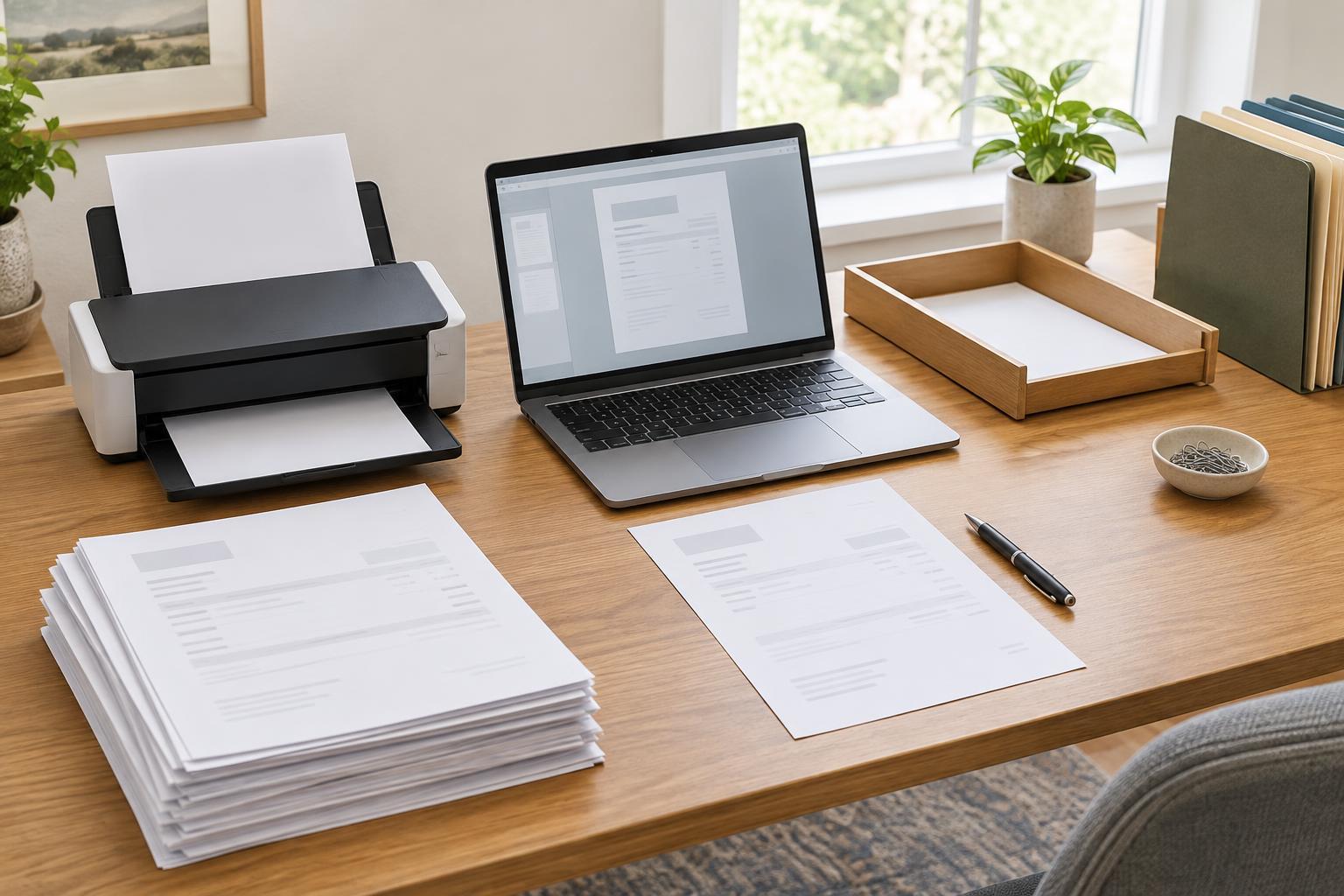
Convert paper invoices to digital files if your team primarily works from shared folders or software. Scan all pages, including any page that explains charges or identifies the supplier. Check that the result is legible and correctly oriented before putting the paper aside. A phone scan may be convenient for occasional documents; a document feeder is more useful when there are many pages to capture. Either way, the goal is the same: create a readable copy that the next person can find.
Capture the details before routing the invoice
When an invoice arrives, record a small set of details in a tracker or your existing business software: supplier name, invoice number, invoice date, stated due date, total, who needs to review it and its current status. Add a link or file location so no one has to search for the document. A spreadsheet can work for a modest volume if one person maintains it consistently; dedicated software may be more useful when several people need to update records or see an approval history.
Use a predictable file name, such as supplier name, invoice number and invoice date. Keep the original attachment or scan rather than repeatedly editing the source document. If a supplier sends a corrected invoice, save it as a separate version and make clear which one is being reviewed. This helps prevent an outdated copy from being approved by mistake.
Check for missing information and possible duplicates
A quick intake check can save a longer search later. Confirm that the invoice identifies the supplier, shows an invoice number or other reference, states what was supplied and includes a total and payment instructions. Compare it with the relevant order, delivery record or agreement when those records exist. If something does not match, mark the invoice as needing clarification instead of silently changing the amount in your tracker.
Before sending an invoice for approval, search the tracker for the same supplier and invoice number. Also look for near-duplicates, such as a second PDF with a slightly different file name or an invoice sent to two employees. A duplicate flag does not automatically mean the invoice is invalid; it means someone should establish whether it has already been recorded or processed. Treat unexpected changes to payment details as a reason to verify them through a trusted contact method already on file, rather than replying only to the message that announced the change.
Make approval a visible step
Decide who confirms that the goods or services were received and who authorizes the invoice to move forward. In a very small business, one person may handle both tasks, but the decisions should still be recorded. Give reviewers the invoice and its supporting information together, along with a clear way to respond: approve, request a correction or ask a question.
Use simple status labels that reflect what is actually happening, such as New, Awaiting clarification, Awaiting approval, Approved and Completed. Record the approver and the date of the decision. Avoid using a vague label like “done” for both an approved invoice and one that has finished the payment process. If your workflow includes payment, keep approval and payment confirmation as separate steps so the tracker accurately shows what remains to be done.
Close the loop and keep the record findable
Once an invoice has completed your process, update its final status and file it with any relevant approval notes and payment confirmation. Store related items together or link them from the tracker. Organize folders in a way your team will recognize, such as by year and supplier, and use access permissions appropriate to the information they contain. Follow your organization’s record-keeping requirements for how long to retain documents; avoid deleting an invoice simply because its immediate task is complete.
Set aside a short, regular time to review open items. Look for invoices awaiting clarification, approvals that have stalled and records with no linked document. This review is also a chance to correct unclear file names or ownership before they become harder to untangle. A good workflow does not need many steps. It needs a reliable entry point, a visible owner for each decision and enough information for someone else to understand an invoice’s status without searching through email.