Starting without a clear path for each document
A workflow breaks down when no one knows what should happen after a document arrives. A paper invoice might sit on a desk, while its emailed copy goes into an inbox and a scan lands in a general folder. Each location seems reasonable on its own, but together they make it harder to tell whether the invoice has been handled.
Map a short path for each document type you use often: receive it, capture it if needed, review it, store the approved version and dispose of extra copies when appropriate. Assign an owner for steps that require action. You do not need a complex diagram; a few agreed rules are more useful than an elaborate process nobody follows. Test the path with a real document and note where someone has to guess what to do next.
Scanning files without checking the result
Scanning can feel like the end of a task, but a file is only useful if it is complete and readable. Cropped pages, faint text, pages fed in the wrong order and a missing second side are easy to overlook when a scanner sends files directly to a folder. A filename such as “Scan001” adds another problem: nobody can recognize the document without opening it.
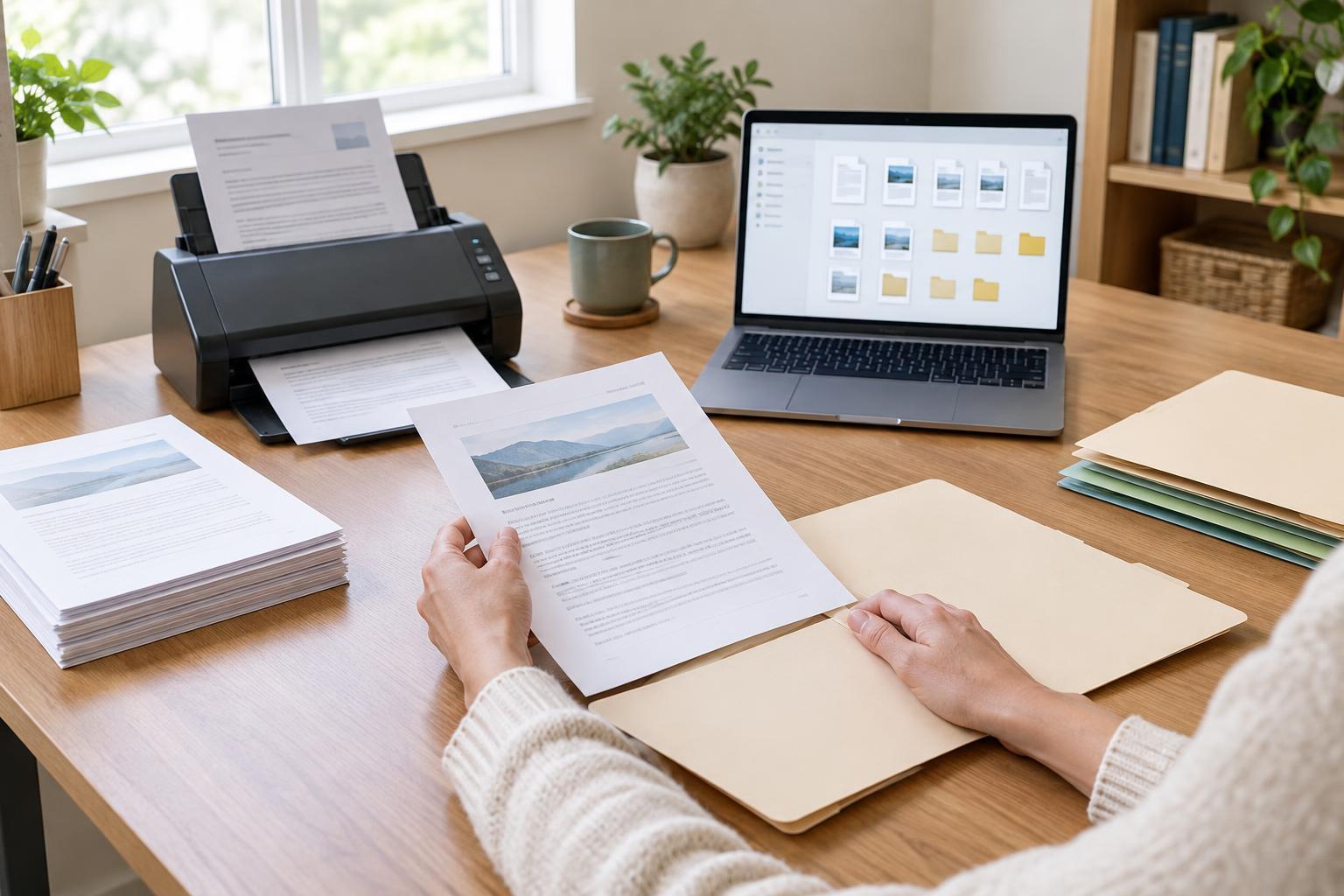
Before filing a scan, check its first and last pages, page count and any small text that matters. Use the scanner’s duplex setting for two-sided originals, and choose a resolution that keeps text legible without creating unnecessarily large files. If searchable text would help your team, an OCR feature may be worth using, but check its output for errors in names and numbers. Rename the file before moving on.
Using inconsistent names and folders
When every person invents a naming style, searching becomes a matter of luck. The same customer’s files may appear under a company name, an abbreviation or a project nickname. Deep folder trees can make matters worse: people save a document in the first plausible place and later cannot remember which path they chose.
Pick a small set of naming rules based on details people actually search for, such as project, document type and a date when relevant. For example, “ProjectName_Invoice_YYYY-MM-DD” is easier to scan in a file list than a default scanner name. Keep folder categories broad enough to be predictable, and decide where files belong when they could fit in two places. A shared one-page guide can help everyone use the same pattern.
Letting versions and approvals blur together
Attachments passed back and forth can create several copies that all look final. Someone may print an outdated draft or edit a copy that does not include the latest comments. The problem is not necessarily the number of files; it is the lack of a clear place to identify the current working version and the approved one.
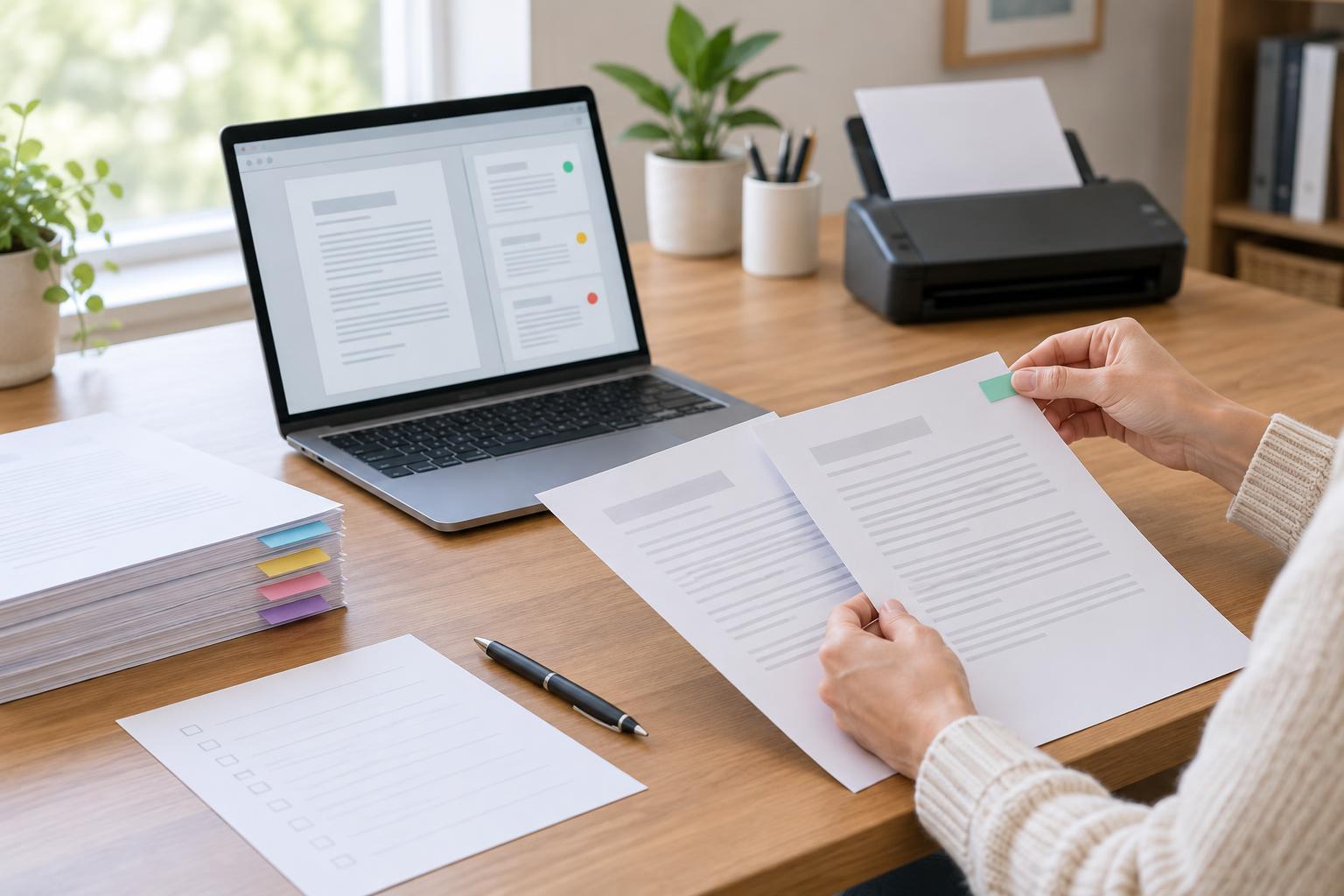
Choose one shared location for active documents and make it clear who can edit them. When your tools support version history, use it rather than adding labels such as “final-final” to each filename. If an approval matters, record who approved the document and where the approved copy is stored. For workflows that still depend on email attachments, have one person consolidate changes before the file is marked complete.
Treating storage as a backup plan
Saving a file in a shared folder does not, by itself, answer what happens if it is deleted, overwritten or inaccessible. A second common mistake is giving everyone access to every document for convenience. Both habits can make routine work easier in the moment while creating confusion or unnecessary exposure later.
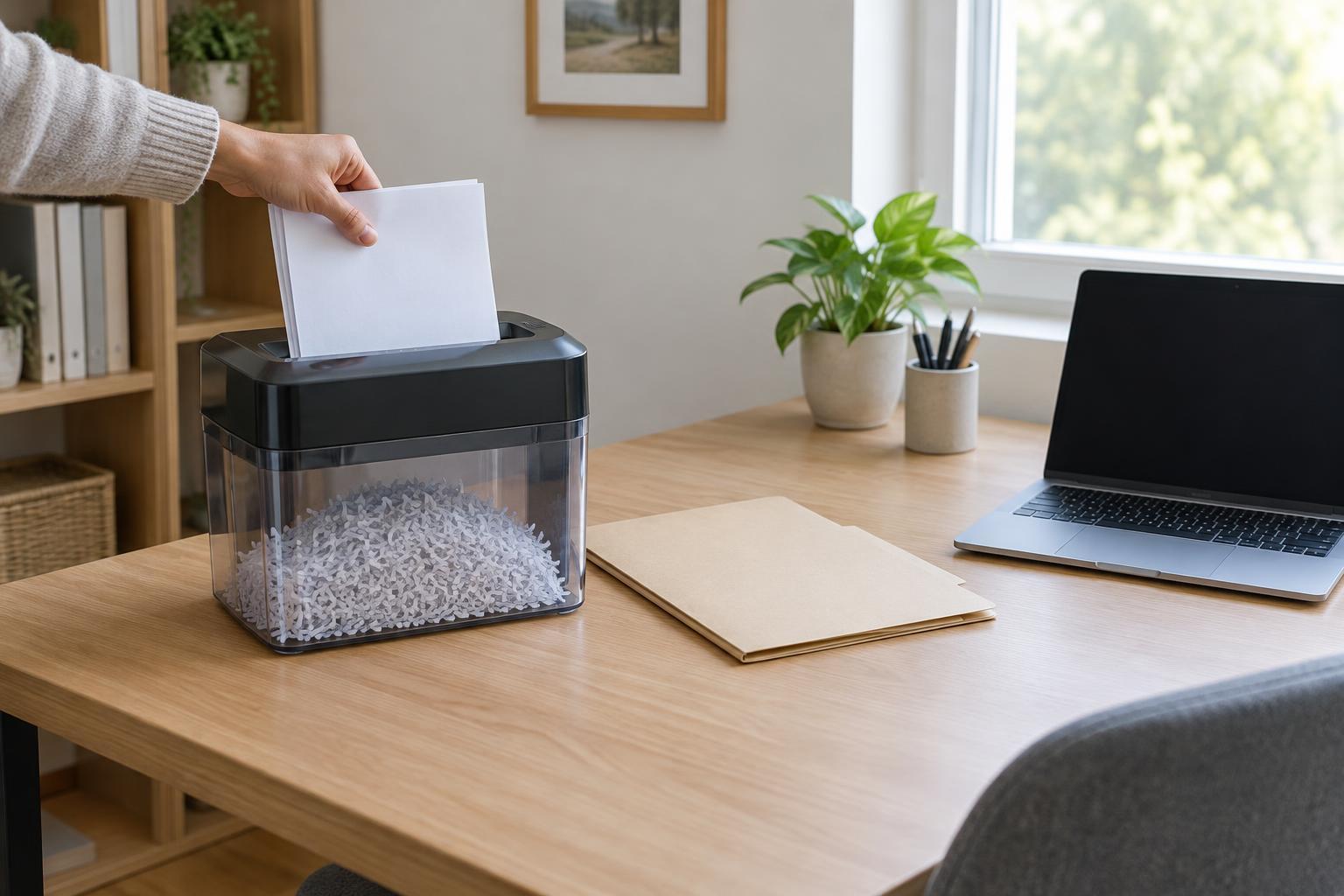
Decide which documents need restricted access, and grant access based on who needs to do the work. Set a consistent approach to backups, including how to recover a file, and periodically check that recovery works. Also decide when working copies and paper originals can be removed, taking account of any requirements that apply to your organization. Review the workflow after a misplaced file or delayed handoff; small corrections are easier to maintain than a complete overhaul.