Treat the handoff as a transfer of responsibility
Sending a document is not the same as handing it off. The recipient may be able to open the file but still have to ask what it is for, whether it is finished, and what they are expected to do with it. A good handoff answers those questions at the point of transfer. It identifies the current owner, the next owner, the document’s status, and the action needed next.
Before sharing a file, write a short handoff note that covers its purpose, the intended audience, the next task, and any deadline that has already been agreed. Add where to find supporting material and whom to ask about unresolved questions. For example: “This is the draft customer welcome letter. Please check the instructions for clarity and leave comments by Thursday. The approved wording for the return address is in the project folder.” That note is more useful than “Please review,” and it takes little time to write.
Make the working version easy to identify
Context disappears quickly when several copies circulate by email or sit in different folders. Choose one location for the working document and share a link to it when your tools and access settings allow. If the team must exchange attachments, use a consistent file name that includes the project, document purpose, and version or status. Names such as “WelcomeLetter_draft-review” are easier to interpret than “final-new-2,” which may mean different things to different people.
State whether the recipient should edit the file directly, suggest changes, leave comments, or create a new version. These are different kinds of review, and mixing them can make it hard to tell which changes have been accepted. For documents that need a fixed record, such as an approved form, keep the editable working file separate from the copy intended for distribution. Mark the approved copy clearly, and avoid making further edits to it without starting another review.
Record decisions, not every conversation
A recipient rarely needs the entire history of a document. They do need to know which choices have been made and which are still open. Keep a brief decision note near the document or in the handoff message. It might say that the team chose a shorter introduction, that a product name still needs confirmation, or that a suggested section was removed because it repeated information elsewhere. This prevents the next person from revisiting settled points or mistaking an unresolved issue for an oversight.
Comments within a document are useful for questions tied to specific passages, but they can become hard to scan as discussion grows. Resolve comments that no longer require action, while preserving important conclusions in a place the next owner will see. If a decision affects several files, note it in the shared project record rather than hiding it in one document’s comment thread. The goal is a compact trail of reasoning, not a transcript.
Match access and format to the next task
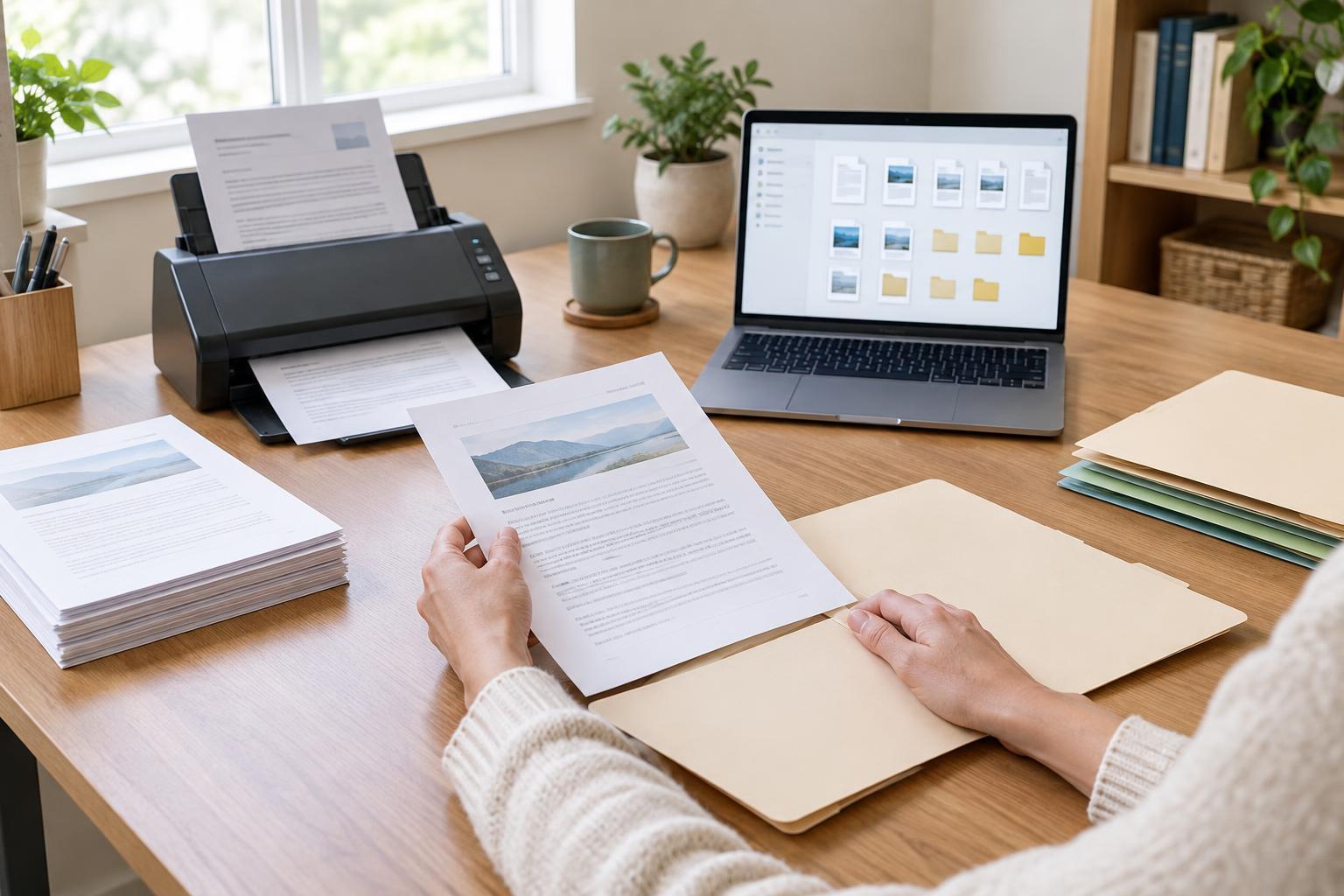
Check that the recipient can actually work with what you send. A person asked to revise a document needs an editable version and appropriate permission; a person asked only to approve its appearance may prefer a stable copy. If the handoff includes scanned pages, check that they are upright, readable, in the right order, and named clearly. A scan labelled only with a device-generated number gives the next person little help in finding or understanding it.
Access is also part of the handoff. Confirm that links open for the intended team members without exposing the document more widely than necessary. If a file contains private customer or staff information, use your organization’s approved sharing method and limit access to people who need it for the task. When a recipient cannot open a file or has to request permission after the handoff, the work effectively stops until that problem is resolved.
Close the loop before the document moves again
A handoff works best when the recipient acknowledges both the file and the assignment. A simple reply can confirm, “I’ll review the instructions and leave comments in the shared draft.” That gives the sender a chance to correct a misunderstanding early. For larger tasks, agree on what completion looks like: comments added, edits made, approval recorded, or a clean copy prepared for the next team member.
Once the task is done, the recipient can leave a similarly short note for whoever comes next. Include what changed, what remains open, and where the current file lives. This creates a repeatable workflow without requiring a long meeting for every document. When each person makes the next step visible, the document carries enough context to keep moving even when team members work at different times.