Start with one document type
A document’s journey is the path it follows from the moment it arrives until it is stored, discarded, or passed to someone else. Mapping that path can reveal small sources of friction: an attachment that gets saved twice, a paper form waiting in an unnamed pile, or a completed file that nobody knows how to find.
Start with one familiar document type rather than trying to chart everything at once. An incoming invoice, a signed form, or a customer request will do. Write down where it arrives, who receives it, what must happen next, and what counts as finished. If the same document can arrive by email and on paper, trace both routes. A simple line of steps is enough; you do not need a specialized diagramming tool.
Trace receipt and capture
At the first step, record each entry point: inbox, shared email address, download folder, printer tray, mail basket, or hand delivery. Note who checks that location and how often. An entry point with no clear owner is easy to overlook, while several entry points for the same document may need a common intake step.
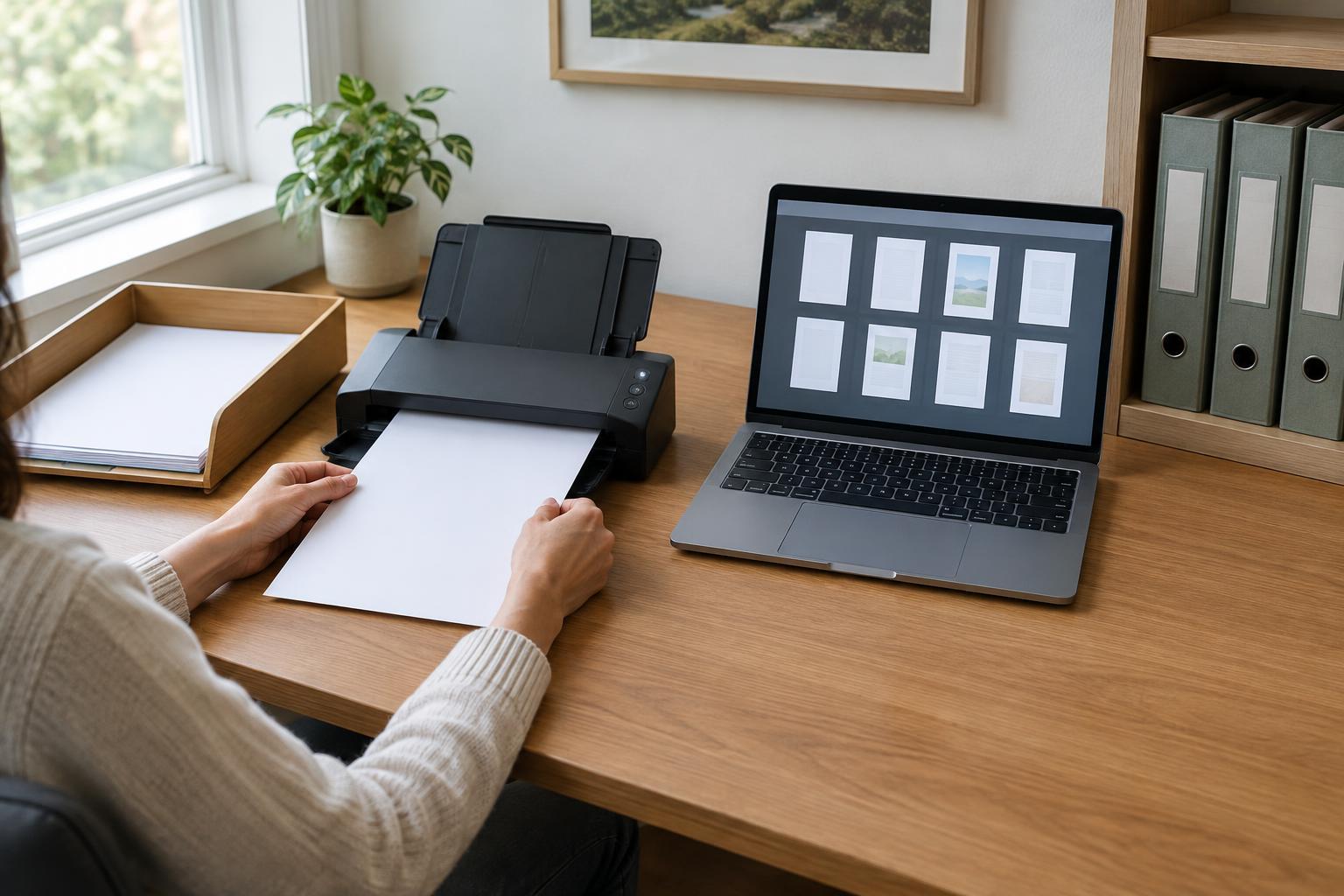
Next, decide how the document becomes available for work. A paper item may stay on paper, be scanned, or require both a physical original and a digital copy. An emailed file may need to be moved out of an individual’s inbox so a colleague can access it. Record the chosen location and the point at which you confirm that a scan is readable and complete. Capture is not finished merely because a file exists; it must include every needed page and be associated with the right task.
Make decisions and handoffs visible
After capture, mark the decisions the document prompts. Does someone check that required fields are present? Is approval needed? Does information from the document go into another system? Draw a separate branch for exceptions, such as a missing signature or an unreadable scan. That branch should lead to a named next action, not a vague “follow up” box.
For each handoff, identify the person or role responsible, the place the document waits, and the signal that moves it forward. A small team might use a shared task list and a designated “waiting for review” folder; another might rely on a physical tray. Either can work if its purpose is clear. Distinguish work in progress from completed work so that an approved file is not repeatedly reviewed simply because it remains in the same location as new arrivals.
Design the archive around retrieval
An archive should answer a practical question: how will someone find this document later? Choose a consistent naming pattern using details people are likely to know, such as document type, project or customer identifier, and a relevant date. For physical files, use labeled folders and a predictable filing order. For digital files, prefer a shared, agreed location over copies scattered across desktops and email threads.
Decide which copy is the working version and which is the final record. If both paper and digital copies are kept, state why and where each belongs. Limit access where documents contain sensitive information, and use the backup and access controls available in your workplace. Retention requirements can vary by document and organization, so follow applicable policies rather than assuming every file should be kept indefinitely. Include a step for securely disposing of material that no longer needs to be retained.
Test the map with a real example
Walk one recent document through your map. At each step, ask whether its owner, location, status, and next action are obvious. Then try to retrieve a completed example without relying on the person who handled it. If the search depends on remembering a particular email subject or an unlabeled stack, the map has exposed a gap.
Revise the workflow by removing unnecessary copies, clarifying a handoff, or adding a brief check where errors tend to enter. Keep the result somewhere the people doing the work can see it, and update it when tools or responsibilities change. A useful map does not describe an idealized process; it describes a repeatable route that helps a document reach the right person and, eventually, the right archive.