Start with what the recipient needs to do
Before choosing a format, ask one question: what should the next person do with this file? If they need to rewrite sentences or rearrange sections, send an editable document. If they mainly need to read, print, or keep a copy with a predictable layout, a PDF is often more convenient. If you need the same pieces of information from several people, use a form.
These are workflow choices, not strict rules. A PDF can contain fields that people fill in, and an editable document can be locked down or used as a template. The useful distinction is how much freedom the recipient needs and how consistently you need information returned.
Use an editable document while the content is changing
An editable document is a good home for drafts, shared notes, proposals under review, and instructions that staff update regularly. People can correct wording, add details, and suggest changes without rebuilding the page. For a small team, one shared working copy can be easier to manage than a chain of attachments with names such as “final” and “final revised.”
Make the expected kind of editing clear. If you want feedback rather than direct rewrites, ask reviewers to use comments or suggested changes where those features are available. Give the file a descriptive name and identify who is responsible for accepting edits. If several people will contribute, headings and a simple structure help them find the right place to work.
Editable documents are less suitable when the precise appearance of a finished page matters. Fonts, margins, and page breaks can look different across apps or devices. Once the wording is approved, consider creating a separate distribution copy rather than asking everyone to treat the working draft as final.
Use a PDF when readers need a stable copy
A PDF is useful for a completed handout, a price sheet, a set of instructions, or a document someone may print. It generally preserves page layout more reliably than an editable document. That makes it a practical choice when you want readers to see a finished version rather than casually change the text.
A PDF is not automatically secure or unchangeable. Someone may still be able to edit it with suitable software, and a password or restricted permissions should not replace sensible decisions about who receives the file. Check the exported PDF before sending it: look for cut-off text, blank pages, misplaced images, and links that do not work.
Whenever possible, export a PDF from the original digital file instead of printing and scanning it. A scan may turn text into an image, making it harder to search, select, or read with assistive tools. Keep the editable source file so future updates do not require rebuilding the document from the PDF.
Use a form when you need answers in a consistent shape
Forms work well for requests, intake details, equipment checklists, and other repeatable tasks. Instead of asking each person to write an open-ended email, a form can prompt for the same information in the same order. This can reduce follow-up questions and make responses easier to sort or transfer into another system.
Choose fields based on what you will actually use. Mark only essential questions as required, give enough space for meaningful answers, and explain unfamiliar terms. A digital form can be convenient when responses need to be gathered in one place. A fillable PDF may be useful when people need to save a copy or work without a shared online tool, but test whether its fields work in the PDF readers your recipients are likely to use.
Think about where completed responses will go before sending the form. Decide who needs access, how submissions will be named or stored, and whether the form asks for information you do not need. A well-designed form is only helpful if its answers can be found and handled afterward.
Build a simple handoff between formats
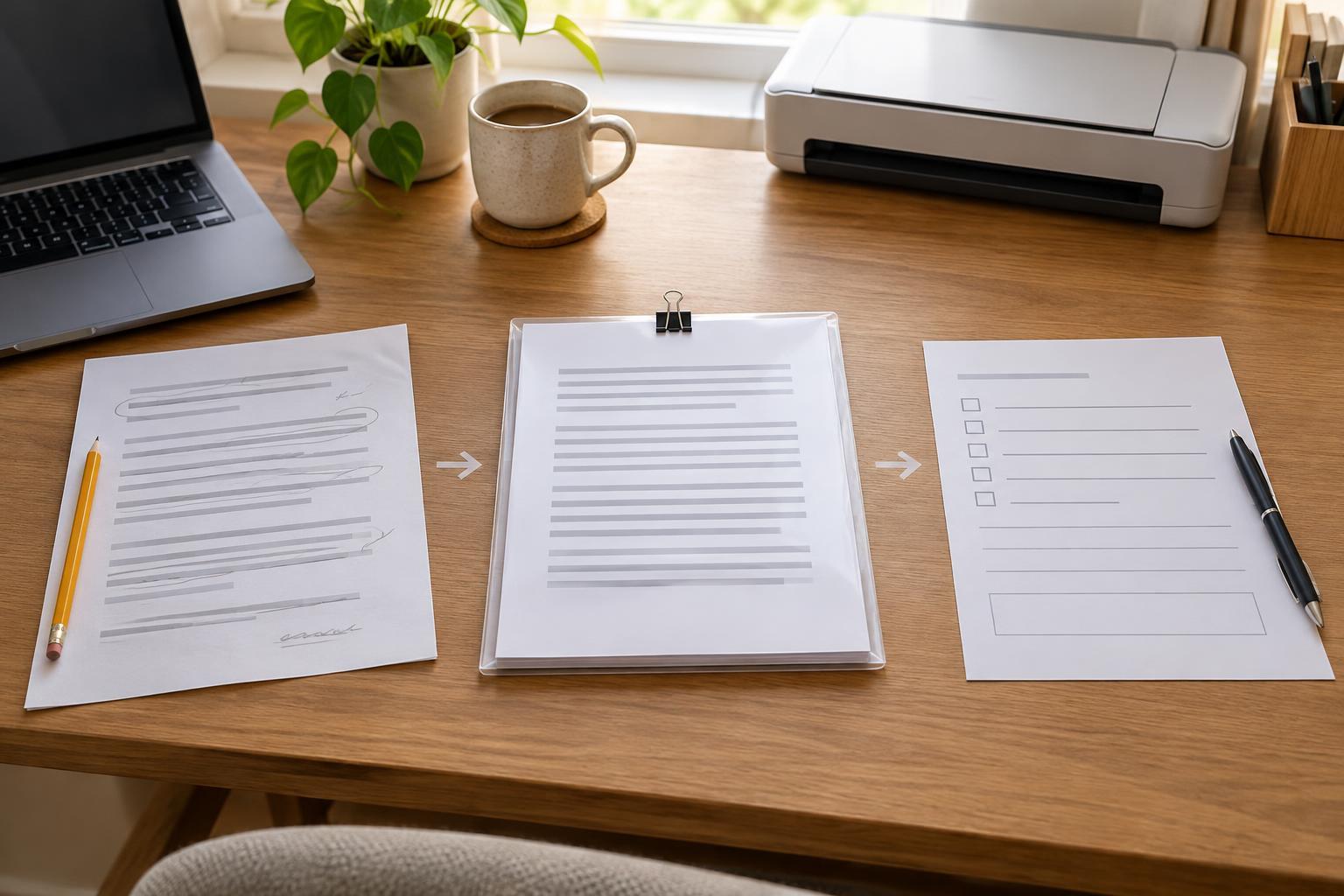
Many office tasks use more than one format. Draft a policy in an editable document, circulate it for review, then export the approved version as a PDF for distribution. If staff must acknowledge it or request an exception, use a separate form to collect those responses. Each format has a clear job: change the content, share the finished content, or gather information.
For recurring tasks, keep the source document and final copy in clearly named locations, and record which version is ready to use. Test the handoff as a recipient would: open the file, try the intended action, and check that instructions say where to send edits or completed forms. A few minutes of testing can prevent an entire round of unusable replies.