How the two scanner types handle a page
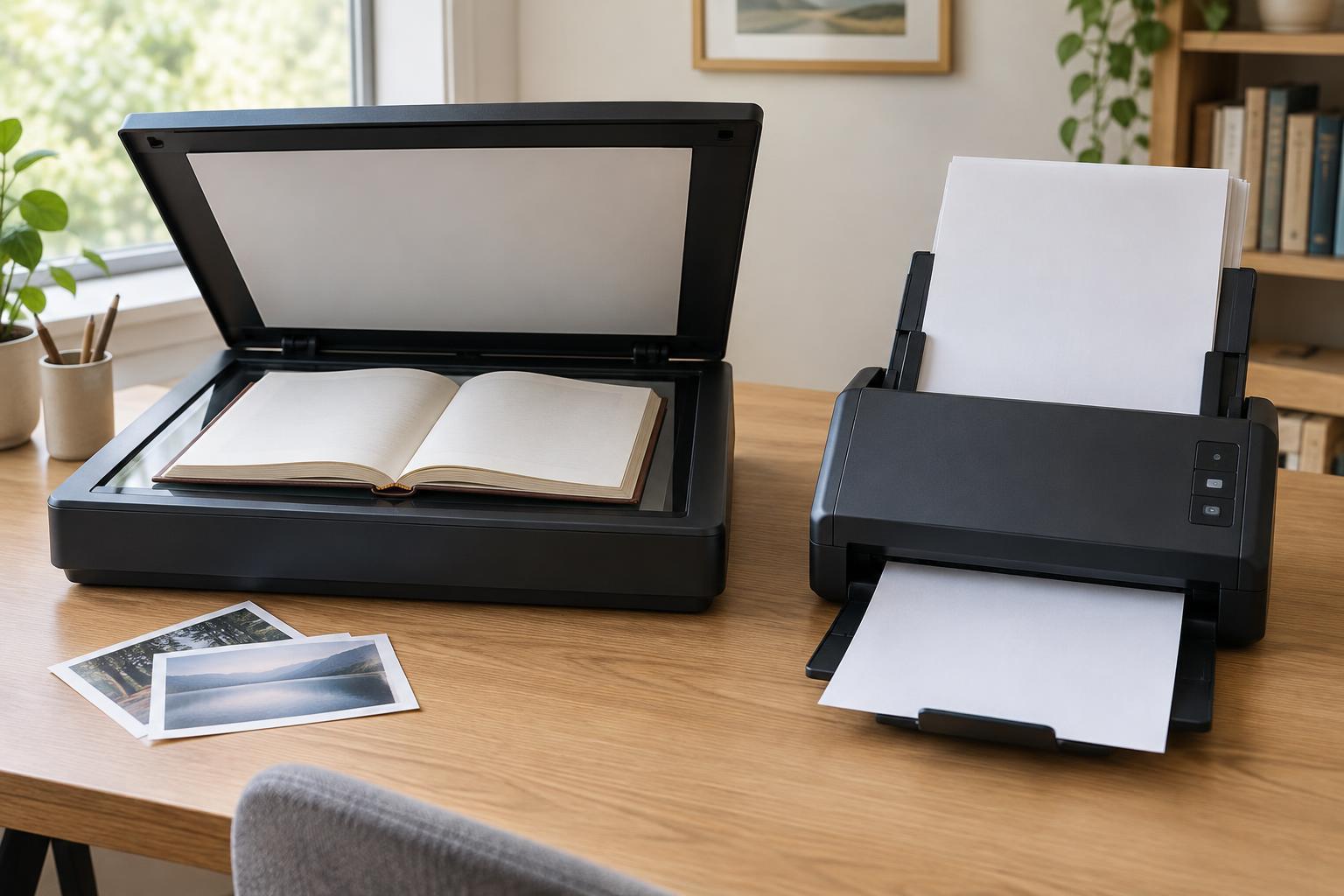
A flatbed scanner has a glass surface. You place an original face down, close the lid if possible, and scan it without moving the original through the machine. That makes a flatbed useful for items that are bound, thick, delicate, or an unusual size. Its main drawback is the attention it requires: each new page usually needs to be positioned by hand.
A sheet-fed scanner pulls loose pages past its scanning sensor. Many models have an automatic document feeder, or ADF, so you can load a stack rather than placing pages one at a time. This is convenient for routine paperwork, but every page must travel through a set of rollers. Staples, folds, fragile paper, and items that are too thick or small for the feeder can cause trouble. Neither design is universally better; the originals you handle most often should guide the choice.
Books and other bound originals
For a book, notebook, or bound report, a flatbed is usually the more practical starting point. You can scan one open page or spread at a time without removing the binding. A sheet-fed scanner generally needs separate loose sheets, so using one for a bound item would mean taking the item apart. If preserving the book matters, that is a significant limitation.
Look beyond the scanner’s advertised page size. A large book may overhang the glass even when the printed page fits within the scan area. A thick spine can also keep part of a page from lying flat, leaving text near the gutter curved or shadowed. A lid that lifts or accommodates thicker originals can help, though you may still need to reposition the book and scan each page separately. Avoid pressing hard on a fragile binding just to flatten it.
If you regularly scan many bound pages, consider how much manual work the process involves. A flatbed protects the binding from a feed path, but it does not automatically turn pages. For occasional chapters, reference pages, or notebook entries, that trade-off may be reasonable. For a large book-scanning project, the time spent aligning, capturing, and naming pages matters as much as the scanner’s image specifications.
Photos and delicate originals
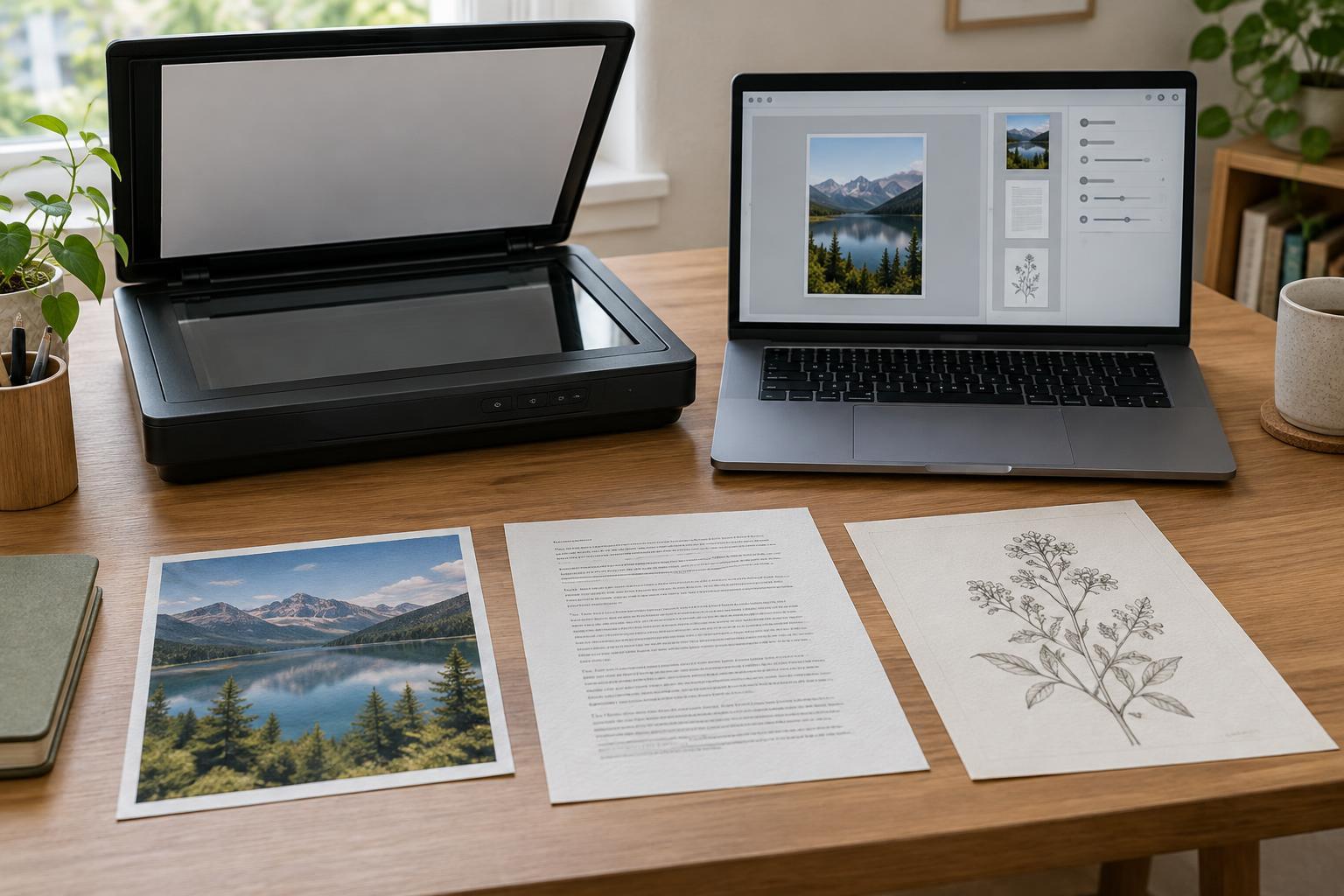
A flatbed is also a sensible choice for individual prints, drawings, and documents with worn edges. The original stays still during the scan, and you can arrange several small prints on the glass if the software allows you to crop them into separate images afterward. Clean the glass first: dust and fingerprints can appear in the scan. Handle valuable originals carefully, and avoid forcing anything under a lid that will not close comfortably.
Some sheet-fed scanners support photos, often with a carrier sheet or a specified feed path. Check the model’s stated media support rather than assuming that any photo can go through an ADF. Rollers may leave marks on a delicate surface, and a bent or curled print may not feed reliably. A flatbed is the lower-handling option when the original is irreplaceable.
For image detail, compare optical resolution rather than relying on an interpolated resolution figure, which reflects software-added pixels. Save a high-quality copy before making smaller versions for email or sharing. Color correction and cropping can improve a usable scan, but they cannot recover detail that was never captured or remove physical damage to the original.
Loose pages and everyday paperwork
Sheet-fed scanners earn their place with receipts, forms, letters, and other loose pages. An ADF can turn a pile into one multi-page file with less hands-on work than a flatbed. If you scan documents printed on both sides, check for duplex scanning. Some machines capture both sides in one pass; others may require the paper to be turned and fed again. Feeder capacity and supported paper sizes also matter when your stacks vary.
Prepare pages before loading them. Remove staples and paper clips, straighten folded corners, and separate sheets that cling together. Mixed sizes, thin receipts, and damaged edges may need individual attention even with a capable feeder. Skew correction and blank-page removal can tidy the resulting file, but it is worth checking the page count afterward so a missed or double-fed sheet does not go unnoticed.
If you want searchable files, look for optical character recognition, or OCR, in the included software or your existing document workflow. OCR can make printed text easier to find, but it may misread faint type, handwriting, or crooked pages. Keep the page image alongside recognized text when accuracy matters, and use clear file names so you can locate a document even if OCR falls short.
A simple way to make the choice
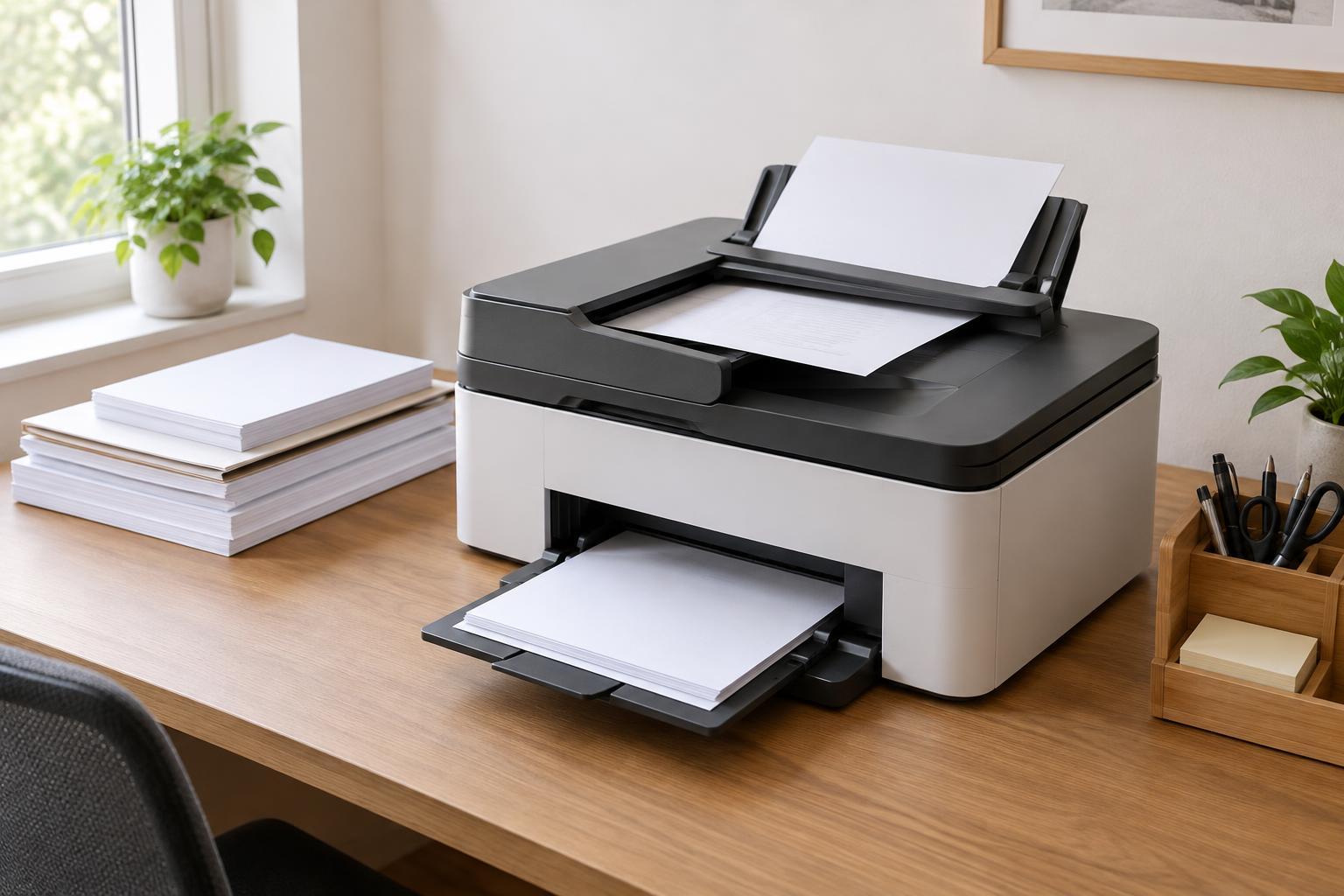
Start by sorting a typical week’s scanning into three groups: bound items, photos or delicate originals, and loose pages. If most work falls in the first two groups, favor a flatbed. If the bulk is multi-page paperwork, favor a sheet-fed scanner with an ADF, and check duplex support if two-sided pages are common. If you regularly handle both, a multifunction device with a flatbed and feeder may be a useful compromise, provided each part supports the sizes and materials you need.
Finally, consider the workflow after capture. Check whether the scanner works with your computer, offers the file types you use, and lets you name, combine, and save scans where your team can find them. A scanner that suits your originals and makes files easy to review will usually be more useful than one chosen for its headline speed alone.