Start with the job the paper needs to do
A purchase order, an internal draft, and a client handout do not need the same paper. Before comparing packages, decide whether the pages will be read once, handled repeatedly, printed on both sides, or used to show detailed images. That decision helps you avoid paying for a feature that will not improve the document.
Standard multipurpose copy paper is a sensible starting point for text-heavy work. For a report that will be handled or mailed, a somewhat heavier sheet can feel sturdier and may show less printing through the back. For photographs, graphics, or invitations, the surface of the paper may matter more than its weight alone. Keep one reliable everyday stock on hand, then buy specialty paper for a defined task.
Understand weight and thickness
Paper weight is often shown in pounds, grams per square meter (gsm), or both. A common 20 lb copy paper is roughly 75 gsm; 24 lb paper is roughly 90 gsm. The pound figure can be confusing because different paper categories use different reference sheet sizes. If you are comparing unfamiliar products, gsm is usually the clearer way to compare how much the sheets weigh per unit of area.
Heavier paper often feels more substantial and can reduce show-through in double-sided documents, but weight does not tell you everything about thickness or stiffness. Two sheets with the same gsm can feed differently. Check the paper-weight range in your printer’s specifications, especially before buying cardstock or feeding a large batch of heavier sheets. If your printer offers a rear or manual feed path, its instructions may recommend that path for thicker media.
Choose brightness for readability, not just appearance
Brightness describes how much light a paper reflects under a specified test. A brighter white sheet can make dark text and colored charts look crisp, but it is not automatically the best choice for every document. Some people prefer a softer white for long text documents, while others want a bright background for presentations. Brightness and shade are related aspects of appearance, but they are not identical: two papers may have similar brightness ratings and still look different side by side.
If consistent appearance matters, compare a few sheets in the lighting where the documents will be used. Print the same sample page on each, including small text, a shaded area, and any colors you commonly use. This simple test is more useful than choosing solely by the number on a package, particularly when you are comparing brands or specialized papers.
Match the finish to the content and printer
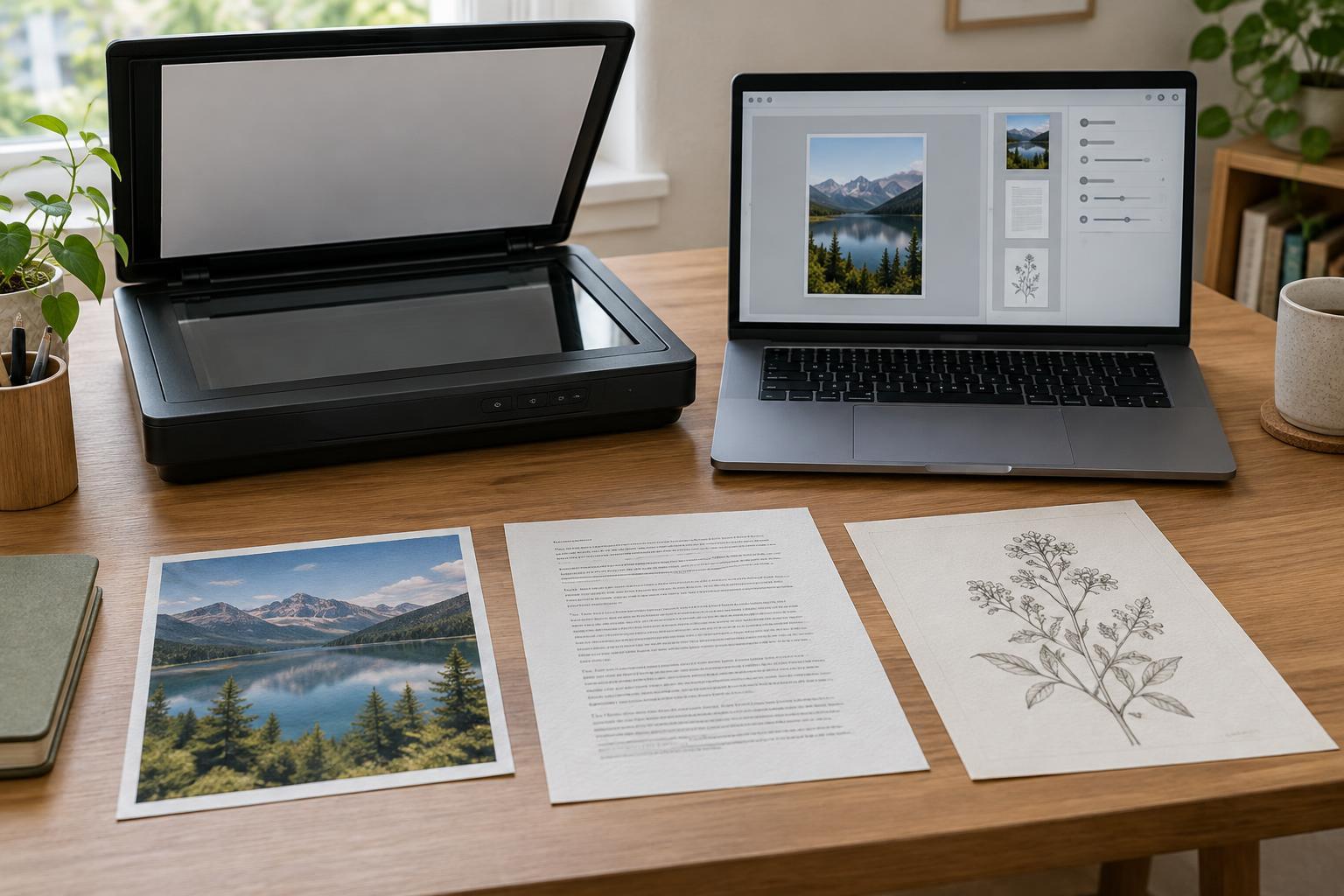
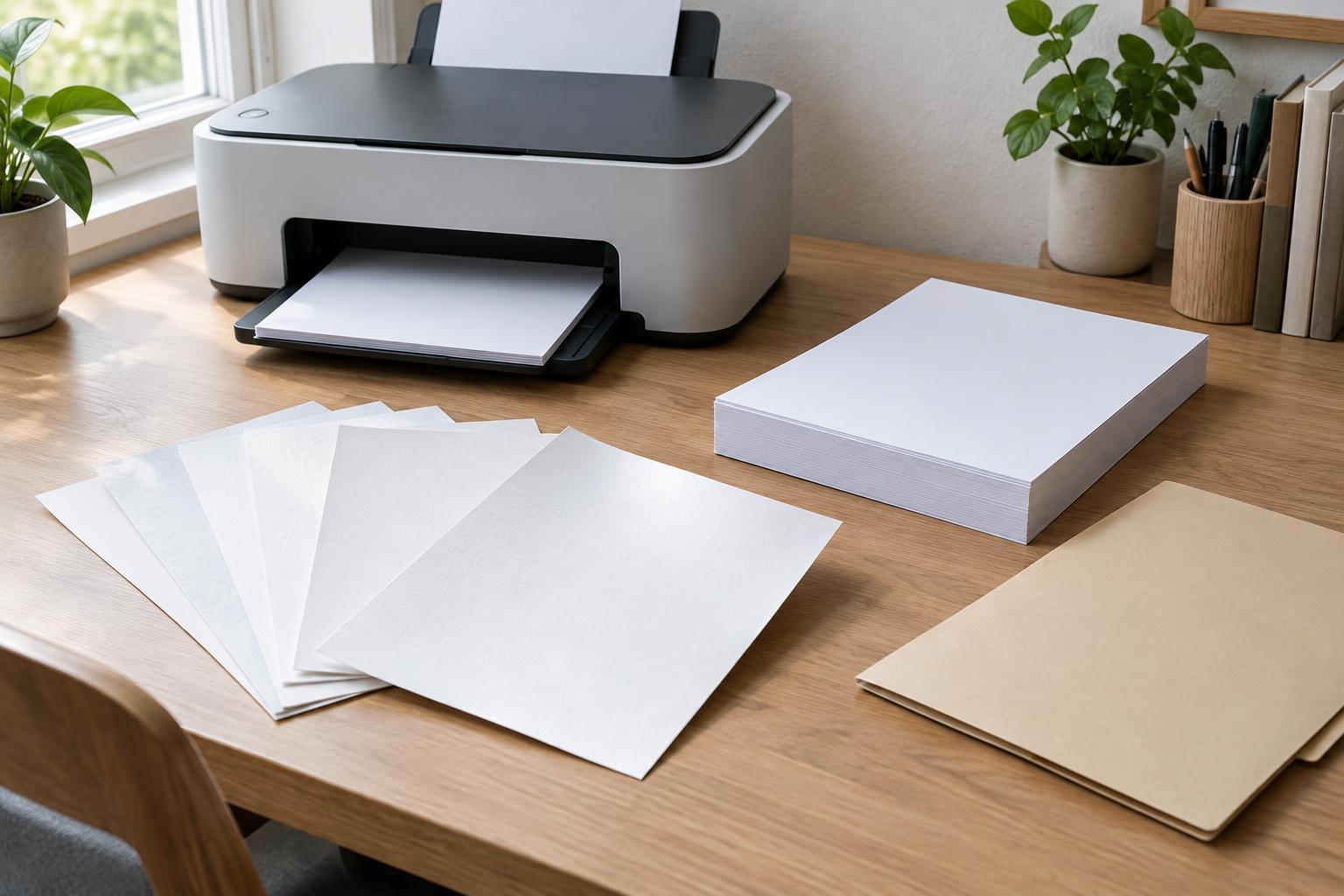
Finish describes the surface of the sheet. Uncoated paper is the everyday choice for letters, forms, notes, and documents people may write on. Smoother papers can give line art and text a more polished look. Glossy or satin photo papers can make images appear more vivid, but they may show fingerprints, create glare, and be harder to write on. A professional-looking document does not always need a glossy finish.
Printer technology matters here. Inkjet paper is designed with ink absorption in mind; some specialty inkjet sheets use a coating to control how ink spreads. Laser printers use heat to fuse toner, so a coated sheet must be explicitly suitable for laser printing. Do not put inkjet-only photo paper into a laser printer. For either technology, check the package for the supported printer type, printable side, and any recommended settings. Using a matching media setting can help the printer handle the sheet as intended.
Check compatibility before buying a large pack
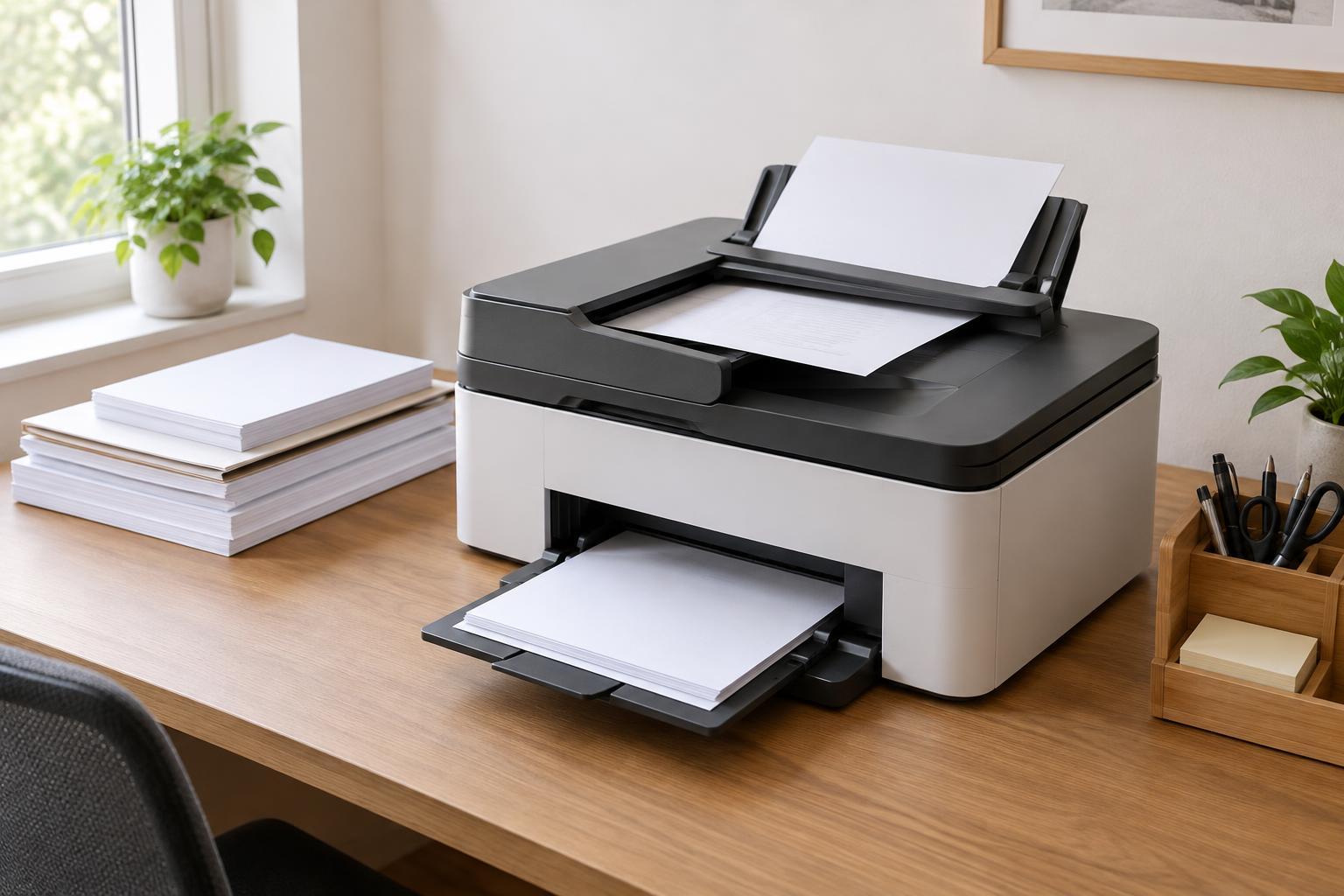
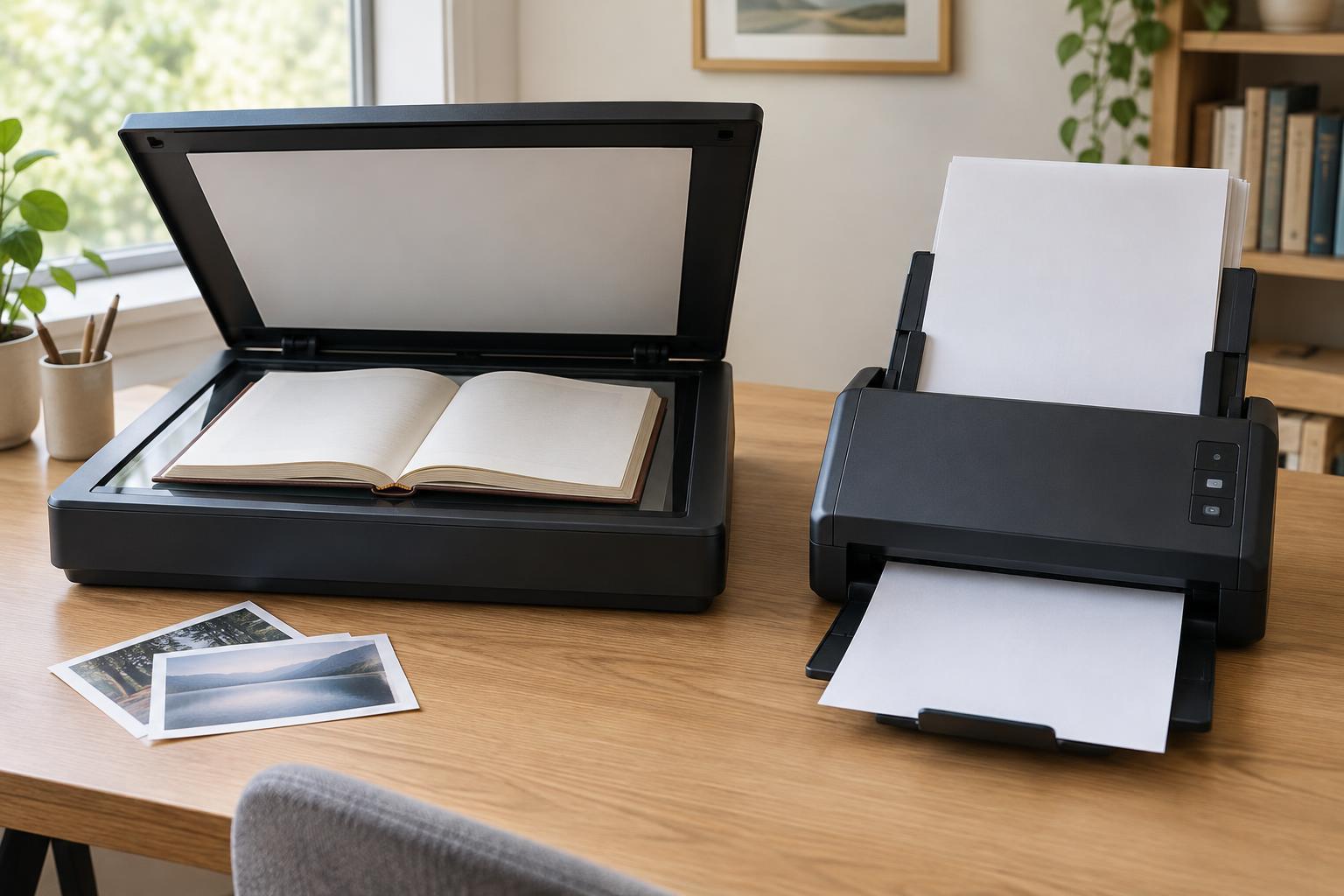
Confirm that the paper’s size, weight, and type fit your printer’s stated limits. Also consider your usual workflow: automatic duplex printing, a high-capacity tray, or frequent scanning through an automatic document feeder may make dependable feeding more valuable than a premium-looking surface. Specialty sheets that work well one at a time may not be convenient for long, unattended print jobs.
When trying a new paper, buy a small quantity if possible and run a representative test. Print single- and double-sided pages, check whether ink smears or toner adheres, and look for show-through, curling, or feed problems. If a sheet jams, consult the printer’s instructions before changing settings or trying another feed path. Store unused paper flat in its wrapping, away from moisture and large temperature changes. Once you find a combination that prints reliably, note the paper name and printer settings so the next order is easier.