Start with your actual printing habits
Before comparing printer types, think about a typical month. Do you print a few forms and shipping labels, or regular batches of reports and handouts? Are most pages black text, color charts, or photographs? Also note whether you print every week or leave the printer idle for long stretches. Those answers are more useful than choosing solely by the price on the box.
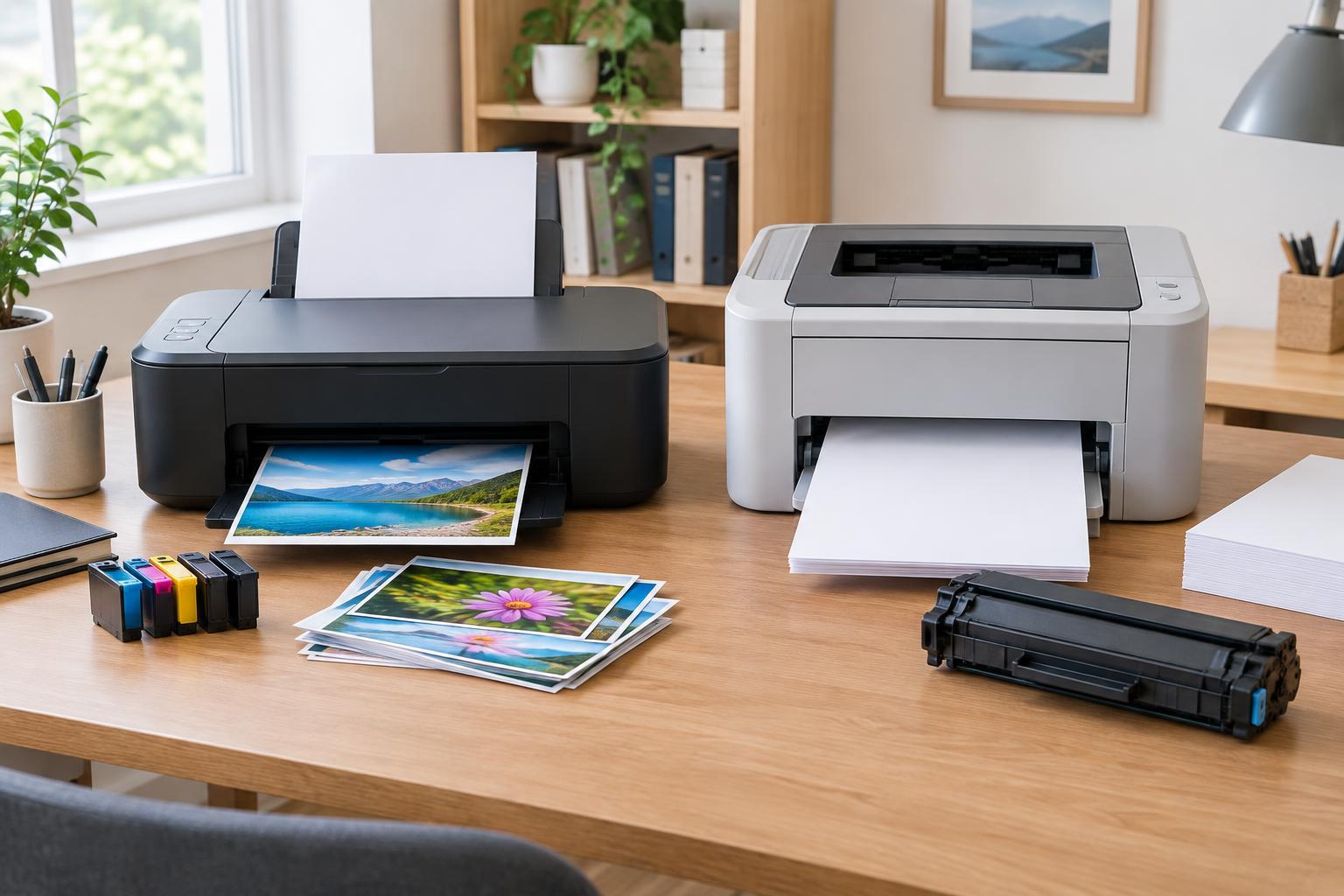
Inkjet printers spray liquid ink onto paper. They are a flexible choice when a household or small office prints a mix of text, color graphics, and occasional photos. Laser printers use toner and a heated fusing process. They often suit recurring text-heavy work, particularly when many pages need to be printed in one session. Neither technology is automatically cheaper or better: the model, supplies, and workload matter.
If you expect your printing to grow, check a model’s recommended monthly volume rather than relying only on its maximum duty cycle. The maximum describes a limit, not necessarily a comfortable routine workload. Leave room for busy periods, but avoid paying for capacity you are unlikely to use.
Match the printer to the documents
For letters, invoices, forms, and draft documents, a monochrome laser printer is worth considering. It keeps the supply list simple if you rarely need color, and its text output is generally crisp. An inkjet can also produce clear text, though results may vary with the paper and print setting. If you regularly need color in presentations or charts, compare color inkjet and color laser models rather than assuming any color printer will meet the same needs.
Photos and image-rich pages deserve a closer look. Many inkjets offer photo-oriented settings and paper options that make them a natural fit for occasional photo printing. A color laser can be useful for diagrams, signage, and business graphics, but it may not give photos the look you want. If image quality matters, examine sample prints made on the sort of paper you plan to use.
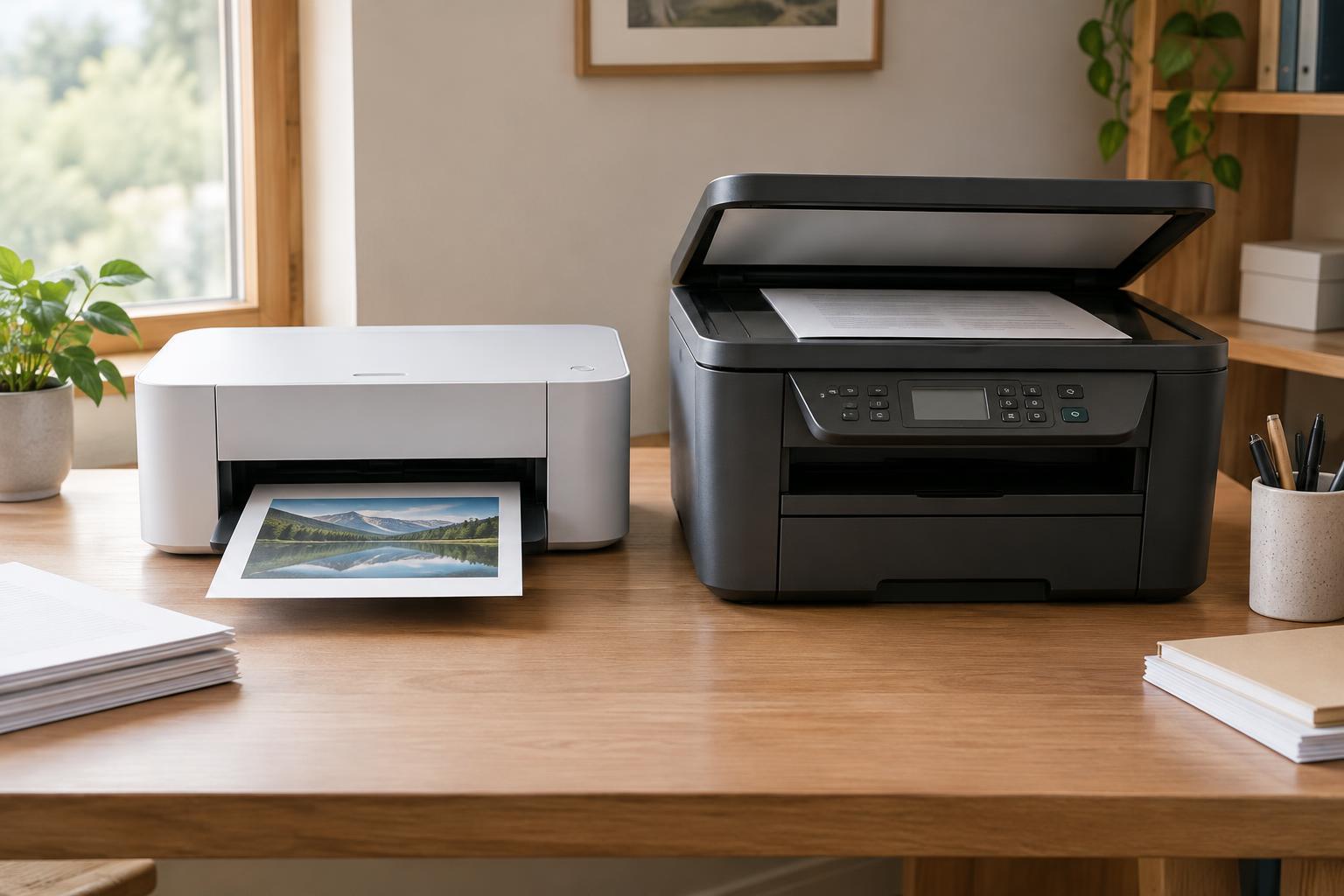
Consider finishing features alongside print quality. Automatic two-sided printing can reduce paper handling and paper use. A multifunction model adds scanning and copying; an automatic document feeder is especially useful if you often scan multi-page paperwork. Check whether it scans both sides automatically if that is part of your routine. These features can save more time than a small difference in advertised print speed.
Compare running costs, not just purchase prices
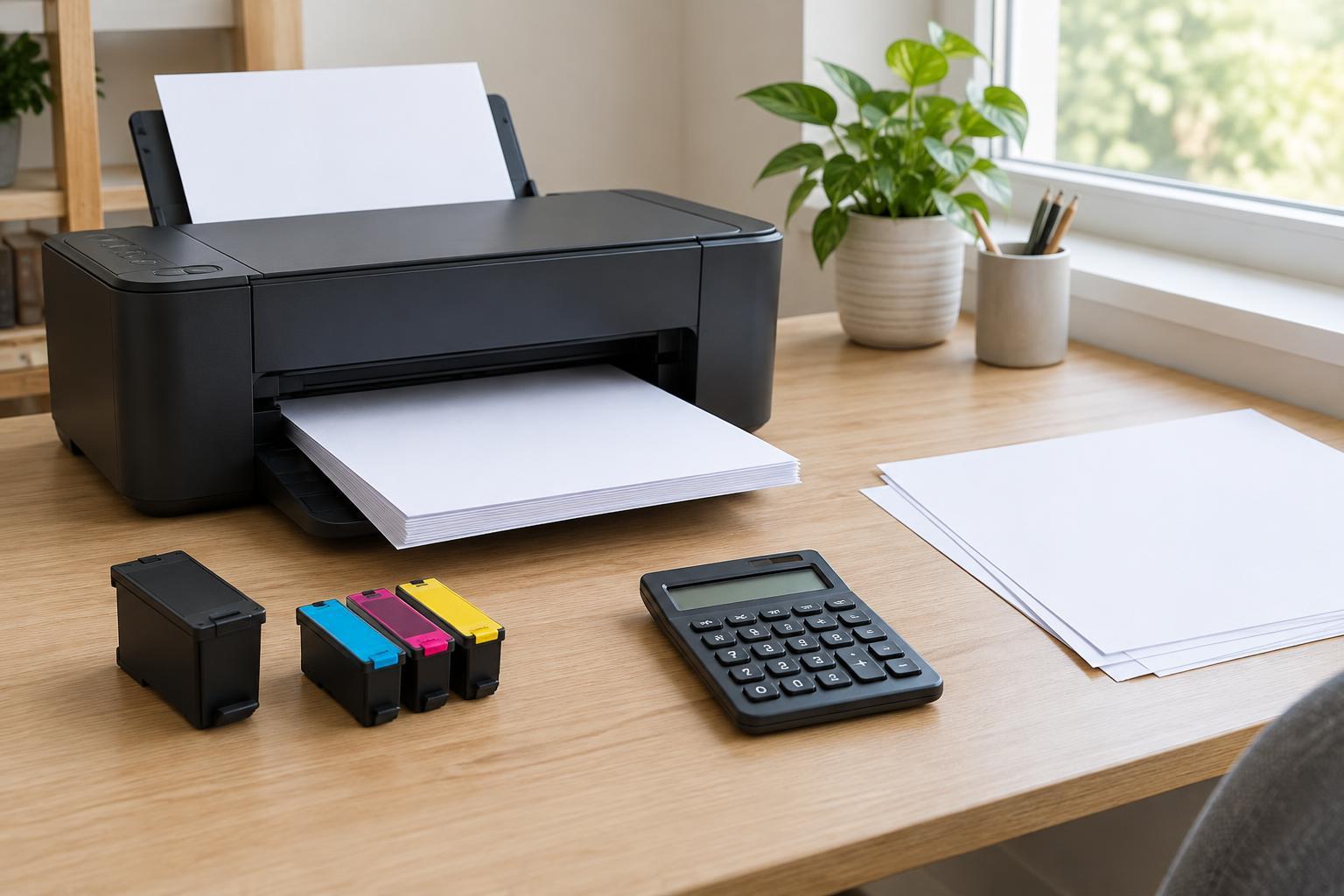
A low purchase price can be offset by frequent supply replacements. To make a rough comparison, divide the price of a replacement cartridge by its stated page yield, then account for the other supplies the printer needs. For color printing, look at the costs of all the colors, not just black. Stated yields are comparison tools, not promises: pages with large graphics or heavy coverage can use supplies faster than the test pages behind a yield figure.
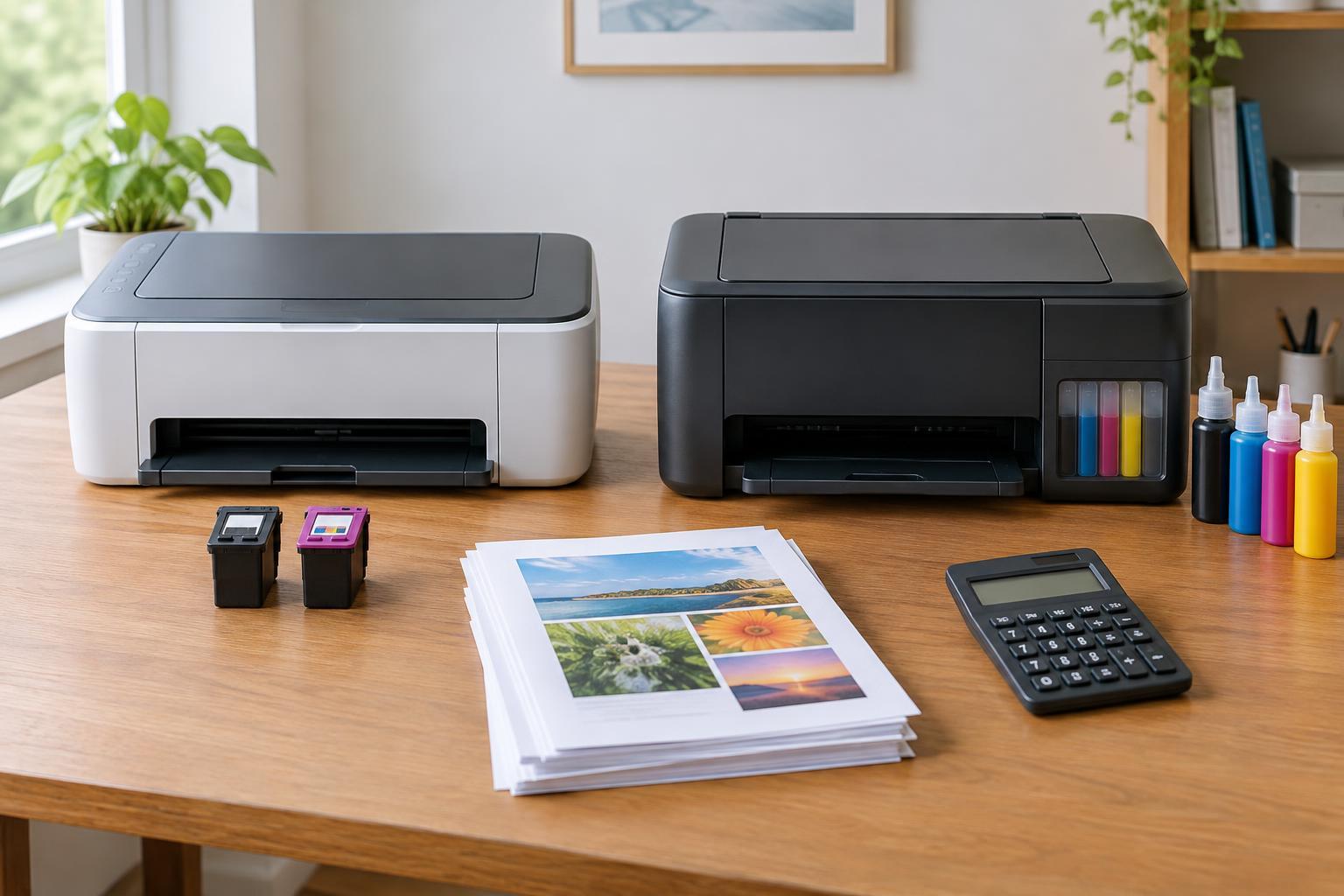
Inkjet supplies may come as individual color cartridges, combined-color cartridges, or refillable tanks. Individual cartridges let you replace a color that runs out; a combined cartridge may need replacing when one color is depleted. Tank models can have a higher initial price but are worth comparing if you print enough to benefit from refill bottles. Laser models use toner cartridges, and some also have a separate drum or other replaceable parts. Find out what is included in the box, since starter supplies may have different yields from standard replacements.
Estimate the total cost for the period you expect to keep the printer: purchase price, likely replacement supplies, and paper suited to your work. If you print infrequently, cost per page is only part of the picture. An inkjet that sits unused may need cleaning cycles to maintain print quality, which can consume ink. A laser printer avoids ink drying, though it still needs occasional maintenance and replacement supplies.
Check the everyday fit before buying
Measure the space where the printer will live, including clearance for opening trays and replacing supplies. Check paper capacity if you print in batches, and confirm support for envelopes, labels, or thicker paper if you use them. Connectivity matters too: decide whether you need a direct USB connection, network printing, or printing from phones and tablets, then verify that the specific model supports your devices.
Advertised speed is most useful when compared with your own tasks. A printer that handles long text jobs quickly may still take longer to produce a detailed color page, and the first page of a job may take longer than later ones. For a shared workspace, easy access to the paper tray and a straightforward way to clear jams can make a noticeable difference.
A simple decision rule
Choose a monochrome laser model as a starting point if you mainly print black-and-white documents in regular batches and do not need photo output. Start with an inkjet if varied color work or photos are important, then compare cartridge and tank options against your expected volume. Consider a color laser if you need frequent color business documents but photographs are not the priority.
Once you have a shortlist, compare specific models using the same checklist: recommended volume, document quality, replacement-supply prices and yields, two-sided printing, scanning needs, paper handling, and physical size. The right choice is the one that handles your routine work comfortably without making supplies or maintenance an unpleasant surprise.