Start with the work, not the feature list
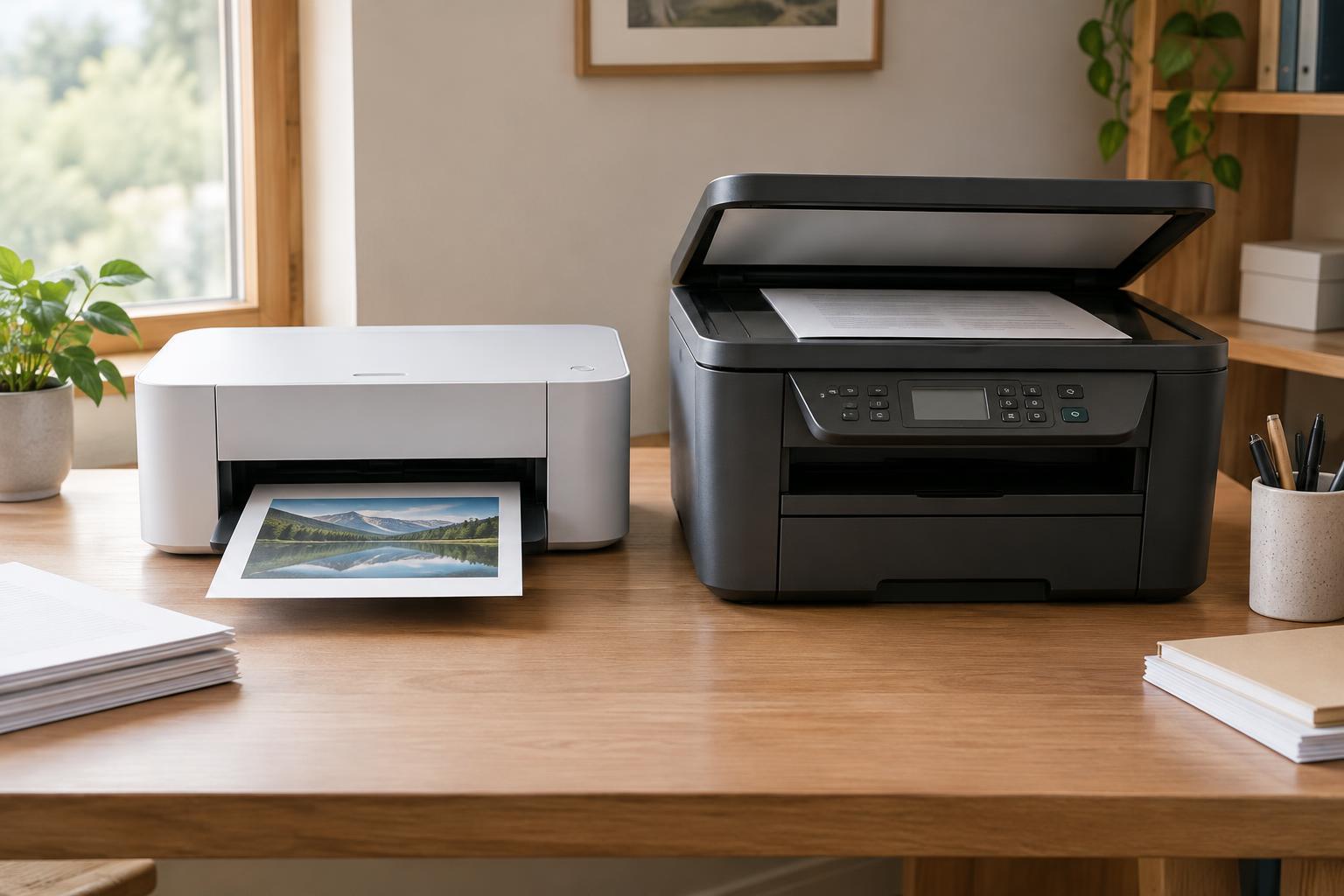
A single-function printer produces printed pages but does not scan or copy. An all-in-one, sometimes called a multifunction printer, combines printing with scanning and copying; some models also include faxing. Neither type is automatically better for a small office. The useful question is what happens to a document before and after it is printed.
Think through a typical week. Do you print invoices and shipping labels, or mainly review documents on screen? Do signed forms arrive on paper and need to be emailed or saved? Do you make quick copies for customers? If scanning and copying are rare, a single-function printer may be enough, particularly if you already have a suitable scanner. If paper regularly needs to become a digital file, an all-in-one can remove a step from the workflow.
When a single-function printer makes sense
A print-only model can be a good fit for an office with a straightforward job: producing pages reliably without needing a scan bed or document feeder. Its controls may be simpler, and it may take up less desk space than a comparable all-in-one. Compare actual dimensions, though; a compact all-in-one can still fit better than a larger print-only model. If several people print, check whether the model supports the connections your office uses, such as a wired network or Wi-Fi.
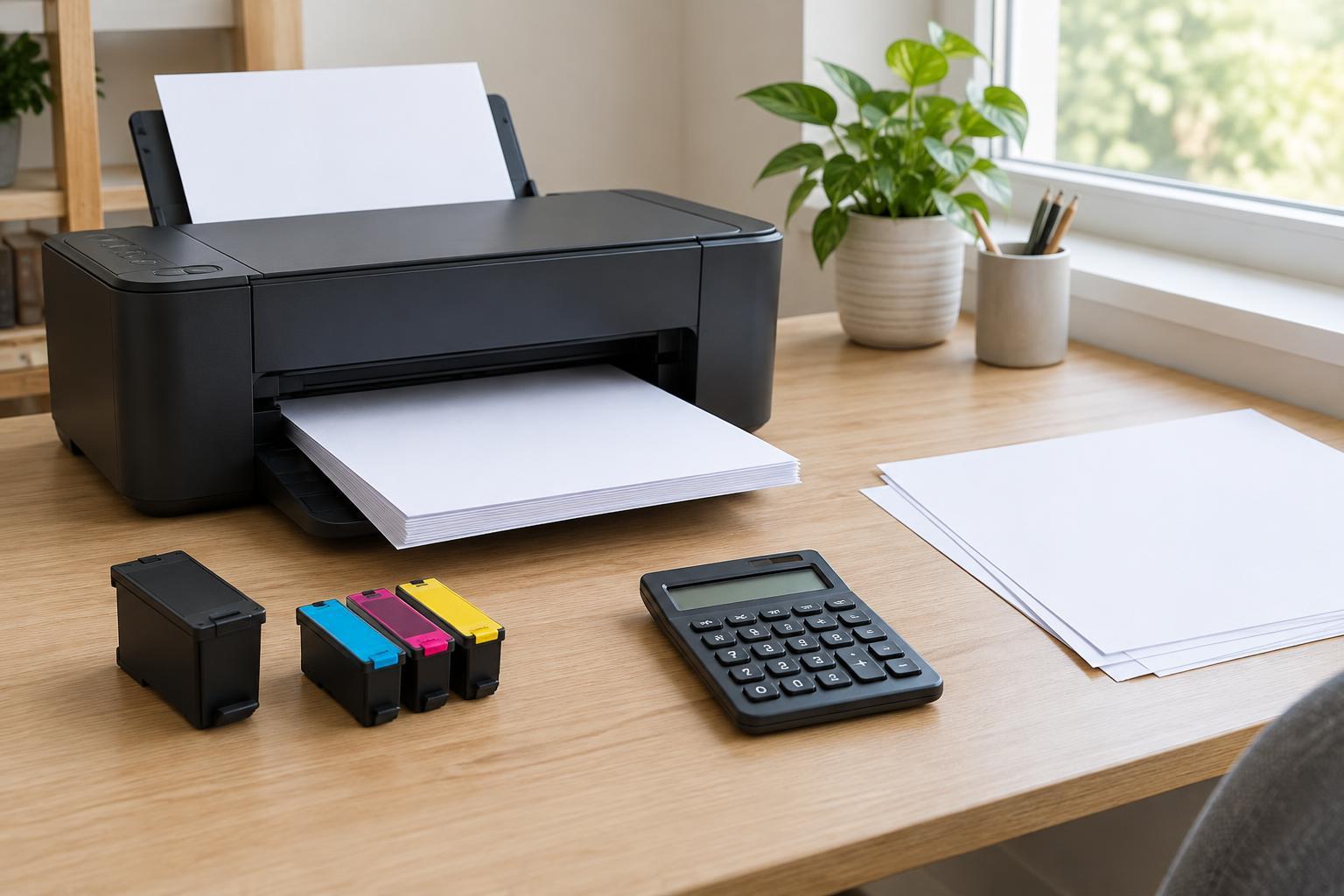
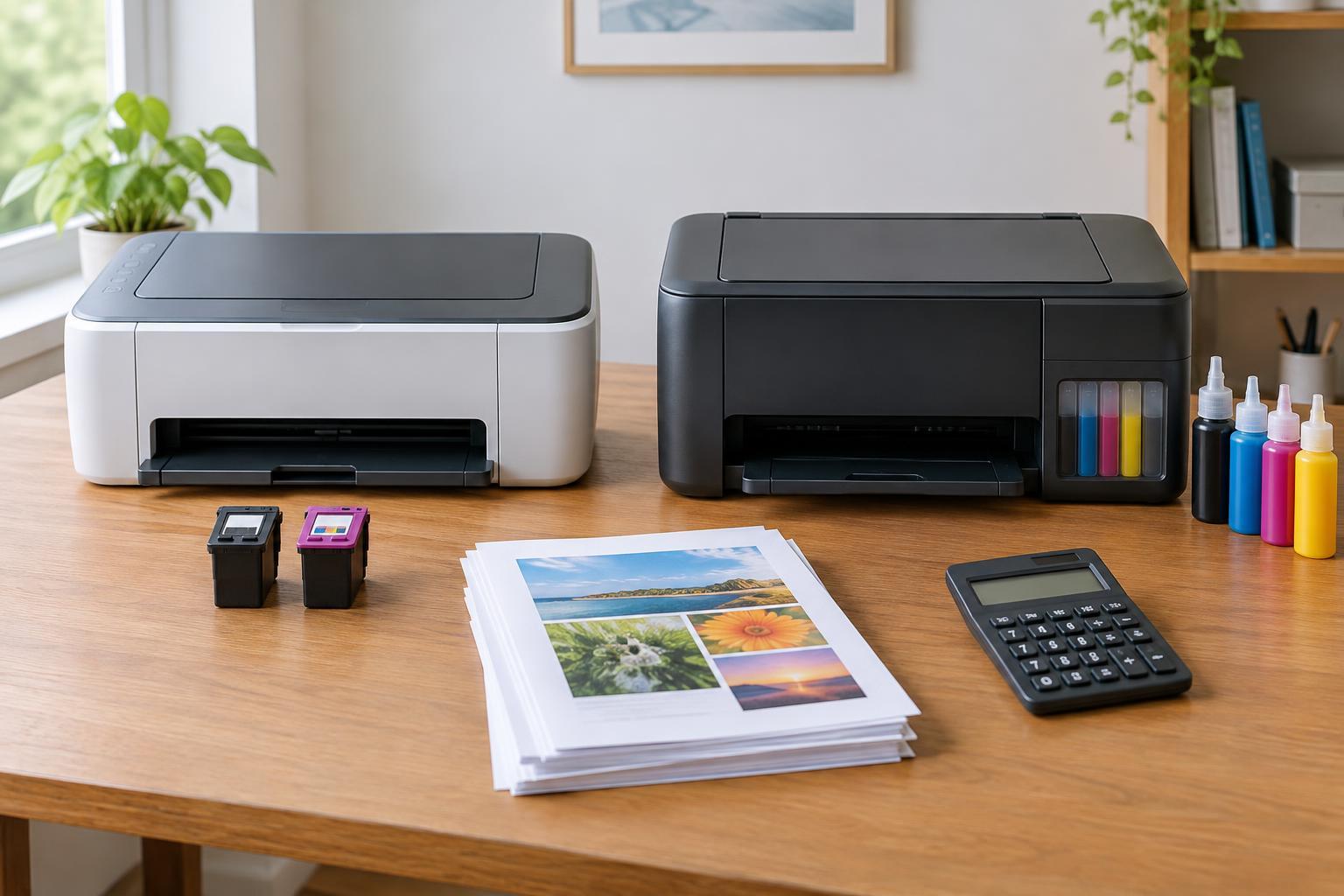
Do not assume that fewer functions mean a lower overall cost. Compare the purchase price, replacement ink or toner, expected page yield and any parts that may need replacing. A low purchase price can be less attractive if supplies are expensive for your printing volume. Also check whether the paper tray holds enough sheets for your routine work. A printer that needs constant refilling can interrupt the day even if its print quality is perfectly adequate.
When an all-in-one earns its space
An all-in-one is most useful when scanning or copying is part of normal work. A flatbed scanner handles individual sheets, books and delicate originals that should not be pulled through rollers. An automatic document feeder, or ADF, is more convenient for a stack of loose pages. If you often scan documents printed on both sides, look specifically for duplex scanning; an ADF alone does not guarantee it.
Look beyond a scanner’s presence to how its files reach people. Depending on the model, scans may be sent to a connected computer, a shared folder, email or a USB drive. Check that the destinations you need work with your computers and network. A clear control panel can also matter if different staff members will scan documents without help. Fax is worth considering only if your office actually exchanges documents that way; having it on the specification sheet does not make it useful.
Compare the features that affect daily work
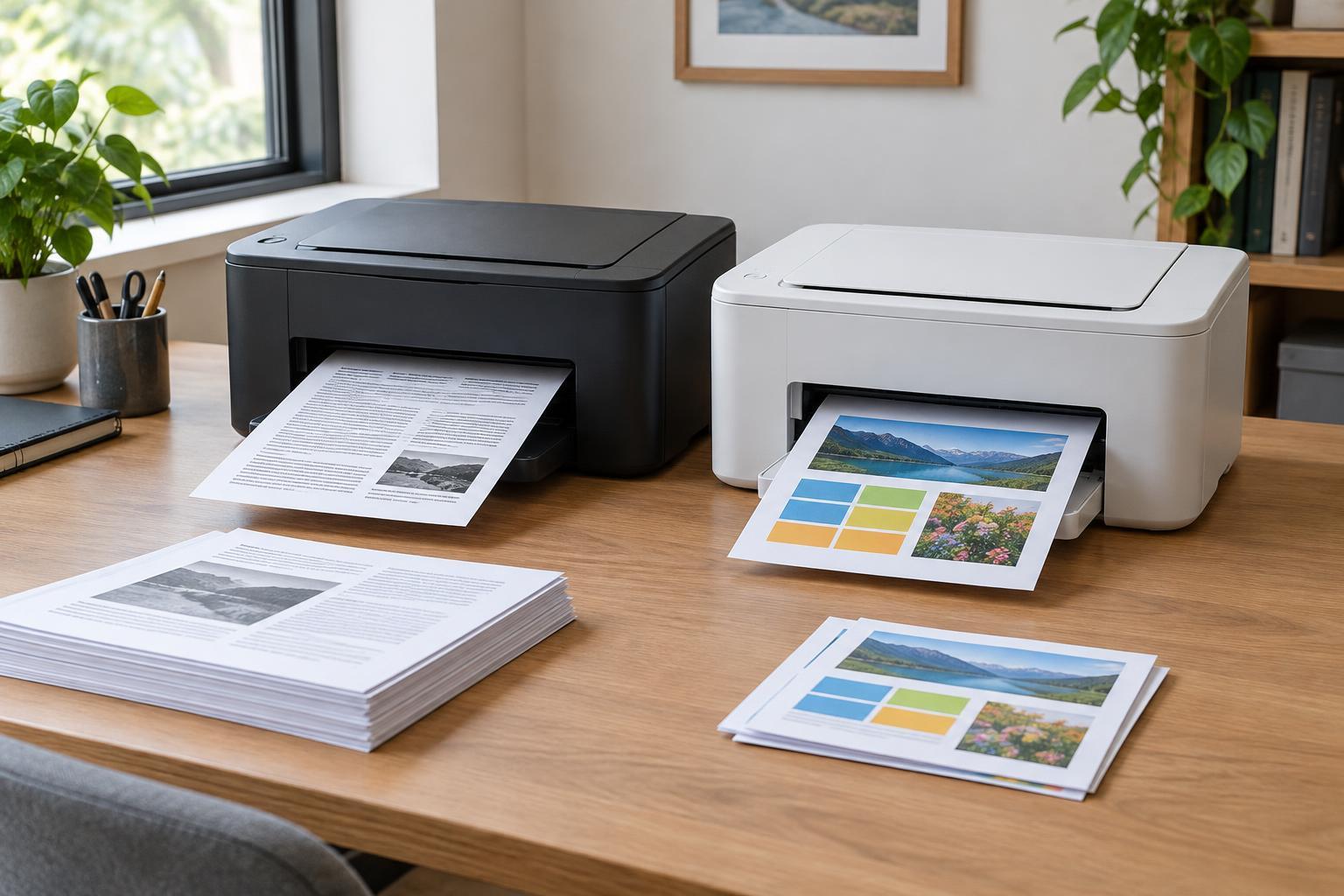
For either printer type, begin with the output you need. A monochrome printer is suited to offices that mostly produce text, while color is useful for charts, branded handouts and documents where color carries meaning. Inkjet and laser printers can both serve small offices; compare models on the quality you need, the media they accept and the cost of supplies at your likely print volume rather than relying on the technology name alone.
Next, check paper handling. Automatic duplex printing saves the step of turning sheets over for two-sided jobs, but it is separate from duplex scanning. A second paper tray may help if you regularly switch between plain paper and letterhead or between paper sizes. If you print envelopes or labels, confirm that the model supports the specific media and feed method you plan to use. Finally, consider placement: leave room to open lids, load paper, clear jams and replace supplies.
Make the choice with a short workflow test
List your regular tasks under four headings: print, scan, copy and fax. Mark which happen daily, occasionally or never. Then trace one common job from start to finish. For example, if a signed form must be scanned, named and placed in a shared folder, check that a prospective all-in-one can complete that job conveniently. If the office only prints forms and receives signed copies digitally, a print-only model may be the cleaner choice.
Before buying, confirm compatibility with the computers and mobile devices your office uses, and check how the device connects to your network. If documents contain sensitive information, consider who can access the printer, where scans are saved and whether shared-device settings can be managed. The right purchase is not the machine with the longest feature list. It is the one that handles your recurring tasks without creating extra steps, avoidable supply costs or unnecessary equipment on the desk.