Start with the documents you print
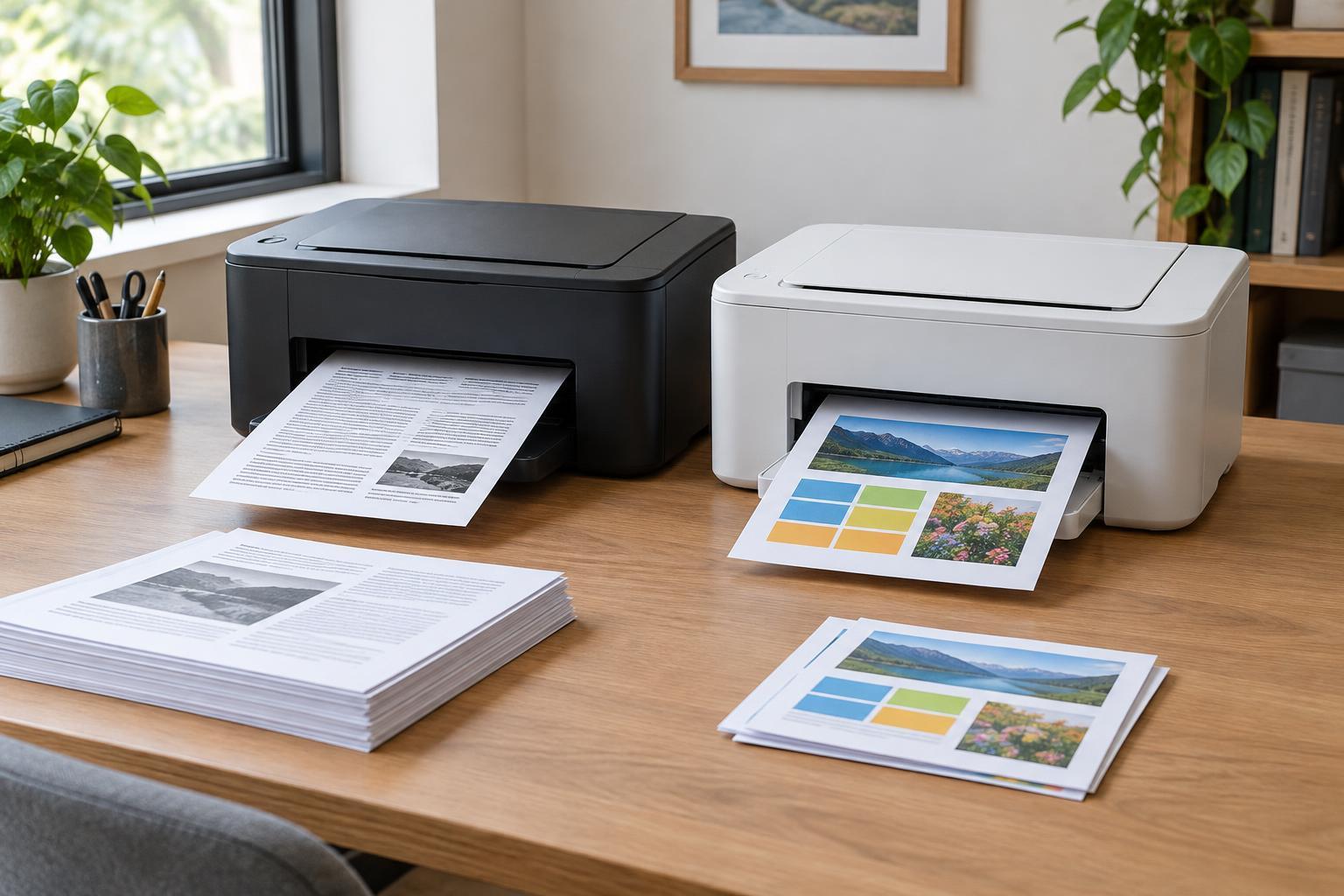
The choice between a monochrome and a color printer is less about which technology is “better” than about what comes out of your printer each week. Monochrome printers use black to produce text and grayscale images. They are well suited to invoices, packing slips, forms, drafts, and other documents whose meaning does not depend on color. If most of your printing fits that description, paying for color capability may bring little everyday benefit.
Color is worth considering when it helps the reader do something. A chart with several series, a marked-up floor plan, a product sheet, or a customer handout may be easier to understand in color. Appearance can matter, too: if printed materials represent your business to clients, color may help you present them as intended. That does not mean every document needs color. The useful question is which documents would lose clarity or impact if printed in grayscale.
Look at a representative batch of recent jobs rather than relying on a memorable one-off project. Note what you print routinely, what you print only occasionally, and what you could share digitally. This simple inventory gives you a better starting point than comparing printer specifications in isolation.
Compare the cost of the pages you will actually print
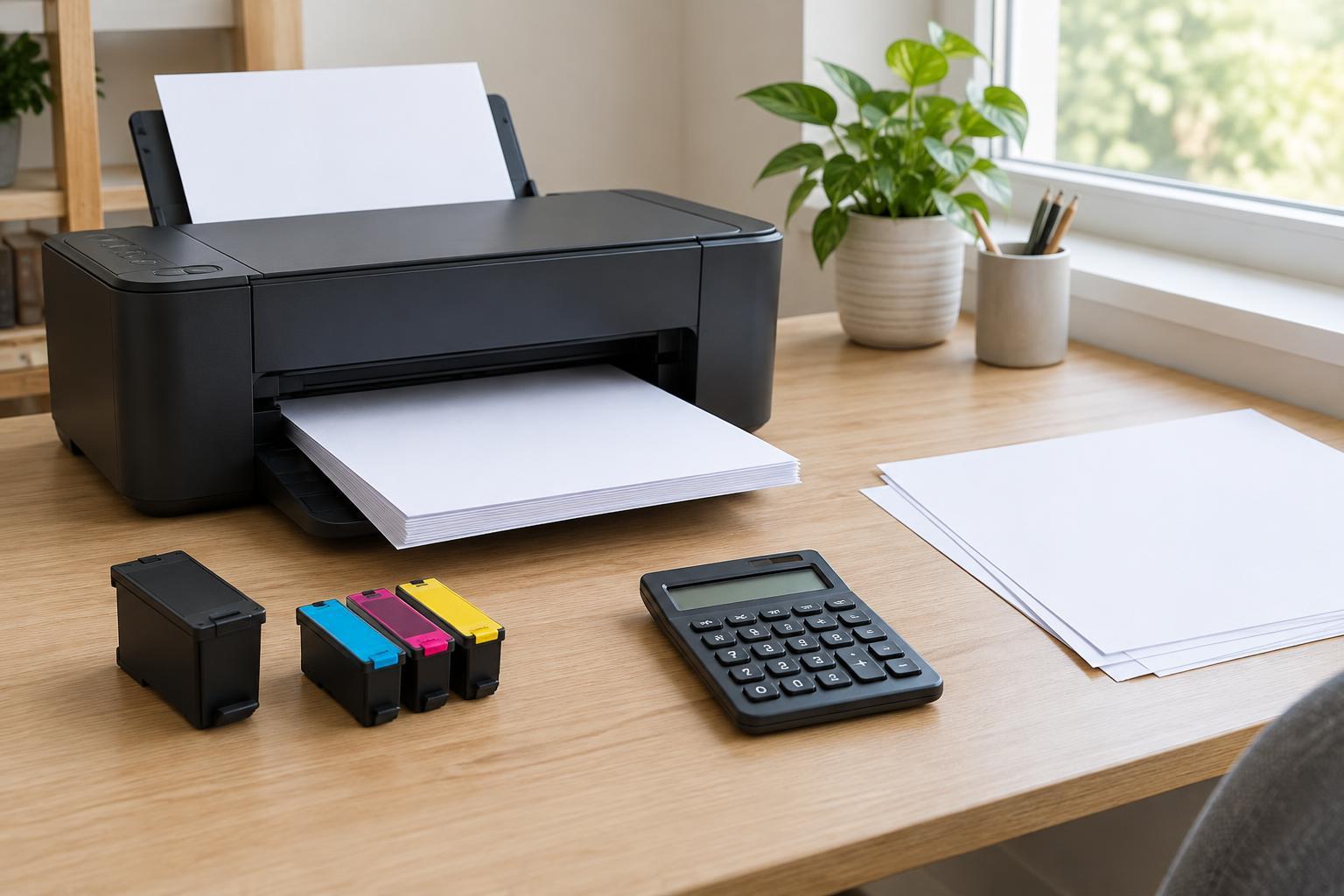
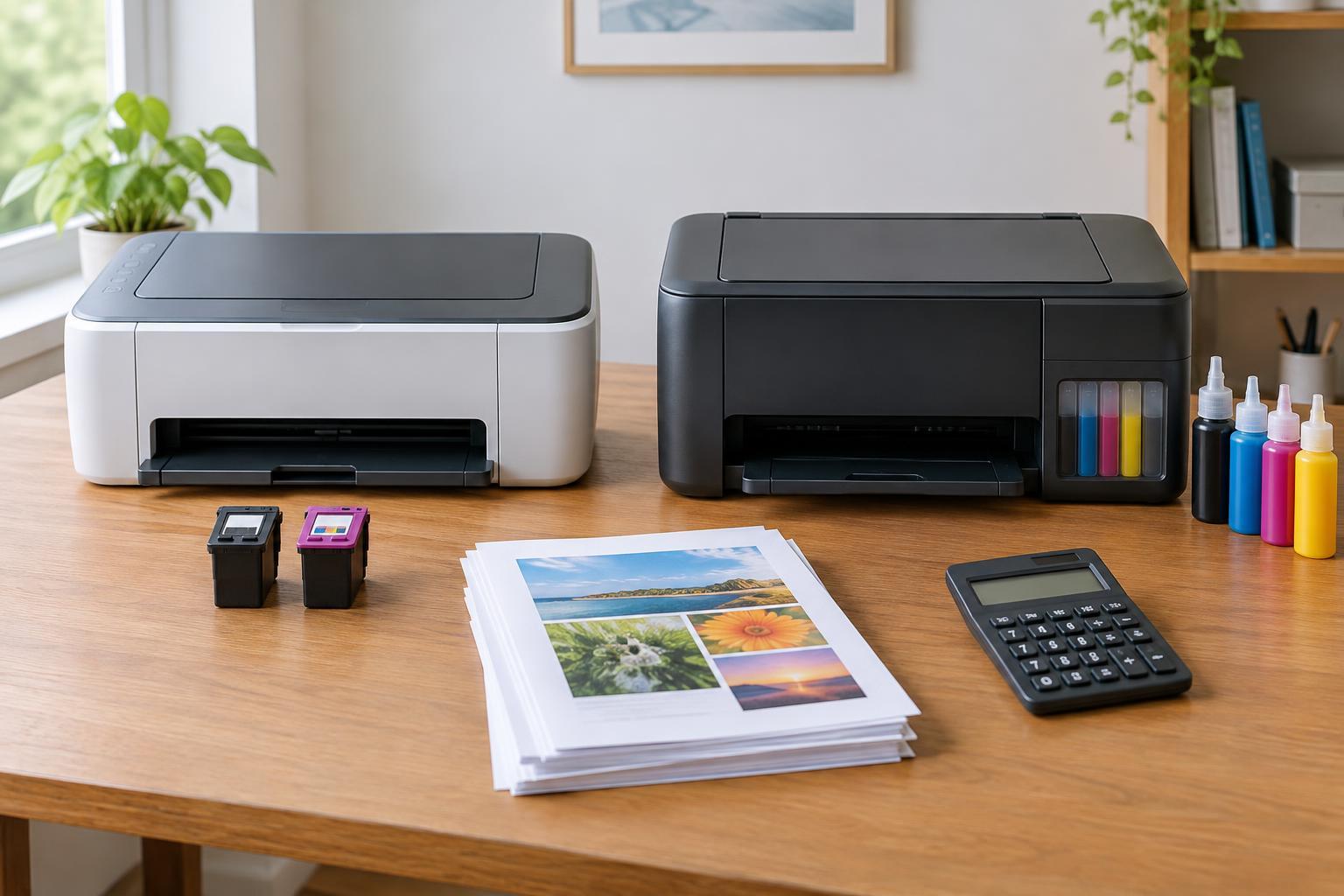
A color printer can cost more to own even if its purchase price looks attractive. Replacement supplies, the amount of color used on each page, and paper choice all affect running costs. A page with a small colored logo is different from a page filled with photographs or large blocks of color. When comparing models, check the prices and stated yields of the exact cartridges or toner supplies they use, including higher-capacity options if available. Treat estimated cost per page as a comparison tool, not a promise about your own results.
Also check how a printer handles black-and-white jobs. Some color printers may use color supplies during maintenance or for certain print settings, so selecting black-and-white does not necessarily eliminate every color-related expense. On the other hand, one color printer may be simpler to manage than keeping separate monochrome and color devices. The right comparison includes the printer, supplies, and maintenance expectations, not just the price on the shelf.
Paper deserves a place in the calculation. Ordinary documents may look fine on standard office paper, while polished handouts or photos may call for more suitable paper and more ink or toner. If those jobs are rare, compare the convenience of printing them yourself with the cost of using a local print service when needed.
Match the printer type to your workflow
Both laser and inkjet printers are available in color, and the better fit depends on your work. A monochrome laser printer is often a straightforward option for a steady stream of text. A color laser printer may suit office documents such as charts and presentations, but do not assume it will produce the photo finish you want. An inkjet may be appealing when image printing is important, although results and upkeep vary by model. Compare sample output for the kinds of pages you make instead of choosing by printer type alone.
Think about how often the printer will be used. If printing is infrequent, look into the maintenance needs of any model you are considering, particularly an inkjet that may sit idle for long periods. If several people share a device, features such as network connectivity, a paper tray that suits your usual jobs, and automatic two-sided printing may have more day-to-day value than color alone. A printer that handles routine tasks reliably is easier to live with than one chosen for a feature you seldom use.
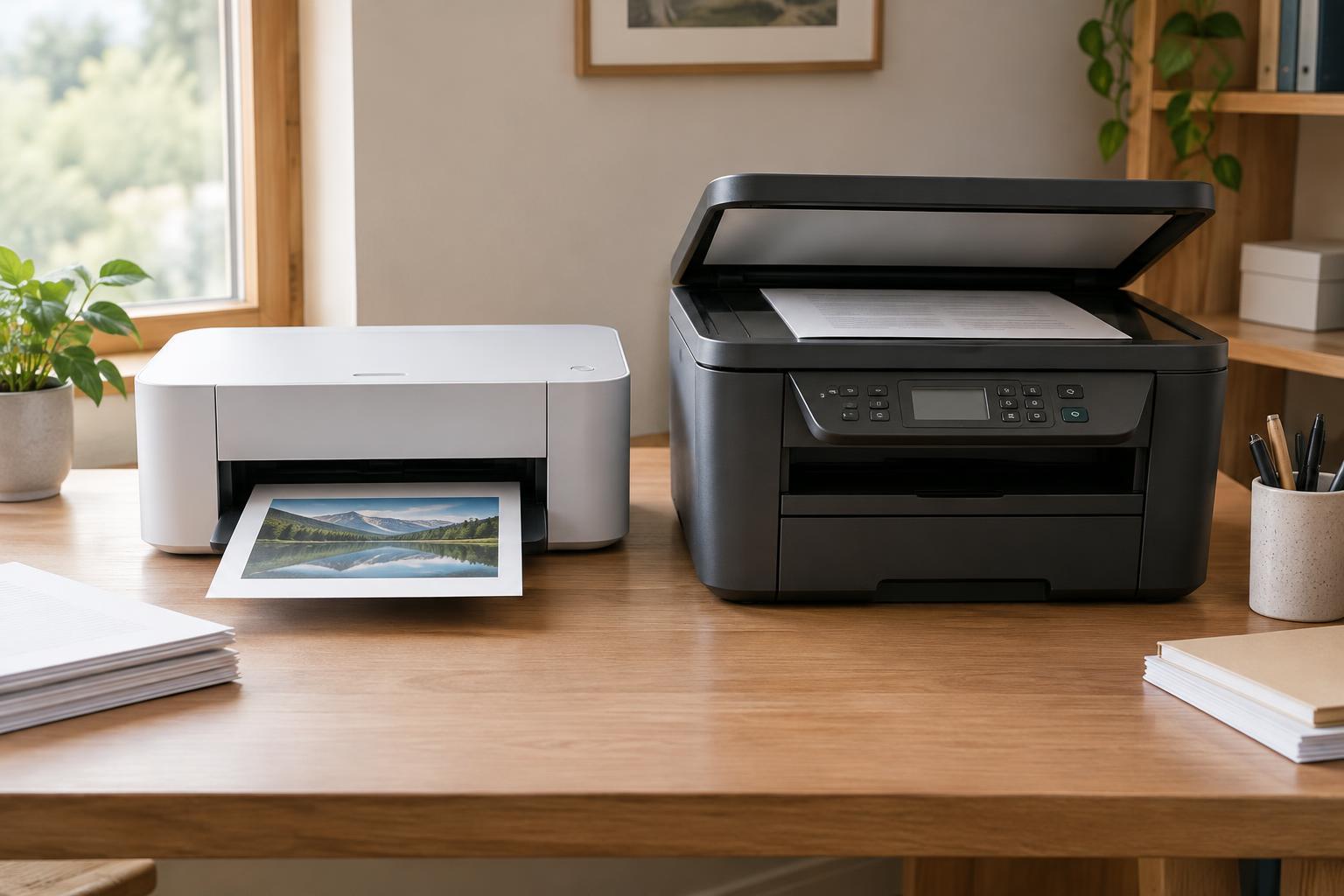
If you also need scanning, evaluate that function separately. A color scanner can capture colored originals even when the printer produces only monochrome pages; confirm the capabilities of the particular device. An automatic document feeder can be useful for multipage paperwork, while a flatbed helps with items that cannot pass through a feeder.
Know when occasional color is enough
Owning a color printer is not the only way to produce a color document. A home office that prints mostly forms and correspondence might use a monochrome printer for daily work and send an occasional brochure or presentation to a print service. This arrangement can also make sense when the rare color job needs special paper, an unusual size, or a finish that an everyday office printer cannot provide.
Before taking that route, consider deadlines and privacy. Outsourcing is less convenient when you need an updated handout immediately, and sensitive documents may require extra care in how they are handled. If color changes are frequent or color pages are needed on demand, keeping that capability in-house may justify the added supplies and space.
You can also reduce unnecessary color printing without giving it up. Set routine documents to black-and-white by default, preview pages before printing, and use color deliberately for elements that carry meaning. For charts, add labels or distinct patterns so they remain readable when someone prints or copies them in grayscale.
Make the decision with a short checklist
Choose monochrome as your starting point if nearly all your pages are text, your color jobs can wait, and you value a simpler supply setup. Lean toward color if printed charts, images, or client-facing materials are a regular part of your work, especially when you need to revise and print them quickly. Neither choice should depend on a single showcase print: your routine workload will determine whether the extra capability earns its keep.
Before buying, compare a few models against the same checklist: print quality for your typical documents, replacement-supply prices, paper handling, connectivity, scanning needs, and where the device will fit. Check whether the printer supports the settings you expect to use, including black-and-white and two-sided printing. The most economical choice is not necessarily the cheapest machine or the one with the lowest advertised page cost. It is the one that handles your usual work without making the occasional unusual job a burden.