Start with ownership and a simple schedule
Shared equipment is easy to overlook because everyone uses it but no one may feel responsible for it. Assign a point person for each device or group of devices. That person does not need to perform every task; they can keep the checklist current, make sure supplies are available, and route problems to the right colleague or service provider.
Match the schedule to use. A busy printer may need a quick daily check, while a seldom-used scanner may need attention only before a large scanning job. Keep the checklist near the device or in a shared workspace, with a place to note the date, what was checked, and any unresolved issue. A short, repeatable list is more useful than a detailed form that nobody completes.
Do a quick readiness check
At the start or end of the workday, check that commonly used devices are accessible and ready. Look for visible error messages, nearly empty paper trays, full shredder bins, loose cables, and clutter blocking a device’s vents or output area. Confirm that paper is stored nearby without crowding the machine. If a device is shared over a network, note connection problems rather than repeatedly restarting it without a plan.
Check the supplies people are most likely to run out of: suitable paper, toner or ink, shredder bags where used, and any approved cleaning materials. Record low supplies before they are exhausted. Keep replacement items labeled for the correct device; cartridges and other parts that look similar are not necessarily interchangeable.
Clean contact surfaces and paper paths carefully
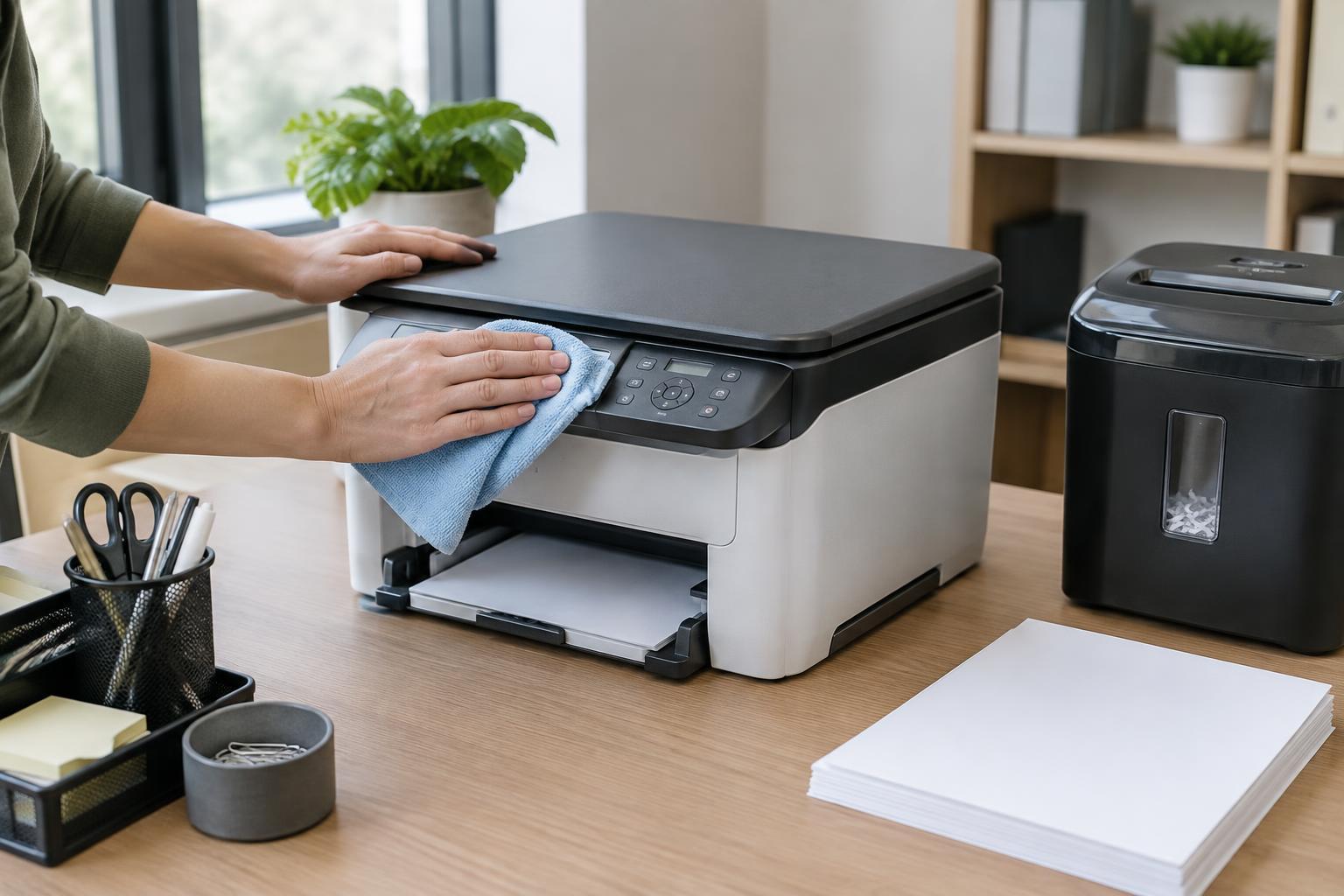
Wipe frequently touched exterior surfaces, such as control panels and handles, using the cleaning method recommended for the equipment. Avoid spraying liquid directly onto a device or letting moisture enter openings. Before cleaning inside a machine or removing a jam, follow its instructions and any posted workplace procedure. Some parts can be hot or easily damaged, and not every area is intended for user maintenance.
For scanners and copier glass, dust, fingerprints, and marks can show up on every page of a scan. Check the glass and, if present, the narrow strip used by an automatic document feeder. Clean them with an appropriate soft cloth and approved cleaner, then test with a page if marks have been appearing. If paper regularly feeds at an angle or jams, check that guides fit the paper and that trays are not overfilled; do not force stuck sheets through rollers.
Shredders need a different kind of care. Empty the bin before it becomes packed, and keep staples, clips, and sheet counts within the model’s stated limits. If the manufacturer calls for shredder lubricant, follow its directions and use the specified type. Unusual noise, repeated stops, or a burning smell is a reason to stop using the machine and report it.
Test the tasks people actually depend on
A device can appear ready while an everyday function is failing. Periodically print a short page, scan a sample document, or test another frequently used feature. Look for streaks, faded areas, skewed pages, missing pages, or files saved in the wrong location. A sample test is especially useful after changing supplies or clearing a jam.
Keep the test appropriate to the workplace. Use a non-sensitive sample rather than a customer record or personnel document. Retrieve test pages promptly, and clear test files from shared locations if they are no longer needed. Maintenance should not create a privacy problem or leave confusing sample documents mixed with real work.
Record problems and know when to stop
When something fails, write down the device name or location, the displayed message, what task was attempted, and whether the issue happens every time. Note any steps already taken, such as checking the paper tray or restarting the device under the usual procedure. This helps the next person avoid repeating the same attempts and gives support staff a clearer starting point.
Set a boundary between routine care and repair. Users can usually handle approved cleaning, supply replacement, and straightforward jams described in the manual. Damaged cords, exposed parts, recurring jams, leaks, or persistent error messages need someone qualified to assess them. Mark a faulty device clearly so coworkers do not keep sending jobs to it. Once the issue is resolved, update the checklist and confirm that the device works for its normal tasks.