Start with your tasks, not the floor plan
Before comparing desks, list what you do at one during a typical workday. A laptop used mainly for calls and email needs a different surface from a workstation where you review paper files, write by hand, and scan documents. Note which items must stay within reach and which can be stored elsewhere. A printer you use occasionally, for example, does not necessarily need to occupy your main work surface.
Then identify tasks that happen at the same time. Do you need an open notebook beside your keyboard? Do you spread invoices out while entering information on a screen? Do you alternate between a computer and a drawing pad? These overlaps matter more than the total number of objects you own. The goal is to leave a usable work area when your essential equipment is in place, rather than finding a desk that holds everything only when it is neatly stacked.
Choose a shape that supports your workflow
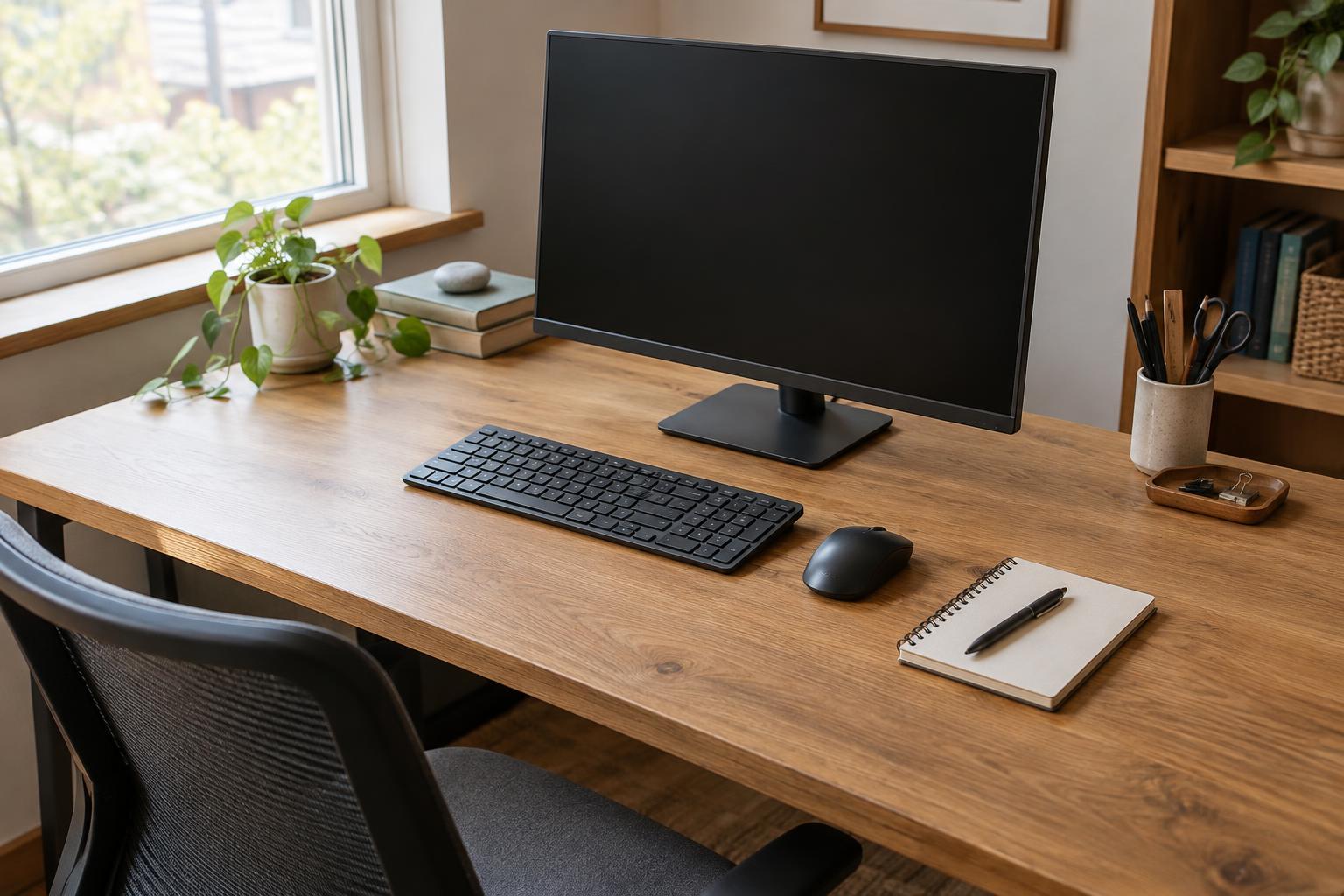
A straight desk is a flexible starting point. It fits along a wall or can face into a room, and its full surface is easy to access from one seated position. It works well when your main task is centered on a monitor and you need some space to either side. If you regularly handle paperwork, check that the remaining clear surface is wide enough to use it without moving your keyboard each time.
An L-shaped desk can separate two kinds of work: one side for a computer and the other for writing, sorting, or assembling materials. It may also give you room to turn between tasks without clearing the main surface. Its larger footprint is not automatically an advantage, though. A deep corner can become hard-to-reach storage, and the return may block a drawer, doorway, or walkway.
A corner desk can make use of a spot that might otherwise sit empty, particularly in a small room. Look closely at where you will actually sit. Some corner designs offer plenty of surface at the back but little usable space directly in front of the chair. If you use multiple displays or large paper documents, compare the accessible work area rather than judging by the outline alone.
Measure depth around your equipment
Desk depth is the distance from the front edge to the back. Too little depth can leave your keyboard, monitor, and paperwork competing for the same strip of surface. Extra depth can provide flexibility, but it also takes floor space and may put frequently used items beyond a comfortable reach. There is no single depth that suits every setup.
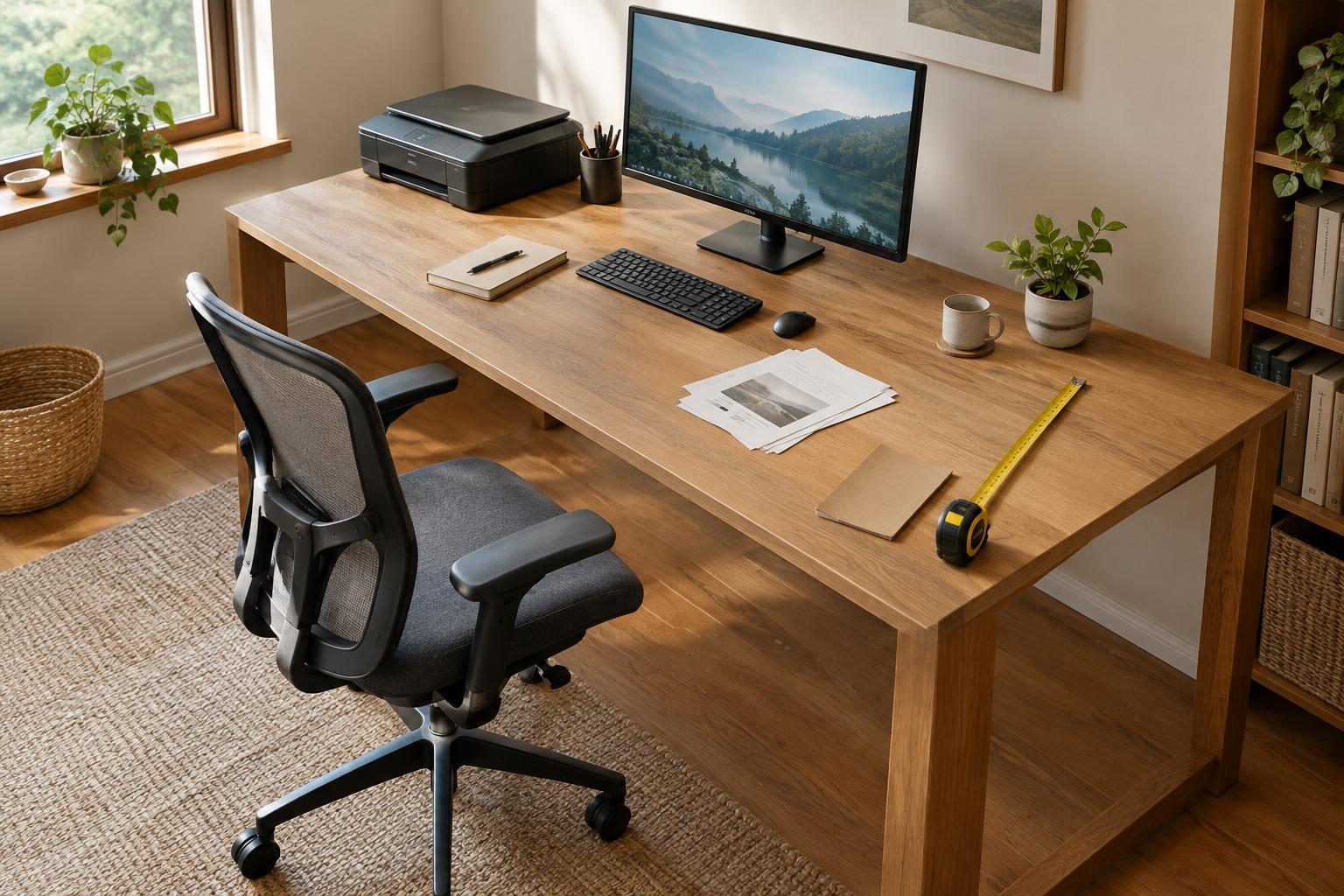
To test a candidate desk, measure the footprint of your monitor stand or laptop, keyboard, and any equipment that will stay on top. Arrange those measurements on the floor or an existing table with sheets of paper or removable tape. Leave space between the keyboard and the front edge for your hands, then check whether the screen can sit at a viewing distance that feels comfortable to you. If you use a monitor arm, check its clamp requirements and the space it needs behind the desk; it may free surface area, but it still needs a suitable mounting point.
Repeat the layout with your largest regular paper task, such as an open binder or a document beside the keyboard. This simple mock-up reveals more than a product photo. It also helps distinguish a desk that is genuinely too shallow from a setup that would work if a rarely used device moved to a shelf.
Account for the space around the desk
Measure the proposed location as carefully as the desktop. Leave room to pull out the chair, stand up, and reach storage without squeezing past furniture. Check the path of doors, drawers, and windows. For an L-shaped desk, mark both sides on the floor so you can see whether the return makes the room harder to move through.
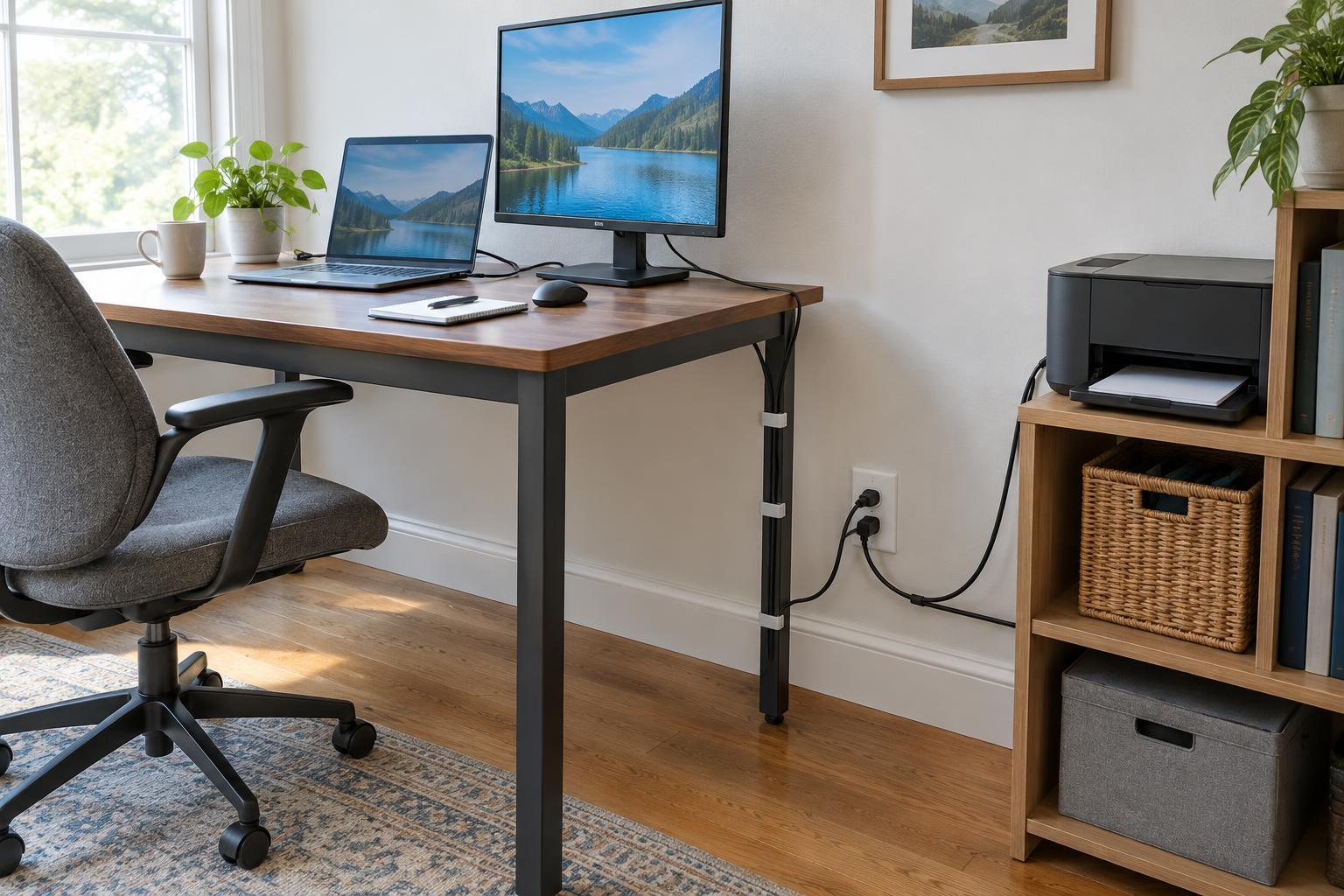
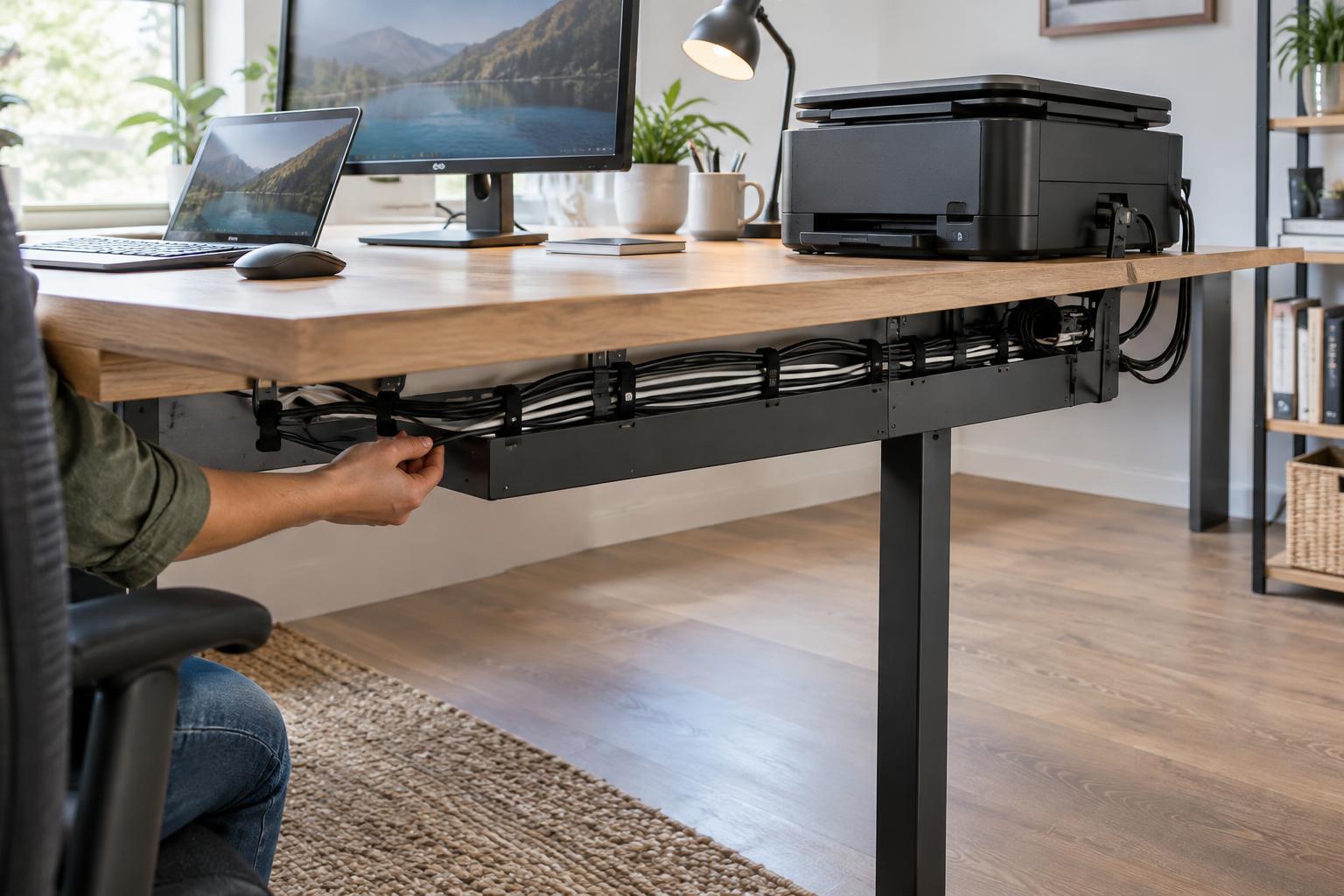
Consider cables and shared equipment as part of the layout. A desk against a wall may hide cords neatly, but you should still be able to reach plugs when something needs troubleshooting. If a printer or scanner sits nearby, allow access to its paper trays, covers, and output area. A separate equipment stand can be more useful than a larger desk if it keeps printing supplies close without taking over your primary workspace.
Make the final choice with a working test
Narrow your options to desks that fit the room, then compare them using the same task layout. For each one, ask whether you can perform your most common work without shifting essential items, whether less common tasks have a place to happen, and whether the chair and storage remain easy to use. Check the usable dimensions, including any curved edges, corner cutouts, drawers, or supports that reduce the space available for your legs or equipment.
If two desks seem equally suitable, favor the one that leaves your setup easier to change. Work habits and equipment can change, and an uncluttered surface is easier to adapt than one fitted tightly around every current device. The best desk shape and depth are not necessarily the largest you can fit; they are the ones that let you do your regular work with room to move.