Start with the work you do most
Before moving anything, notice what you reach for during a typical work session. Your keyboard and mouse may be in constant use, while a notebook, phone, pen, or document tray may be needed only a few times an hour. Give the closest space to the tools you use most often. Items used less often can sit farther away without interrupting your work.
Sit in your usual working position and look at the clear area directly in front of you. This is your main work zone. You should be able to use the items in it without repeatedly leaning across the desk or twisting to one side. Treat reach as a practical test, not a fixed measurement: desks, chairs, arm lengths, and tasks differ.
Place the keyboard for your main task
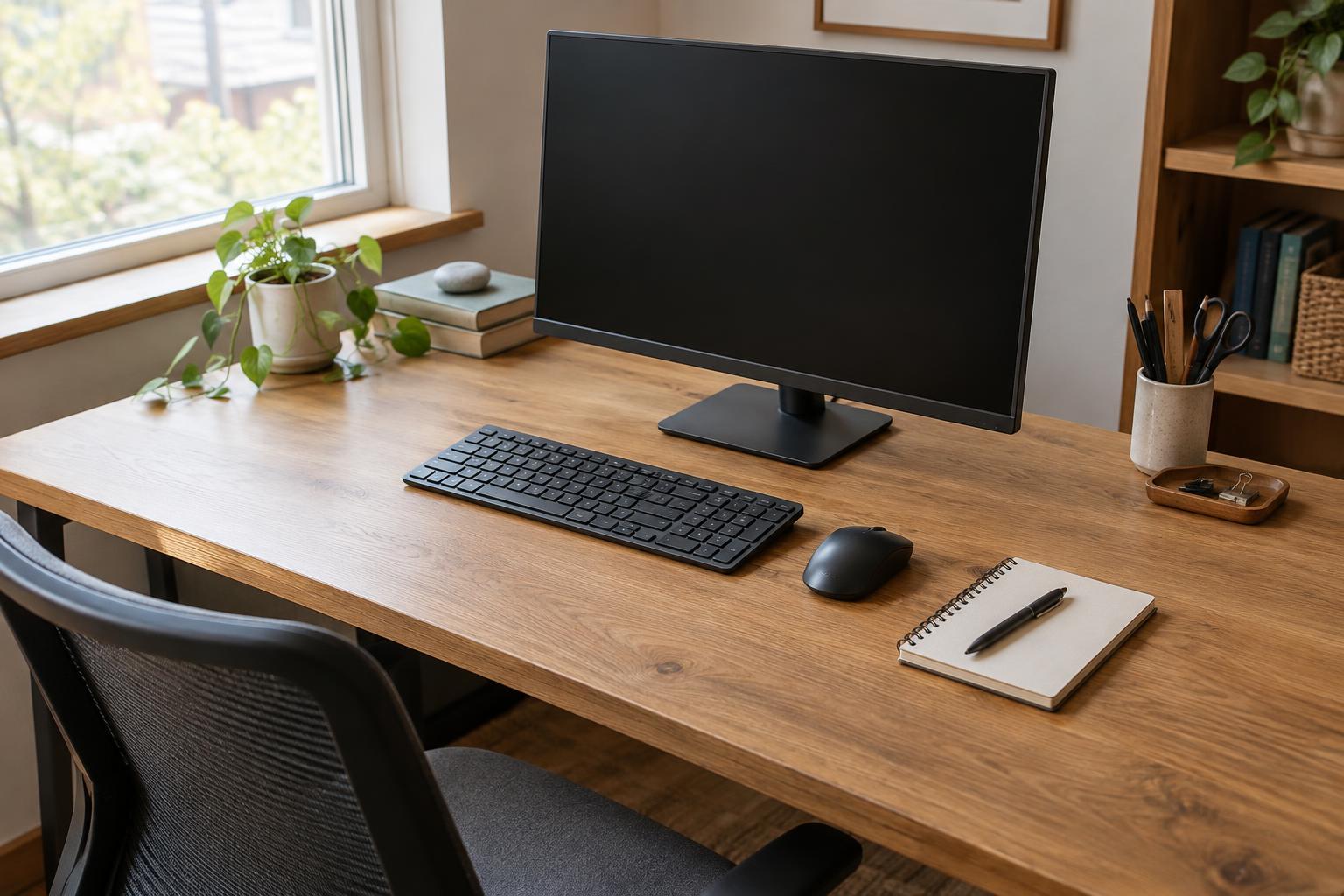
If typing is your primary task, center the keyboard in front of where you sit and where you look while working. On a full-size keyboard, the number pad extends farther to the right, so centering the entire case can leave the letter keys off to one side. Instead, try aligning the letter keys with your body. If you use the number pad heavily, adjust the position to suit that task.
Set the keyboard close enough that you can type without reaching your arms forward for each key. Leave room to rest your hands or forearms when you pause, but avoid pushing the keyboard so far back that you have to lean toward it. A keyboard tray can free desk space, though it is useful only if it gives you enough room for the keyboard and lets you sit comfortably. On a laptop, an external keyboard may offer more placement flexibility when the screen needs to sit farther away.
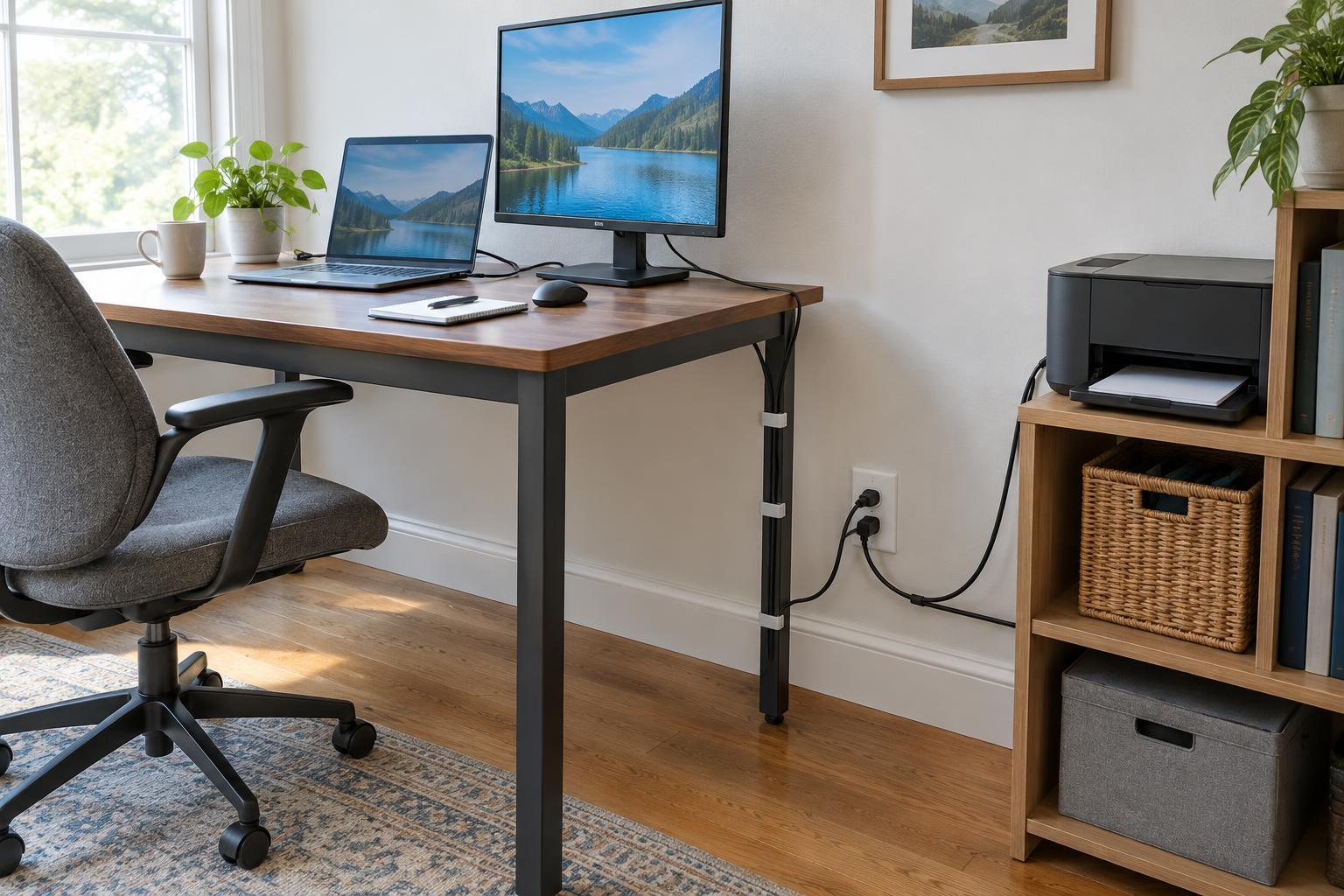
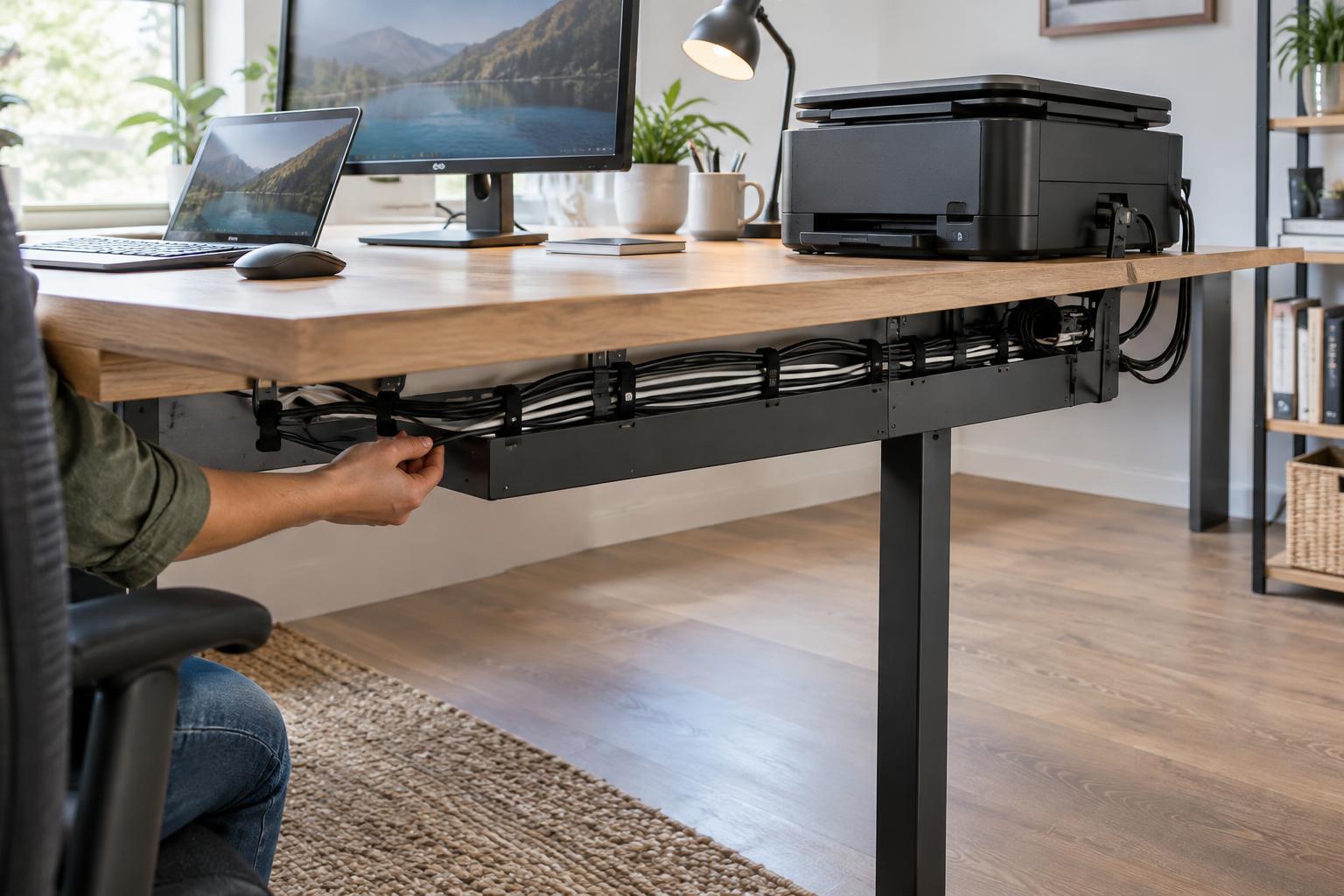
Keep cables from pulling the keyboard out of position. A little slack and a simple cable clip can help maintain the layout you chose.
Keep the mouse near the keyboard
Place the mouse beside the keyboard, close enough that switching between the two feels easy. If the mouse is pushed outward by papers, a wide keyboard, or a desk accessory, you may find yourself repeatedly reaching sideways. Clear that space first. If desk width is limited, a compact keyboard without a built-in number pad can create more room for the mouse; a separate number pad is an option for occasional use.
Give the mouse enough clear surface for your usual movements. A small mouse pad may work well for precise, limited motions, while a larger pad can help if you often run out of space. Choose a position that works with your preferred hand rather than assuming the mouse must always be on the right. If you switch hands or use a trackball, place that device where you can operate it without moving other objects each time.
Arrange supplies by frequency and task
Keep a short list of frequently used items in your main work zone. A pen and current notebook might sit beside the keyboard; a document you are entering into a computer might sit between the keyboard and screen, or on a stand next to the screen. Position paper so you can read it without covering the mouse area. If you alternate between typing and writing, leave a clear writing space rather than filling every gap with storage.
Move backup supplies, reference folders, and seldom-used equipment to an outer zone: a shelf, drawer, or farther corner of the desk. A printer or scanner usually does not need to occupy your easiest reach unless you use it throughout the day. Place it where you can load paper and retrieve pages without blocking your normal workspace. Keep drinks away from electronics and papers, with enough space that reaching for one will not knock into the other.
Test the layout during real work
Work with the new arrangement for a few ordinary sessions. Notice when you lean, stretch, shift papers out of the way, or search for a tool. Each repeated interruption points to a possible adjustment. Move one item at a time so you can tell whether the change helps. What feels convenient for a long typing session may differ from what works when you review printed documents.
The aim is not a perfectly symmetrical desk. It is a clear, dependable path between the tools you use together. Keep your keyboard and pointing device easy to use, leave space for the task at hand, and let less-used items live outside the busiest part of the desk.