List what needs power before moving furniture
Start with the equipment you expect to use at the desk, not just what is plugged in today. A laptop setup might include a monitor, dock, task light, and phone charger. A desktop computer may add a separate tower and speakers. Printers, scanners, shredders, and Wi-Fi equipment can create another cluster of plugs. Writing these items down helps you see whether one convenient wall outlet will actually serve the workspace.
For each item, note where it will sit and whether its power connection is at the back, side, or underside. Look at the plug as well as the cable: a bulky power adapter may block a neighboring socket or need more space behind furniture than a slim plug. If you expect to add equipment later, leave some flexibility rather than filling every accessible connection on the first day.
Check the room from a seated and standing position
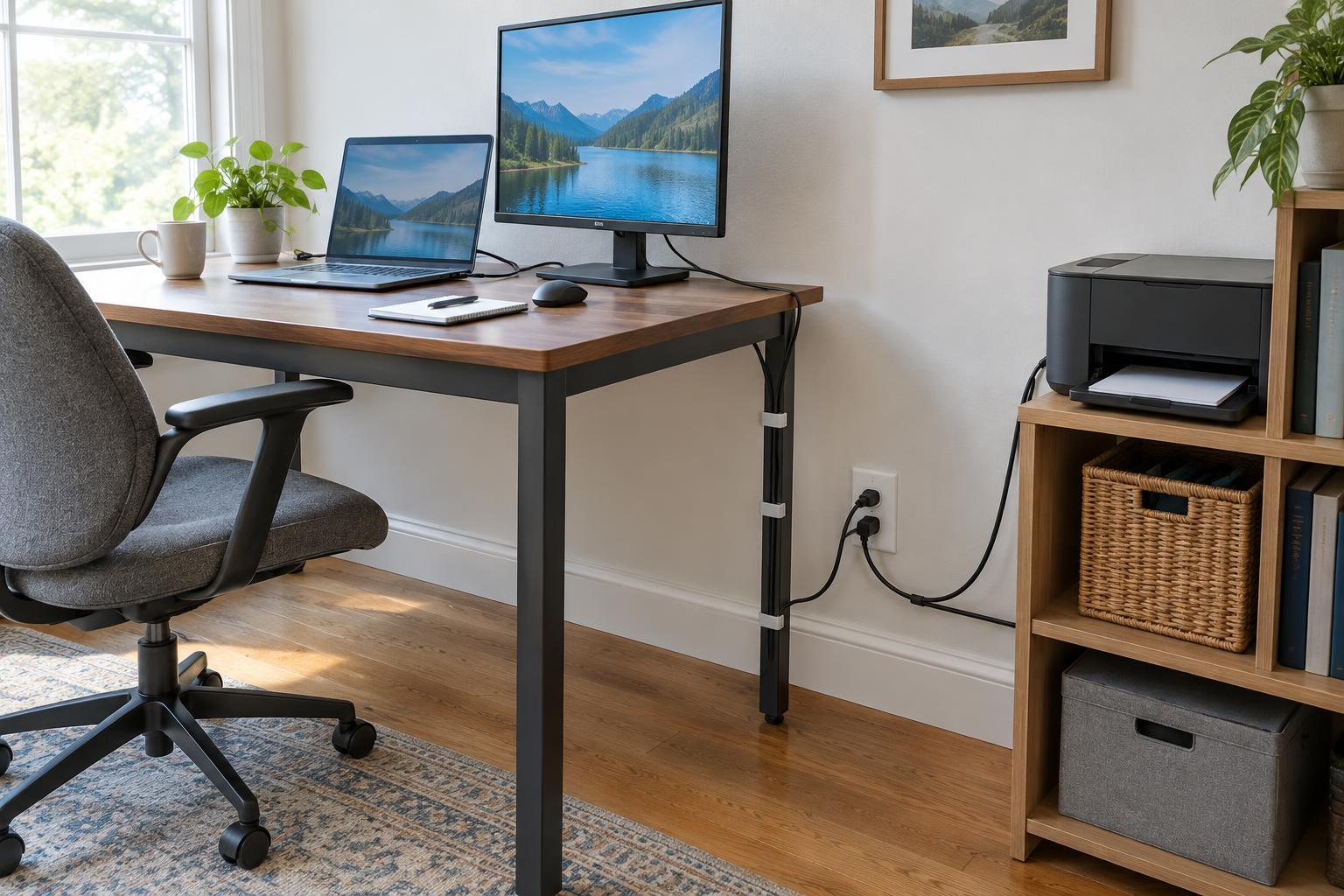
Locate the outlets before choosing the desk’s final position. Notice which ones will end up behind drawers, bookcases, or a printer stand. An outlet that is easy to reach in an empty room may be difficult to use once furniture is in place. Check whether cords can reach without stretching, and leave enough clearance to unplug a device without pulling the desk away from the wall.
Think through ordinary tasks, too. You might need to connect a visiting laptop, charge a headset, or unplug a printer for troubleshooting. Keep at least one useful connection reasonably accessible. If a desk has a back panel or built-in cable opening, check where it sits relative to the outlet; the opening only helps if cables can pass through it without being pinched.
Give larger devices a practical location
A printer may be easier to use on a nearby stand than on the desk, but its location still needs a suitable power connection. Allow space to open paper trays, clear a jam, replace supplies, and reach the power switch or plug. Some devices also need open space around their vents. Check the equipment’s instructions rather than assuming a tight shelf or enclosed cabinet is appropriate.
Consider how the device connects to your computer or network. A wireless printer still needs power, while a USB-connected device also needs a workable cable path to the computer. Placing equipment close to an outlet but across a walkway can solve one problem and create another. A location that supports both power access and routine use is usually the better choice.
Plan cable routes, not just cable lengths
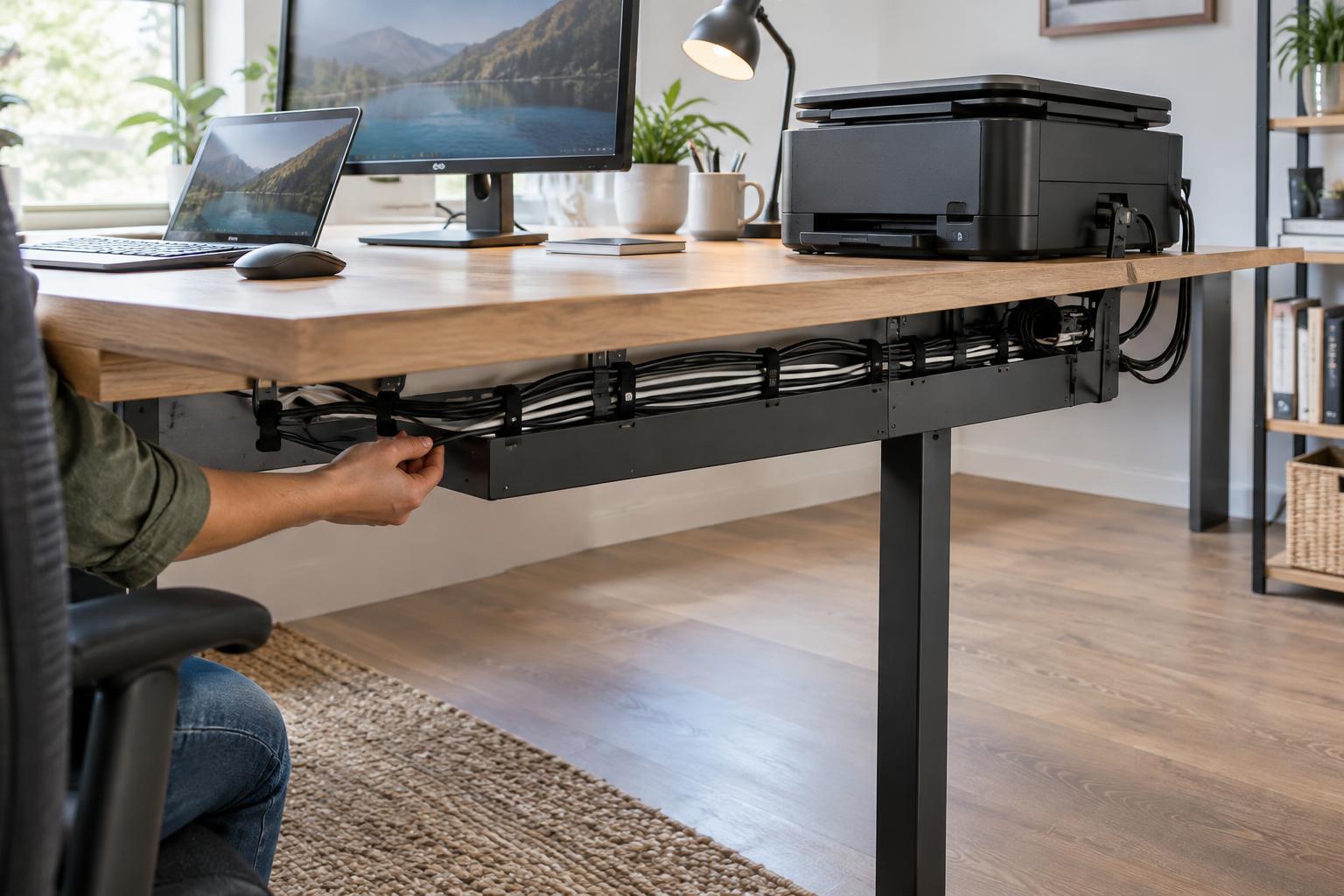
Sketch the likely path from each device to its power source. Keep cords away from chair wheels, foot space, doorways, and places where drawers move. Cable clips, sleeves, or an under-desk tray can help keep ordinary desk cables organized, provided plugs remain accessible and cords are not tightly bent or trapped under furniture. Labeling similar-looking plugs can also make troubleshooting less disruptive.
Avoid treating extension cords or power strips as a permanent answer to a poor layout. Use any strip according to its instructions and rating, and do not chain strips together or overload them. Equipment instructions may call for a direct wall connection. If the room lacks suitable outlets where you need them, reconsider the layout or ask a qualified electrician about your options rather than routing cords through a walkway.
Test the arrangement before calling it finished
Before securing cables, place the desk and devices roughly where you want them and connect the setup. Sit down, adjust the chair, open drawers, and perform a typical task such as printing or scanning. Can you reach the equipment comfortably? Do cables stay clear as the chair moves? Can you unplug a device without disturbing the rest of the workspace?
Make small changes while everything is still easy to move. Shifting a printer stand, turning a desk, or moving a charger to a more accessible location may improve daily use more than adding another accessory. Once the arrangement works, organize the cables and keep a simple note of what is plugged in where. That record can save time when a device needs to be reset, replaced, or moved.