Mistake 1: Placing the desk before planning the work
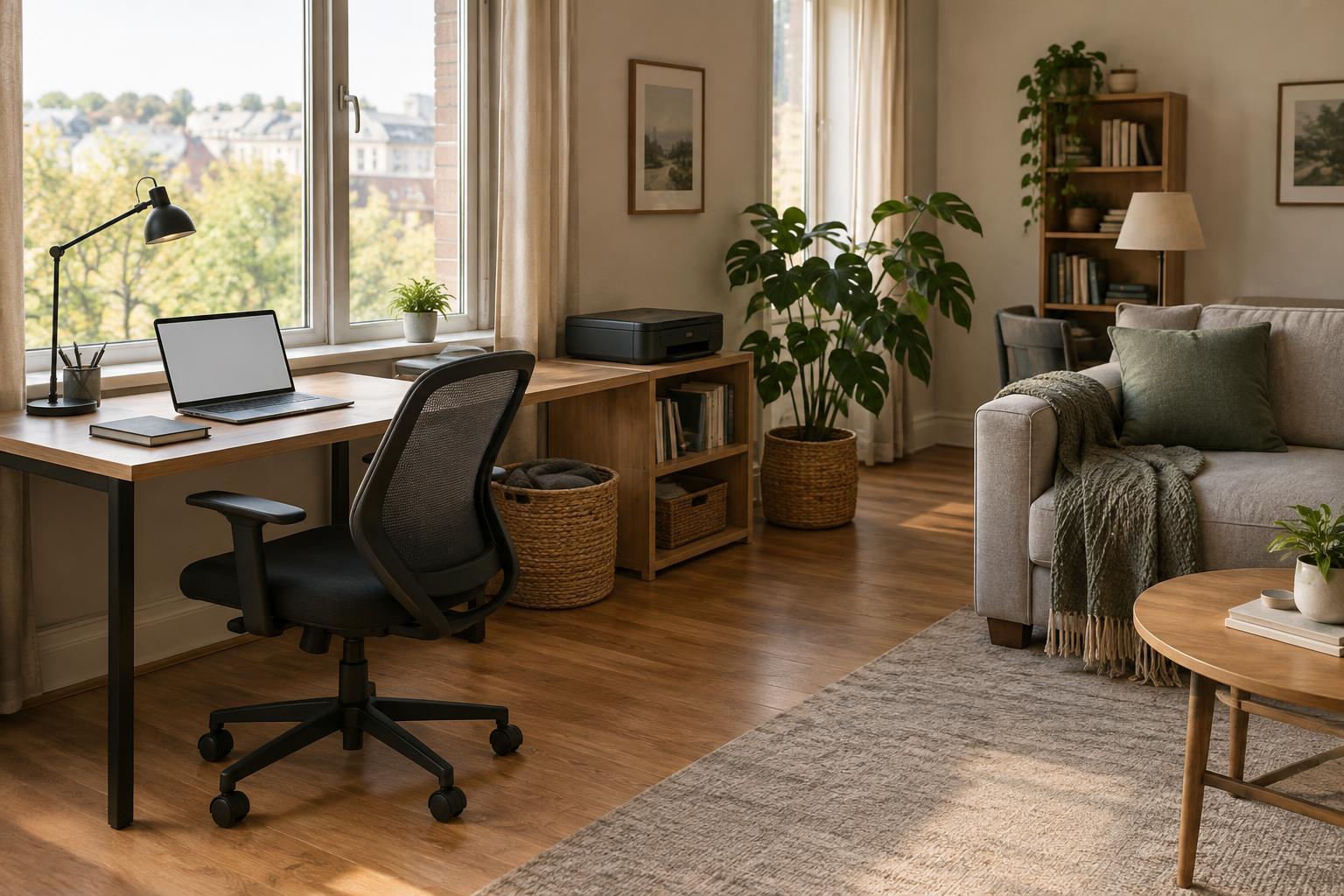
A desk that fits neatly against a wall is not necessarily in the best place to work. Before moving furniture, consider what you do most often: video calls, focused computer work, writing on paper, printing, or packing small orders. Then picture the path between the desk and the things those tasks require. If you repeatedly cross the room to collect a printout or move piles of paper to make room for a notebook, the layout is adding steps to your day.
Start with a simple activity map. Keep frequently used items within easy reach, place occasional-use equipment farther away, and leave a clear route to the door and storage. Test the arrangement for a few workdays before buying furniture. A small change, such as turning the desk or moving a printer to a nearby shelf, may do more than adding another cabinet.
Mistake 2: Ignoring light until screen glare becomes a problem
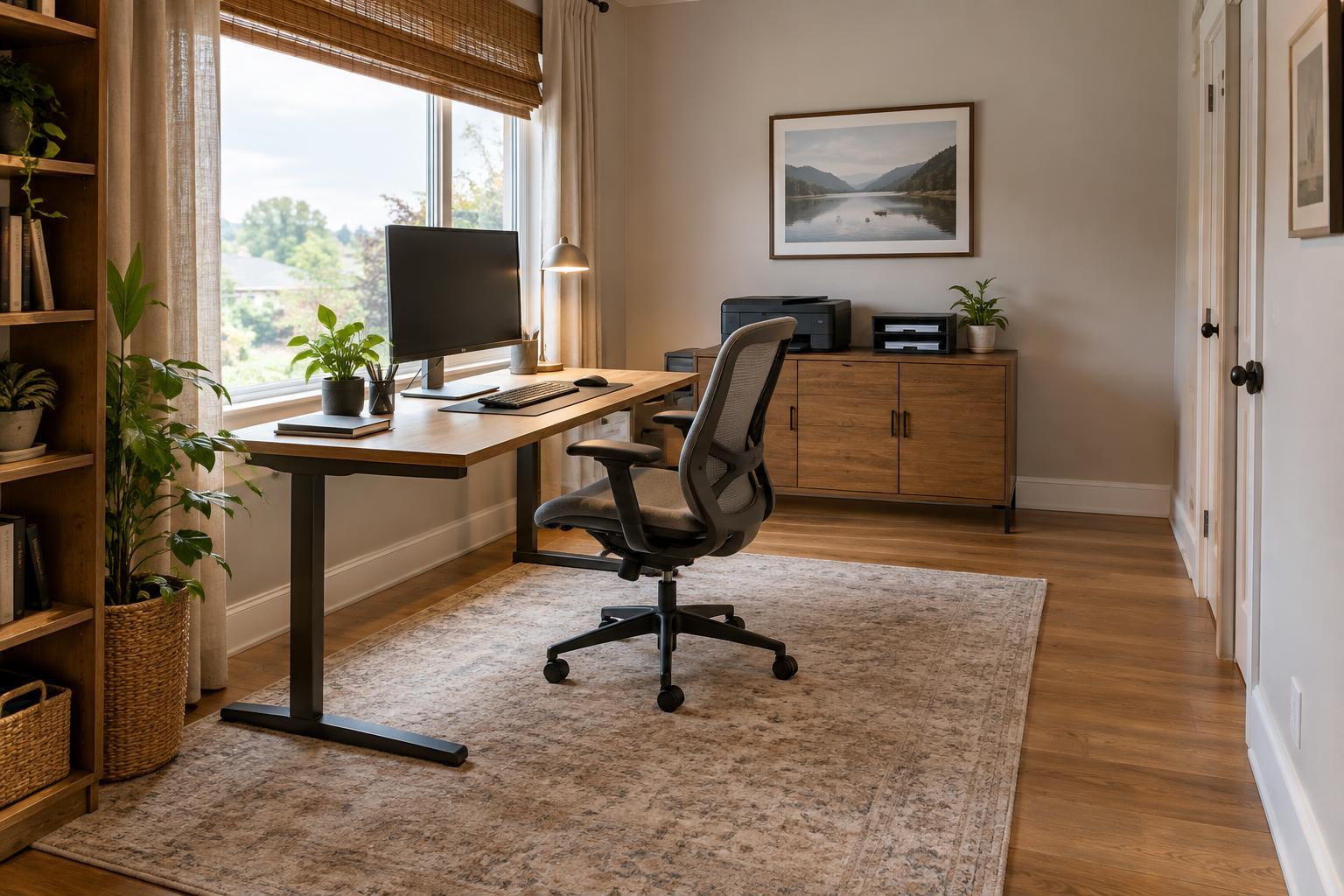
Putting a monitor directly in front of a bright window can make the screen hard to see. Placing a window directly behind your chair may produce distracting reflections. Neither position is automatically wrong, but both are worth testing at the times you normally work. Notice whether you squint, increase screen brightness to compensate, or keep shifting your chair to avoid glare.
If possible, position the screen at an angle to the window and use a curtain or blind to adjust daylight. Add a movable task light for paper work so you can illuminate the page without shining light onto the screen. Check the setup in both daylight and evening conditions. The goal is an arrangement you can adjust, not a single lighting setting that must work all day.
Mistake 3: Crowding the chair, keyboard, and work surface
A room may have space for a desk but too little room to use it comfortably. A chair squeezed against shelving can be awkward to move, while a keyboard pushed to the front edge may leave no place to rest your hands between tasks. Stacks of supplies can also turn a generous desktop into a narrow strip. These problems are often easier to notice while sitting down than while viewing the room from the doorway.
Sit at the desk and go through a normal task. Can you move the chair freely, reach the keyboard without stretching, and open the drawers you use? Clear the primary work surface before deciding that you need a larger desk. Move infrequently used supplies to a shelf or closed container, and keep only current work in the main working area. Adjust the chair, screen, and input devices until their positions feel natural for the tasks you perform.
Mistake 4: Putting equipment where it fits, not where it functions
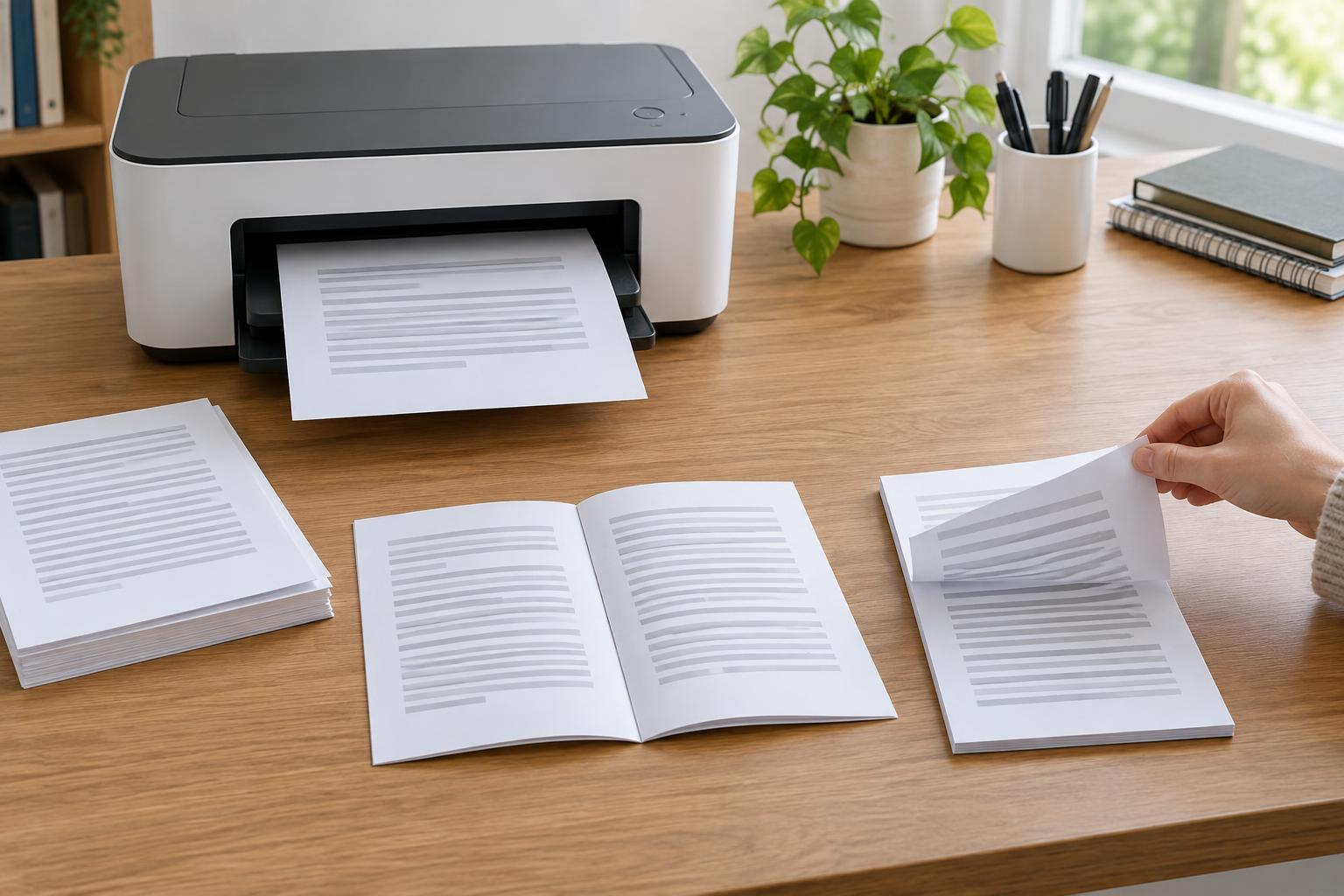
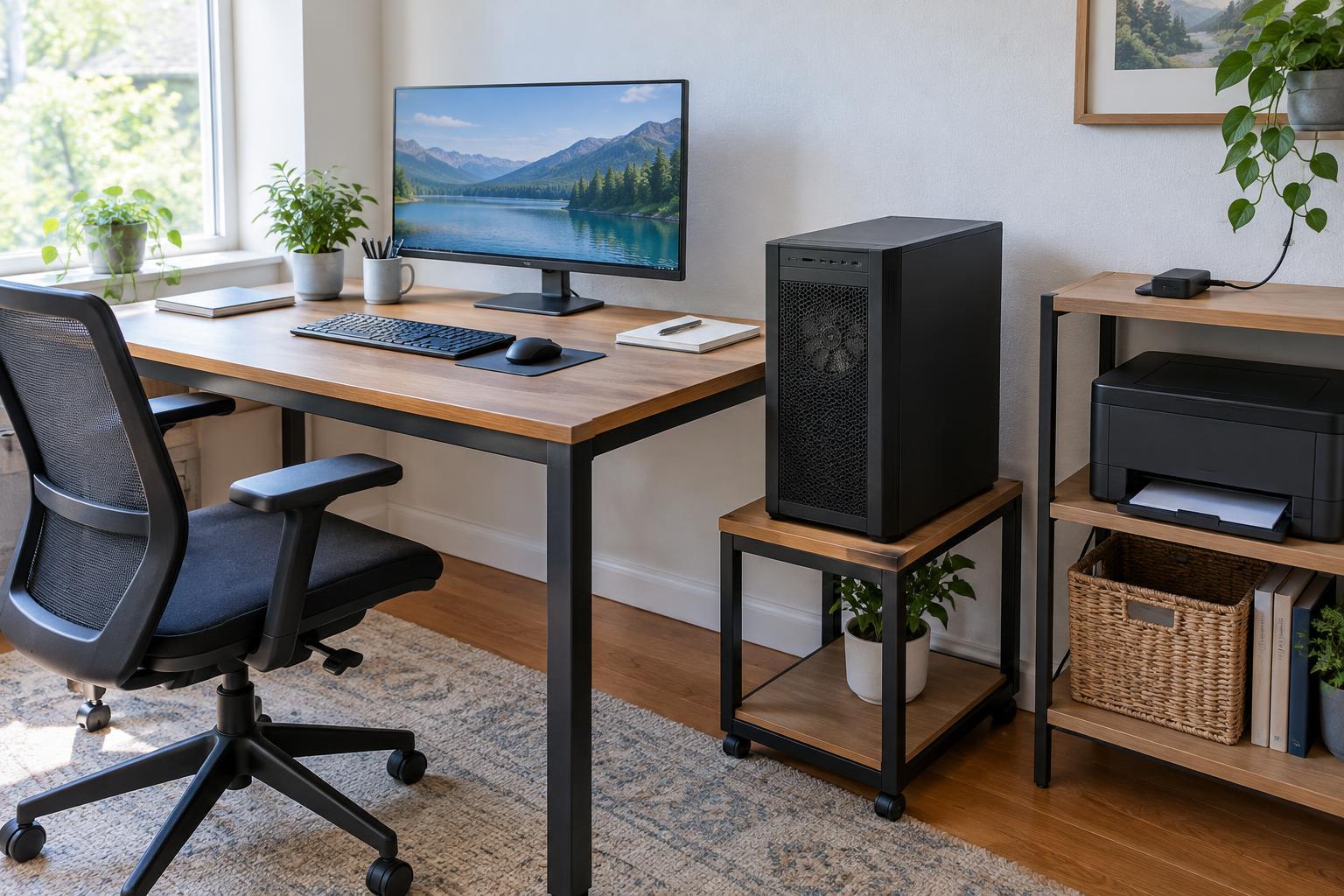
A printer can fit on a narrow shelf yet still be frustrating if there is no room to load paper, open a scanner lid, or collect finished pages. The same applies to a shredder tucked where its bin cannot be removed. Before assigning equipment a permanent spot, check the space needed to operate it and complete routine maintenance. Leave room to access plugs and cables rather than trapping them behind heavy furniture.
Group equipment by how you use it. If you print and scan together, a small document area near the printer can hold incoming pages and completed work. If printing is rare, the machine need not occupy prime desk space, provided it remains easy to reach. Route cables away from walkways and chair wheels, and avoid overloading outlets or extension equipment. When in doubt about an electrical setup, follow the equipment instructions and seek qualified help.
Mistake 5: Treating storage as a place to hide unfinished decisions
Extra drawers will not solve paper clutter if every document goes into the same pile first. Without a clear place for items awaiting action, reference material, and papers ready to discard, even a tidy office can become difficult to use. The fix is a small, visible workflow rather than a complicated filing system.
Give incoming paper one collection spot and set aside time to sort it. Keep current projects close to the desk, move reference material you rarely need to labeled storage, and dispose of papers you no longer need appropriately. Apply the same idea to small supplies: one convenient location for everyday items, another for backups. Revisit the layout when your work changes. A useful home office is not one that stays perfectly still; it is one that makes the next task easy to begin.