Start with the work the room needs to support
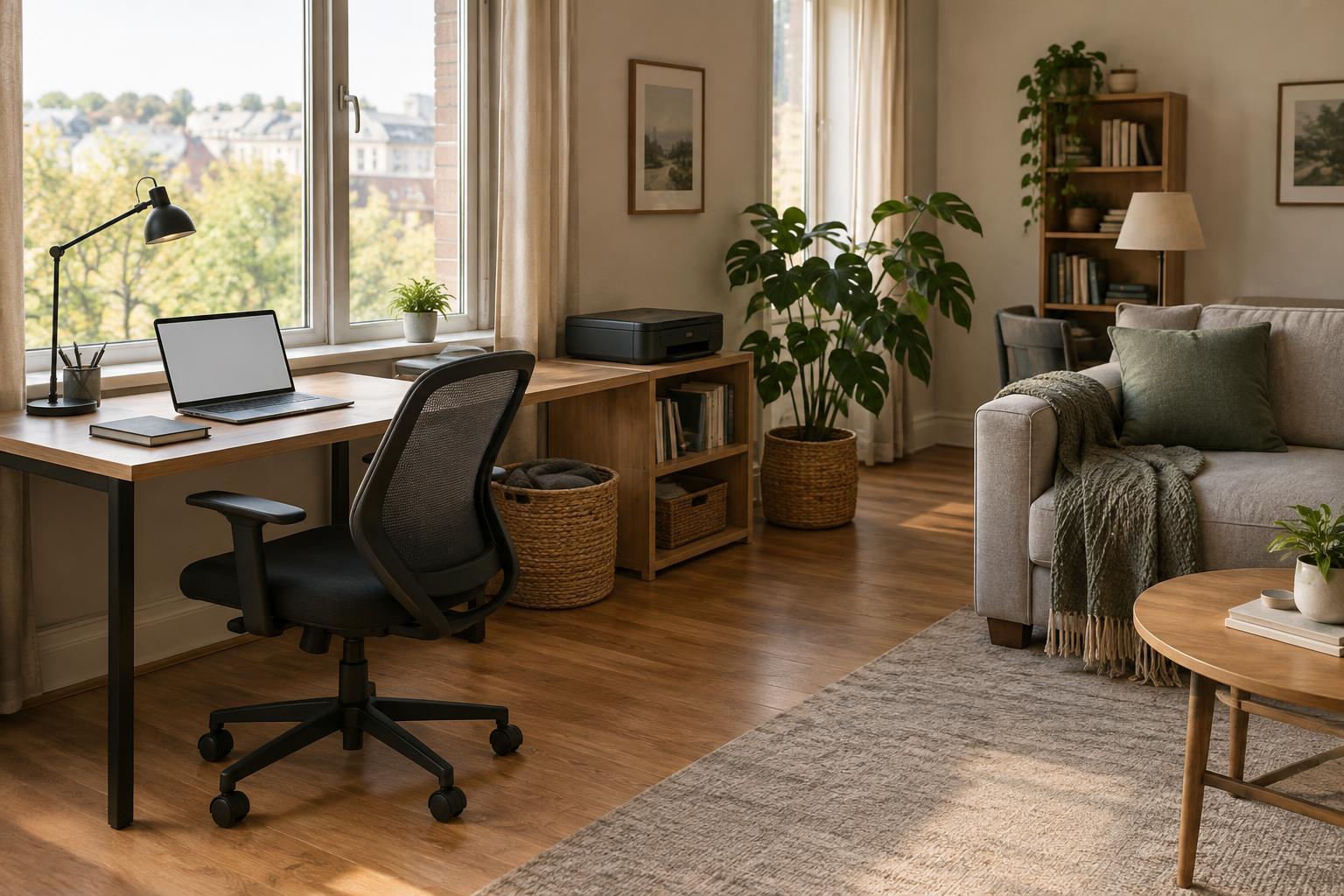
A guest room, dining area, or living room can serve as a workspace without looking like an office all day. Before moving furniture, list the tasks you actually do there. Video calls need a reasonably quiet spot and a suitable background. Paperwork needs a clear writing surface. Printing and scanning need access to power and somewhere to put documents before and after use. These needs are more useful starting points than trying to copy a dedicated-office layout.
Choose one primary work zone, even if you cannot reserve a whole desk. A consistent position reduces the time spent finding outlets, moving supplies, and adjusting your setup. If the room has several uses, consider when each one happens. A table that is busy during meals might work well for short morning sessions but be inconvenient for an all-day task. Plan around those transitions rather than assuming the room will stay unchanged.
Place the desk for light, comfort, and movement
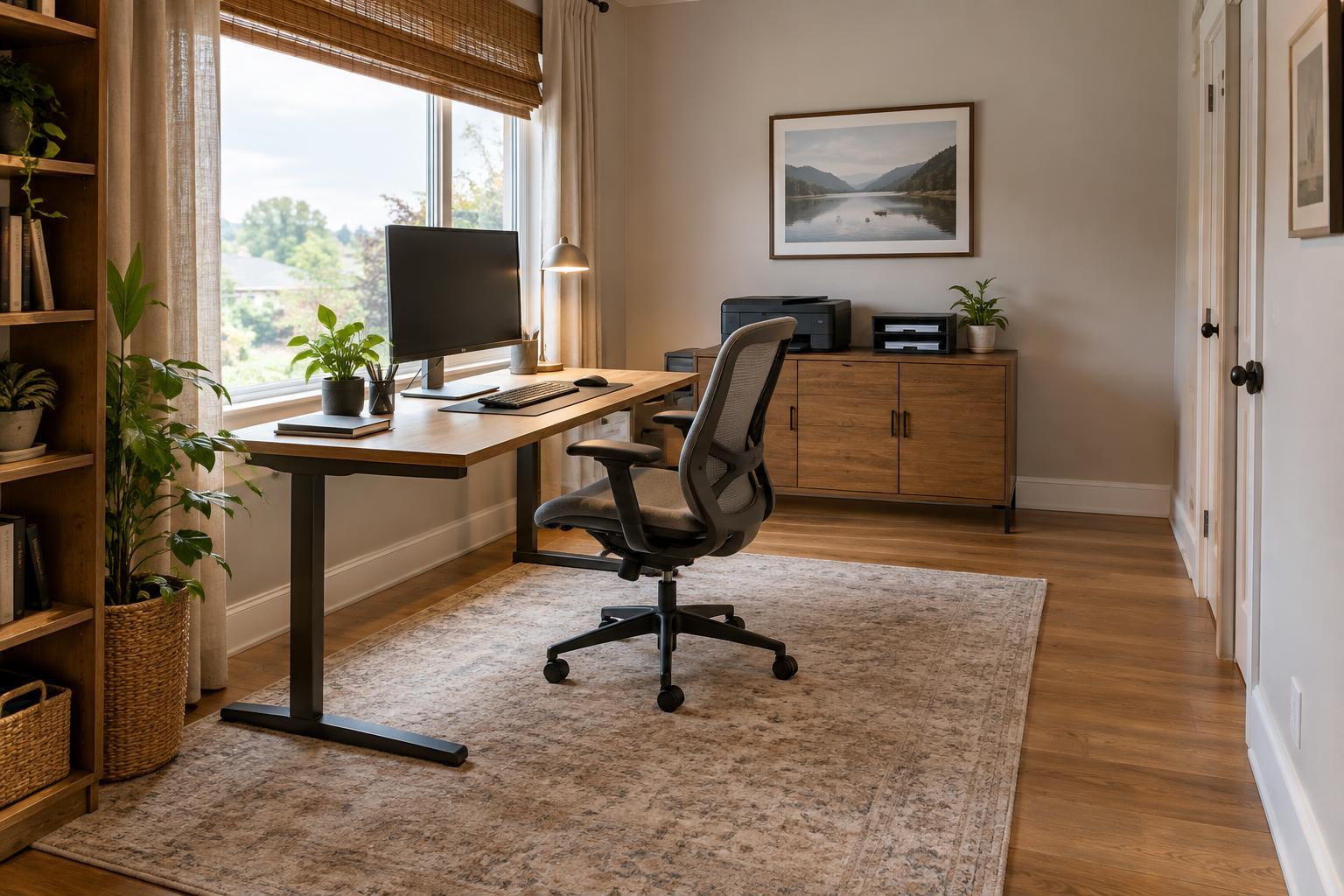
Position your screen where you can see it without competing with strong light from a window or lamp. A window directly behind the screen can make the display harder to read; one directly behind you may create glare on it. Moving the table, turning the screen, or adding an adjustable lamp can help. If you use the room at different times of day, check the setup in both daylight and evening light before settling on a position.
Leave enough room to pull out the chair, reach frequently used items, and walk through the space when work is finished. A compact desk is not automatically better if it blocks a cupboard or forces everyone around a chair. Start with the chair and table you have, then adjust screen height and the placement of your keyboard, mouse, and documents so they are comfortable for ordinary use. Take breaks and change position rather than expecting one arrangement to suit every task for hours.
Keep supplies close, but give everything a home
In a shared room, visible clutter can make both work and nonwork activities less pleasant. Keep daily essentials within reach: a pen, notebook, charger, and any tools used for your regular tasks. Store occasional supplies together in a drawer, lidded box, or portable caddy. A caddy is especially useful if you work at a table that must be cleared for other people. Labeling a few containers can make it easier to put things away without creating an elaborate filing system.
Give incoming and outgoing papers separate places. Even two slim folders can prevent a bill, form, or customer document from disappearing into a mixed stack. Keep sensitive papers somewhere appropriate to your household or business rather than leaving them on a shared surface. If you rarely need to keep a paper copy, decide where its digital version belongs before scanning it; otherwise, scanning may simply move the clutter from the table to a computer folder.
Make equipment easy to use and easy to put away
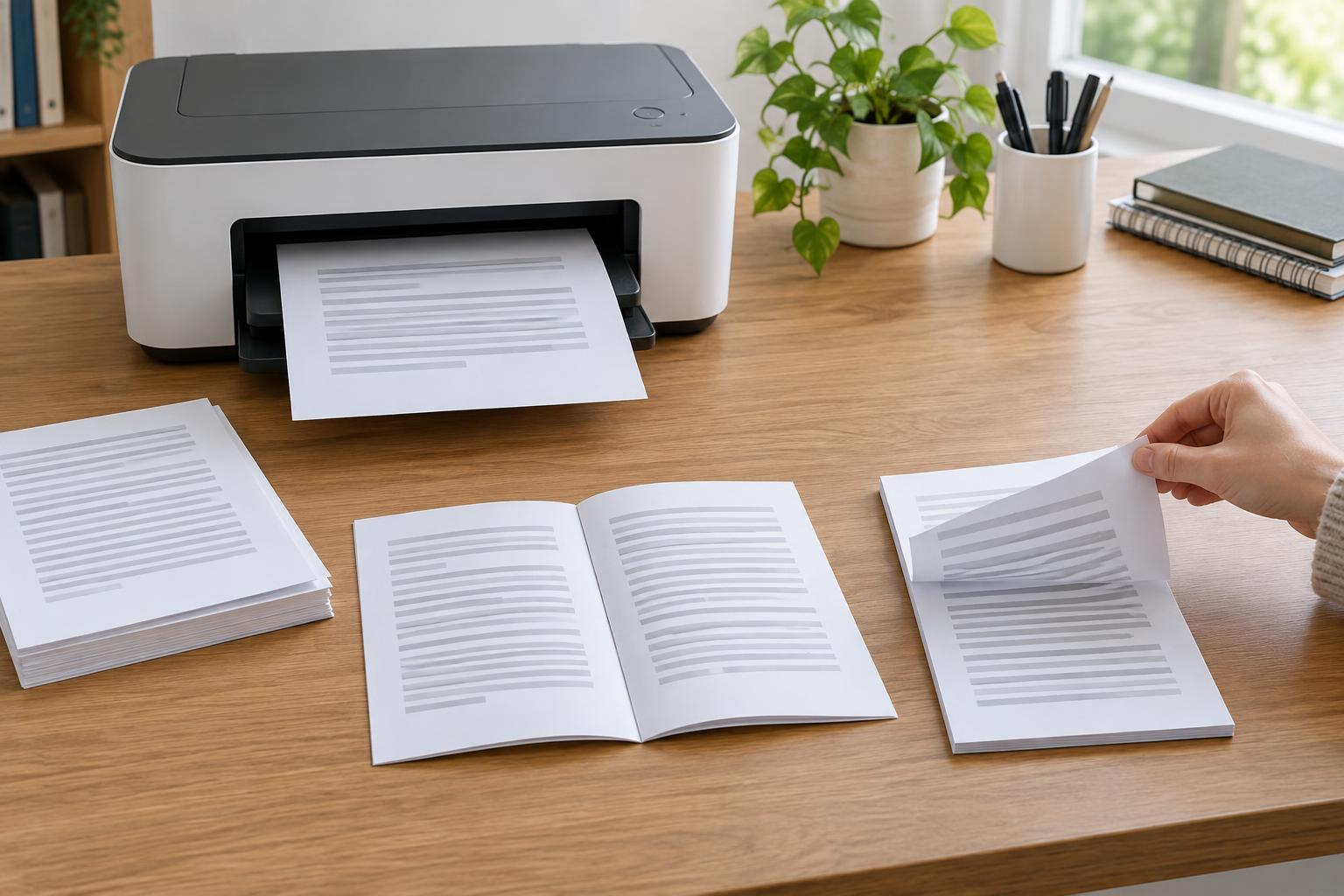
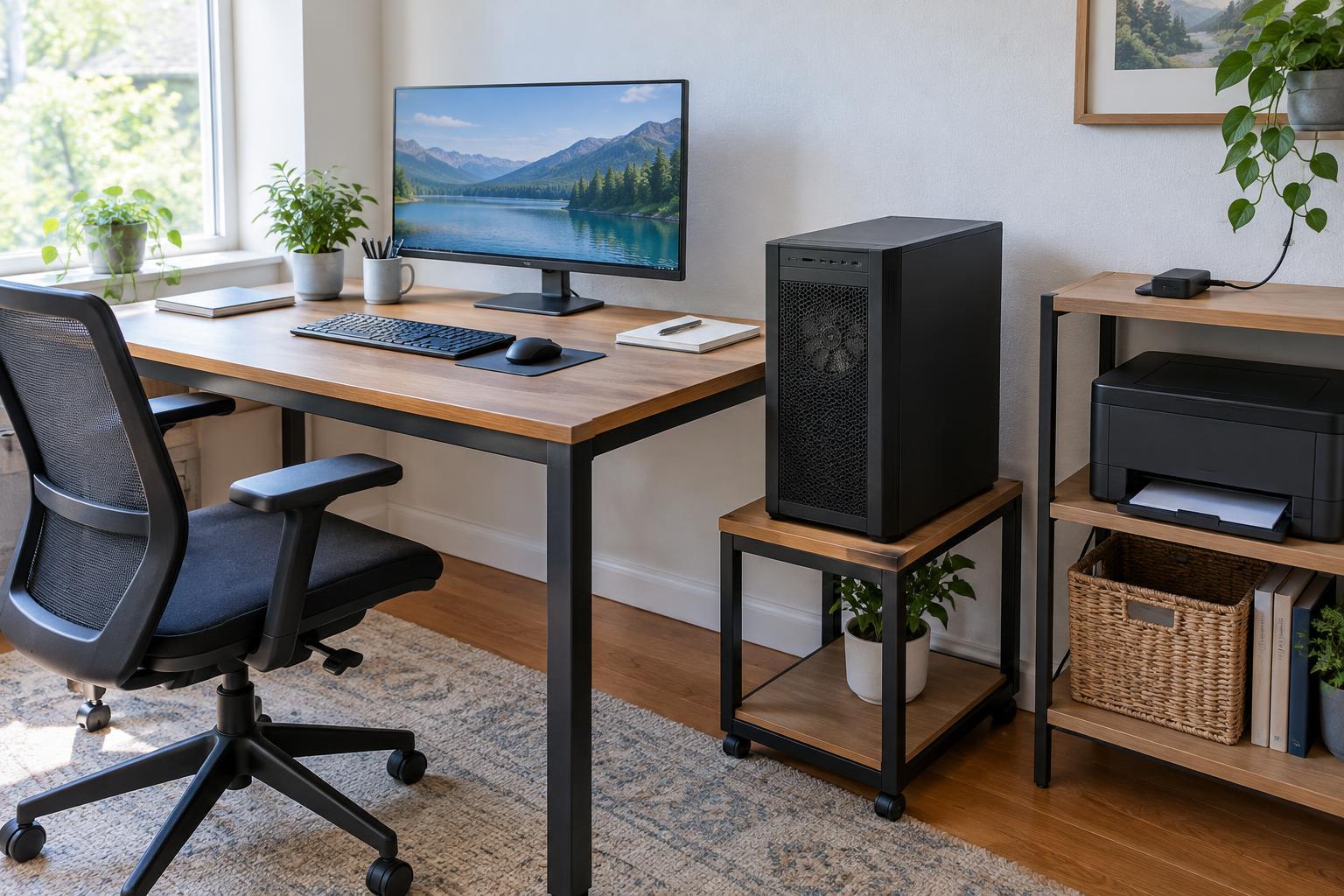
Choose equipment placement based on frequency of use. A printer used every day may deserve a stable nearby surface with room to open its trays. If you print only occasionally, it may make more sense to keep the printer elsewhere than to give it valuable desk space. Check access to power, paper loading, and the scanner lid before choosing a shelf. A device that fits physically but cannot be opened or loaded conveniently will slow down routine work.
Keep cables out of walkways and make the ones you move easy to identify. A small set of clearly separated charging and equipment cables is often simpler to manage than a bundle hidden behind furniture. For calls, test your microphone and camera from the actual work position. A lamp and a tidy area behind you may be enough; the aim is a usable call setup, not a room that looks like a permanent studio.
Build a short setup and reset routine
A multipurpose workspace works best when changing its purpose is straightforward. At the start of a session, bring out the supplies you need, check that your device is powered, and clear enough surface for the first task. At the end, put loose papers in their designated places, close or store equipment as needed, and return shared furniture to its usual position. This small routine helps the room remain useful to everyone.
Review the arrangement after you have used it for a while. Notice what repeatedly interrupts you: searching for a charger, moving a printer to reach its tray, or clearing papers before every meal. Fix the recurring problem first rather than buying a full set of office furniture. A productive multipurpose room does not need to hide all signs of work. It needs a dependable place to begin, enough space to do the task, and a practical way to finish.