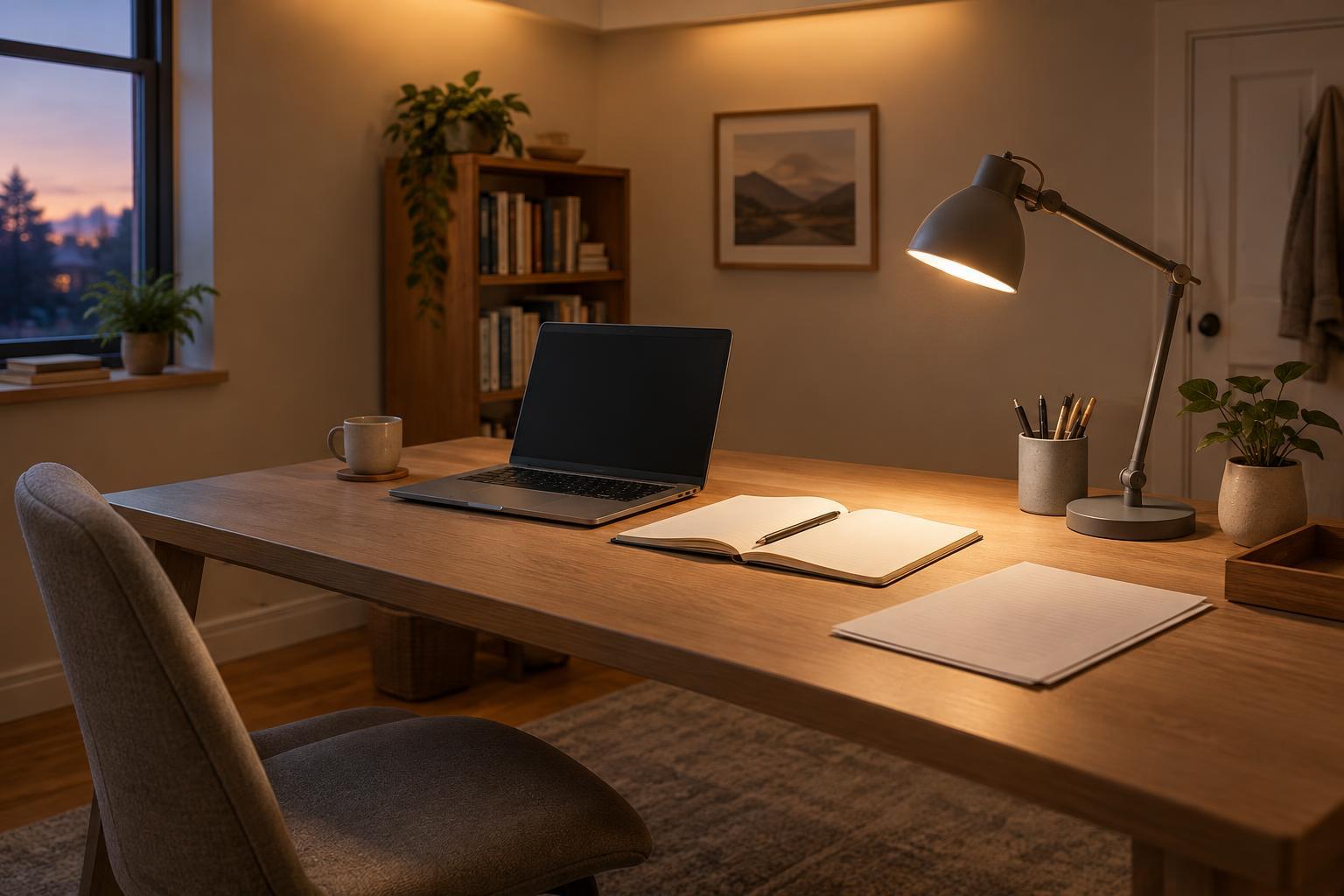
Start with the work that happens at the desk
Before moving anything, name the tasks your desk needs to support. You might spend most of the day at a computer, occasionally review printed pages, and sometimes scan or pack documents. The active-work zone is the clear space for whichever task you are doing now. The storage zone holds the tools and papers you need to reach but are not using at that moment. Thinking in terms of activities, rather than finding a permanent spot for every object on the desktop, makes a small surface more flexible.
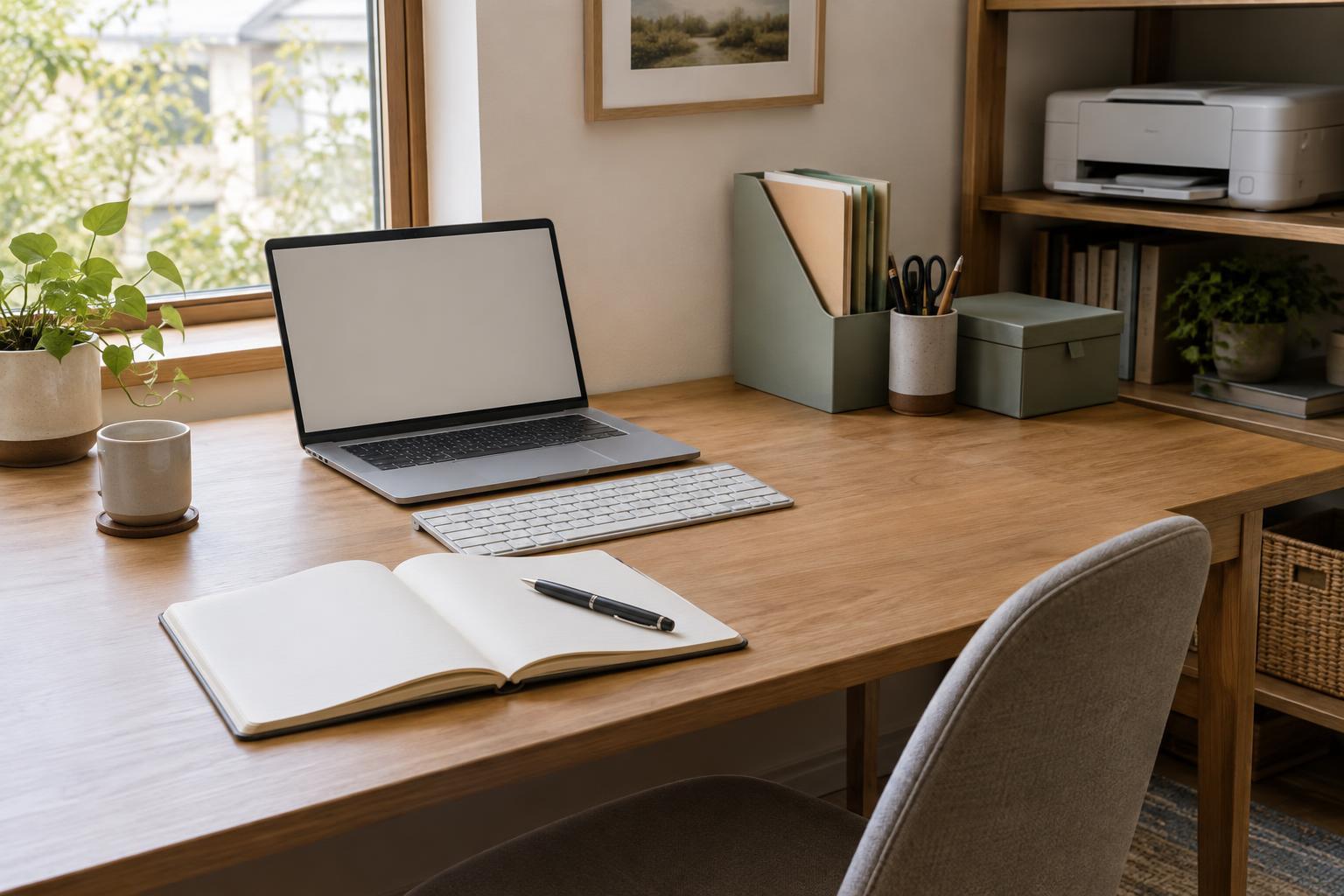
Clear the desk and put back only what you use during a typical work session. Notice where your hands naturally work and whether you have room to open a notebook or handle a sheet of paper without covering the keyboard. If the desk serves both computer and paper tasks, leave an open patch beside the keyboard or make the keyboard easy to move. That patch is more useful than a collection of organizers that fills every available inch.
Give the active-work zone first claim on space
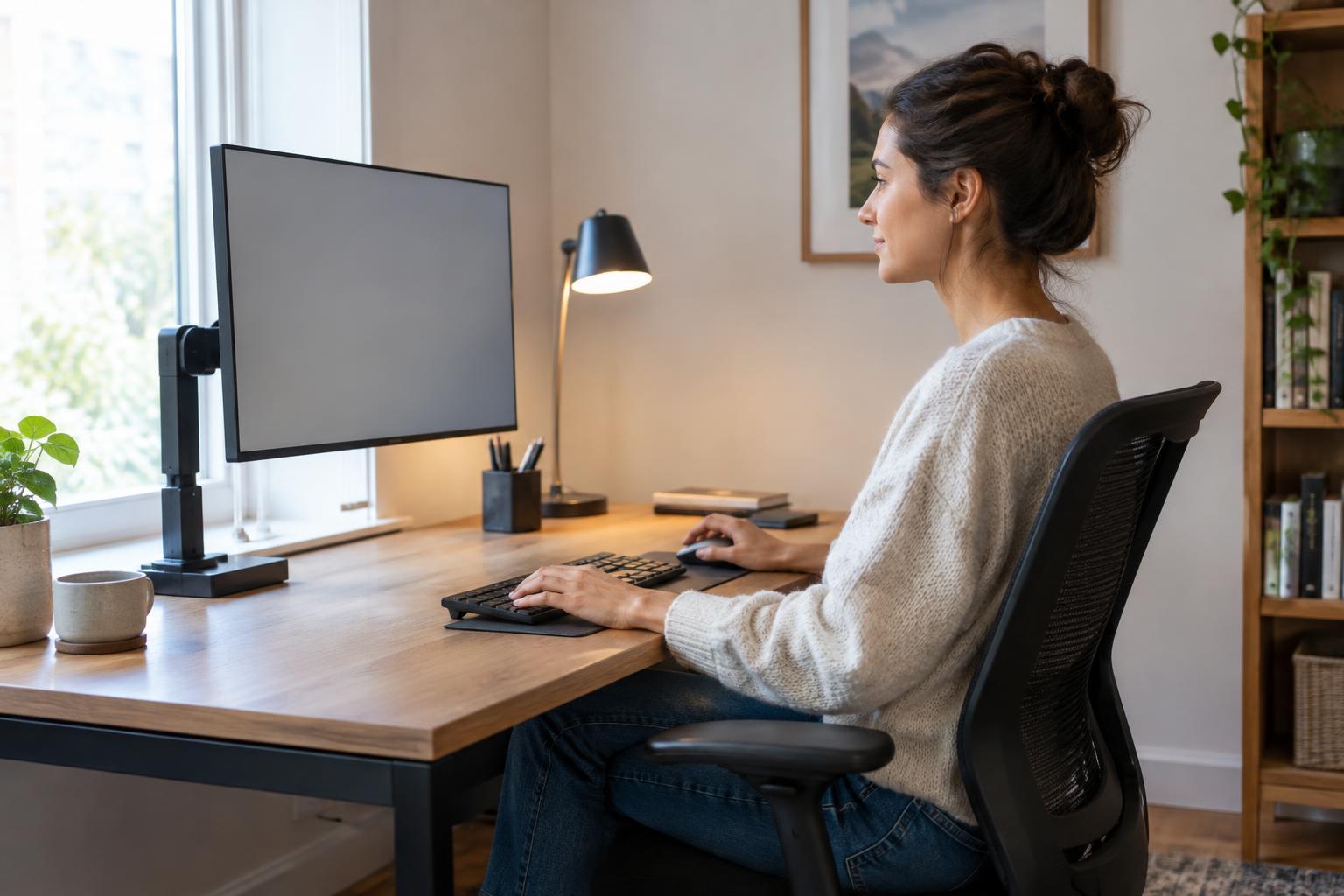
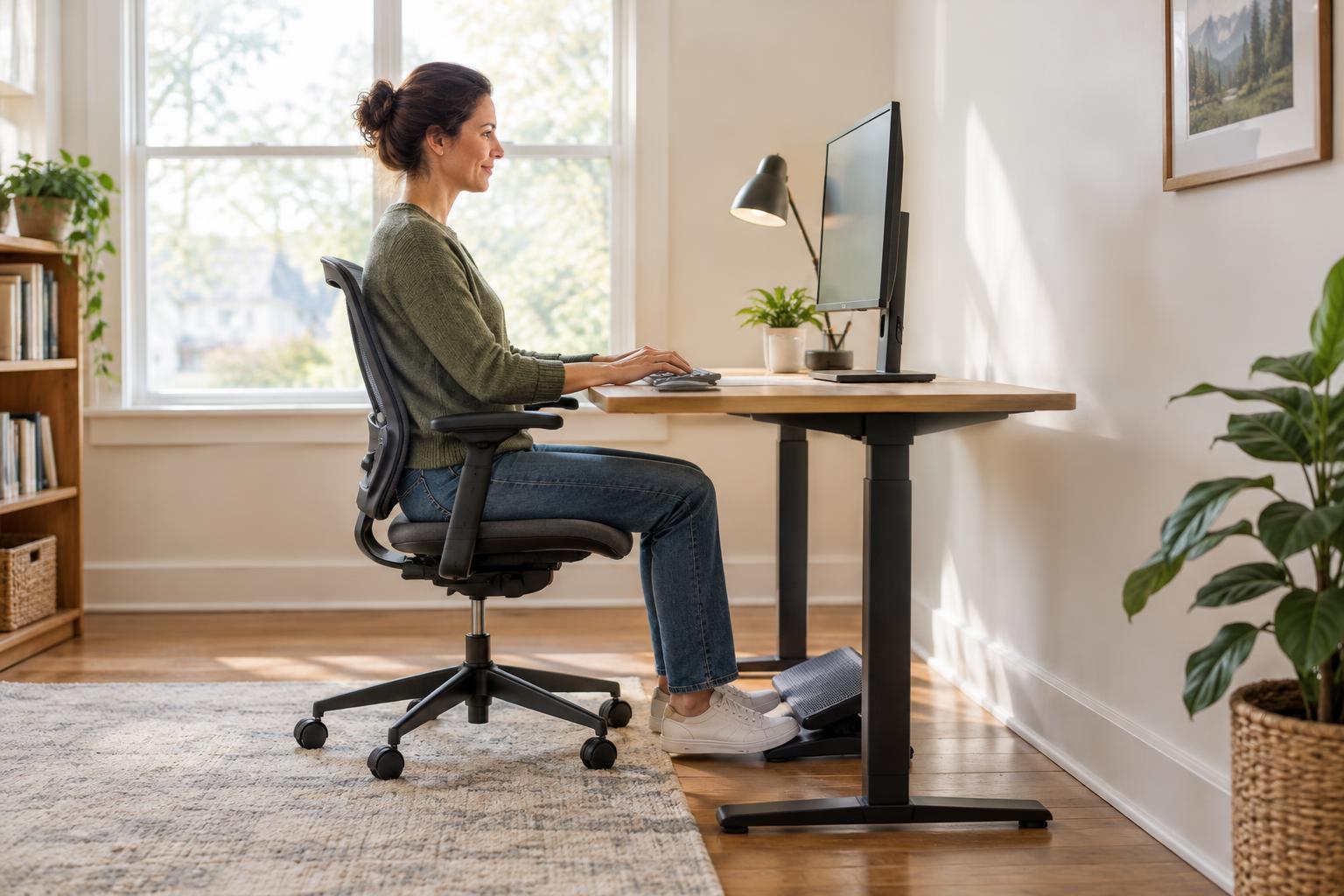
Place your main work tool—often a laptop or keyboard and monitor—so you can sit comfortably without twisting toward it. Keep the mouse or trackpad close enough that you do not have to reach around a stack of supplies. If you regularly write or mark up documents, reserve a flat area on the side that suits your dominant hand. There is no need to force a perfectly symmetrical layout; the goal is to make your usual movements uncomplicated.
Treat this central area as temporary space, not a place where unfinished items accumulate. A drink, the document you are editing, and one current-task tool may all belong here during a session. Extra pens, unopened mail, spare cables, and files for another project do not. If a fixed monitor stand takes up much of the surface, check whether its footprint is worth the space it uses before adding anything underneath or beside it.
Build a storage zone around frequency of use
Use the desk edges, a drawer, or a nearby shelf for storage, starting with the supplies you reach for most often. A pen and notepad may deserve a spot within easy reach; a stapler used once a week can live farther away. Small containers can keep similar items together, but choose them for the space they save and the access they provide. A tray that blocks your writing area is not helping, even if it looks tidy.
Give incoming papers and outgoing papers separate, clearly understood places. One shallow tray for items to process and a folder for items ready to file can be enough. Avoid turning the storage zone into a permanent pile of undecided documents: when you finish a task, put its papers away or leave a clear reminder of the next action. For shared desks, labels can help everyone return supplies to the same place without having to memorize the arrangement.
Keep equipment nearby without surrendering the desktop
A printer or scanner does not have to sit on the desk if you use it only occasionally. A stable nearby surface can preserve active-work space, provided you can still reach the controls, load paper, and open lids or trays fully. Check where cables and power cords need to run before choosing a spot. Keep cords out of paths where they might be pulled, and leave room around equipment as directed by its manufacturer.
For frequent scanning or printing, create a simple paper path: blank paper near the device, a clear place to collect finished pages, and a folder or tray for documents awaiting scanning. This reduces the temptation to set everything in front of the keyboard. If you handle private documents, choose a storage location that fits your household or workplace rather than leaving them exposed on the desk. The best equipment position supports both the task and the clear space you need afterward.
Test the layout and make resetting it easy
Use the arrangement for a few ordinary work sessions before buying more organizers. Pay attention to what repeatedly lands in the active zone. If it is a tool you use throughout the day, give it a convenient home; if it is a backlog, make a place to process it outside the work area. Adjust one thing at a time so you can tell whether the change makes the desk easier to use.
End each session with a short reset: return tools to storage, move completed papers to their next destination, and clear the space needed for the next task. A small desk does not need to be empty to function well. It needs an active zone that is ready for work and a storage zone that makes finding and putting away essentials straightforward.