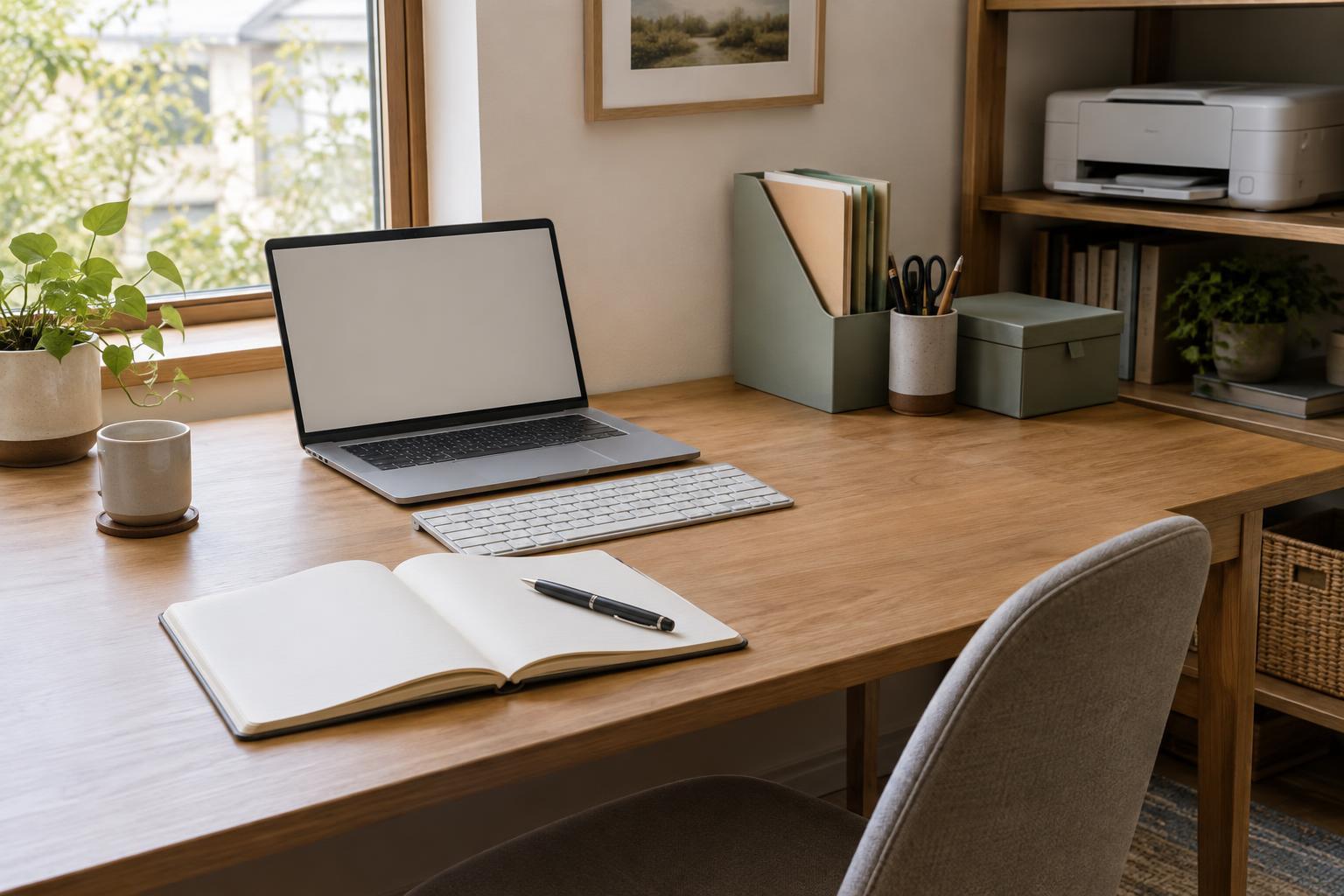
Give each light a job
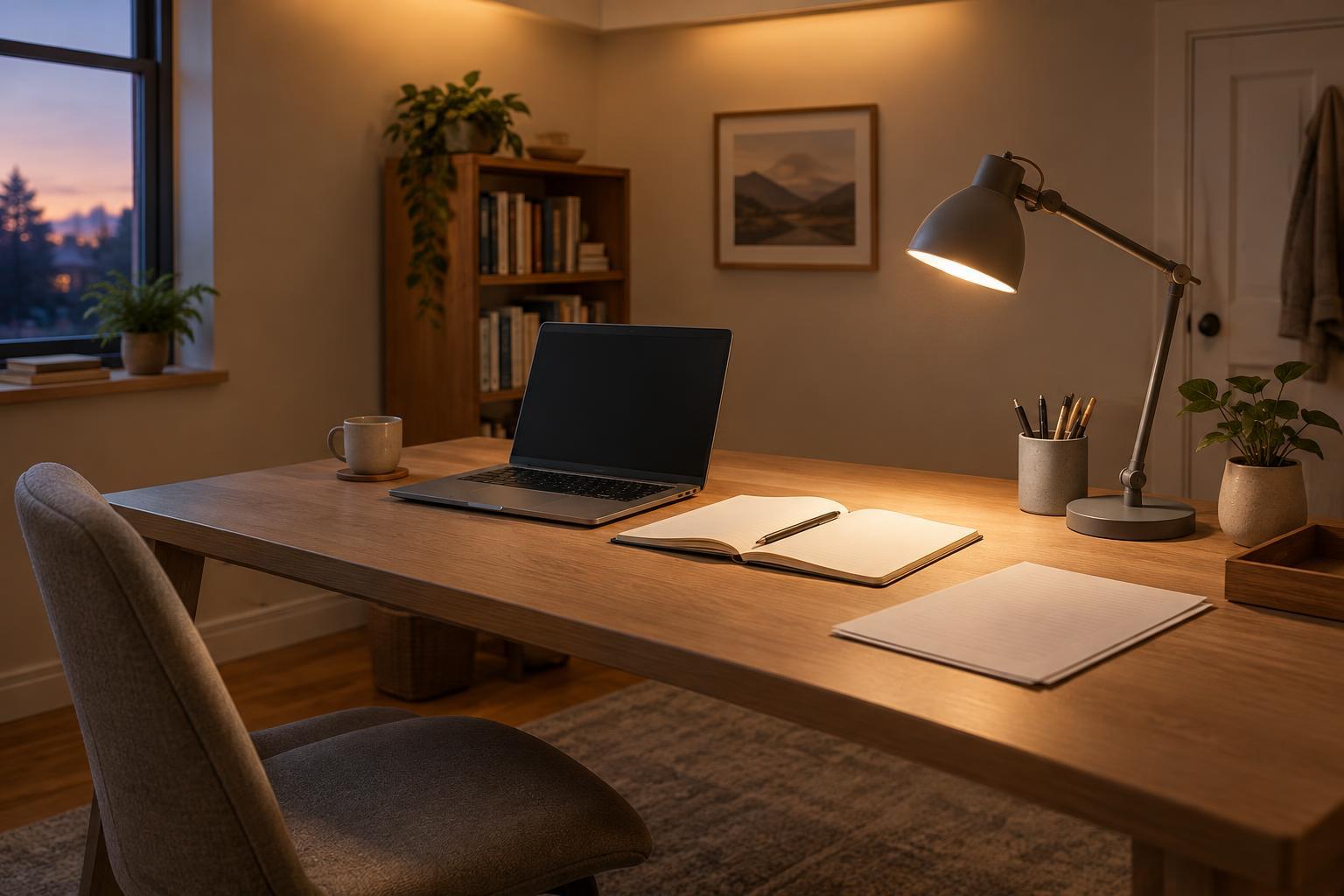
Ambient lighting provides general light across a room. It helps you move between your desk, shelves, and printer without relying on a single bright spot. A ceiling fixture, wall light, or floor lamp can serve this purpose. Task lighting is more focused: a desk lamp directs light onto the work immediately in front of you, such as a form you are filling out or a page you are checking before scanning.
Neither type has to do everything. A desk lamp aimed at paperwork may leave the rest of the room dim, while a ceiling light may not illuminate a document well enough for close reading. Using both lets you keep the room generally lit and add light where a task calls for it. The goal is an even, usable workspace rather than the greatest possible brightness.
Start with the room, then light the desk
First, look at the desk with only the room lights on. Can you see the keyboard, walk to storage, and retrieve paper comfortably? If not, improve the ambient layer before adding a brighter desk lamp. In a small office, that may mean moving a floor lamp to a darker corner or using a fixture that spreads light more broadly instead of aiming it directly at your chair.
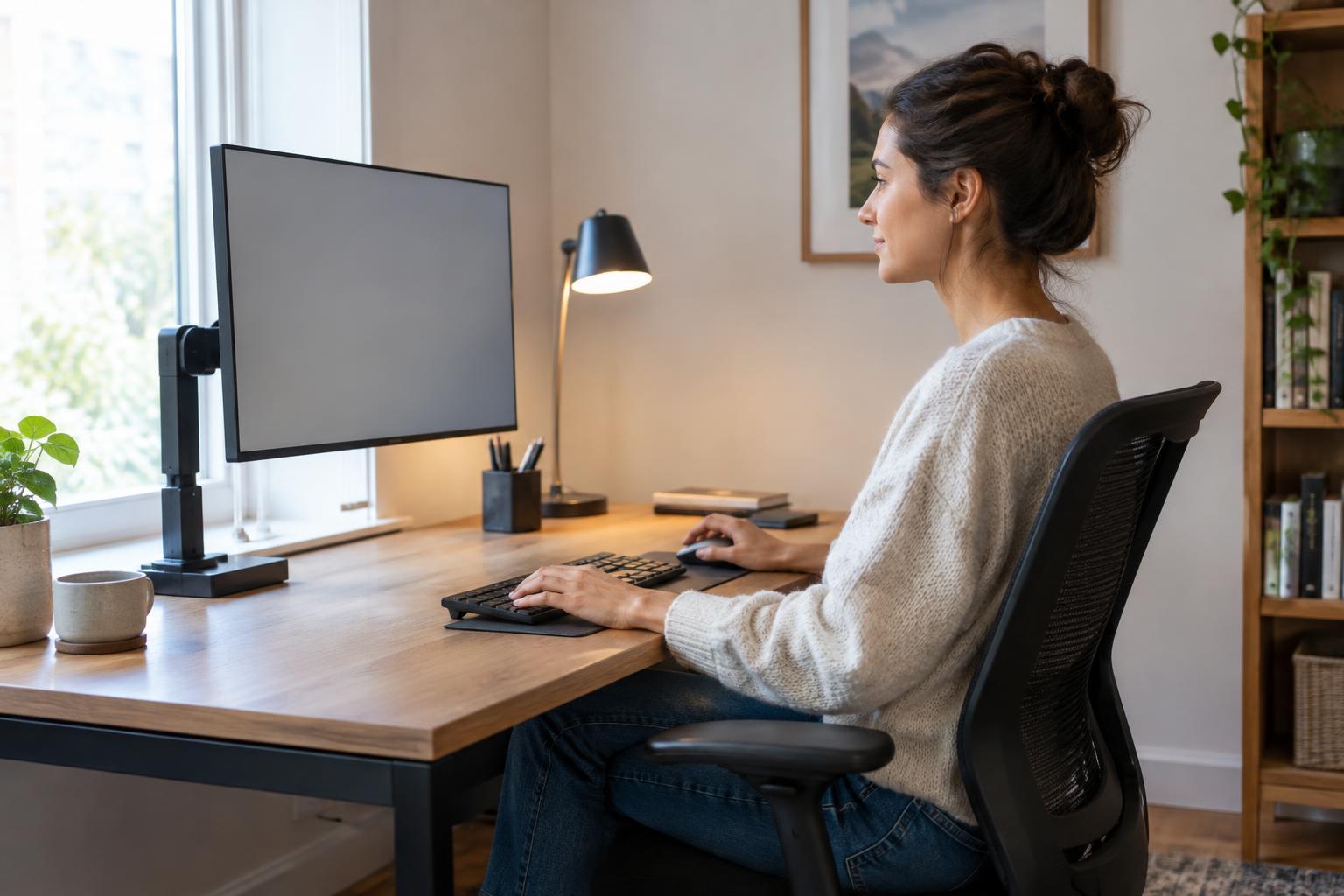
Next, switch on a task lamp and place a document where you normally read or write. Aim the lamp at that area, not at your eyes or the monitor. An adjustable arm or shade is useful because it lets you move the light when the job changes. If you usually write by hand, try placing the lamp on the side opposite your writing hand; this can keep your hand from casting a shadow across the page.
Leave room for everyday equipment. A lamp base should not crowd the mouse or block access to a printer tray. Route its cord away from the path you take to reach shelves or a scanner. A compact lamp that adjusts easily may be more helpful than a larger one that has to stay in an awkward position.
Manage glare on screens and paper
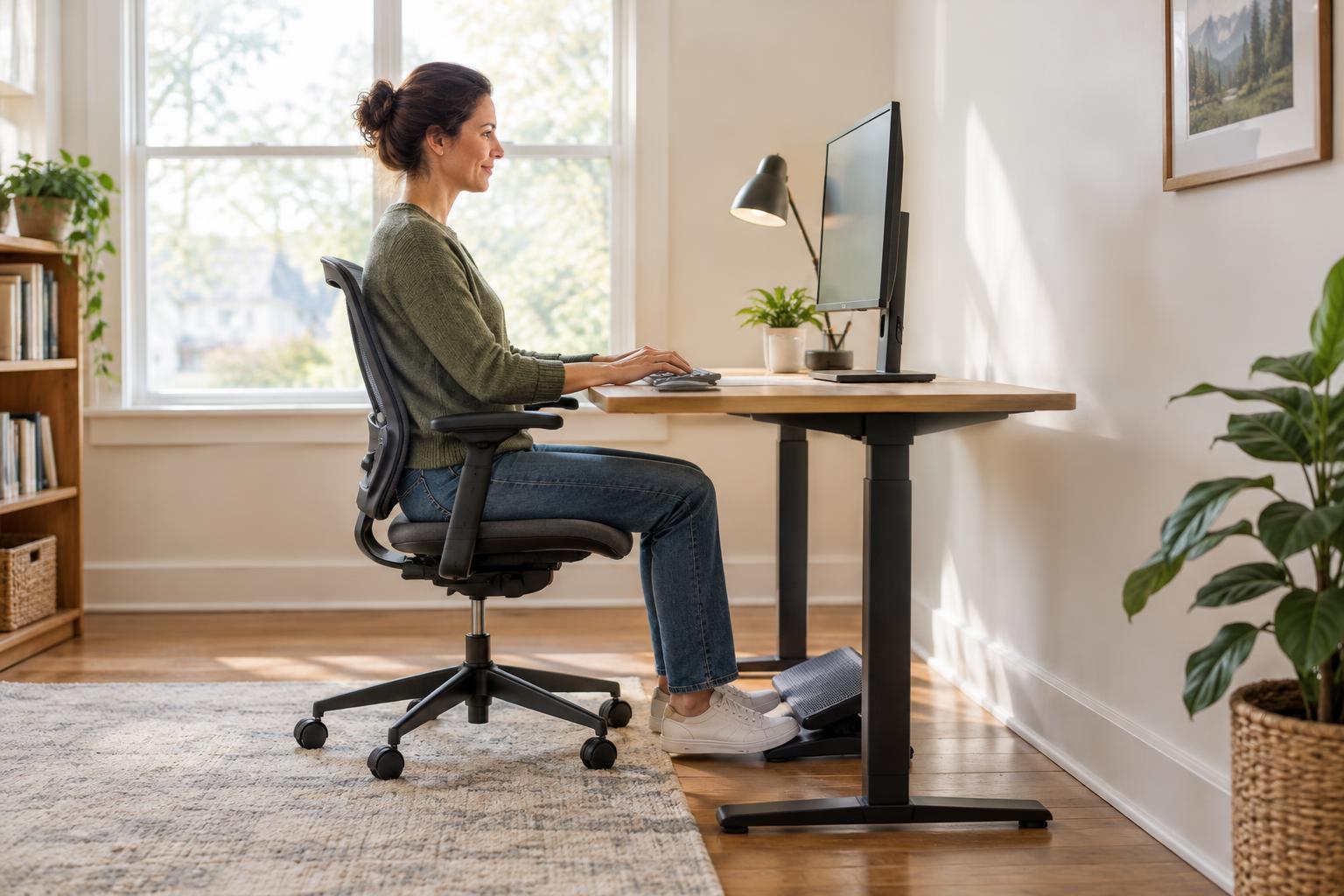
Glare is often a placement problem, not simply a sign that a light is too bright. Check the screen from your normal seated position: if you can see a lamp, ceiling fixture, or window reflected in it, move the light or change the screen angle. Positioning a monitor beside a window, rather than directly facing it or sitting with the window behind you, can make reflections easier to manage. Blinds or curtains offer another way to adjust changing daylight.
Paper needs a different check. Glossy pages, plastic document sleeves, and laminated reference sheets can reflect a desk lamp sharply. Shift the lamp to one side and adjust its angle until the page is readable without a bright patch. A shade that hides the bulb from your direct view can also help. Make small changes one at a time so you can tell which adjustment improves the setup.
If the screen looks too bright compared with the room, try changing the screen setting or raising the ambient light before adding more light to the desk. If a page is hard to read but the room feels comfortable, adjust the task lamp instead. Treat the screen and the paper as separate surfaces with different lighting needs.
Set up for the work you actually do
A desk used mainly for video calls and screen work may need gentle room lighting and only occasional task light for notes. A desk used for sorting invoices, marking proofs, or preparing items to scan benefits from a lamp that reaches a larger area of the work surface. If you switch between tasks, an easy-to-reposition lamp is often more useful than one fixed in a single direction.
Shared workspaces need simple adjustments that each person can repeat. Keep the main room light available to everyone, then let each desk or work area have its own task light where practical. For a multipurpose table, consider where papers will be spread out and whether the lamp can be moved without interrupting someone using a screen nearby. A light that works well in one seat may shine into another person’s eyes.
Make a quick lighting check part of your routine
Lighting can change during the day as daylight moves and different tasks take over the desk. Before a long work session, sit in your usual position and check three things: whether the room is easy to navigate, whether the current task is clearly visible, and whether any light is reflecting into your eyes or screen. Adjust the room light, lamp position, or window covering as needed.
When a setup feels uncomfortable, avoid changing every light at once. Turn the task lamp off briefly to judge the ambient light, then turn it back on and aim it only where needed. This simple sequence makes it easier to find the cause of a dark page, a distracting reflection, or a harshly lit corner—and to keep a practical arrangement for the next workday.