Start with the documents you need to protect
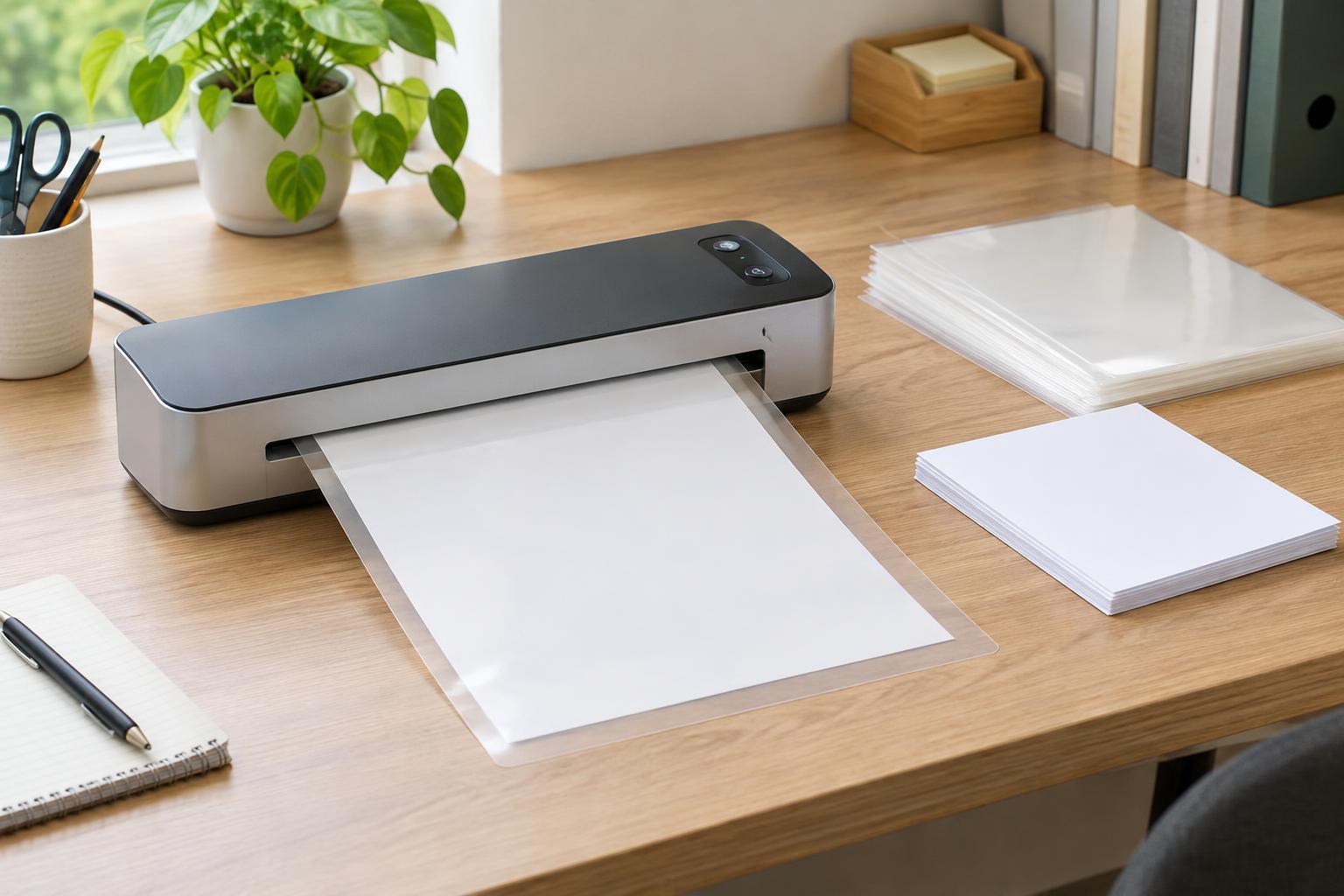
A laminator can make frequently handled papers easier to wipe clean and less prone to torn edges. In a home office or small workspace, common uses include reference sheets, signs, instruction cards and reusable checklists. Before comparing machines, note the largest paper size you expect to laminate and how often you will use the machine. A compact model may suit occasional small items, while a wider entry slot is more useful if you regularly work with full-size sheets.
Think about whether those documents can tolerate heat. Most everyday pouch laminators use heat to seal plastic around paper, but heat-sensitive items may discolor or become difficult to read. Test a copy first when you are unsure. For an original certificate, photograph or other item that would be difficult to replace, consider making a copy to laminate instead. Cold-lamination options may be worth comparing if heat is a concern, though they use different supplies and can have a different finish.
Understand pouch thickness before buying
Pouch thickness is commonly stated in mils, with one mil equal to one thousandth of an inch. The stated thickness generally describes one side of the pouch, not both plastic layers plus the paper inside. A thicker pouch usually produces a firmer finished sheet, but it may also need a machine designed for thicker material. Check the laminator’s supported pouch range and the pouch packaging rather than assuming any pouch that fits through the opening will work.
Choose flexibility based on the job. A thinner supported pouch can be convenient for papers that need to fit in a binder or be stored flat; a thicker supported pouch can help a frequently handled sign or card feel sturdier. The paper itself matters too: heavy cardstock inside a thick pouch increases the total material passing through the rollers. If you plan to laminate cardstock, compare the machine’s document-thickness guidance as well as its pouch rating.
Compare warm-up time with real use in mind
Warm-up time tells you how long the laminator needs before it is ready to accept a pouch. It matters most if you laminate one or two pages at a time and then put the machine away. If you routinely process a batch, the wait at the start may matter less than feeding speed and whether the machine can keep working without frequent pauses. Product descriptions may list these measures separately, so compare them separately.
Look for a clear ready indicator, such as a light, rather than relying only on an estimated warm-up time. Temperature settings or a pouch-thickness selector can also make the machine easier to match to different supplies. Follow the machine’s directions before changing settings or feeding the next item. If you expect only occasional use, a straightforward model that is easy to start and store may be more helpful than one with many controls.
Look for features that make everyday use safer
A laminator heats up and pulls material through rollers, so placement and handling matter. Give it a stable, clear surface with space for the pouch to enter and exit without bending. Keep fingers, loose cords and other objects away from the feed slot. A cool-touch exterior, automatic shutoff and clear status lights can make the machine easier to manage, but they do not replace following its operating instructions or letting it cool before storage.
A jam-release lever or reverse function is especially useful when a pouch enters crookedly. Check how the particular model handles jams: pulling hard on a stuck pouch may damage the rollers or the document. If several people share the workspace, simple controls and an obvious ready light can help prevent someone from feeding a pouch before the machine reaches its operating temperature.
Match the machine and supplies to your routine
Before purchasing, make a short comparison list: maximum document width, supported pouch thickness, warm-up time, feeding speed, jam recovery and shutoff features. Then check the supplies the machine requires. Some laminators accept standard thermal pouches, while others call for particular pouch types or a carrier sheet. Buying compatible supplies at the outset helps you judge the full setup, not just the machine.
For cleaner results, center the document inside the pouch, leave an even border of plastic, and feed the sealed edge first if the machine’s instructions direct you to do so. Allow the finished sheet to exit onto a flat surface and cool before handling or trimming. If you trim it, preserve enough sealed border to keep the edges closed. The best choice is the laminator that comfortably handles your usual documents without adding unnecessary size or complexity to your workspace.