Start with your seated setup
Set your chair before setting the desk. Place your feet flat on the floor or on a footrest, and choose a seat height that lets your thighs rest comfortably. Sit back in the chair rather than reaching forward from its edge. These are starting points, not measurements everyone must match: your proportions, chair, and preferred tasks all affect what feels workable.
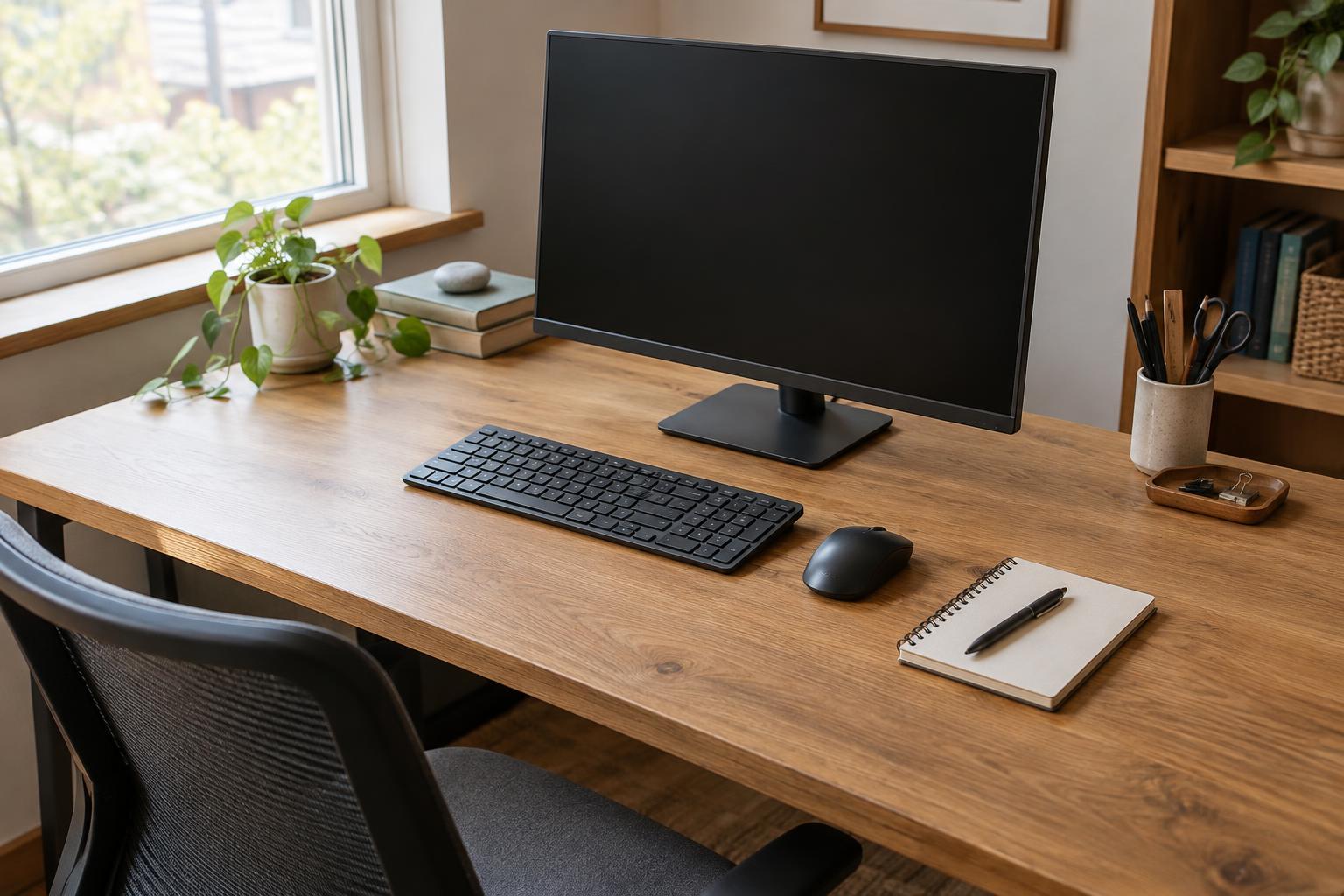
Bring the desk to a height where your shoulders can relax and your elbows stay near your sides while you type. Your forearms can be roughly level with the keyboard, with your wrists in a fairly straight, unforced position. If the desk will not go low enough, raising the chair and using a footrest may help. If you need to lift your shoulders to reach the keyboard, the work surface is probably too high for comfortable typing.
Check the mouse as well as the keyboard. Keep it close enough that you do not repeatedly reach across the desk. Write down the seated desk height once you have a useful starting point, or save it as a desk preset if the controls allow it. A saved height makes it easier to return to a consistent setup after someone else uses the desk.
Set the standing height around your hands
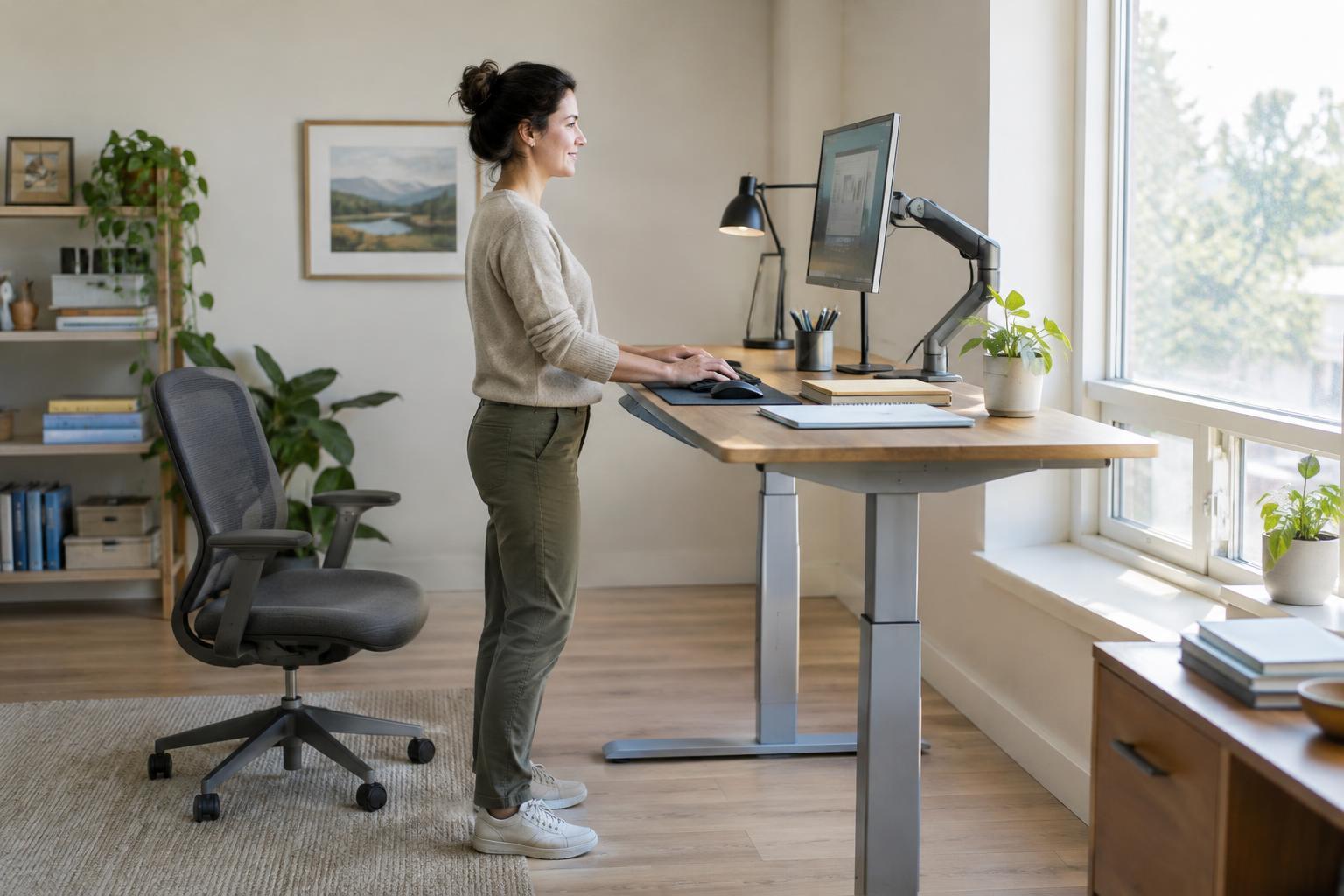
Stand in the shoes you normally wear at the desk, with your weight balanced and your knees relaxed. Raise or lower the work surface until you can type without shrugging your shoulders or bending your wrists sharply upward. As when seated, aim to keep your elbows near your body and the keyboard and mouse within easy reach. The correct number on the desk display, if there is one, matters less than how the position works for you.
Do not assume the standing height is simply the seated height plus a fixed amount. Shoe soles, posture, keyboard thickness, and a floor mat can all change where your hands meet the desk. If you add a mat later, check the height again. A mat may feel more comfortable underfoot, but it is not essential to a functional setup.
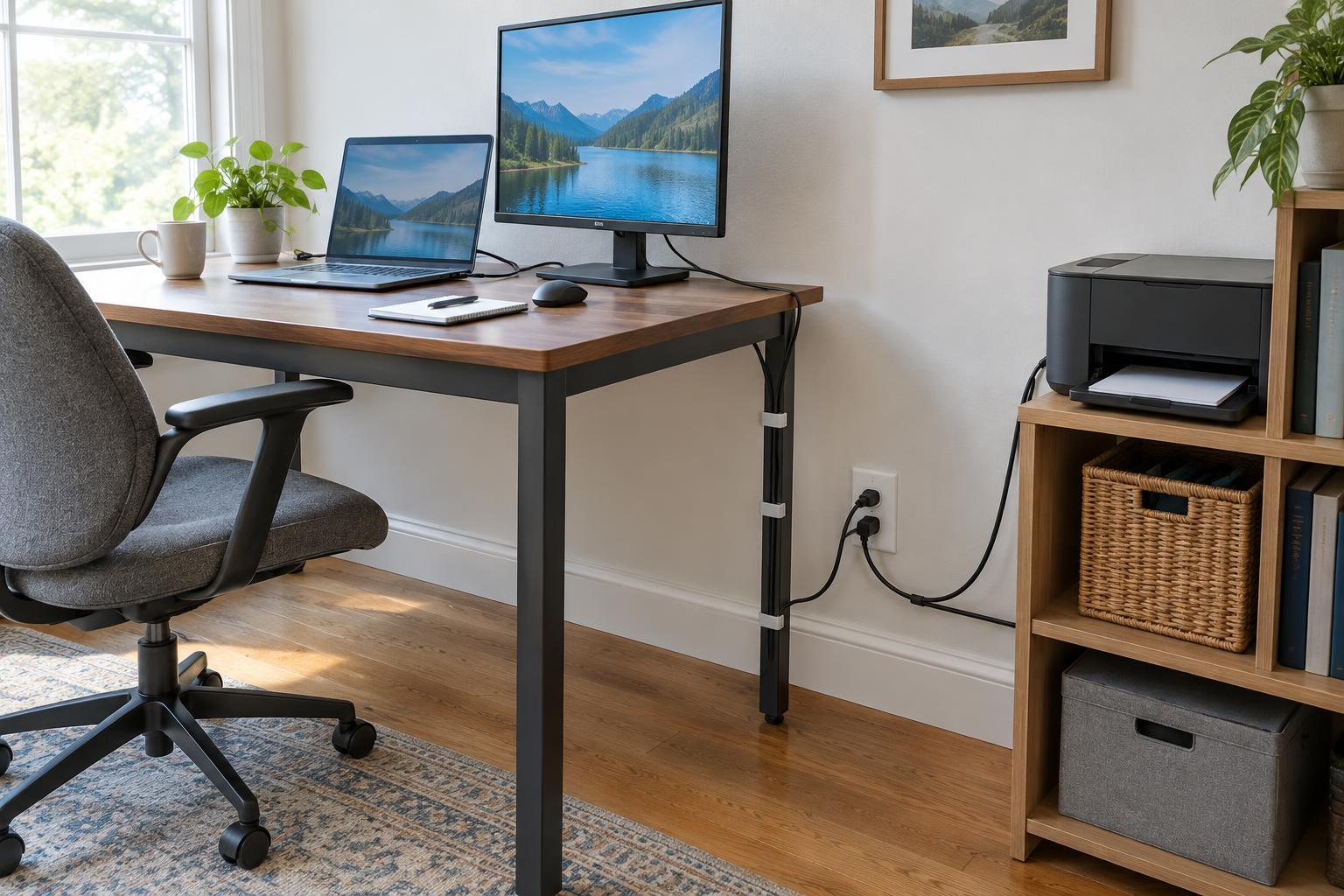
Give yourself room to stand without bumping a drawer unit, printer stand, or cables. Move frequently used supplies within easy reach, but leave enough clear surface to change position without catching a sleeve or knocking something over. If the desk is shared, keep separate height notes or presets for each user rather than trying to find one universal setting.
Position the screen independently when possible
A good keyboard height does not automatically put the screen in a good place. Position the display so you can look at it without routinely tipping your head back or leaning toward it. An arm’s length is a useful starting point for viewing distance, but adjust it for screen size, text size, and your vision. The top of the visible screen near eye level works for many setups; people who use certain glasses or prefer a lower gaze may find a lower position more comfortable.
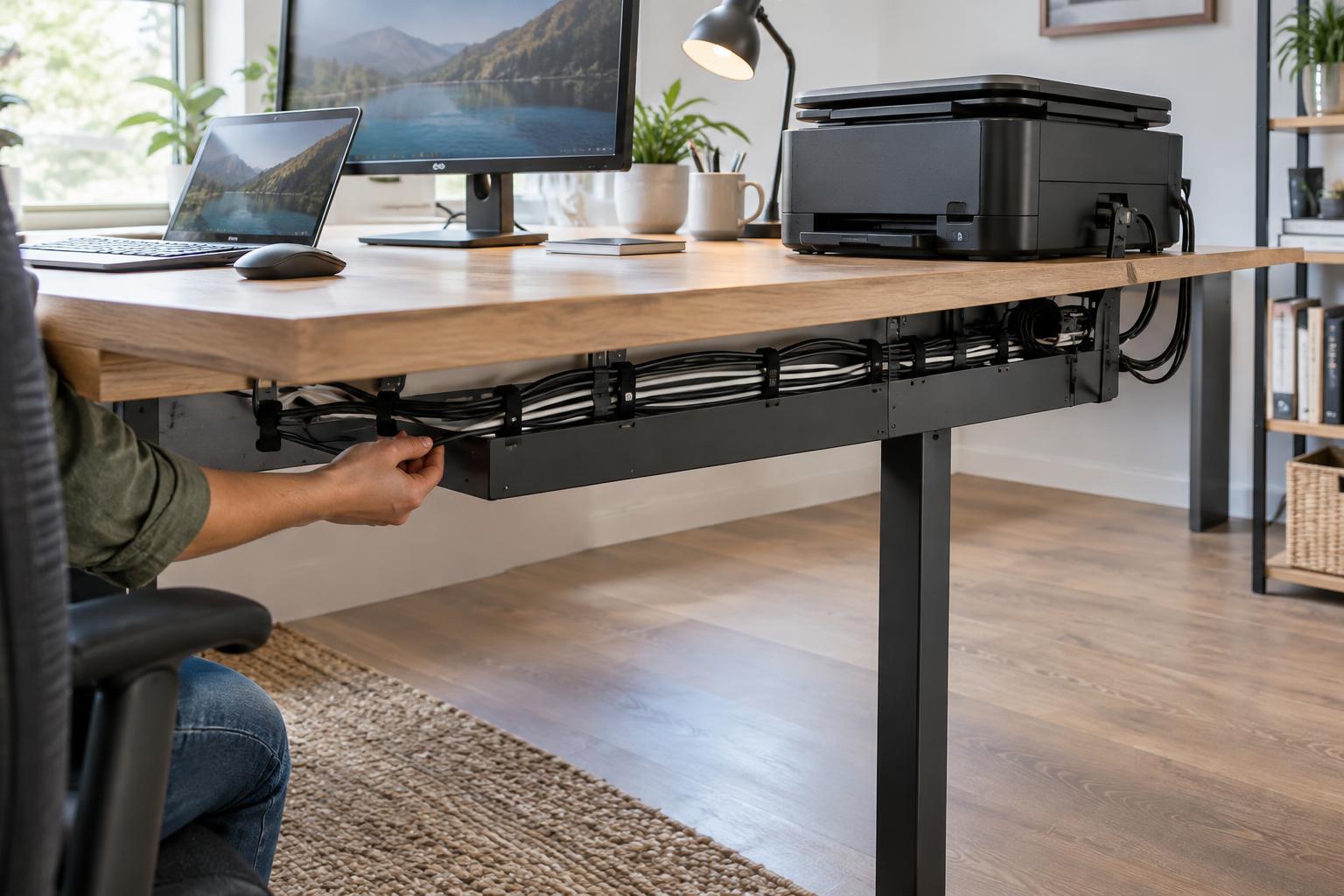
A monitor arm or adjustable stand makes it easier to fine-tune screen height and distance separately from the desk. With a laptop alone, raising the screen also raises its built-in keyboard, so an external keyboard and mouse can make both sitting and standing arrangements easier. If you switch between positions often, check that the monitor and power cables have enough slack throughout the desk’s full travel.
Put a document holder near the screen if you regularly read from paper while typing. This can reduce repeated turns between a page lying flat on the desk and an upright display. Keep a printer or scanner close enough for convenient use, but not in the space where your hands, chair, or feet need to move.
Alternate positions without turning it into a rule
The point of a sit-stand desk is to offer options, not to make standing the default for every task. Try standing for a phone call, a short review, or part of a writing session, then sit when that feels better. Brief walks and changes in posture can still be useful even when the desk height stays the same. There is no need to force a particular standing interval if it distracts you or leaves you tired.
Make each transition easy: clear the desk’s moving path, check that the chair will not block it, and avoid placing a wastebasket or storage box where the desk may descend. If equipment is plugged into outlets below the work surface, route cables so they cannot pull taut or get trapped. After changing height, take a moment to bring the keyboard, mouse, and screen back into useful positions rather than accepting an awkward arrangement.
Revisit your setup when something changes, such as a new chair, monitor, shoes, or keyboard. Shoulder tension, repeated reaching, or a tendency to lean toward the screen may be clues to adjust the layout, although they do not identify a specific cause. Treat your saved heights as convenient starting points and make small changes as needed. A workable sit-stand desk is one that lets you move between positions without having to rebuild your workspace each time.