Start with the searches you need to make
A searchable archive is a place where you can find a document without remembering exactly where you saved it. Before choosing folders or tags, think of a few realistic questions: “Where is the receipt for this printer?” “Which version of the client brief was approved?” “When did we receive that service invoice?” The answers suggest which details are worth recording.
Choose one main home for the archive, such as a shared drive or a document app that everyone who needs access can use. Avoid scattering related files across email attachments, desktop folders, and several storage accounts. Decide who can add, edit, and delete files, then create a small set of top-level folders based on how work is done, such as Clients, Suppliers, Operations, and Equipment. Folders give people a familiar route into the archive; search will provide another.
Make the document itself searchable
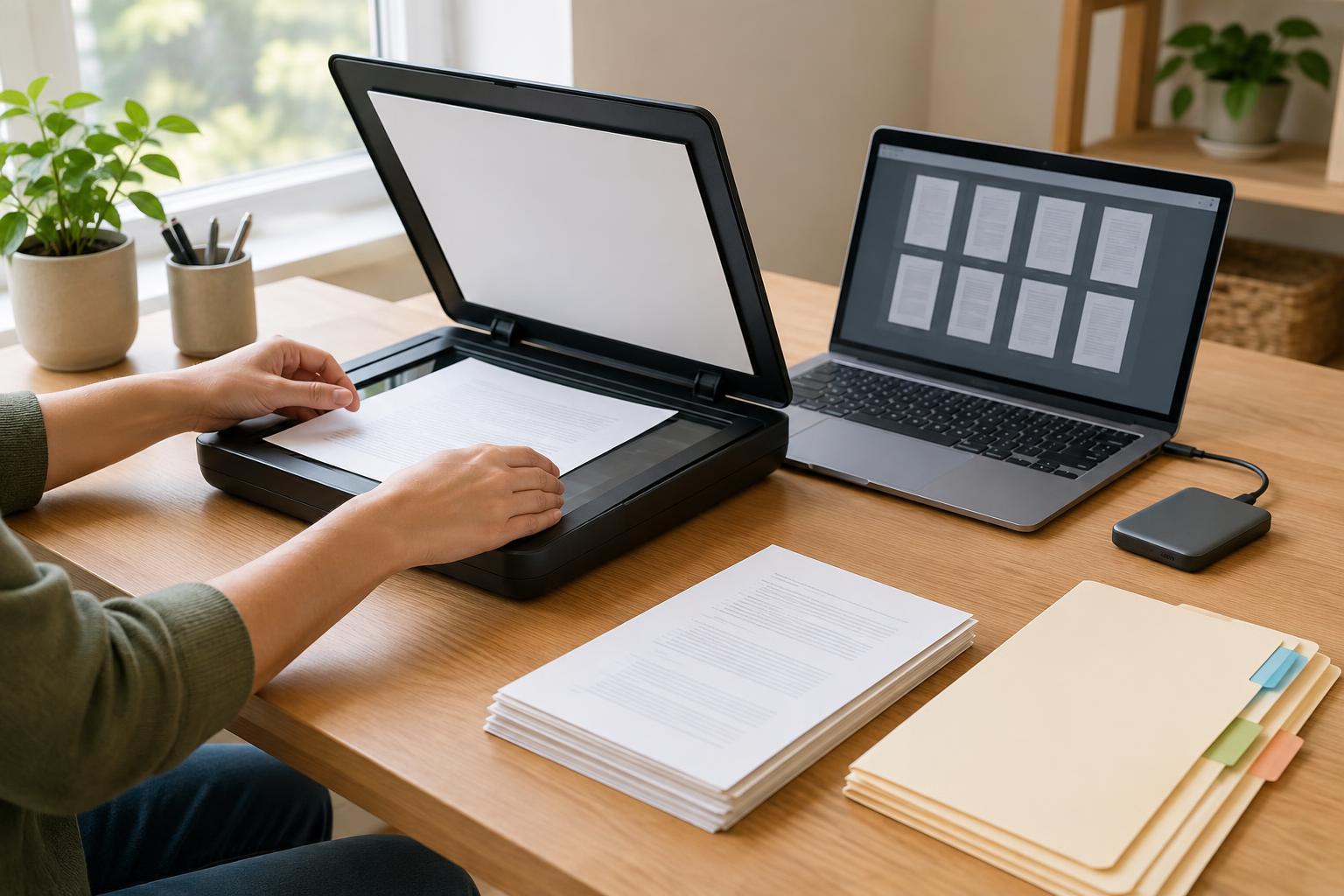
A digital document may already contain selectable text. A scan, by contrast, is often just an image of a page. Optical character recognition, or OCR, attempts to turn visible words in that image into text that search can find. If you scan paper regularly, look for a scanner or scanning app that can produce searchable PDFs, and confirm that the saved files actually contain searchable text.
Give OCR a reasonable starting point: lay pages flat, scan at a legible quality, and check that pages are upright and complete. Faint print, handwriting, stamps, and crowded tables may not convert accurately. Try searching for a distinctive word inside a few test scans rather than assuming every file worked. Keep the page image when possible so you can read the original even if the recognized text contains mistakes.
If a document cannot be searched reliably, a clear filename and a few accurate tags become more important. Searchable text, filenames, and metadata work best as complementary routes to the same file, not as substitutes for checking its contents.
Use filenames and metadata for different jobs
A filename should help a person recognize a file outside the archive app. A pattern such as “YYYY-MM-DD - Supplier - Document type - Short description” keeps names readable and makes dated files easier to sort. Use the date that is most useful for your work—often the document date—and apply that choice consistently. Avoid vague names such as “scan001” or “final-new-2,” and do not put sensitive details in filenames if those names may appear in shared lists or notifications.
Metadata is information recorded about a file, rather than the file’s main content. Common fields include document type, organization or project, document date, and status. A tag is a label used to group files across folders: for example, “equipment” could connect a purchase receipt, a warranty document, and a maintenance record. Use structured fields for facts you want entered consistently, and tags for a small number of useful cross-cutting topics.
Keep the vocabulary short. If one person uses “bill,” another uses “invoice,” and a third uses “payment request,” filtering will be less dependable. Write down preferred terms and what they mean. You can add a new tag when it solves a recurring search problem; you do not need to predict every future category on day one.
Build a repeatable intake routine
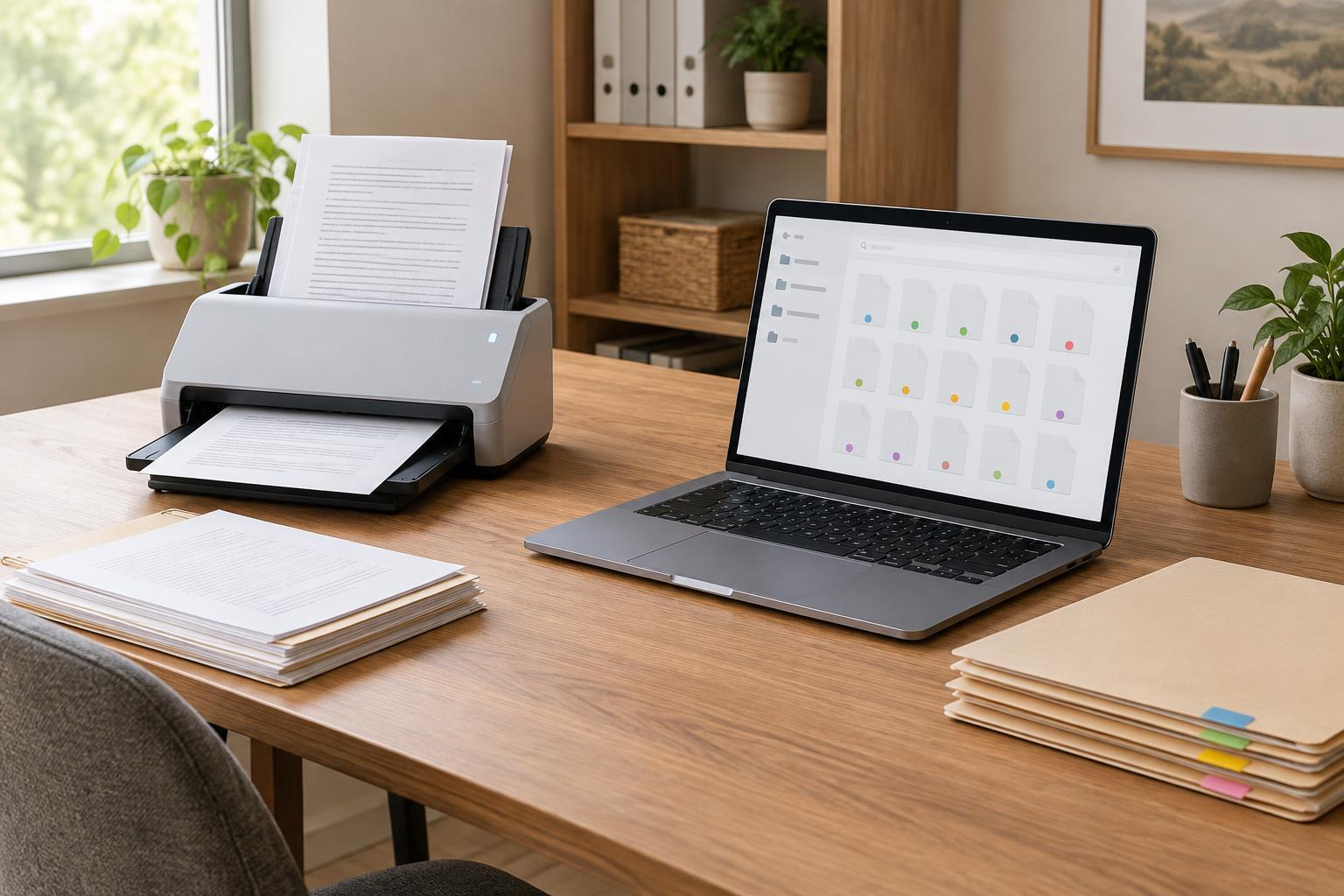
Create an inbox folder for newly scanned and downloaded documents. For each item, check that all pages are present, name the file, place it in the right folder, and add only the metadata needed to retrieve it. Then move it out of the inbox. A short checklist is easier to follow than an elaborate scheme that depends on one person’s memory.
Set a clear rule for duplicates and revisions. If two files are identical, decide which copy is the archive copy. If a document changes over time, retain versions only when they serve a purpose, and mark the approved or current version clearly. A status field such as Draft, Approved, or Superseded can help, provided people update it as part of their normal workflow.
Test the system with a colleague or your future self in mind. Search for a document by a word in its text, then by its filename, and finally by a tag or metadata field. If a reasonable search fails, adjust the naming rule, tag list, or scanning process before importing a large backlog.
Keep the archive usable and protected
Schedule a modest review of the intake folder, unclear filenames, unused tags, and files with missing fields. Check whether people can still find common documents as projects and staff change. Simple rules applied consistently are usually more valuable than many fields that are seldom filled in.
Searchability should not mean unrestricted access. Limit access to documents according to the needs of the people using them, and check sharing settings when files move between teams or services. Back up the archive using a method suited to your workspace, and occasionally verify that files can be restored. For records that may have retention or confidentiality requirements, follow the policies that apply to your organization rather than relying on a general filing rule.