Start with a clear desk layout
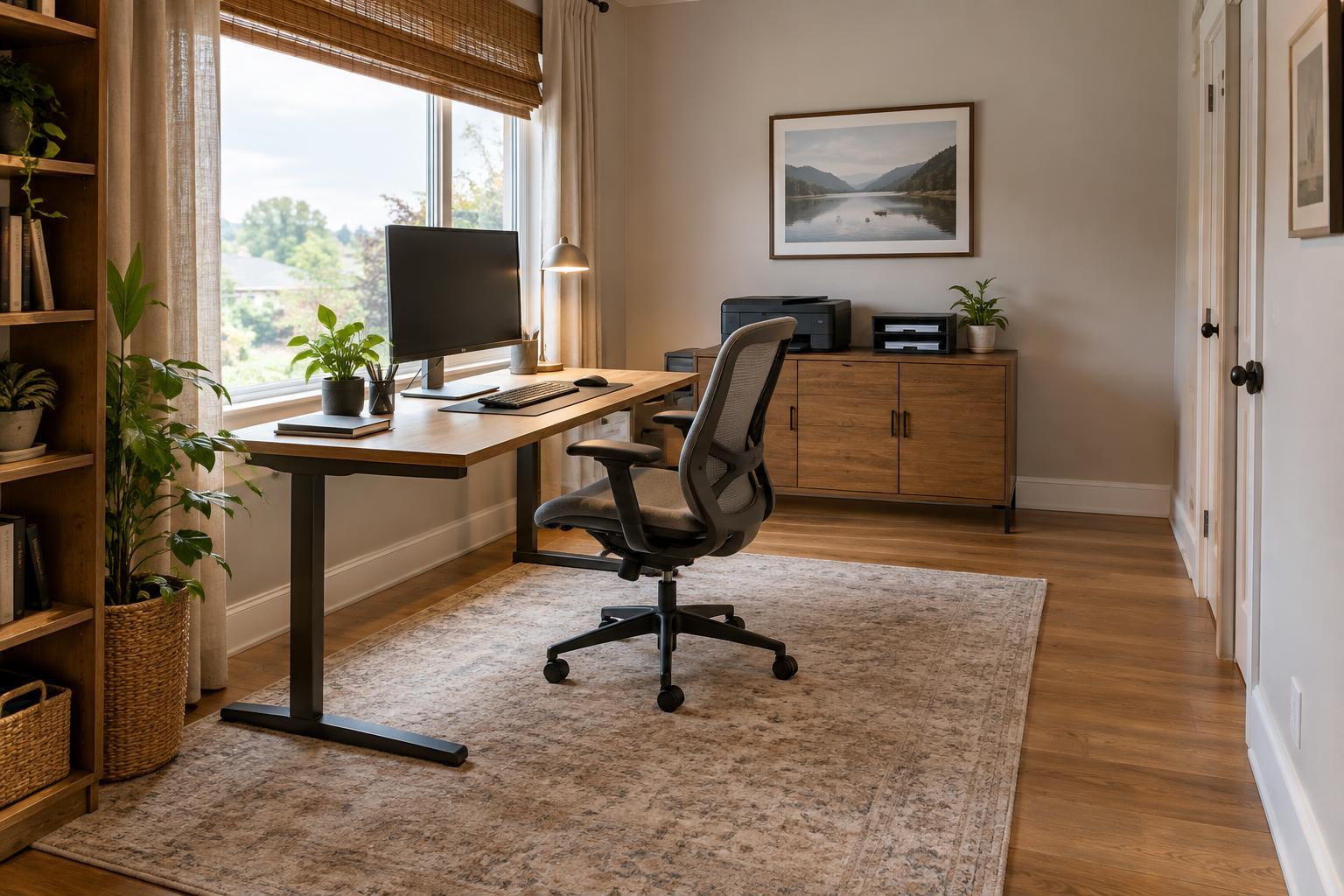
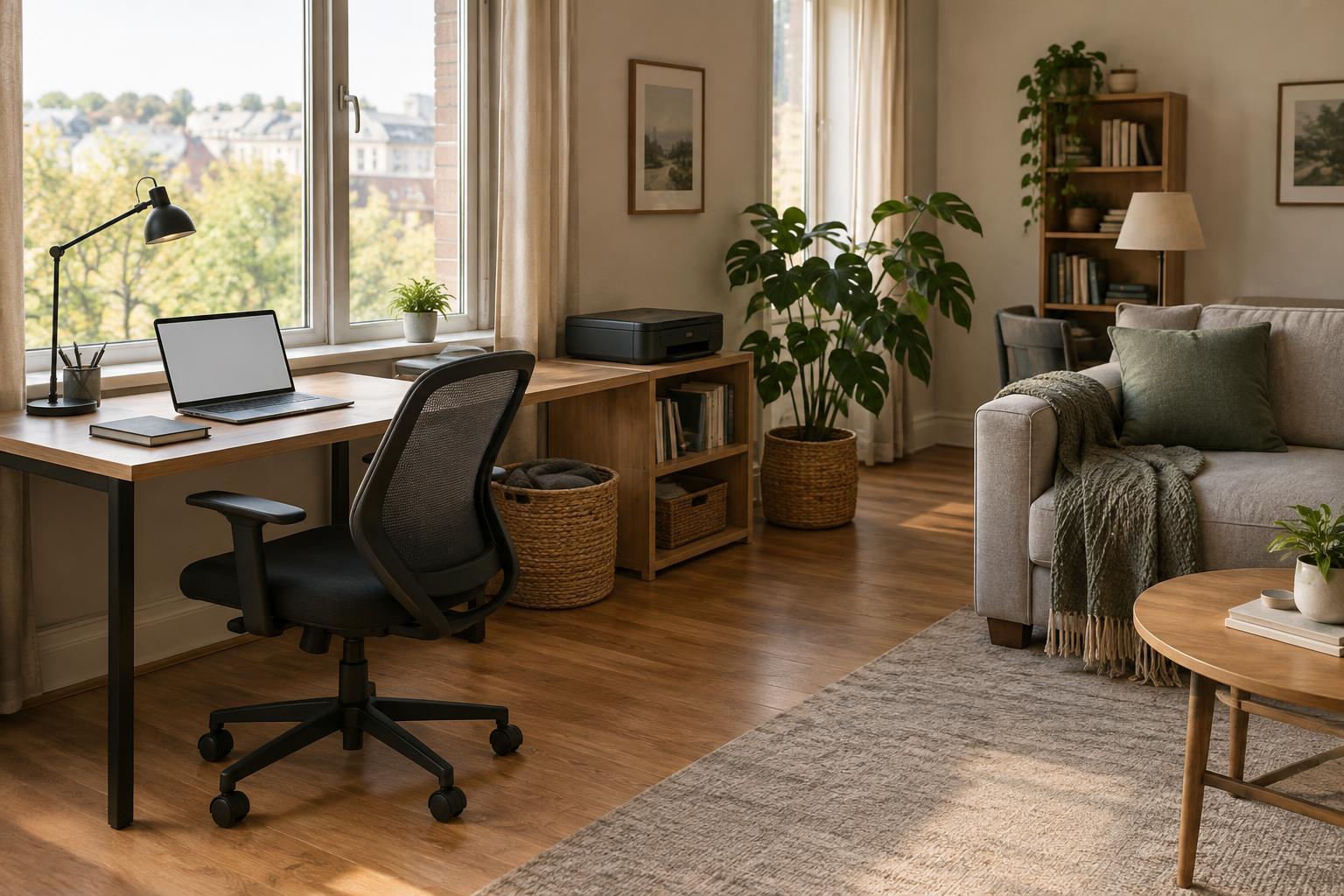
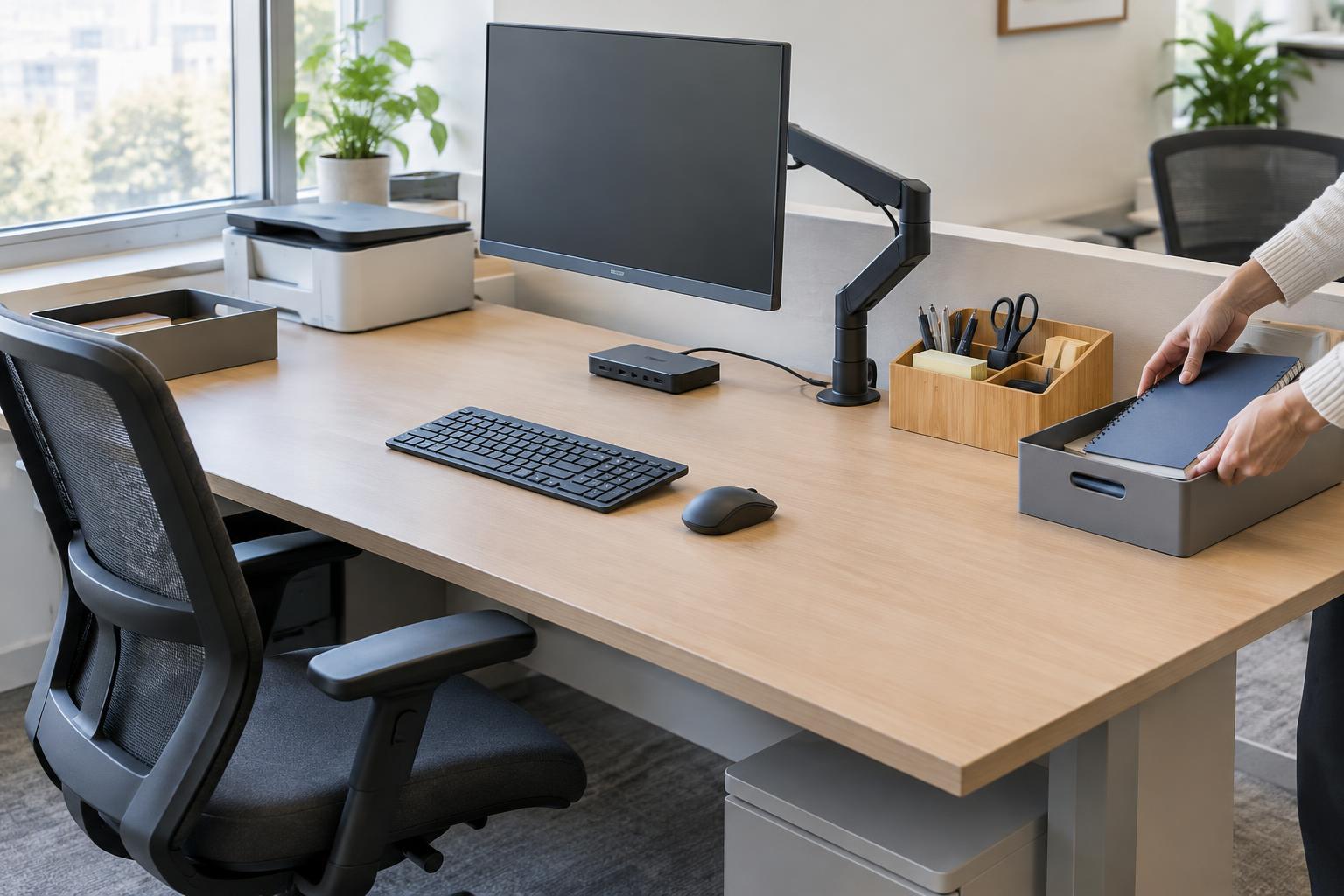
A shared desk needs an obvious starting state. Decide what belongs on the desktop at all times, such as a monitor, keyboard, mouse, lamp, and charging cable. Give each item a consistent place. Leave a clear area for the person’s current task rather than filling every available surface with supplies.
Keep common items within easy reach, but limit them to things most users actually need. One pen cup and a small tray for shared supplies may be more useful than several containers that collect miscellaneous objects. If the desk supports paperwork, designate a spot for documents in use and a separate place for anything that needs to be filed or passed on. A pile with no clear purpose is difficult for the next person to interpret.
Take a photo of the agreed layout or make a simple diagram and keep it near the desk. This gives everyone a reference when returning items, especially if the workspace is used by people on different schedules.
Separate personal items from shared equipment
Personal notebooks, headphones, mugs, and reference materials should have a home off the shared work surface. A labeled drawer, bin, or shelf for each user can work; choose one that is easy to reach without moving another person’s belongings. If storage is limited, a portable work kit lets each person bring their essentials to the desk and take them away at the end of a session.
Make it clear which supplies are shared and which are not. Labels on drawers and bins reduce guesswork, while a small shared-supplies area helps prevent duplicate items from spreading across the desk. For paper records, use a designated location that suits the sensitivity of the material rather than leaving documents where the next user will find them. The same principle applies to digital work: each person should close their own files and sign out of accounts they used before leaving.
Avoid turning the reset into an organizing project. If an item does not have an assigned place, decide where it belongs once and label that location. Repeatedly shifting it from one corner to another will slow every changeover.
Make equipment easy to adjust and reconnect
People may prefer different screen heights, chair positions, or keyboard placement. Choose equipment that can be adjusted without tools where possible, and leave enough space to move it. A monitor arm or adjustable stand can help users reposition a screen, but a stable stand at a workable height may be sufficient if users’ needs are similar. Keep the chair’s controls accessible and avoid storing items where they block movement.
Cables deserve particular attention because they can make a quick changeover frustrating. Route shared power and display cables so they stay connected and do not drag across the work area. If users connect their own laptops, label the available connectors by function, such as “display” or “power,” and place them where they can be reached without crawling under the desk. Check connector compatibility before relying on a single cable for everyone.
Set a simple rule for equipment adjustments: users can change settings for comfort, then return movable items to the agreed starting positions. There is no need to preserve an exact chair height or screen angle if doing so makes the desk less usable for the next person; the goal is a tidy, accessible baseline.
Create a reset routine that takes only a few steps
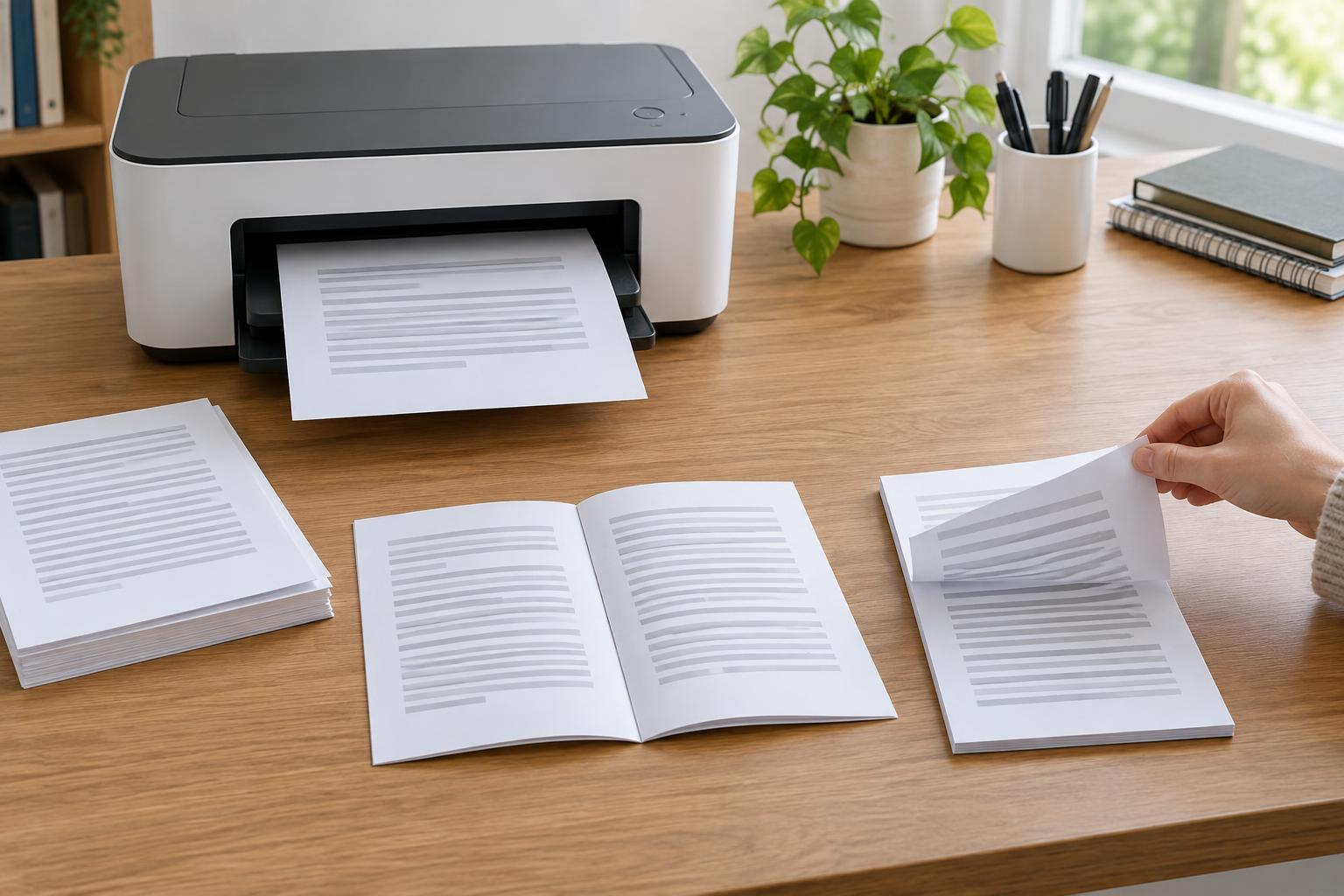
A reset is more likely to happen when it is short and specific. Put a small checklist near the workspace: save work and sign out, remove personal items, handle loose papers, return shared supplies, clear the work surface, and check that common equipment is ready. If the desk includes a printer or scanner, add a reminder to collect originals and finished pages from its trays.
Give unfinished work a defined route instead of leaving it on the desk as a reminder. That might mean placing papers in a labeled pending folder or recording the next step in the team’s usual task system. Do not move someone else’s active materials without an agreed process; if a user repeatedly leaves items behind, address the storage or handoff problem rather than quietly adding them to a mystery pile.
A waste bin within reach and a nearby place for recycling make the physical reset easier. Keep cleaning supplies appropriate for the desk surfaces and equipment available if users are expected to wipe down the area, and follow the equipment maker’s care guidance.
Test the setup with a real changeover
After arranging the desk, ask one user to finish a normal work session and another to take over. Notice what the second person has to move, search for, reconnect, or ask about. Those small points of friction are more useful than trying to design a perfect setup in advance.
Revise the layout and checklist based on what happens. A shared desk is working when each person can find the essentials, adjust the space for their task, and leave it ready for the next user without a lengthy cleanup. Revisit the arrangement when equipment or the people using it change.