Choose a landing spot, not a second desk
Incoming paper tends to spread when there is no clear place to put it. Mail lands beside the keyboard, printouts stay on the printer, and receipts disappear under notebooks. A dedicated station gives these items a temporary home until you can deal with them. Its job is to receive and sort, not to store everything indefinitely.
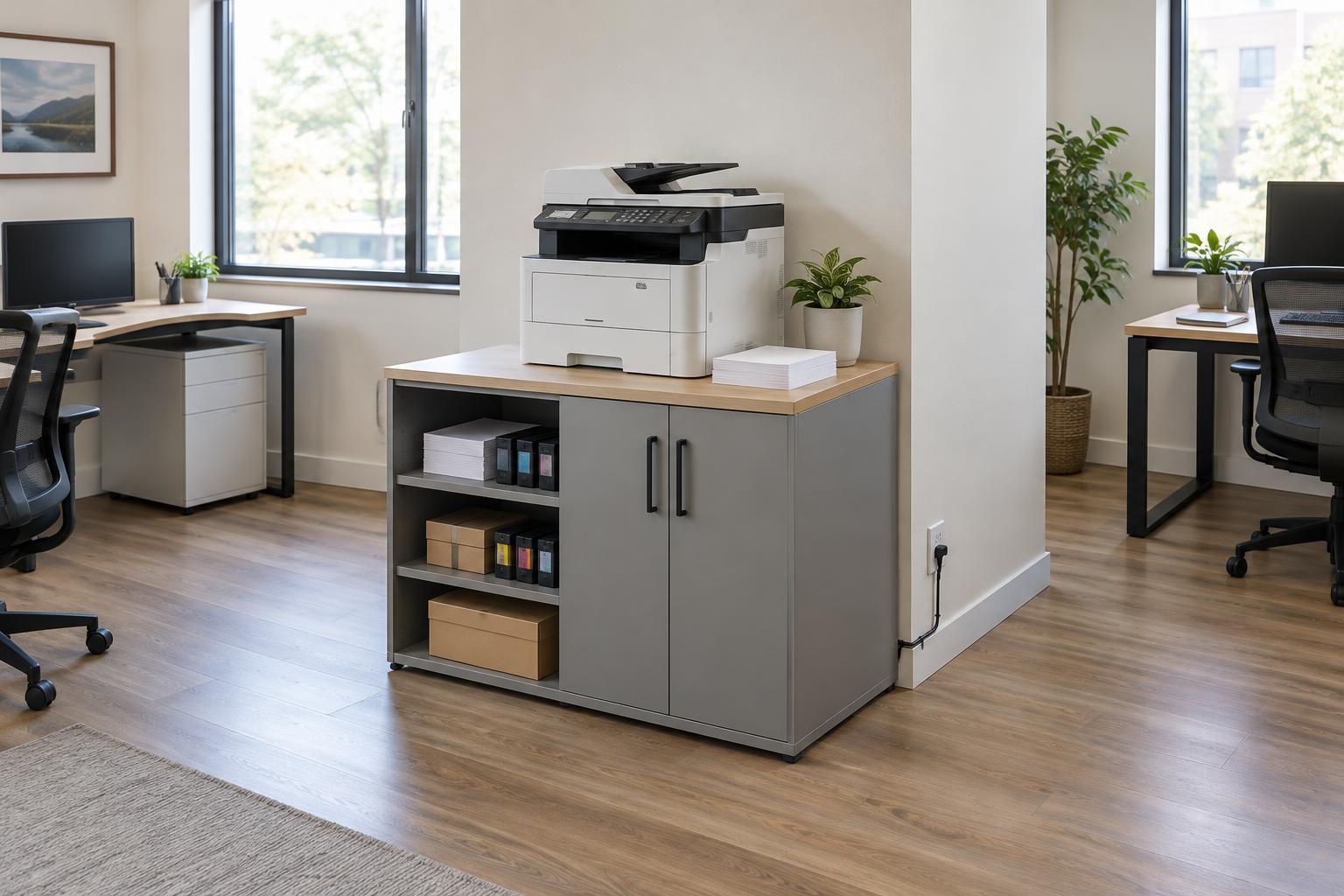
Choose a surface close to where paper usually enters the workspace, such as a shelf near the door or a small area beside the printer. Leave enough room to set down a stack and sort it without covering your main work area. If space is tight, a narrow wall shelf or a set of vertical trays can work better than a wide desktop organizer. Keep the station away from drinks, damp areas, and places where paper could block equipment vents.
Give incoming paper a few clear destinations
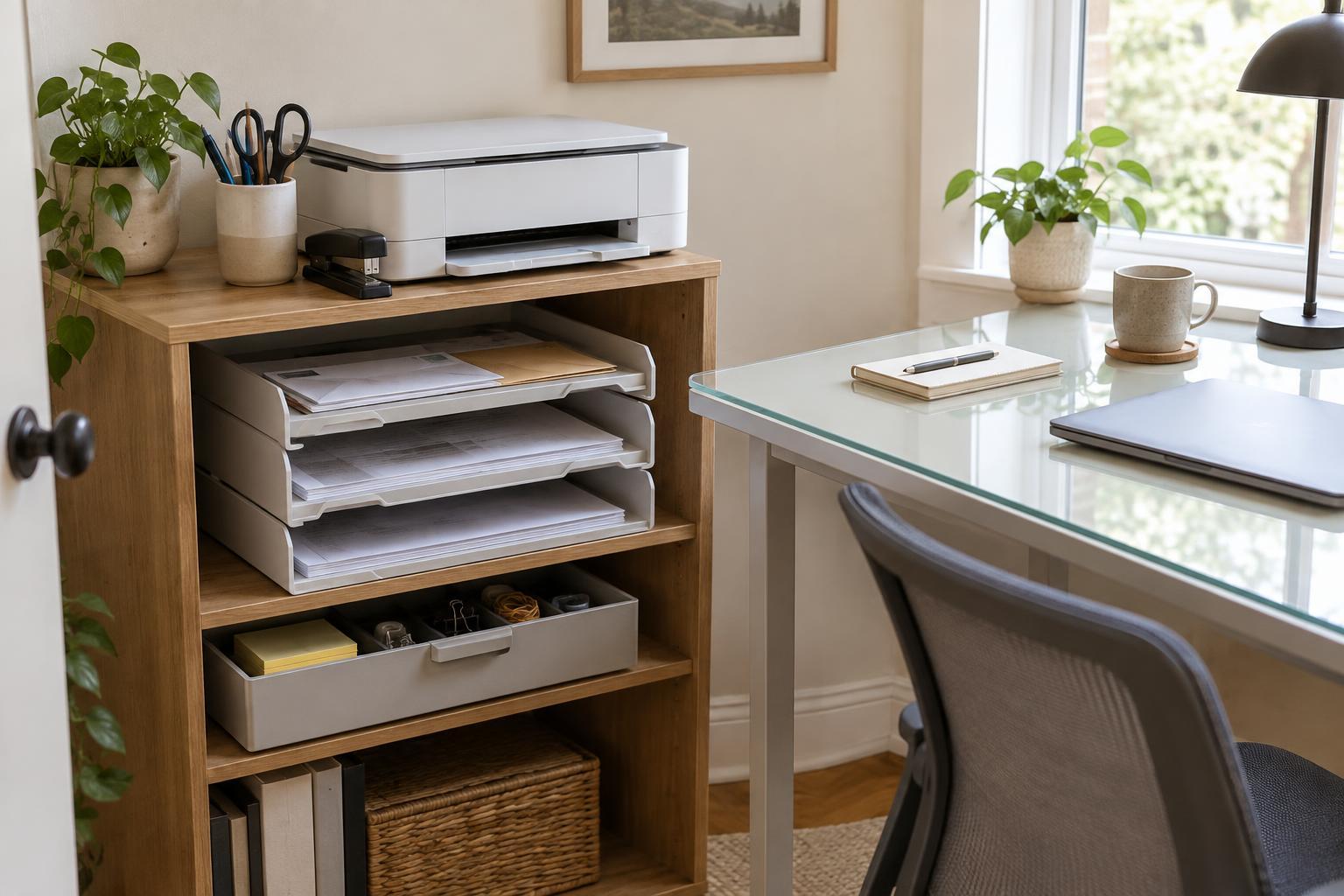
Start with three destinations: action, reference, and recycling. Action holds items that need a reply, payment, signature, or other next step. Reference is for material you have decided to keep but do not need to act on. Recycling takes paper you no longer need, once you have checked it for useful details. If sensitive information needs to be discarded, add a separate place to hold it until you can dispose of it appropriately.
Use labels that describe what you will do rather than where the paper came from. A tray marked “Action” is more useful than one marked “Mail” when that mail includes both tasks and advertisements. Avoid creating a category for every type of document at the landing station; detailed filing can happen later. The aim is to make the first decision quick enough that you will actually make it.
If you share the workspace, decide who sorts shared items and where personal papers go. Separate slots can prevent one person’s paperwork from burying another’s. For documents containing private information, use a drawer or closed folder rather than an open tray in a space visitors can access.
Store supplies by frequency of use
Keep the tools needed for basic paper handling within reach: a pen, sticky notes, paper clips, and perhaps a stapler or letter opener. Put them in one small container so they do not take over the sorting surface. Supplies used occasionally, such as spare notebooks, envelopes, labels, or replacement printer paper, can go in a nearby drawer or cabinet. Bulk packs belong farther away if they crowd the station.
Group similar supplies together and make them easy to see. A shallow drawer divider helps with small items; an upright holder keeps folders and envelopes from bending. For printer paper, choose a clean, dry storage spot and keep unused sheets in their wrapper until needed. You do not need matching containers: a few sturdy, labeled boxes are enough if you can find things without moving several other items.
Set a sensible limit for each supply. One open pack at the station and the rest in a designated storage area makes it easier to notice when stock is running low. Before buying more, check that storage area. This avoids keeping duplicate supplies in several places while still giving everyday tools a reliable home.
Connect the station to your document workflow
A landing station works best when paper has a next step. During a regular sorting session, take action items to your task list or calendar, then place the paper in a folder until the task is complete. Move reference items into your filing system rather than leaving them in the incoming tray. If you scan documents, designate a folder for “to scan” papers and decide what you will do with the originals afterward. Check that a digital copy is readable and saved where you expect before discarding an original you do not need to retain.
Keep the workflow simple enough for a busy day. If a printer is part of the setup, collect its output when you finish a job rather than letting pages become an unlabeled pile. A short note on a document can identify its owner or next step. The station should make unfinished work visible, but it should not require you to resolve every item the moment it arrives.
Reset the station before it fills up
Pick a repeatable time to empty the action tray and move reference papers to their proper homes. The right interval depends on how much paper you receive; the important test is whether you can still see and reach the oldest items. Clear the sorting surface, return stray supplies, and check whether the recycling and sensitive-disposal areas need attention.
If the station repeatedly overflows, look at what is accumulating before buying another organizer. Unopened mail may need a more frequent sorting time, while completed work may need a better filing destination. Adjust one part of the process at a time. A useful station is not perfectly empty; it simply makes it clear where new items go and what needs attention next.