Start with what the camera can see
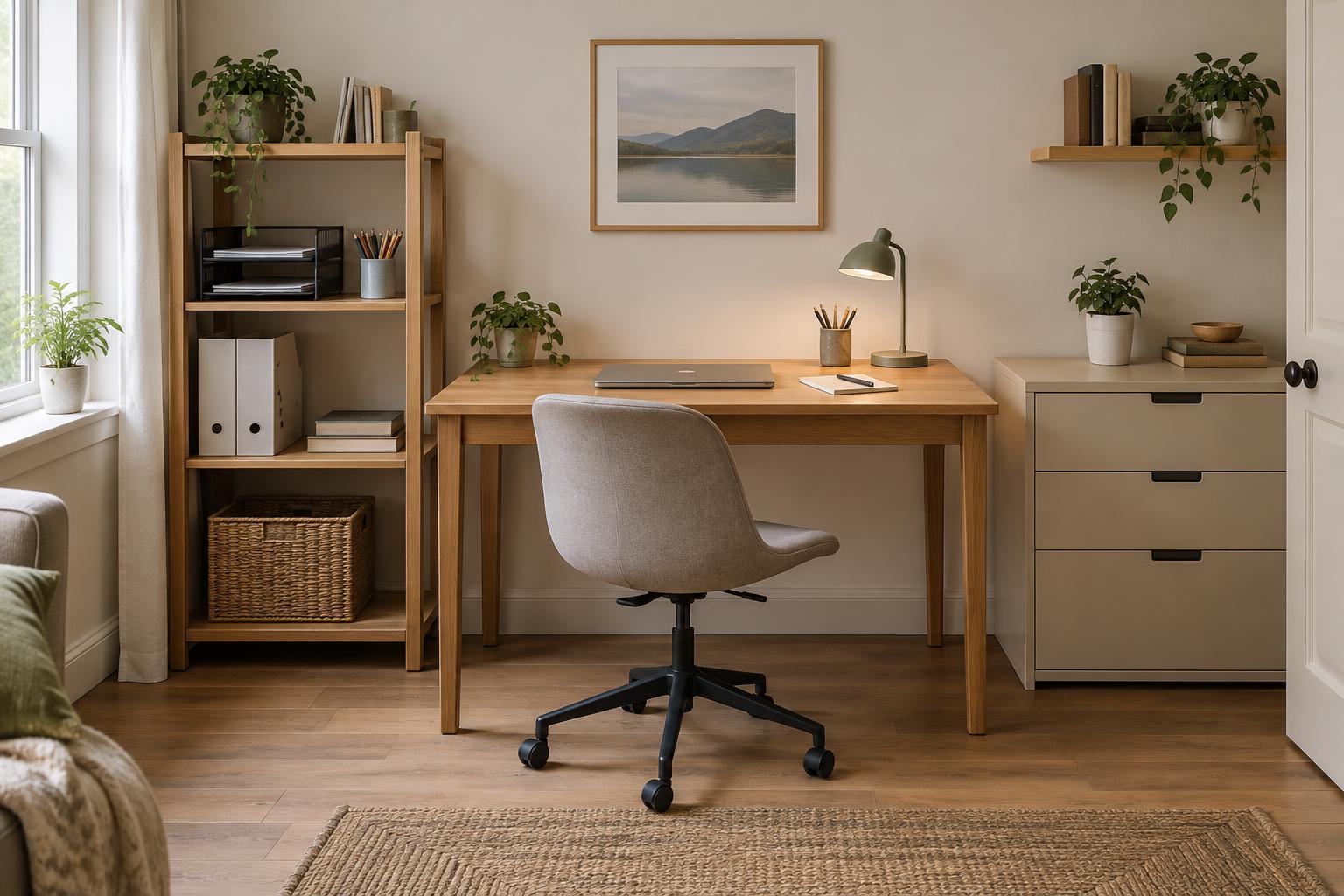
A good video-call background helps people focus on the conversation rather than the room behind you. You do not need an empty wall or expensive equipment. A bookcase, curtain, or tidy corner can work if it looks calm on camera and does not reveal anything you would rather keep private. Before moving furniture, open your camera preview and look at the entire frame. The camera may show more of the room than you expect.
Choose a spot where people are unlikely to walk through the shot. If you work in a shared space, facing the camera toward a wall or a low-traffic corner can be easier than trying to keep a whole room presentable. Leave a little distance between your chair and the background when possible. That separation makes the space feel less cramped and keeps small objects behind you from competing with your face.
Use light that falls on your face
The simplest lighting improvement is often a change in direction. If a bright window is directly behind you, the camera may make your face look dark while exposing the window clearly. Try facing the window instead, or sit at an angle to it. Soft daylight from the front or side can provide an even look without another piece of equipment.
If daylight is unreliable, place a desk lamp in front of you and slightly to one side, rather than directly overhead or behind you. Aim it toward a nearby wall if the direct beam looks harsh, provided the reflected light is bright enough. A lamp with a shade can also soften the light. Avoid mixing lights that make one side of your face look markedly different from the other. What matters most is that your face remains easy to see throughout the call, not that the lighting looks like a studio.
Keep the background simple and intentional
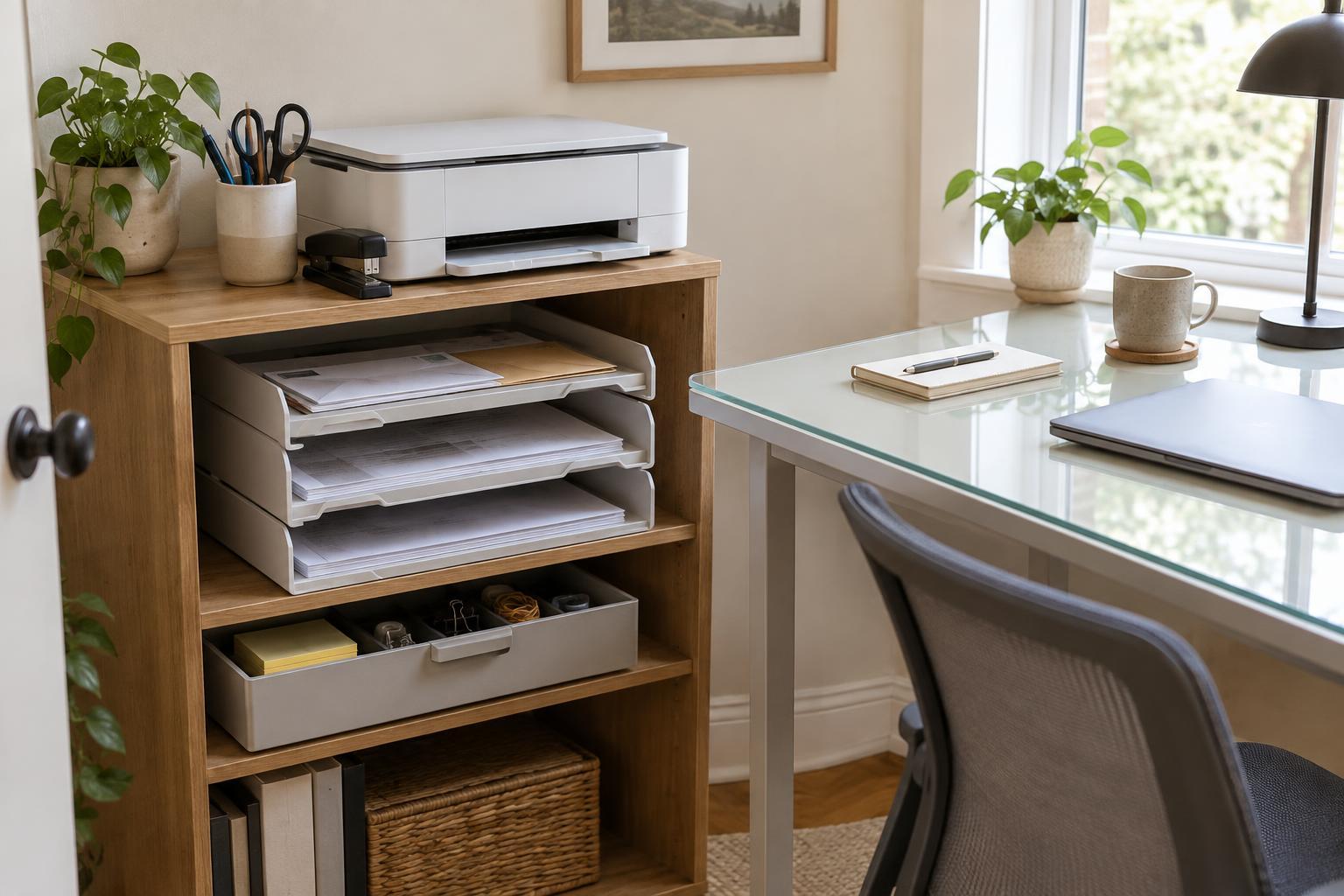
Remove items that pull attention: piles of paper, bright packaging, open storage bins, or objects that appear to stick out of your head in the camera frame. You do not have to clear every shelf. A few visible objects can make a workspace feel natural; the goal is to avoid a busy pattern of small items. If you use a curtain or fabric as a backdrop, hang it flat enough that it does not sway or bunch up behind you.
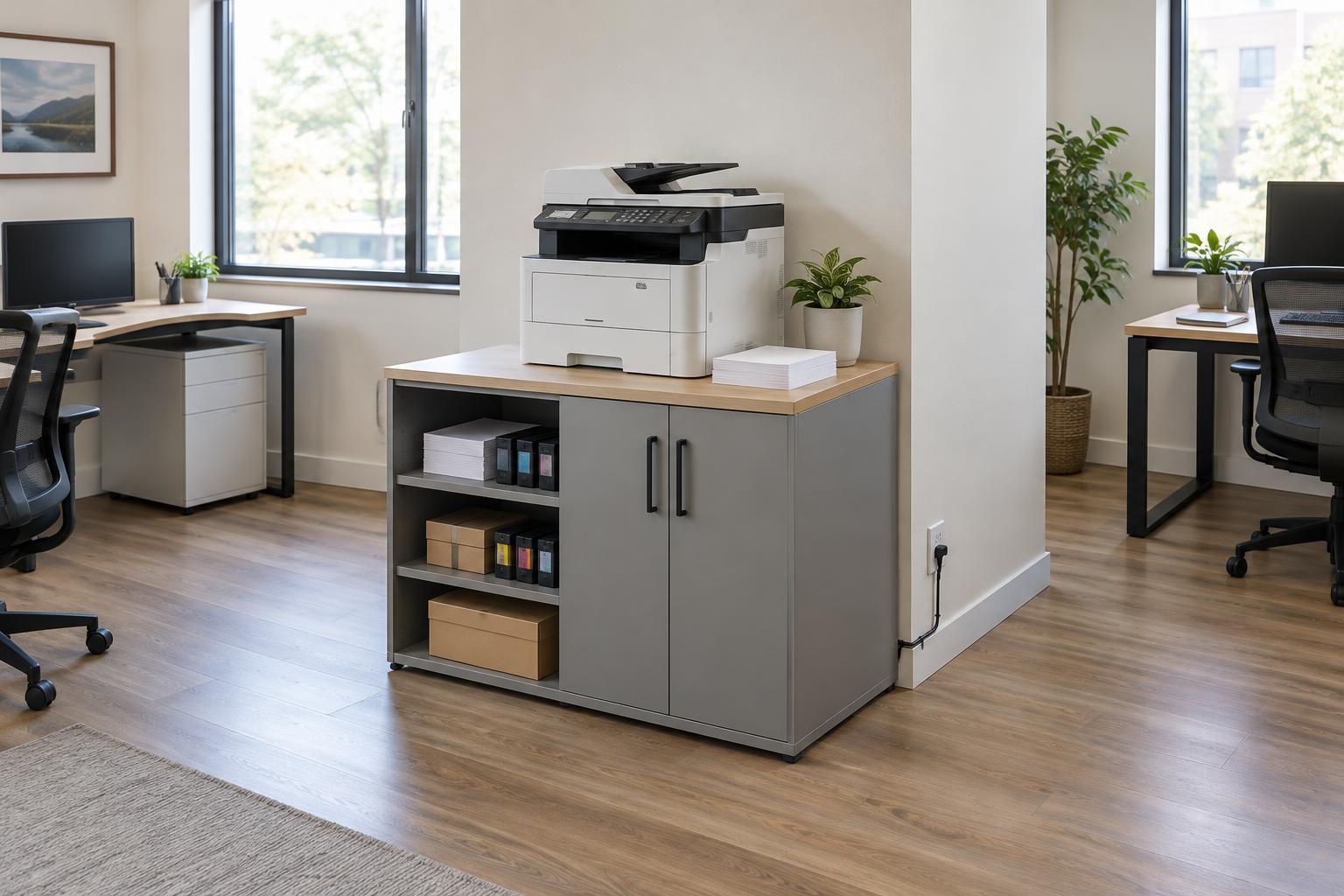
Check for readable information as well as clutter. A whiteboard, calendar, address label, client document, or screen behind your chair may be legible on a call or in a screenshot. Turn papers over, close cabinets, or change the camera angle before joining. This quick privacy check is especially useful in a workspace used for both video calls and document handling.
Virtual backgrounds can hide a room, but their edges may look uneven when you move, particularly in dim light. A blur effect is another option if your calling software provides one. Neither replaces a privacy check: look at the preview to confirm the effect is working, and keep sensitive material out of view anyway.
Set the camera at a comfortable height
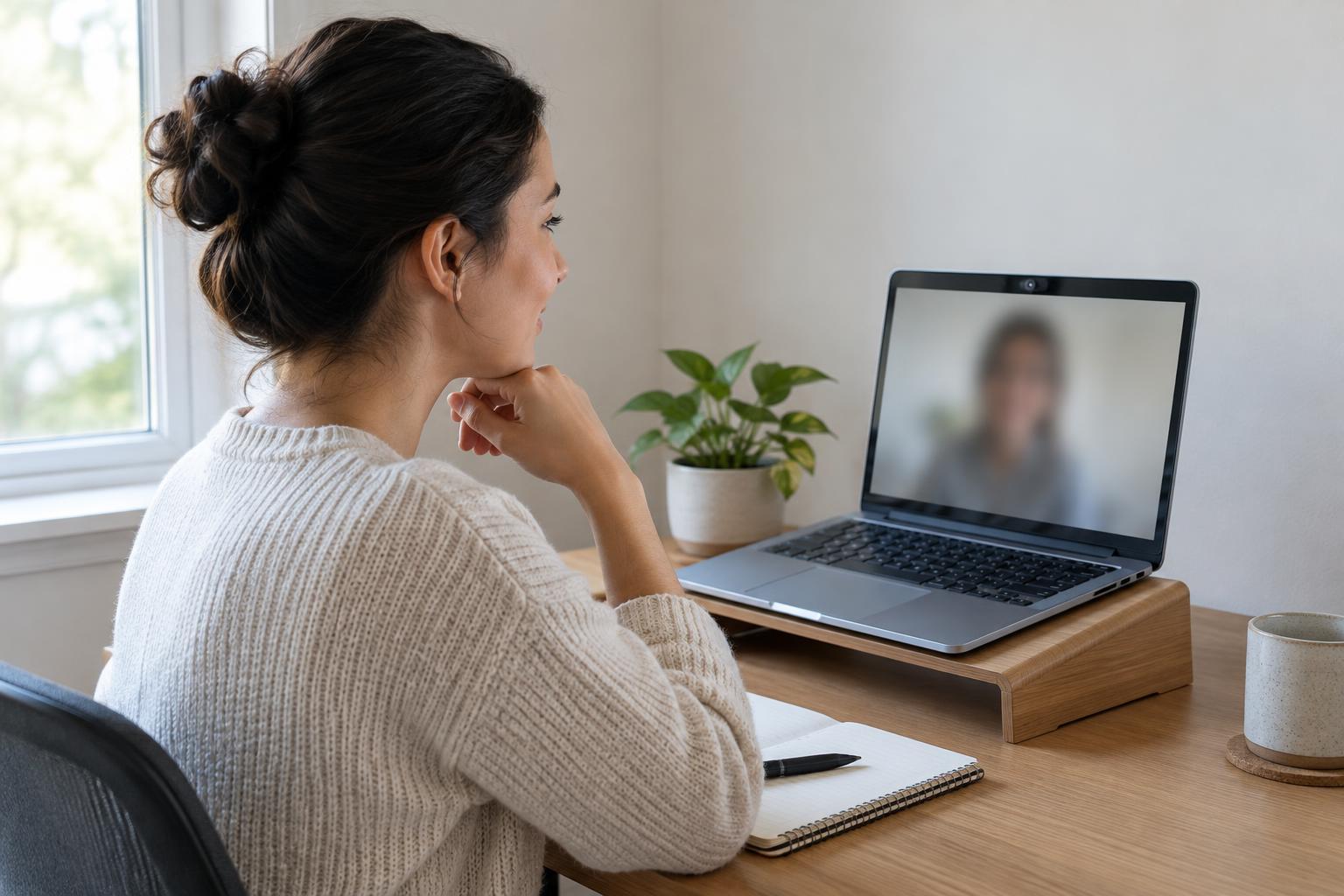
Place the camera close to eye level so you are not looking sharply down at a laptop or up toward a high shelf. A stable stand or a few sturdy books under a laptop can help. Frame yourself with your head and shoulders visible and a modest amount of space above your head. If you sit too far away, viewers may struggle to read your expression; too close, and ordinary movements can fill the screen.
Look at the preview while sitting as you normally would, not while leaning forward to adjust settings. Notice whether a ceiling light, window frame, or shelf edge cuts awkwardly across the shot. Small changes to chair position often solve these problems more easily than rearranging the room. If you share your screen frequently, keep the camera setup comfortable enough that you can work without holding an unnatural posture.
Do a one-minute check before important calls
A setup that looked good yesterday may look different at another time of day. Before a call, check the preview for your face, the background, and anything newly visible. Turn on the lights you plan to use, close distracting doors, and move any documents out of frame. Then make a short test recording or use your calling app’s device check, if available, to confirm that the microphone works and that fans or printers are not creating noticeable noise.
Keep a simple fallback ready. A nearby lamp can help when daylight fades; a plain wall can replace a busy room when you have no time to tidy. Once you find an arrangement that works, note where the chair, camera, and lamp sit. Repeating a reliable setup is usually more useful than trying to perfect the background before every meeting.