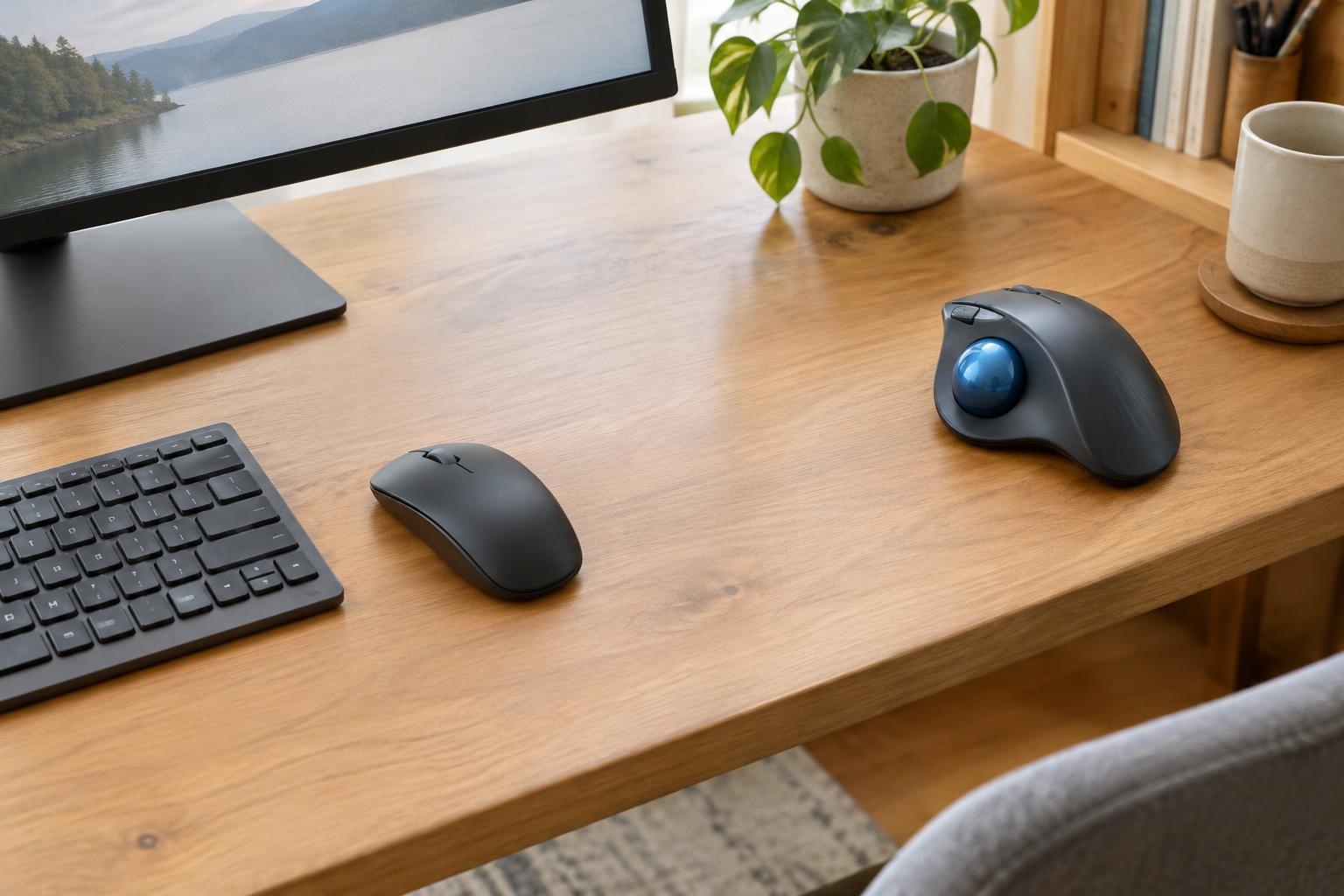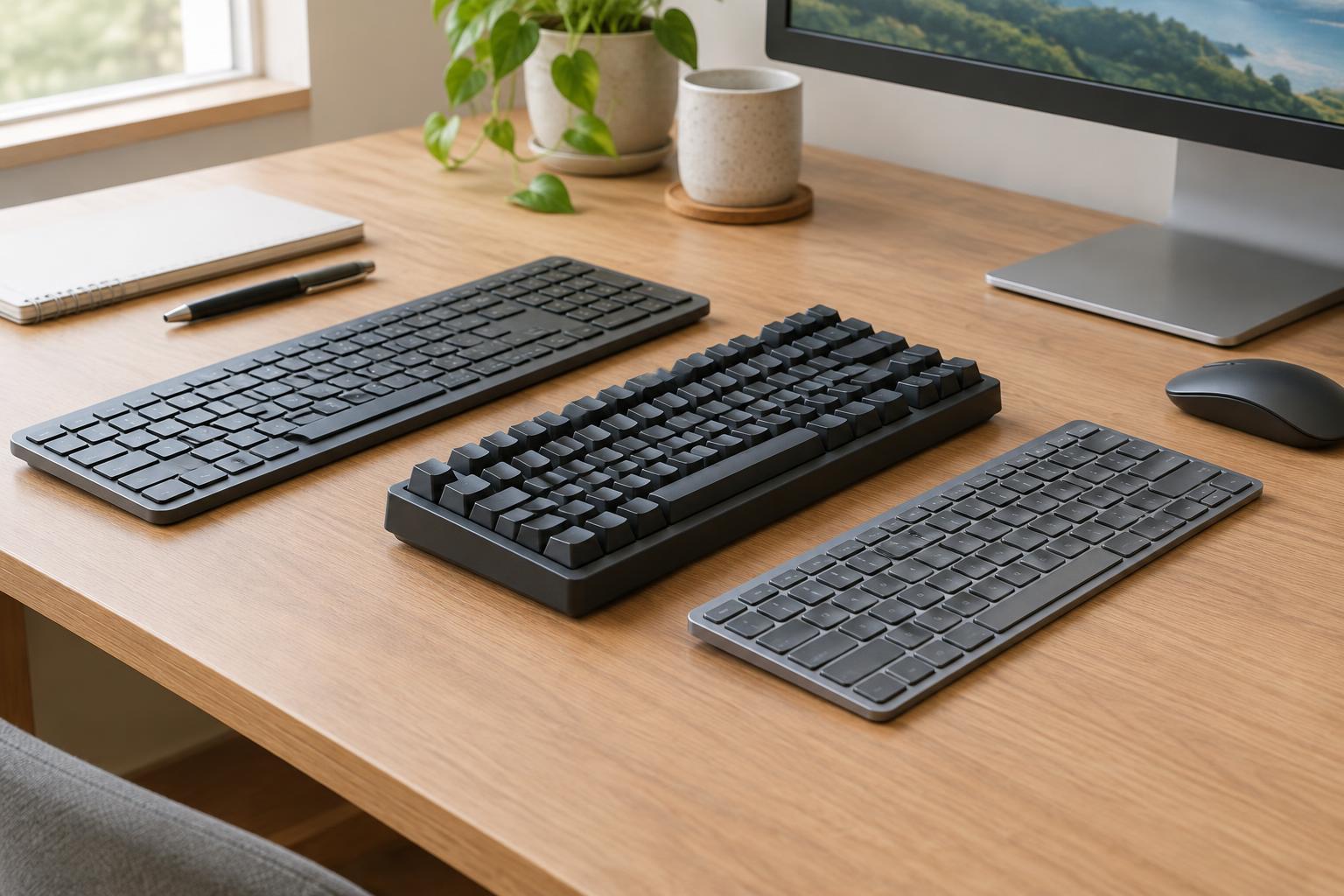
Start with the distinction that matters
Keyboard labels can be confusing because they describe different things. Membrane and mechanical generally refer to how a key press is registered. Low-profile describes a thinner keyboard or shorter keys; a low-profile model may use membrane switches, mechanical switches, or another design. That means these are not three mutually exclusive choices. When comparing products, check both the switch type and the keyboard’s height rather than relying on its name alone.
For everyday office work, the useful question is not which design is best in the abstract. It is which one makes emails, spreadsheets, forms, and shortcuts comfortable in your workspace. A shared room may make noise important. A compact desk may favor a smaller layout. Someone who moves between a laptop and desktop may prefer a familiar key height. Your current keyboard is a helpful reference: note what you like about its feel and what regularly slows you down.
What each design tends to feel like
Membrane keyboards commonly have a soft or cushioned feel and are often among the less expensive options. Many are reasonably quiet, though sound depends on the model and how firmly you type. They can be a straightforward choice for a general-purpose desk, especially if you want to replace a basic keyboard without learning a new layout. Some people, however, find a soft key press less distinct than a mechanical one.
Mechanical keyboards use individual switches under the keys. Switch options vary: some feel smooth throughout the press, some provide a noticeable bump, and some make an intentional click. This variety gives you more control over typing feel, but it also makes “mechanical” an incomplete description. A clicky model may be distracting in a shared office, while a quieter switch may be more suitable. The keys can still make noise when they reach the bottom of their travel.
Low-profile keyboards keep the keys and overall height closer to the desk. They may appeal to people accustomed to laptop keyboards or to anyone who wants a slimmer setup. Shorter travel can feel quick to some typists and abrupt to others. Because low-profile is a shape rather than a single switch feel, try to compare specific models instead of assuming they will all type alike.
Consider the whole desk, not just the switches
Layout can affect your work more than switch technology. A full-size keyboard includes a number pad, which may be useful for frequent numeric entry but takes up desk space. A compact layout leaves more room for a mouse, although it may move or omit keys you use for navigation. Before buying, check for the keys you rely on, including Home, End, Delete, function keys, and any dedicated shortcut keys.
Look at how the keyboard sits at your desk. A thinner board may be comfortable without extra accessories, but height alone does not determine comfort. Try keeping your shoulders relaxed and your wrists in a position that does not feel strained, then adjust the keyboard’s placement as needed. If you use a wrist rest, treat it as an optional support to evaluate rather than an automatic requirement.
Connection details also deserve attention. A wired keyboard avoids batteries and pairing. A wireless model can reduce cable clutter, but check whether it uses Bluetooth, a USB receiver, or both, and whether that works with your computer. If you switch between devices, confirm how switching works. Backlighting can help in a dim room, while clearly printed key labels may be all you need in ordinary lighting.
Plan for cleaning and long-term use
Office keyboards collect dust and crumbs regardless of design. Consider whether the keys are easy to wipe around and whether the manufacturer provides cleaning guidance. Some mechanical models have removable keycaps, which can make deeper cleaning easier, but removal is not necessary for routine care. Disconnect a wired keyboard or turn off a wireless one before cleaning, and avoid letting liquid enter the case.
If repairability matters to you, check the specific product rather than making assumptions from its switch type. Some mechanical keyboards allow individual switches to be replaced, while others do not. Likewise, a slim case may look tidy without offering easy access to internal parts. For a wireless keyboard, note whether it uses replaceable batteries or recharges, and consider how often you would want to manage charging.
Make a choice with a short typing test
If possible, test candidates with work that resembles your day: type a paragraph, enter numbers, use keyboard shortcuts, and correct a few errors. Listen to the keys at a normal typing pace, not just one press at a time. Notice whether you can find important keys without looking and whether the keyboard stays put on your desk. If you cannot test in person, prioritize a familiar layout and clearly stated features over descriptions such as “premium feel.”
A basic membrane keyboard is often a sensible starting point when cost and simplicity lead the decision. A mechanical keyboard is worth considering when you want a particular, identifiable switch feel and can accommodate its sound. A low-profile keyboard may suit a laptop-like setup or a desk where a slim board feels easier to position. None of these labels guarantees comfort: the right office keyboard is the one whose layout, feel, and practical details fit your routine.